
Concept project. Automations that fail silently lose leads, bookings and payments. Flowdeck shows every run and recovers on its own where it can.
What it does
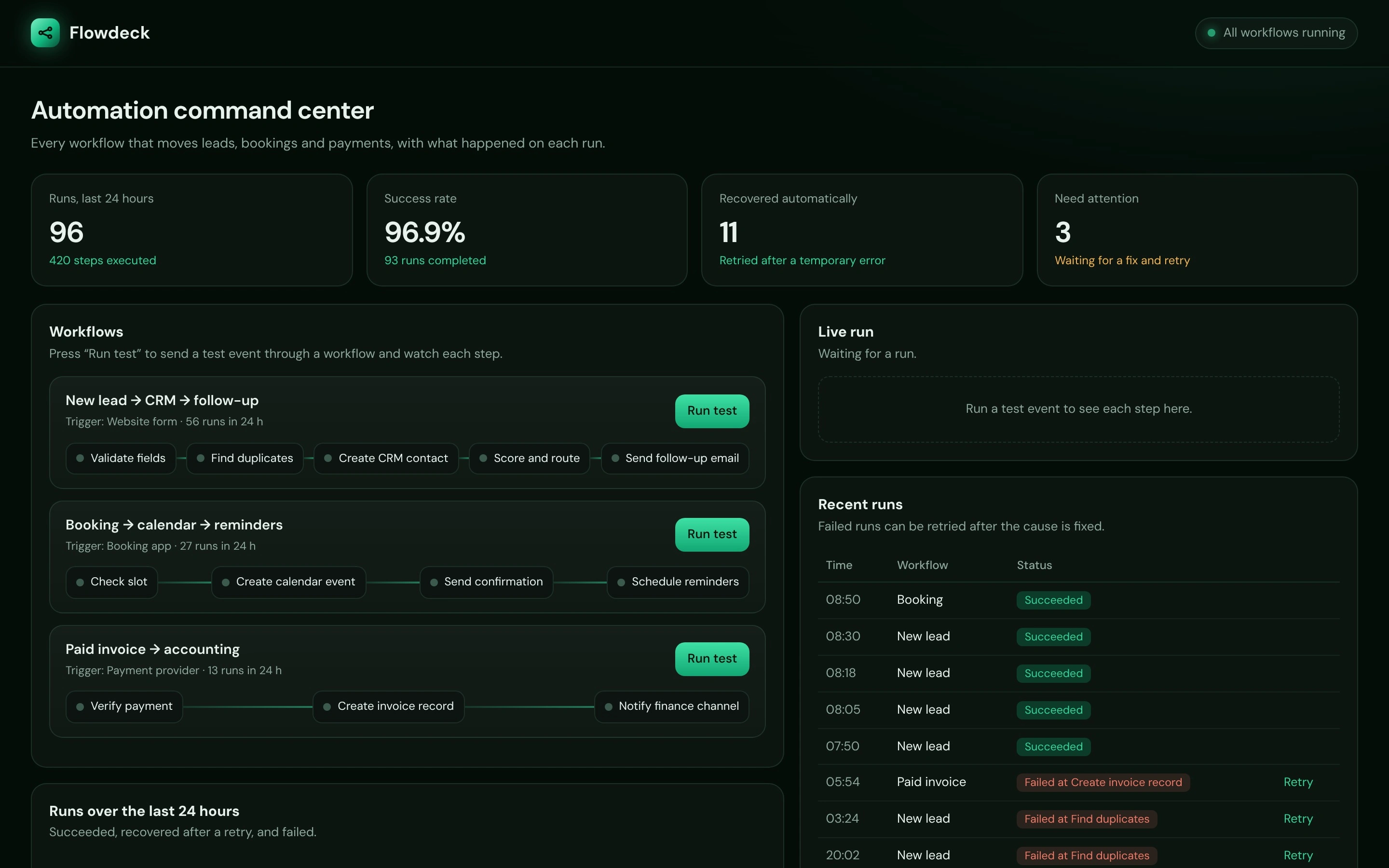
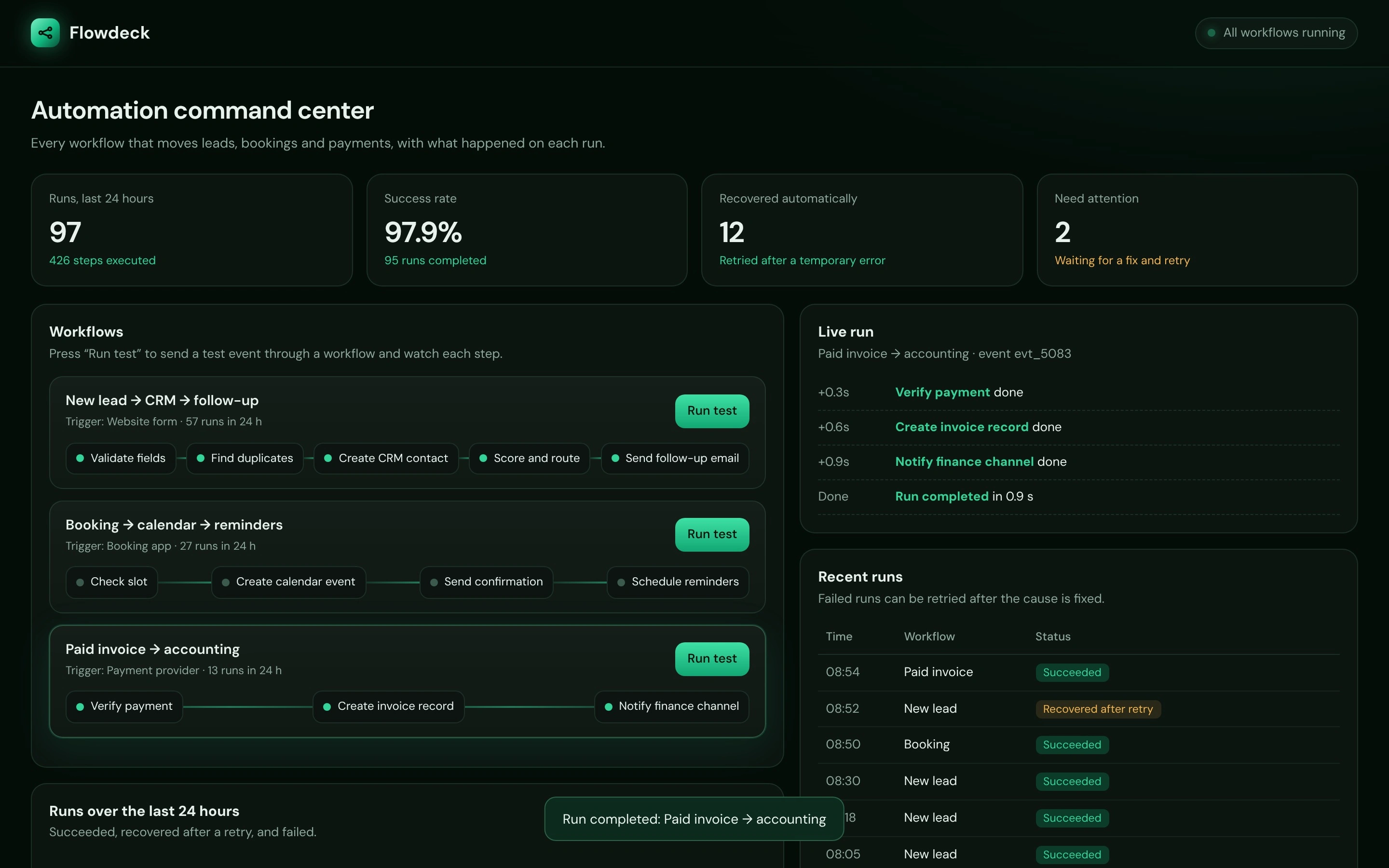
Three workflows: new lead to CRM and follow-up, booking to calendar and reminders, paid invoice to accounting
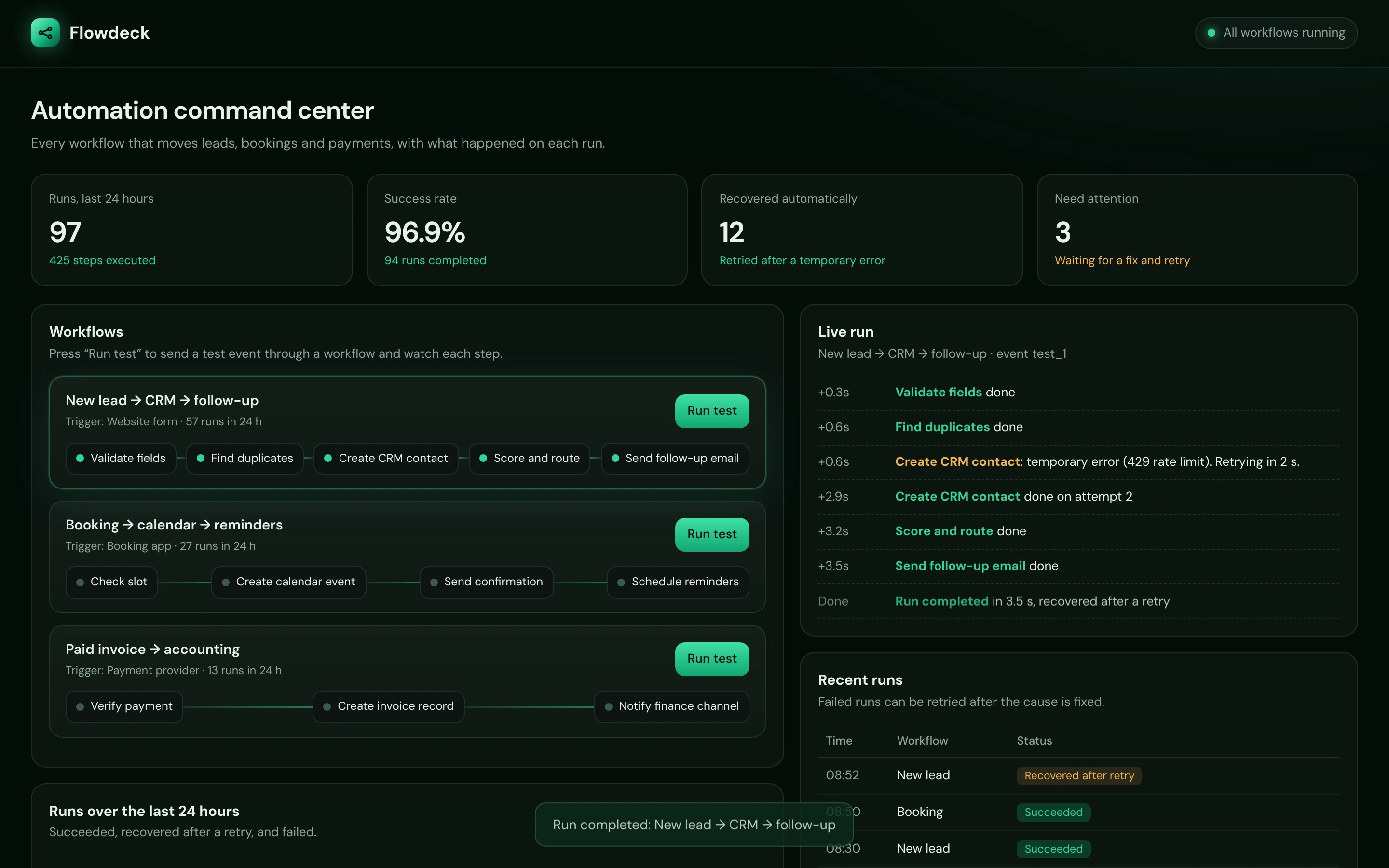
Live run view, step by step
Temporary errors (like a CRM rate limit) are retried with exponential backoff
Permanent errors stop the run and wait for a one-click retry after the fix
The same event is never processed twice
24-hour run chart and success rate
The dashboard shows simulated traffic. The workflow engine is covered by 8 automated tests.
How I built it
Most automations work on the happy path. I designed this one around what happens when a step fails.
Two kinds of failure. Temporary errors, like a rate limit, are retried with growing waits. Permanent errors, like a missing field, stop the run and say exactly what to fix.
No duplicates. Each event carries an ID, and the engine skips any event it has already processed, so a retry can never create a second invoice or a second CRM contact.
Visible by default. Every run, step and retry is shown in one place, so a business owner can see that the automations are healthy without reading logs.
For a real business, the same pattern applies to their tools, such as their CRM, calendar and accounting app, built in n8n or code.
0 likes · 0 views · Nov 25, 2026
A dashboard for business automations: every run and step tracked, temporary errors retried automatically, duplicate events skipped.

