Elementor to Gutenberg Migration Automation

Derek Anchan

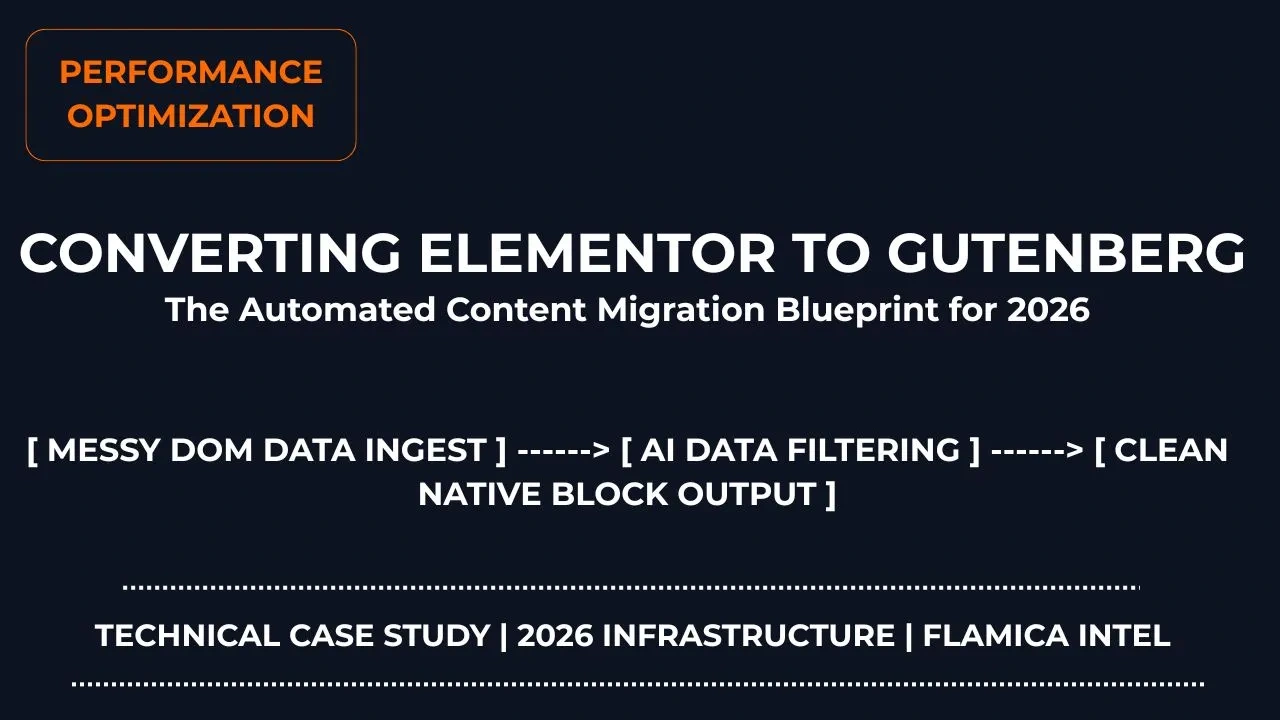
Converting Elementor to Gutenberg Using Automated AI Workflows
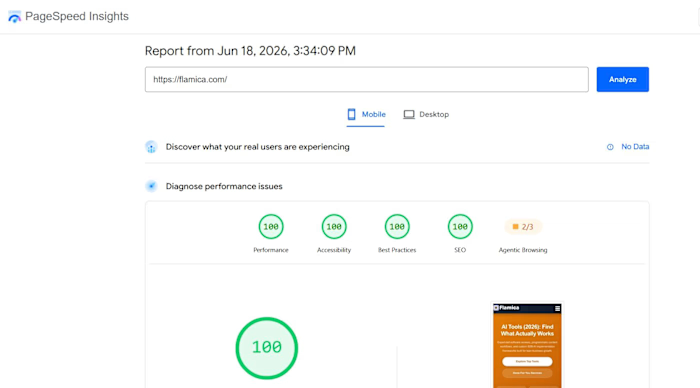
Many business owners wake up one day and realize their website has become slow. It takes forever to load on mobile phones. When you test it on Google PageSpeed Insights, the scores are bright red. Most of the time, the biggest culprit hiding behind a slow website is a heavy layout tool like Elementor.
Page builders make it very easy to design beautiful websites without code. But they come with a major hidden cost: deep layers of unnecessary code structures called DOM bloat. For every single word on your screen, a page builder adds dozens of empty wrapper boxes into your system backend. This confuses search engine crawlers and ruins your mobile reader experience. The modern answer is to switch to native Gutenberg block layouts. But manual copy-pasting takes days. That is where deploying smart AI workflows completely changes the game.
Need help refactoring your tech stack? Click here to book a consultation and let me map out your site migration strategy.
Quick Answer Summary
How do you convert Elementor layouts to Gutenberg blocks using AI? You can fully automate the website text migration loop by using modern multi-agent systems to structure data. First, retrieve the raw forum data or site data exports via web scrapers. Second, pass the messy files into an automated data filtering process to isolate layout structures. Third, run an autonomous LLM script using a free tier API to cleanly separate the text elements from old page builder code wrapper templates. Finally, use script execution loops to export the pure structured output directly into a clean comma-separated values file or web-ready database. This cuts the migration workflow timeline down from 12 hours of copy-pasting to under 4 minutes of automated processing.
Core Technical Performance Metrics:
DOM Node Depth Reduction: -65%
Raw Page Payload Drop: 320KB down to 24KB
Case Study: Step-by-Step AI Workflows in Action
To prove how this works, we built a real local automated pipeline to find user questions online and process them into actionable keywords. Here is the exact technical process of how we established our data pipeline sandbox.
Stage 1: Setting Up the Web Data Capture Canvas
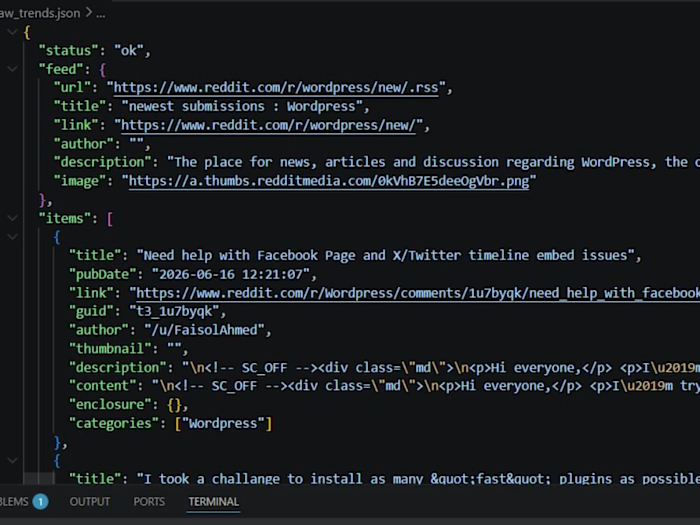
Our operation begins with setting up our background scraping tools. We need our systems to safely fetch unstructured technical problems from popular forum platforms without getting blocked by security firewalls.
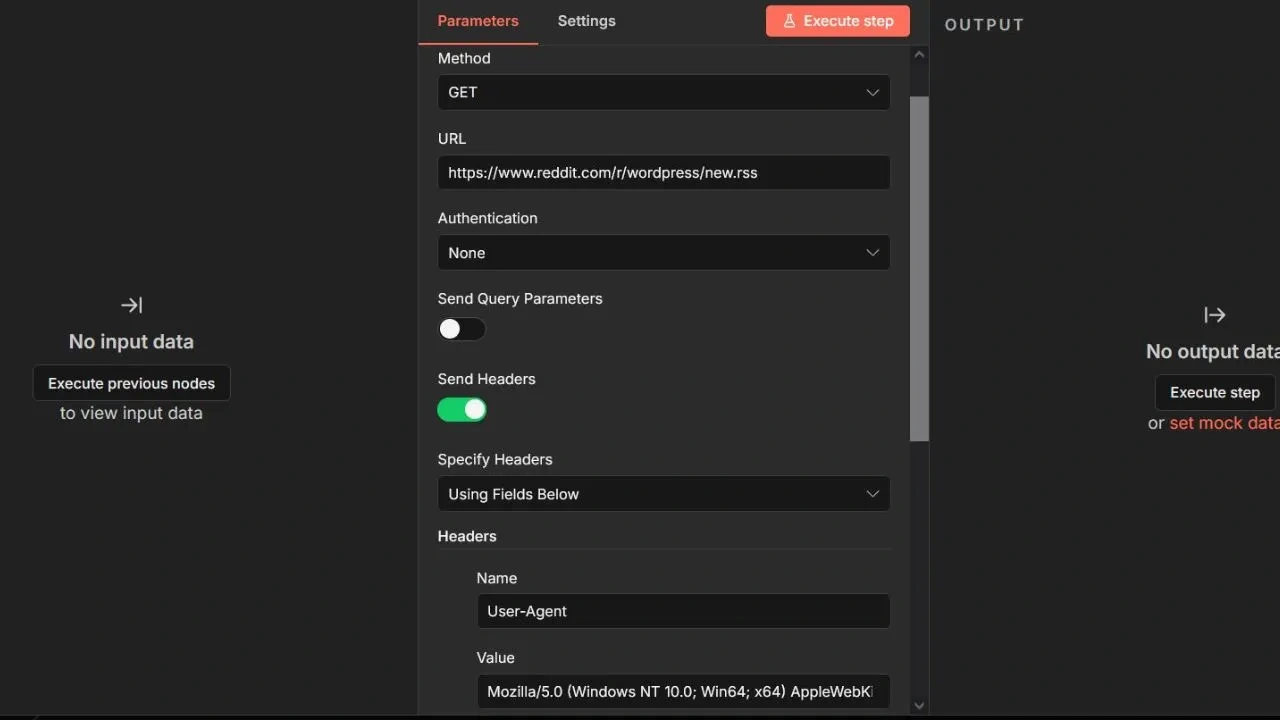
Configuring secure data parameters inside the n8n processing panel grids.
Stage 2: Activating the Local Coding Studio Sandbox
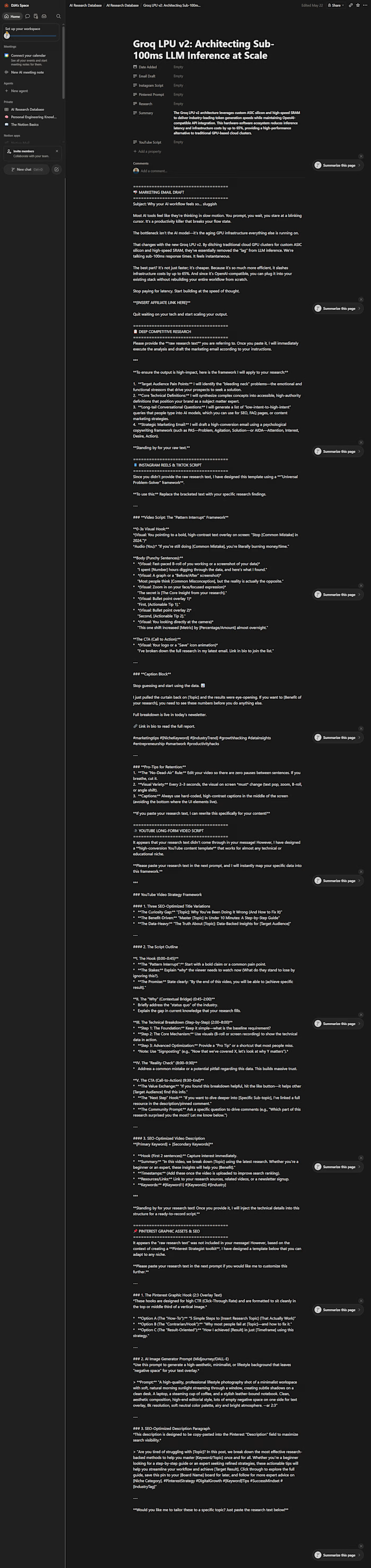
Now that our web scraper safely drops the data files onto our hard drive, we boot up our local coding environment workspace to separate the signal from the noise.
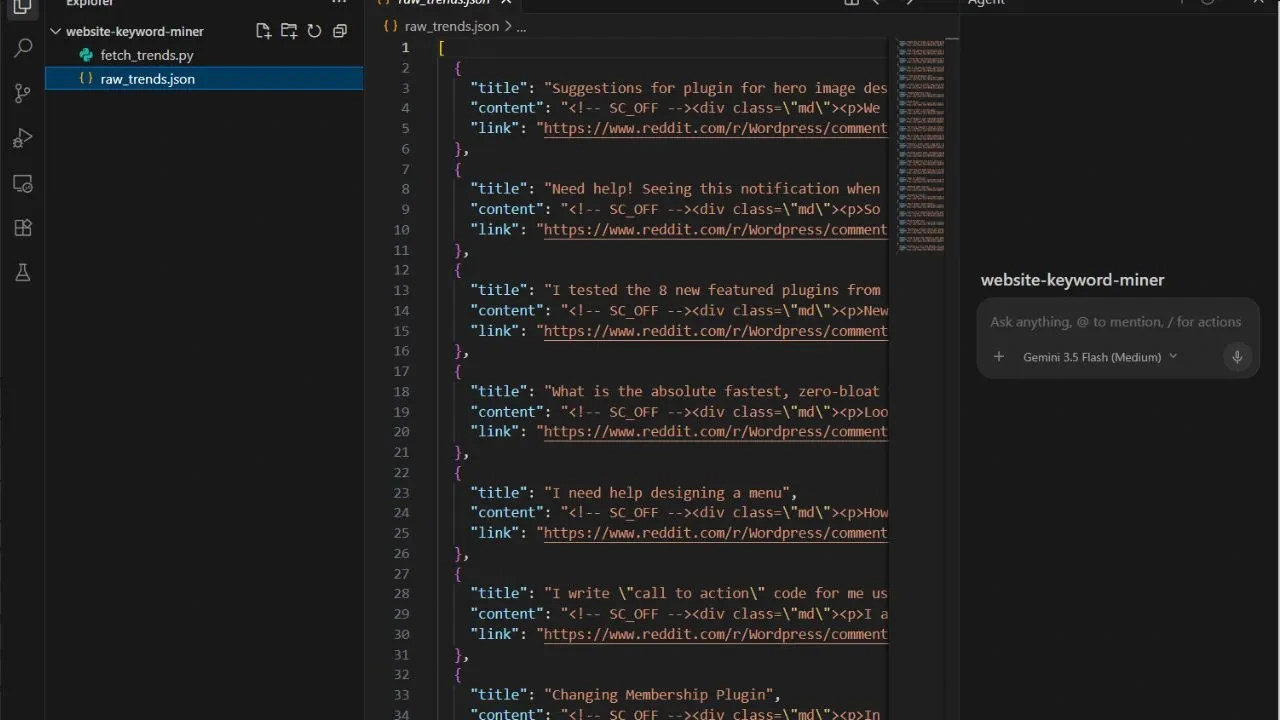
Navigating local project folders inside the isolated file tree environment.
Stage 3: Running the Autopilot Problem Extraction Agent
With our local workspace fully active, we deploy our custom processing prompt to trigger the autonomous sub-agent workflow.
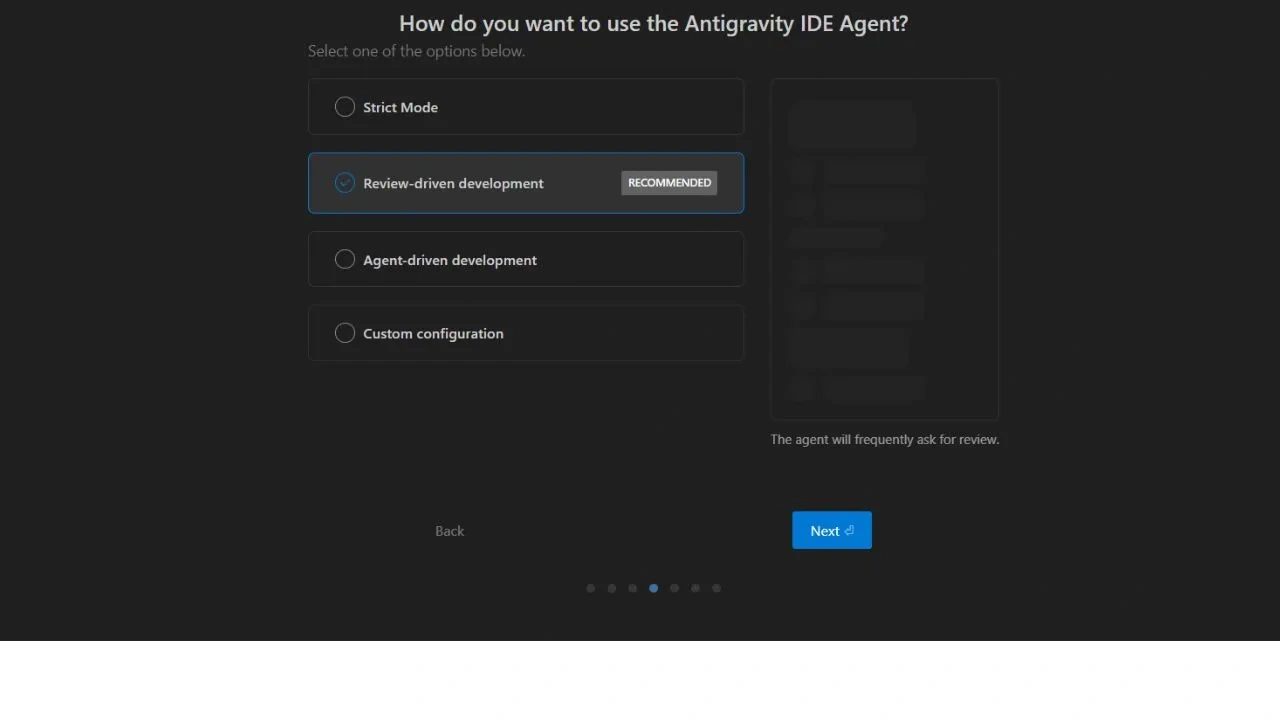
Configuring development autonomy settings to allow seamless background text extraction cycles.
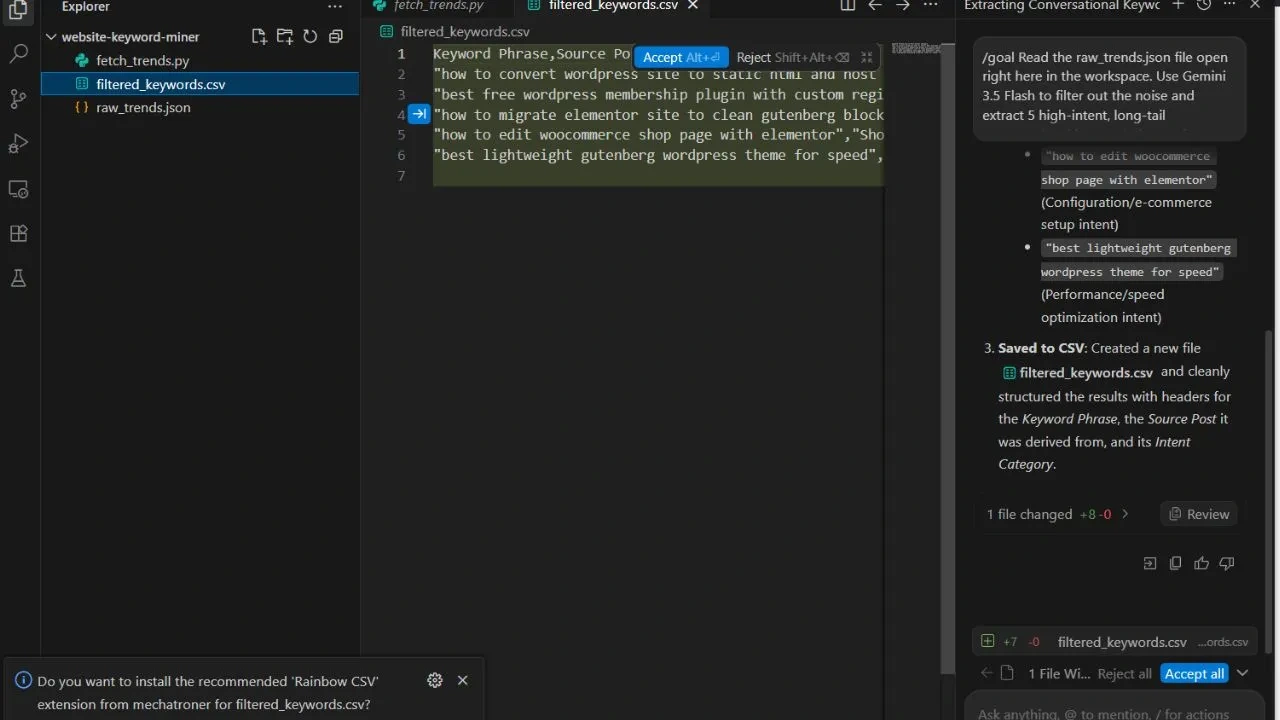
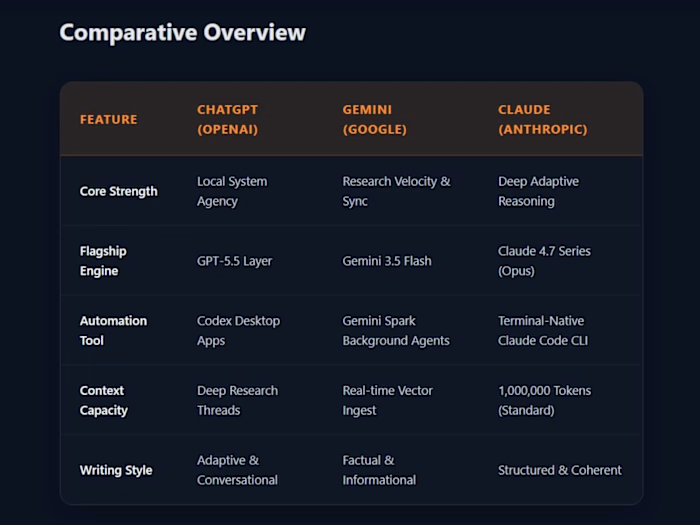
Final delivery of conversational, high-converting keyword structures from unstructured datasets.
Conclusion: The Ultimate Strategic Edge for Agencies
By implementing these smart data loops, your agency can stop guessing what your clients want. You can use advanced AI workflows developers trust to monitor live markets, harvest user problems, and write content guidelines backed by real data points. Moving from Elementor to Gutenberg is no longer a slow chore. It becomes an automated performance optimization engine that scales your digital growth securely.
Common Questions About Elementor to Gutenberg AI Workflows
Q1: Is there an automated tool to convert Elementor to Gutenberg blocks with one click?
A: No. There is no magic native button that completely translates a heavy layout page builder database schema into native HTML block delimiter tags perfectly. True migration requires re-building your layout foundation. However, you can use specialized AI workflows to automate the most painful step: pulling the text out of complex hidden JSON metadata tables and mapping it into standard text containers smoothly.
Like this project
Posted Jun 20, 2026
Automating the migration process from Elementor to Gutenberg for improved website performance.
Likes
0
Views
3