
Kudoo Automation
AI automation specialist building Custom n8n workflows
New to Contra
Kudoo is building their profile!

What You Get — My Process for Every Project
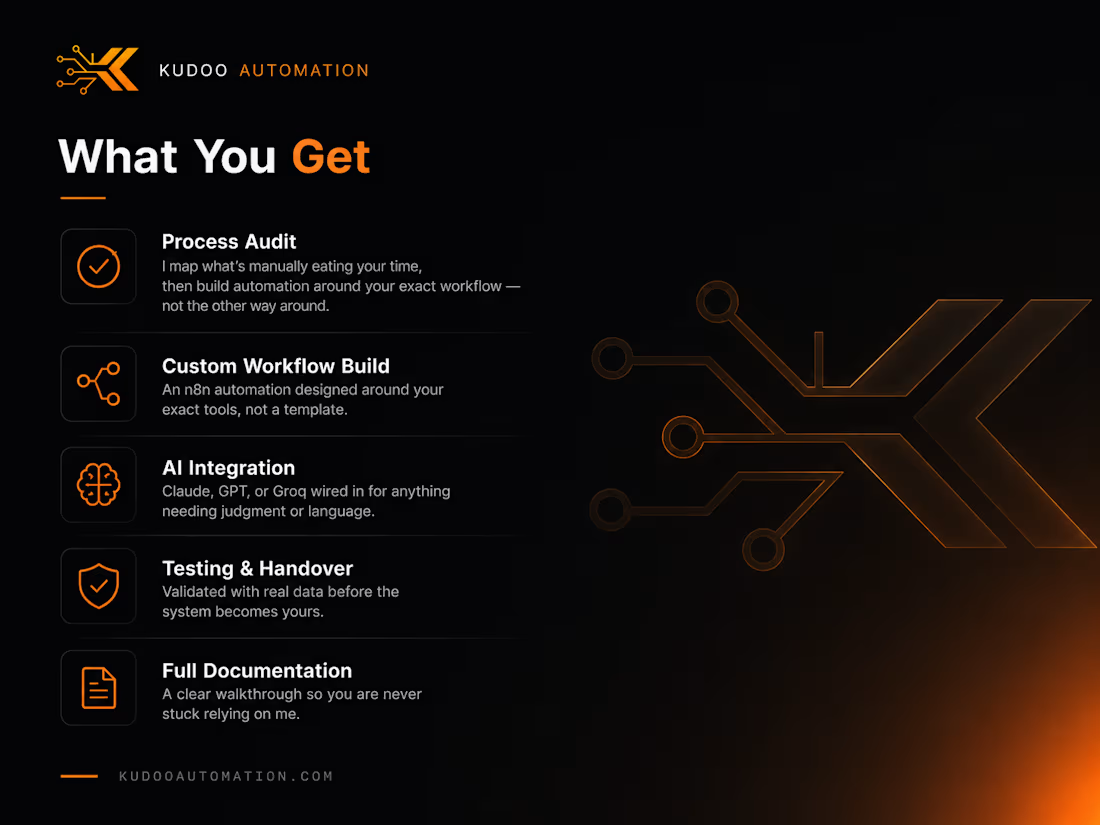
🔍 Process Audit
Before I write a single workflow, I map what's actually eating your time — the manual, repetitive parts of your business that shouldn't need a human doing them every time.
⚙️ Custom Workflow Build
Every system is built around your exact tools and process on n8n. Not a template pulled off a marketplace — architecture designed for how your business actually runs.
🧠 AI Integration
Wherever a workflow needs judgment or language understanding — reading notes, writing follow-ups, flagging risk — Claude, GPT, or Groq gets wired in directly, not bolted on as an afterthought.
🛡️ Testing & Handover
Nothing gets delivered untested. Every system runs against real data before it becomes yours, so it works on day one, not just in a demo.
📄 Full Documentation
You get a clear walkthrough of how the system works — not a black box you're stuck depending on me to explain later.
0
13
Client Booking Engine — Zero-Touch Scheduling
📅 The Problem
Manual booking means back-and-forth emails just to find a time that works — a lead fills out a form, then waits for someone to check availability, confirm, and follow up. Every step of delay is a chance for the lead to lose interest or book somewhere else.
⚙️ How It Works
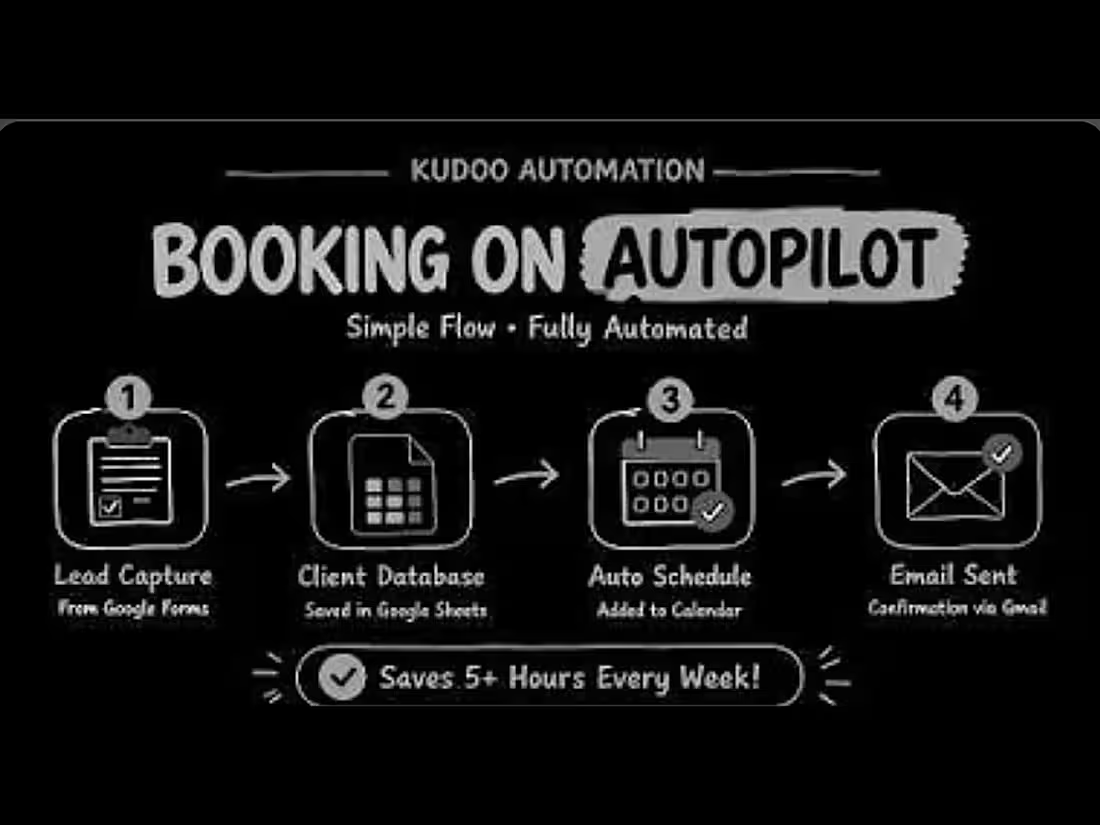
Built on n8n, triggered the moment a lead submits a Google Form.
Captures the lead straight from the form submission
Logs it into a client database in Google Sheets automatically
Checks calendar availability and creates the event without anyone touching a calendar
Sends a confirmation email via Gmail the same moment the booking is locked in
🎯 The Outcome
A lead goes from form submission to a confirmed, calendar-locked appointment with zero manual steps in between — no coach checking their inbox, no back-and-forth to find a time.
🔧 The Hard Part
Handling the edge cases — double-bookings, unavailable slots, malformed form data — is what separates a demo from something that actually holds up when real leads start using it.
Here is Video Walkthrough 🐐:- https://youtu.be/pLARZMgYvbQ?si=J9uv5jpJvbtnCL9g
0
15
Invoice Automation System — Auto PDF + Payment Tracking
💸 The Problem
Manual invoicing means a coach finishing a session, then remembering to sit down later and actually generate and send the invoice — or forgetting, and getting paid late. It's a small task that quietly costs money when it slips.
⚙️ How It Works
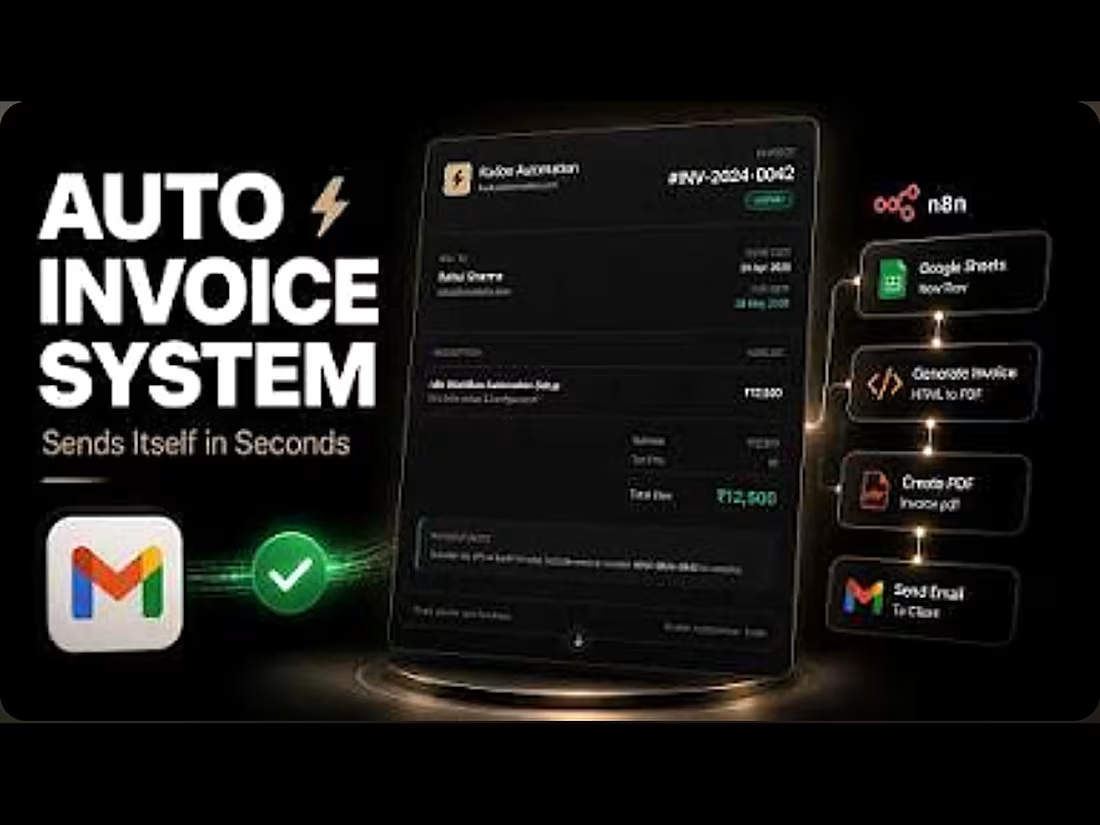
Built on n8n, triggered automatically once a session is marked complete.
Pulls client and session details straight from Google Sheets
Generates a professional invoice via an HTML-to-PDF pipeline — proper formatting, line items, totals, no manual layout work
Attaches and sends the PDF straight to the client's inbox via Gmail
📊 What It Tracks
Every invoice's payment status gets logged automatically. If a client hasn't paid by the due date, the system handles the overdue follow-up on its own — no coach chasing payments manually or losing track of who's paid and who hasn't.
🔧 The Hard Part
Generating a clean, correctly formatted PDF from dynamic data — right spacing, right totals, right branding every single time — took more tuning than the trigger logic itself.
Full breakthrough:- 🫴https://youtu.be/BTHmqeqQ03Q?si=WI_6KaZ5VZjgDeUN
0
16
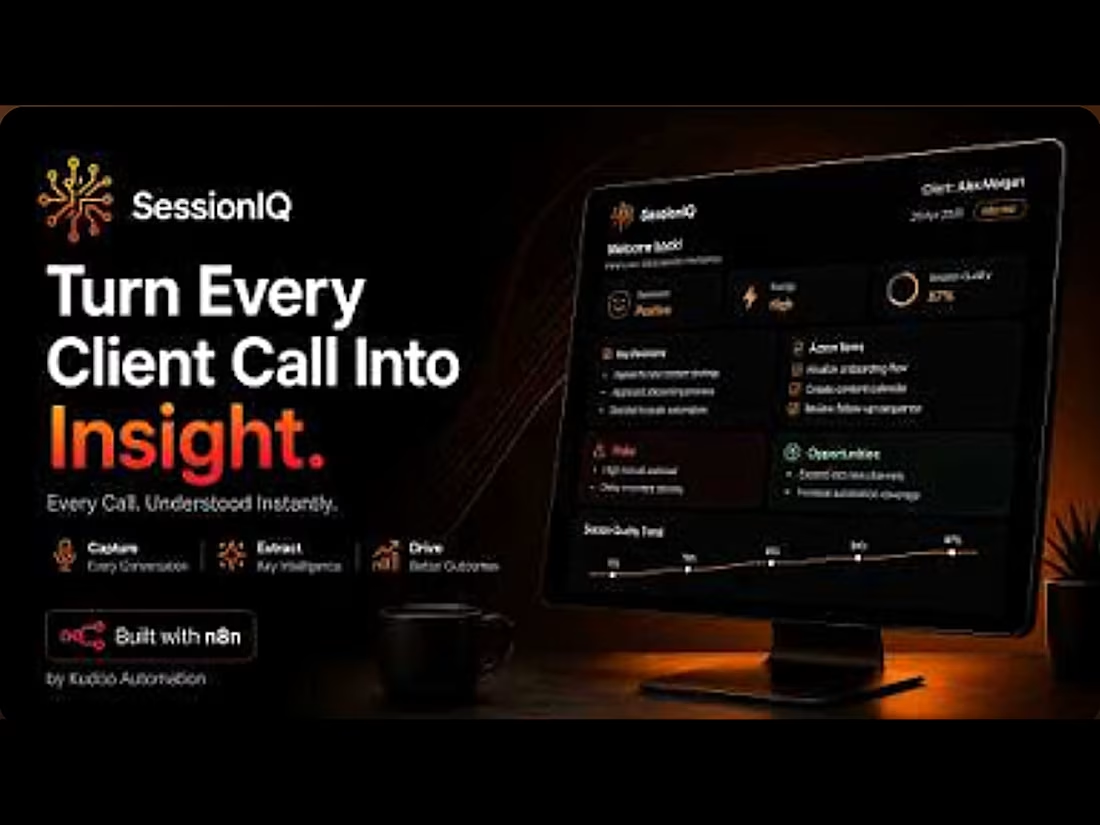
SessionIQ — AI Session Intelligence for Coaches
🧠 The Problem
Coaches don't usually lose clients over one bad session. They lose them in the follow-ups that never happened, or the warning signs nobody caught in time. SessionIQ was built to close that gap.
⚙️ How It Works
A two-stage automation pipeline on n8n, powered by Groq's Llama 3.3 70B.
Stage 1 — Takes raw, unstructured session notes and extracts action items, risks, decisions, and sentiment, enforcing a strict JSON schema so the output is consistent every time — not just usually right.
Stage 2 — Cross-references that data against the client's session history to generate a 1–10 risk score and specific coach recommendations.
🟢 When Things Are Going Well
If sentiment is positive and the risk score stays low, the system stays quiet. The coach's report shows a "healthy" status, the recap email goes out with a normal tone, and everything logs and moves on — no noise, no unnecessary alerts.
🔴 When a Client Starts Slipping
The moment the AI detects negative sentiment, missed action items, or concerning language in the notes, the risk score climbs. At a score of 7 or higher, a high-risk flag triggers automatically — the coach's report changes tone, surfaces the specific warning signs it caught, and pushes direct recommendations instead of a routine summary. That's the difference between a coach finding out a client is disengaging three weeks later, and finding out the same day.
📤 What Happens End-to-End
Once a session is logged, everything runs with zero manual steps: a branded recap email to the client, a confidential report to the coach, follow-up tasks in Google Tasks, and calendar holds for next steps.
🔧 The Hard Part
Wiring the APIs together was the easy half. The real work was making the AI's output reliable enough to trust without a human checking it every time — schema enforcement, duplicate detection, and error handling took as long as the core pipeline logic itself.
🎥 Full architecture walkthrough: youtu.be/SGbv75lRRqg
1
42