
Krupal Koyani
Your idea to impress yourself is based on my experience.
New to Contra
Krupal is building their profile!

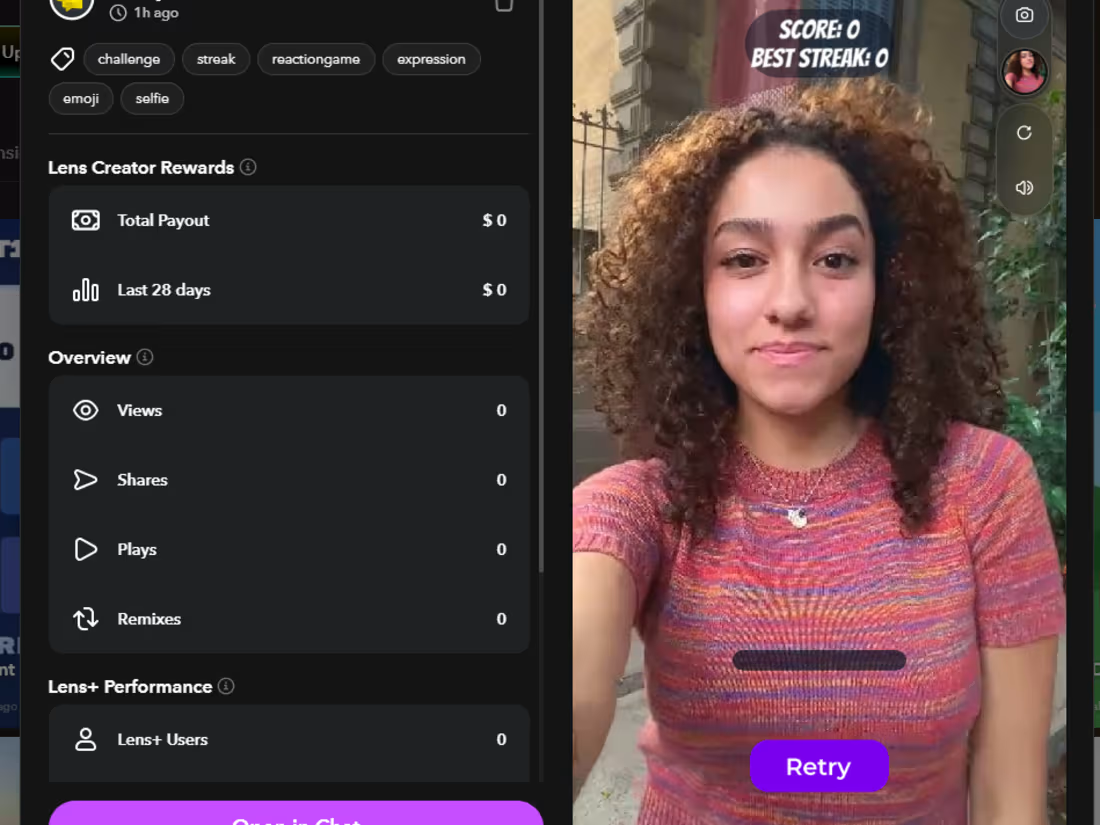
The preview shows a person using the lens in selfie mode.
Visible game elements include:
Score: 0
Best Streak: 0
A horizontal progress/status bar near the bottom of the screen.
A large purple "Retry" button, indicating the game has ended or is ready to restart.
Along the right edge are Snapchat preview controls, including:
Camera switch
User/avatar icon
Refresh/replay
Sound toggle
0
22
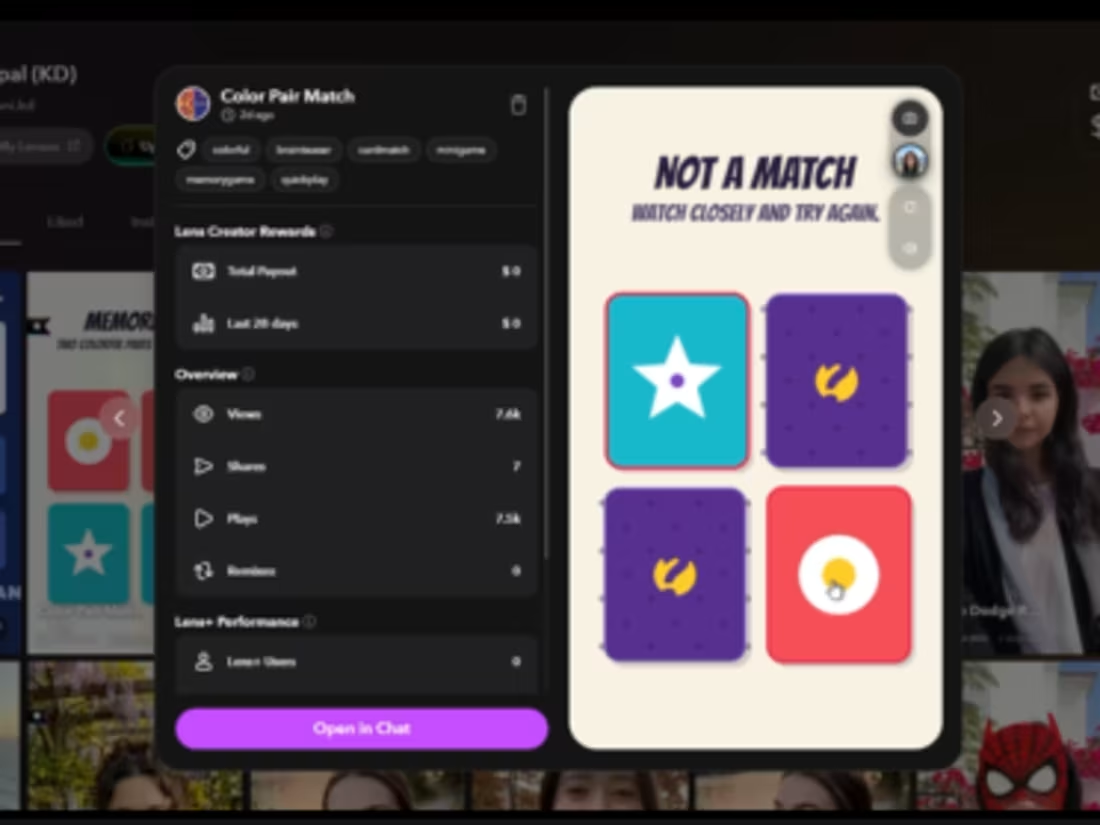
This Len displays a digital "Find the Pairs" memory-matching game presented on a mobile-style interface.
Layout and Interface: 🔥
Title: At the top, the text "FIND THE PAIRS" is displayed, followed by a score indicator showing "0 / 2 PAIRS MATCHED."
Game Board: Below the title is a 2×2 grid containing four identical purple cards. Each card features a yellow, stylized logo in the center and a pattern of small dots across the surface.
Navigation: On the right side of the screen, there is a vertical control panel with icons for taking a picture, viewing a user profile, refreshing/resetting the game, and adjusting sound volume.
Footer: A faint, semi-transparent "Save" button is visible in the bottom right corner of the screen.
Aesthetic:👍
The game utilizes a clean, minimalist design with a soft cream-colored background, contrasting purple cards, and bright yellow accents.
1
92
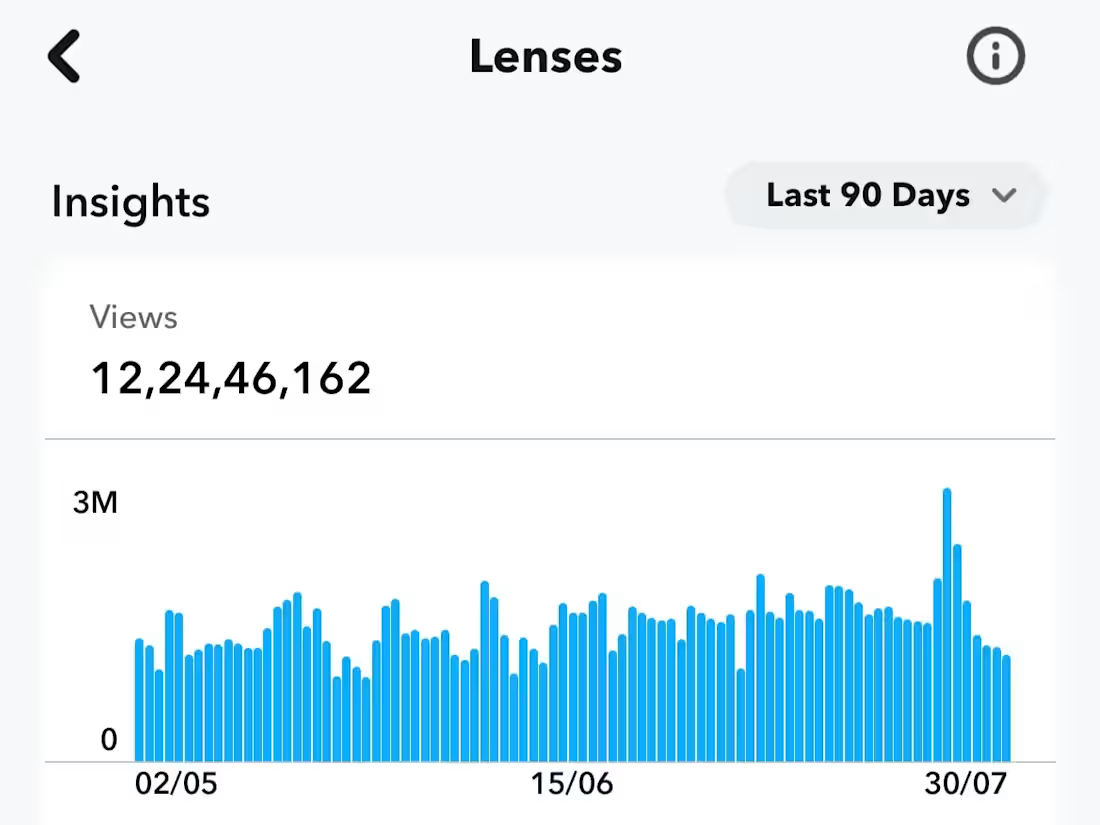
This project also reflects my passion for continuous improvement. Technology evolves rapidly, and I believe successful solutions should be adaptable, user-focused, and scalable. By working on this lens, I gained valuable technical knowledge while developing important skills such as critical thinking, creativity and perseverance.
0
84
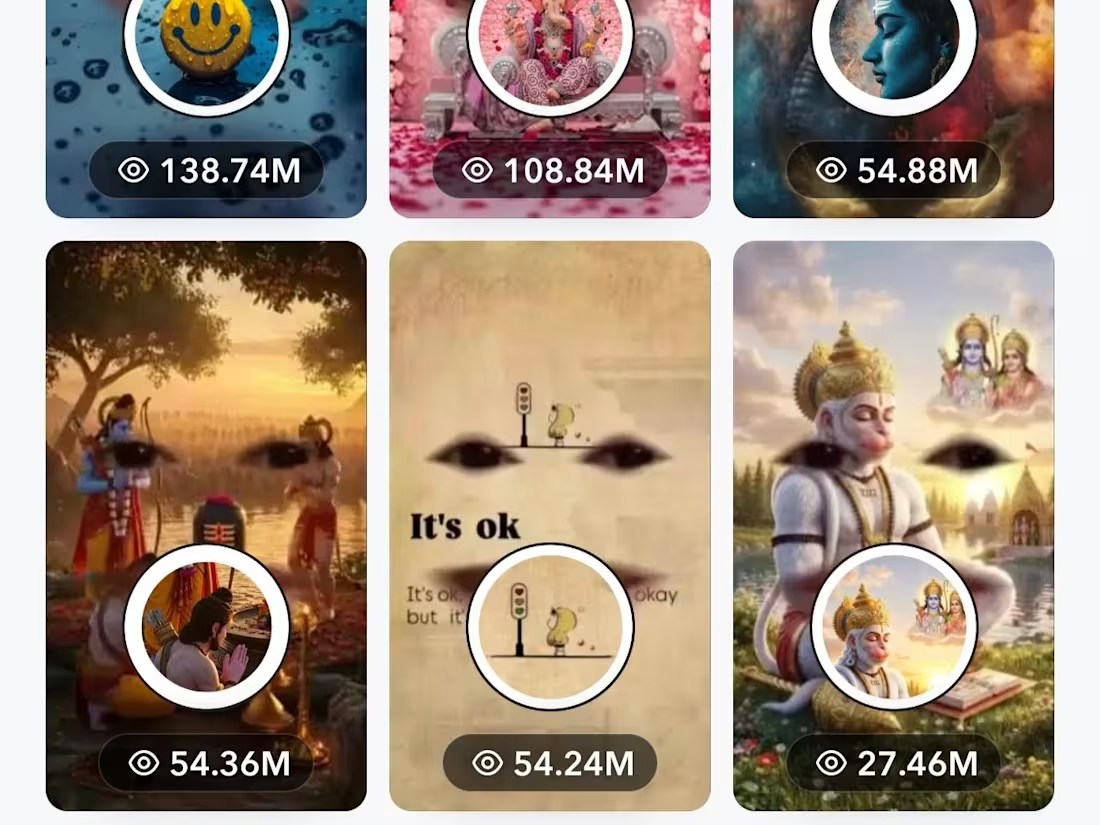
Through this lens, I explored new concepts, experimented with different approaches, and overcame several technical challenges. Every obstacle became an opportunity to improve my problem-solving skills and deepen my understanding of modern technology. This experience strengthened my confidence and encouraged me to keep learning and innovating.
1
84