What should I consider when defining the scope of work for my UI design project?
It's important to clearly outline your project's objectives. Define the key tasks you need the UI designer to focus on. Think about who will use the end product and what problems it solves. Having a detailed scope helps the designer understand your vision and reduces miscommunication.
How should I outline my UI design expectations to a freelance designer?
Make a list of the design features and styles you like. Provide examples of designs you admire. This helps the designer know what you're looking for. Being clear about your expectations ensures you both see the same end goal.
What should be included in a project brief for hiring a UI designer?
A strong project brief includes timelines, goals, and design requirements. Mention any specific tools or software to be used. Also, include the target audience for your design. This makes it easy for the designer to align their work with your needs.
How can I determine the timeline for a UI design project?
First, consider your project deadlines and any business needs. Talk about expected delivery dates with the designer. Leave room for reviews and adjustments. A well-thought-out timeline ensures steady progress without rushing.
What communication practices should I agree upon with the UI designer?
Decide on how often you'll have updates and preferred communication channels. Clear communication prevents misunderstandings and keeps the project on track. Establish a pattern like weekly check-ins. Consistent communication helps in resolving issues early.
How do I ensure the UI designs align with the overall brand vision?
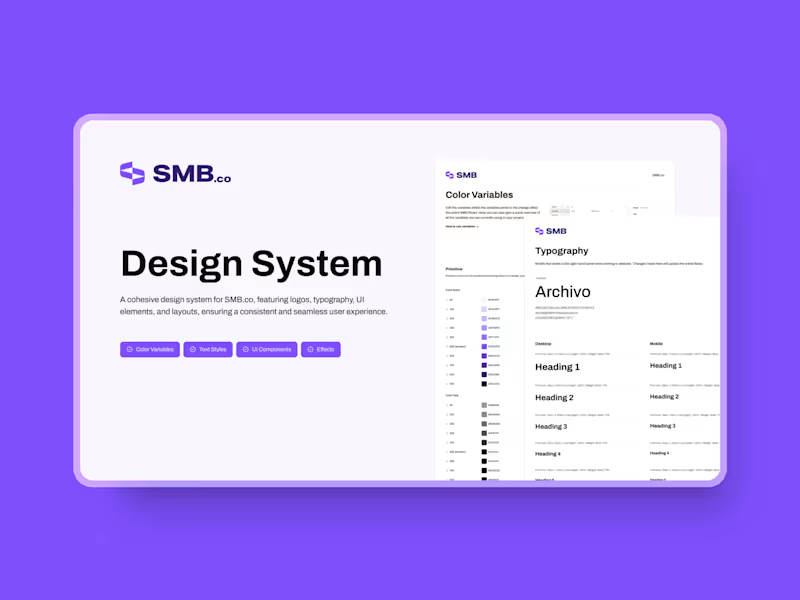
Share your brand guidelines and previous design samples with the designer. This includes color schemes, logos, and any specific fonts. The designer can mirror your brand identity in the new designs. This creates a cohesive look across all brand materials.
What should I look for in a UI designer’s portfolio?
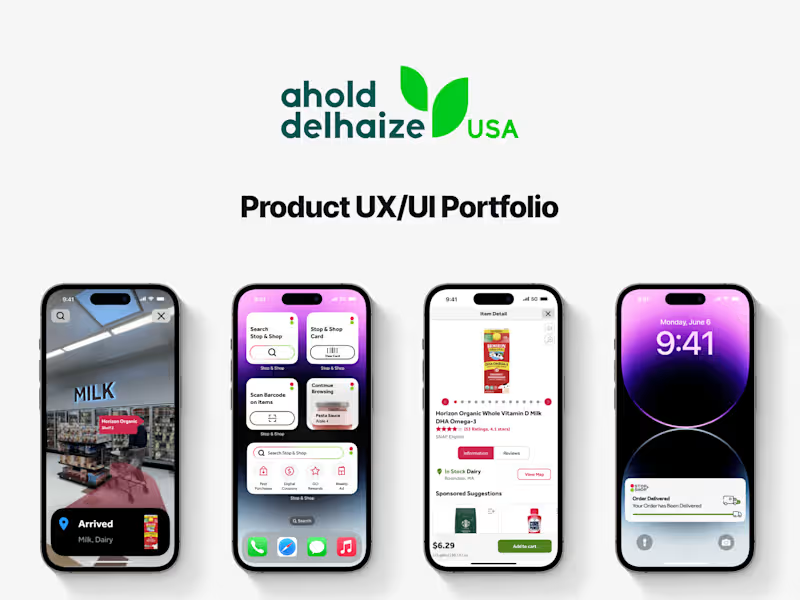
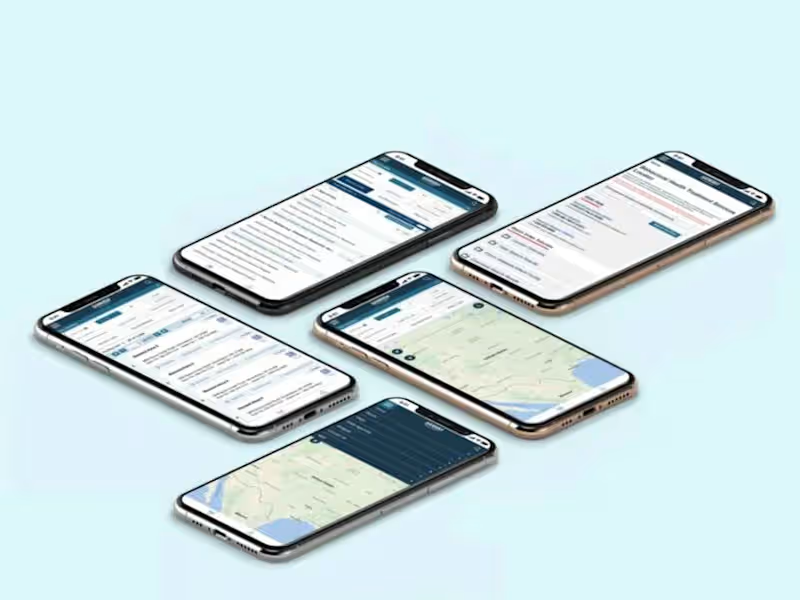
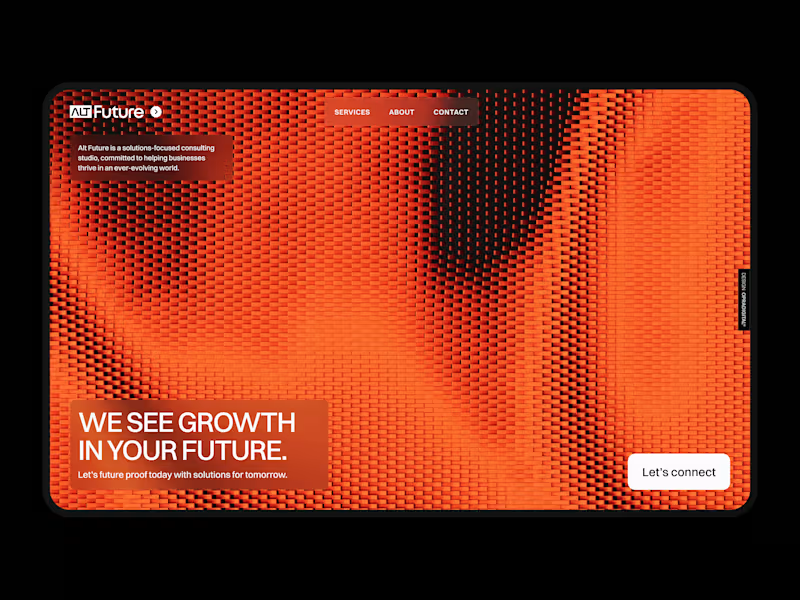
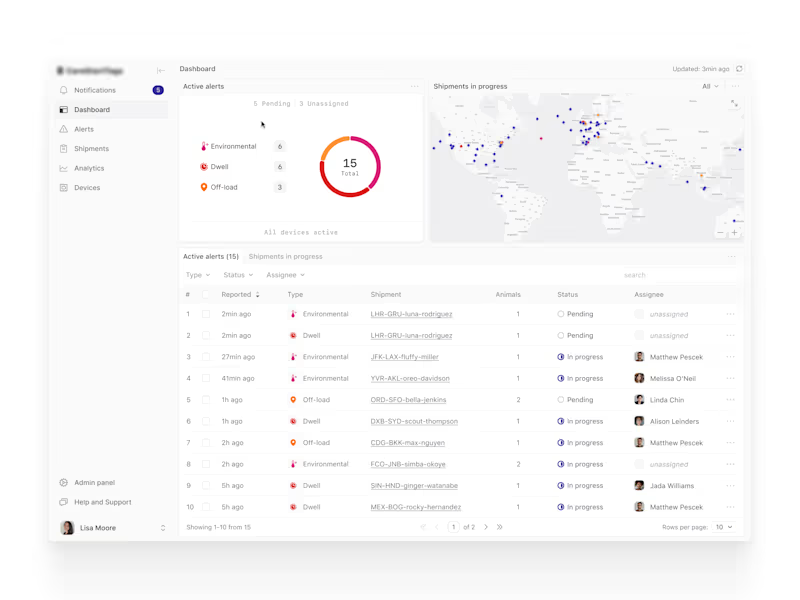
Look for a variety of projects to understand their versatility. Check the usability and clarity of their designs. See if previous work matches your desired style. A strong portfolio shows their ability to meet your project requirements.
How can I ensure the designer adheres to the latest design trends and technologies?
Discuss the importance of using updated tools and technologies in your project brief. Ask them how they stay updated with design trends. Their approach should resonate with your project's modern needs. This ensures a fresh and engaging design.
How do I specify deliverables for a UI design project?
List all items you expect at the end of the project like wireframes, mockups, and prototypes. Mention formats or tools for the final deliverables. Setting clear deliverables helps the designer know exactly what you need. This prevents unforeseen problems at project completion.
How do I handle feedback and revisions in the UI design process?
Set a revision schedule from the start. Offer constructive feedback during check-ins. Provide specific and actionable suggestions. This collaborative approach encourages better design outcomes that suit your needs.
Who is Contra for?
Contra is designed for both freelancers (referred to as "independents") and clients. Freelancers can showcase their work, connect with clients, and manage projects commission-free. Clients can discover and hire top freelance talent for their projects.
What is the vision of Contra?
Contra aims to revolutionize the world of work by providing an all-in-one platform that empowers freelancers and clients to connect and collaborate seamlessly, eliminating traditional barriers and commission fees.