
















What experience should a 'Adobe InDesign' expert have?
An expert in Adobe InDesign should have experience in creating layouts for print and digital projects like brochures and magazines. They should understand design principles and how to use the software's tools well. It's also important that they can work smoothly with other Adobe programs.
How can I make sure the designer understands my project needs?
To ensure your designer understands your project needs, provide clear instructions and examples of what you want. It's good to have a chat or call to discuss your ideas and expectations. Also, ask the designer to summarize your project goals to make sure you're on the same page.
What should be included in the project's deliverables?
Project deliverables should include the final design files, usually in formats like PDF for print or digital distribution. You may also want the original InDesign files for future edits. Clear deliverables help ensure everyone knows what's expected at the end of the project.
How do I know if they can meet my project's deadline?
To know if they can meet your deadline, ask them about their current workload and how long they expect your project to take. Set a timeline with milestones and check-ins to track progress. This will help you see if the project is on schedule.
Why is it important to review their previous work?
Reviewing their previous work lets you see their design style and skill level. It helps you decide if they match what you're looking for in your project. Look for similar projects they have done to make sure they have relevant experience.
What agreements should I have with the freelancer before starting?
Before starting, agree on the project scope, timeline, and deliverables. It's also important to discuss how you will communicate and provide feedback. A clear agreement prevents misunderstandings and ensures a smooth workflow.
How can I ensure quality in the final design?
To ensure quality, provide specific feedback during the project's progress. Set up review stages where you can see drafts and suggest changes. This way, the final design is more likely to match your vision.
Who is Contra for?
Contra is designed for both freelancers (referred to as "independents") and clients. Freelancers can showcase their work, connect with clients, and manage projects commission-free. Clients can discover and hire top freelance talent for their projects.
What is the vision of Contra?
Contra aims to revolutionize the world of work by providing an all-in-one platform that empowers freelancers and clients to connect and collaborate seamlessly, eliminating traditional barriers and commission fees.
Explore Adobe InDesign Apps projects on Contra











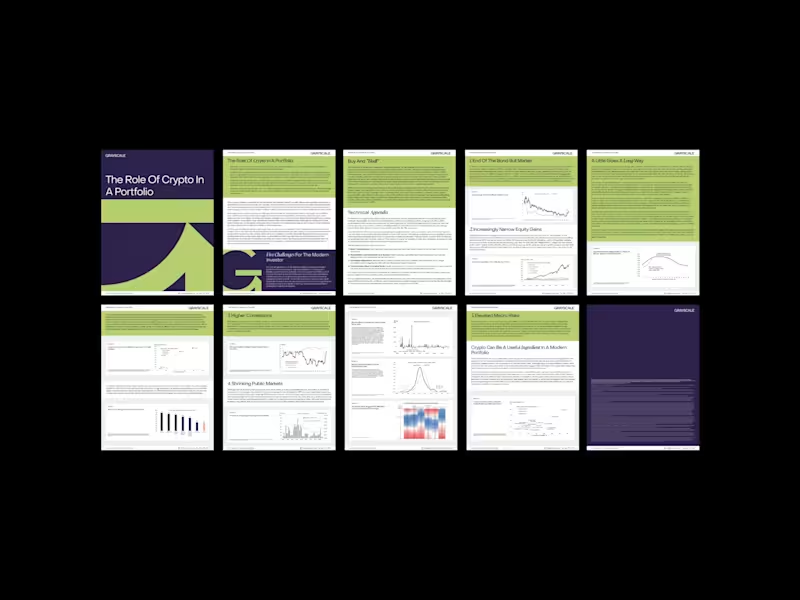
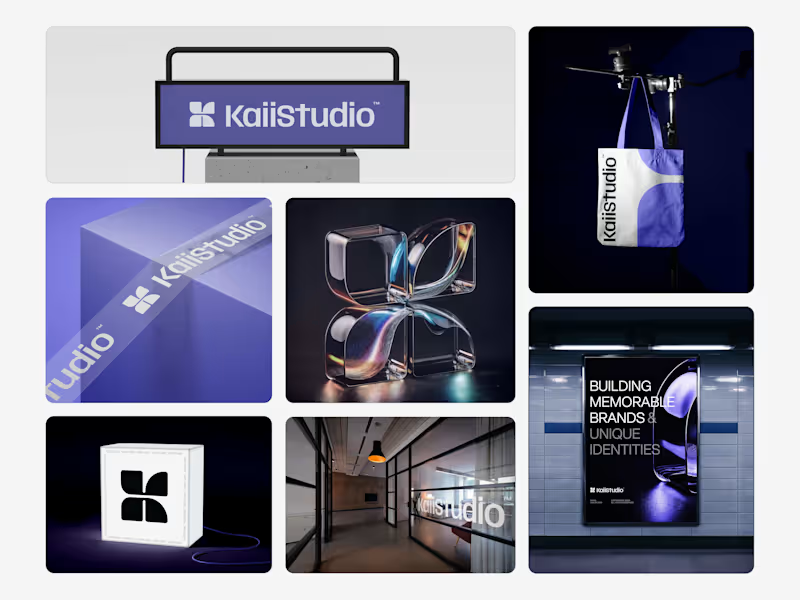
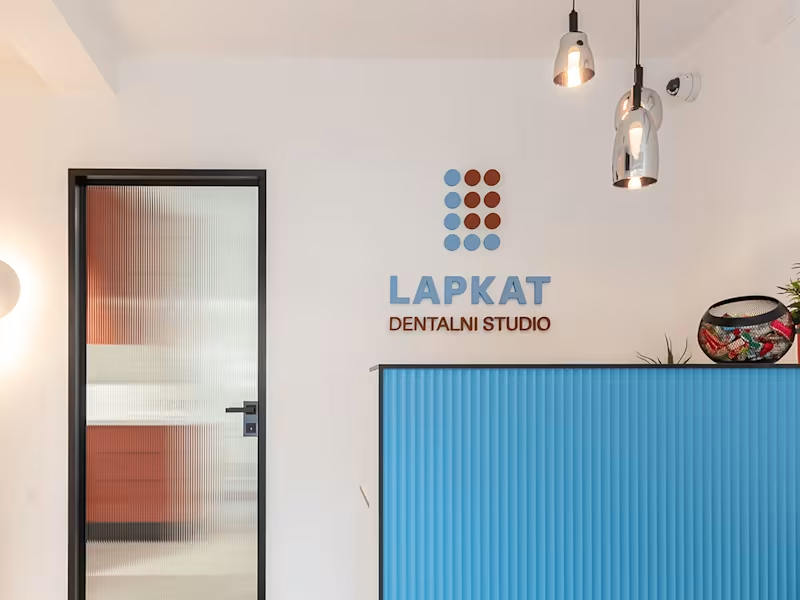
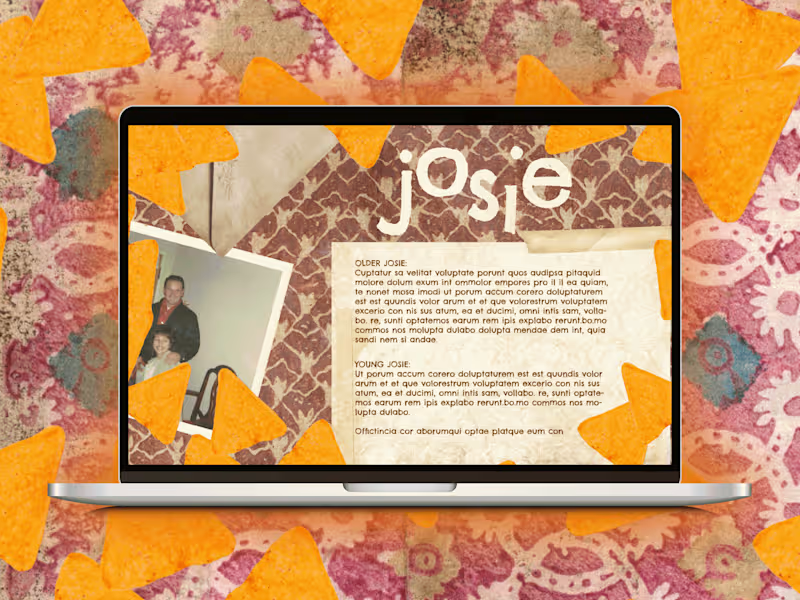





Top services from Adobe InDesign freelancers on Contra
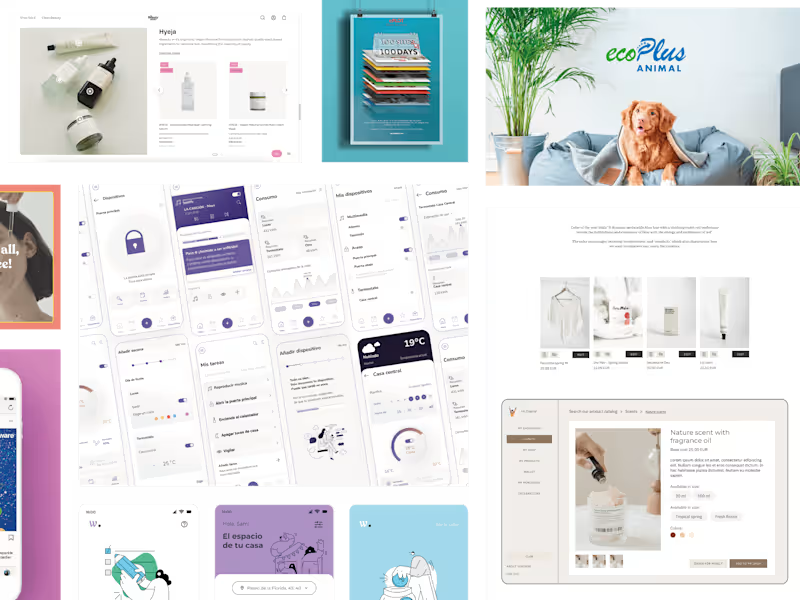

Adobe Illustrator
Logo Designer
Editorial Designer
Ongoing Creative Design Support
$30/hr
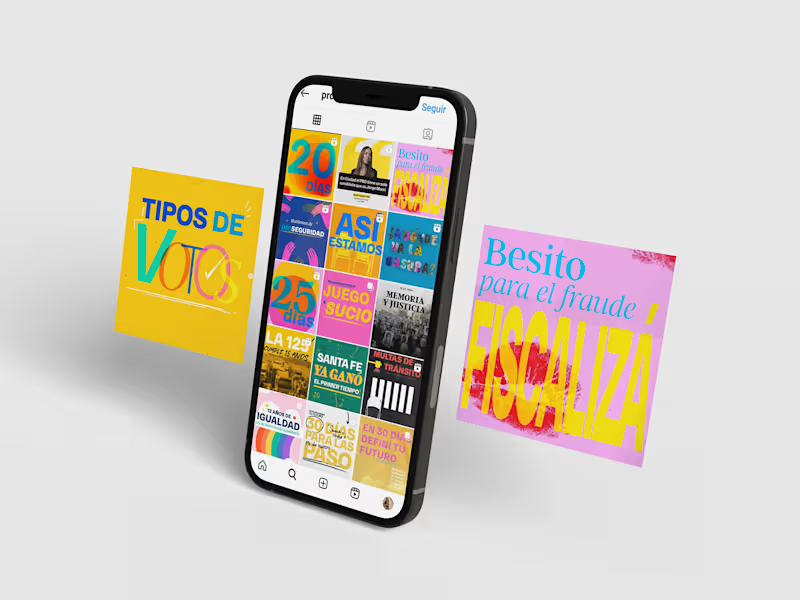
Adobe Illustrator
Social Content Designer
Graphic Designer
I will be your Graphic Designer for your business 🎨
Contact for pricing
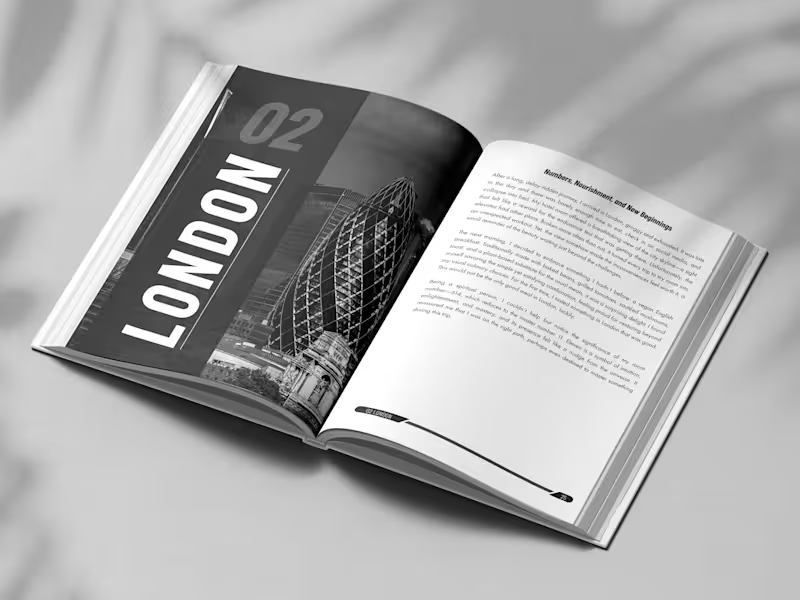

Adobe InDesign
Print Designer

Adobe Photoshop
BOOK LAYOUT DEISGN LEAD MAGNET COMPANY PROFILE
$150