If you struggle to describe UI transitions in Claude or Codex, these commonly used transition terms can help. Save this for later.
2
41
Playful Sidebar Icon Animation
1
43
Use pre-defined templates for faster generation.
7
80
Agentic reasoning for image and video generation.
1
2
51
Little detective detected that you’re using a VPN
0
27
Hero Animation on Scroll
2
4
44
Interface for checking 3D models with AI, automatically identifying geometric surface and feature types before production.
1
2
48
Navbar Elements
0
6
See how many credits each generation uses.
4
40
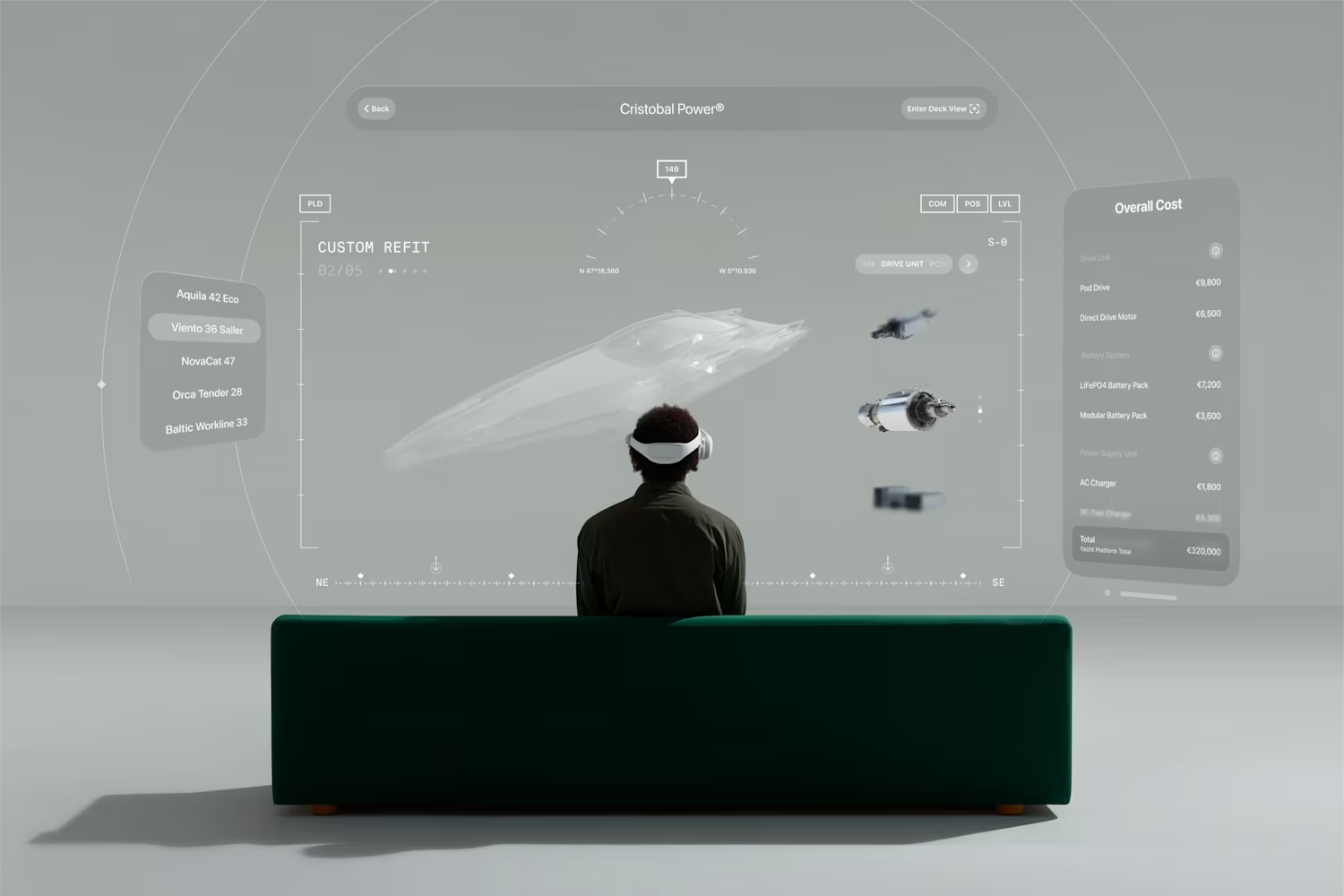
UI design for an immersive boat configurator experience on Apple Vision Pro
2
7
51
Dynamic island that notifies you the moment your AI-generated image is ready, paired with a subtle depth-scanning effect.
4
22
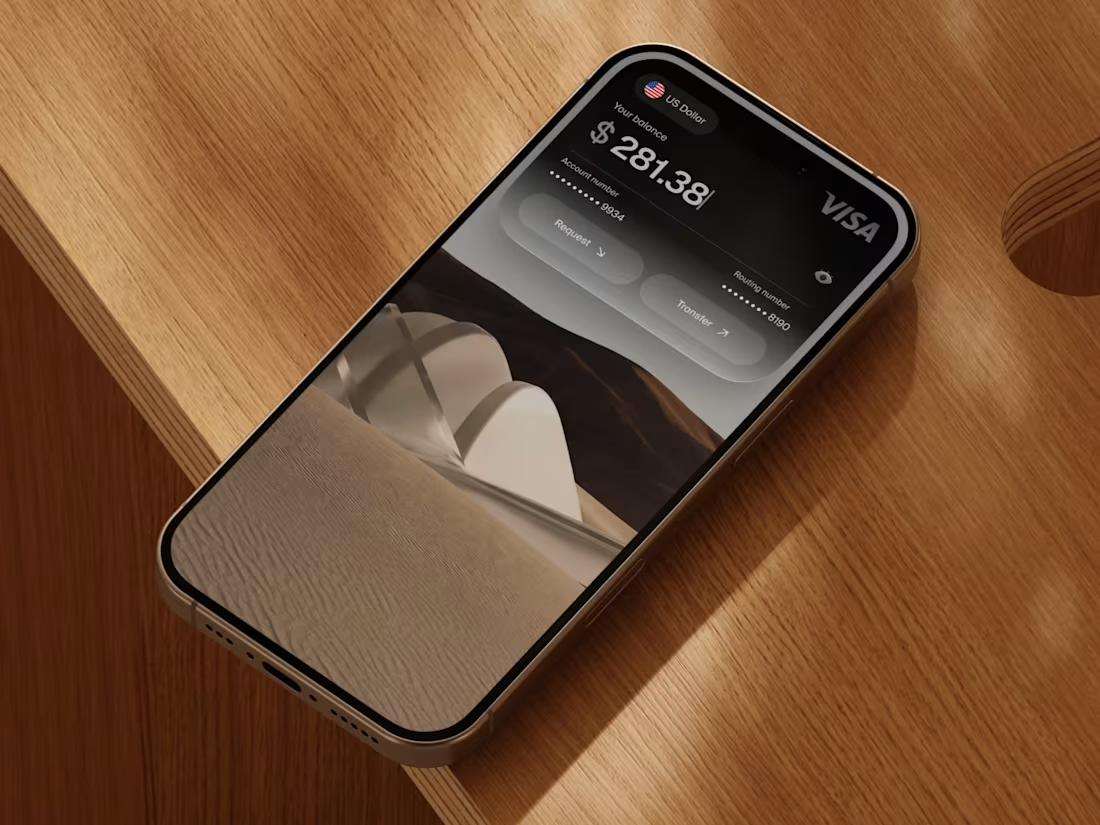
Design Tip: Use background blur + a subtle tint (e.g. linear gradient 10–15% black) instead of a simple 40% opacity overlay.
This creates depth and a refined glass-like look instead of a flat dark overlay.
1
3
35
Love designing visual website footers
7
7
115
Make it effortless for new customers to share your platform with friends, a referral experience I designed over the past few days.
3
12
101
GPT-5.5 with Codex feels unreal, designers can almost build everything themselves now.
0
36
Minimal Timeline Editor UI
1
4
37
Welcome to something new (Onboarding UI)
1
3
33
AI reasoning user interface
2
3
40
workspace with search panel
0
5
Reference characters, lighting, landscapes, or props to give your AI image and video generations more context.
2
4
74
GPT-5.5 kinda crazy. Can't stop playing with it.
3
6
61
1 or 2?🤔
1
2
34
Simple Forms
0
3
AI Chat Summary
0
3
The cameras scan who is using a VPN
1
4
32
Split screen view
0
4
Chaose aspect ratio
0
3
Choose the number of generations
0
3
Website Footer
1
1
33
Invite team members
0
4
Vertical scroll section
0
4
Clean account settings UI focused on clarity, structure, and effortless management.
3
7
90
Onboarding Tutorial for AI Canvas
1
46
Verification Screen
0
10
Sign In Screen
1
55
AI object detection and selection
1
58
Generation Suggestions
0
9
I hope you are not tired of all the posts about Pretext. But I had to try it for myself and make a little experiment, and this is what came out of it.
A ball falls through the scene with real physics, rotates, collides with the side walls, and dynamically reshapes the text as it moves through it.
4
132
Event reminder notification banner
2
5
66
Product Applications Section
0
7
Header Design
1
3
44
New, creative layout directions
3
34
Share modal overlay
0
4
Customer Stories Section
0
4
Searchable Dropdown Component
0
47
Liquid Glass in Action
9
39
711
Status Tags
1
41
Website Hero Exploration
2
52
Designed a co-reading experience that lets you read with friends in real time
1
1
56
Simple form sharing, send a link and let someone else fill it out