Projects using macOS
Sign Up
Post a job
Sign Up
Log In
Filters
1
Projects
People
Message
0
Max Hora
max
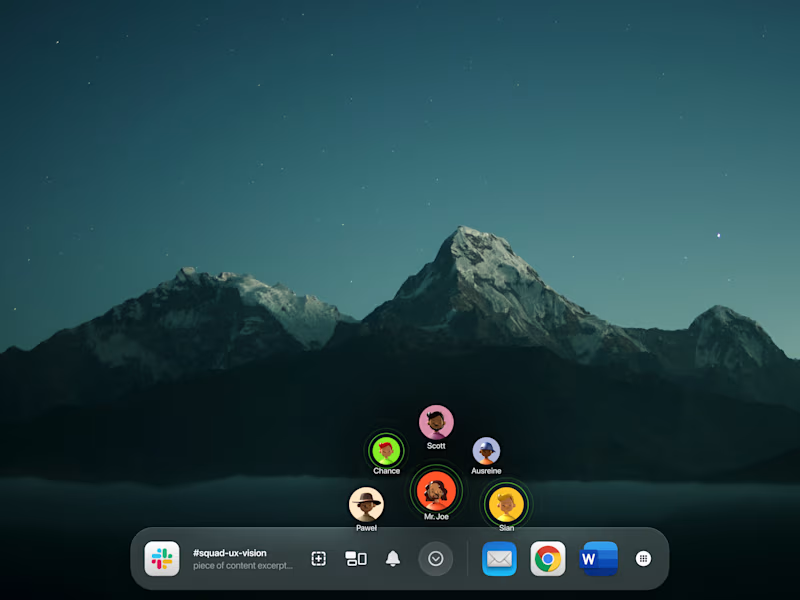
theWorkBook | Advanced Conference Call Functionality
0
12
Message
1
Amin Dhouib
max
Caramel - Open Source Alternative to Honey (Coupon Finder)
1
63
Message
1
Tristan Klöppner
SEO-optimized blog article about digital nomads
1
5
Message
0
Hamzah Haroon
Cremora - Luxury Real Estate Web Design
0
16
Message
0
Paweł Ludwiczak
Reframe - Explorations
0
6
Message
0
Matthew Hawk
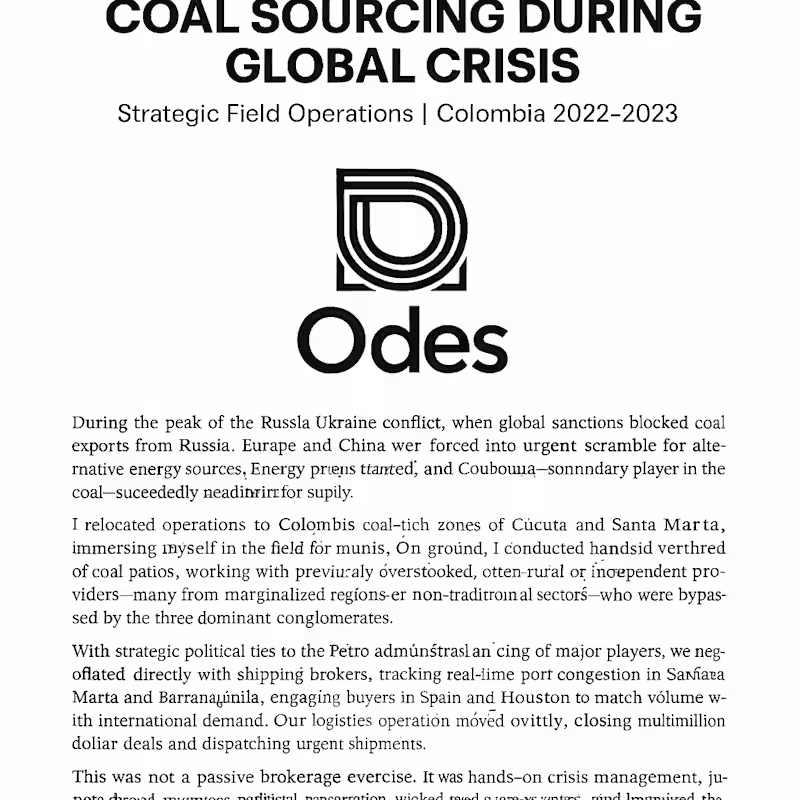
Energy Crisis Strategic Sourcing
0
6
Message
0
Mohammad Azeem
Rehmat-e-Shereen - Apps on Google Play
0
9
Message
1
Ali Shan
pro
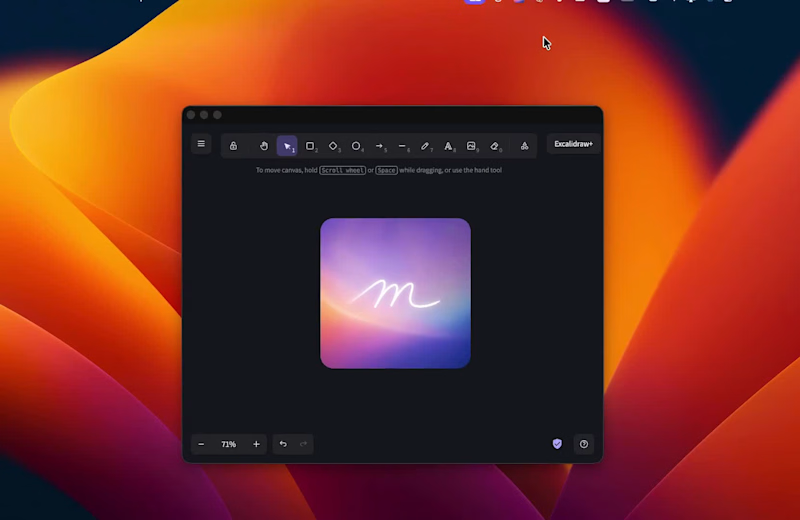
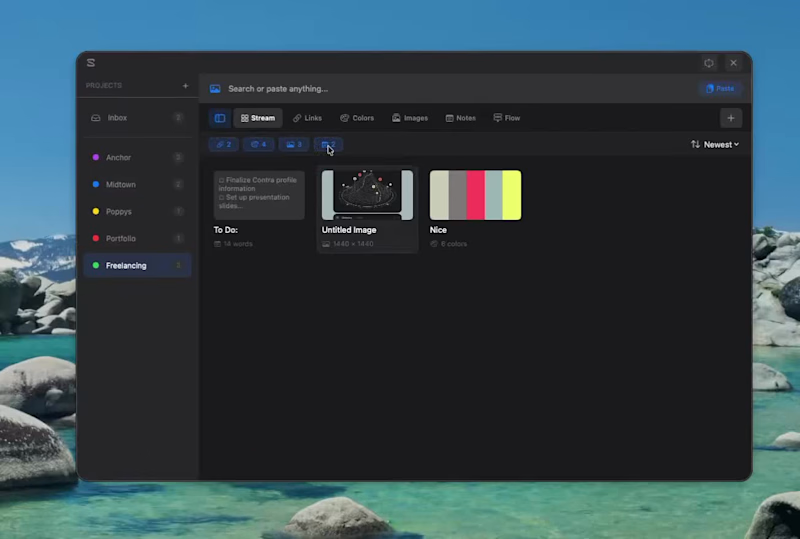
Development of Segue macOS Focus App
1
9
Message
1
Jake Sax
pro
UI Development for Bento MacOS App
1
2
Message
11
Paul Fadayo
pro
MacOS Sidebar in Dark mode and Light Mode designed in FIGMA and built using Replit and Rork for the Holiday Challenge.
16
11
1K
Message
2
Elrich Nel
pro
2024 Studio Recap-Reel
2
53
Message
26
Matt Mitchell
pro
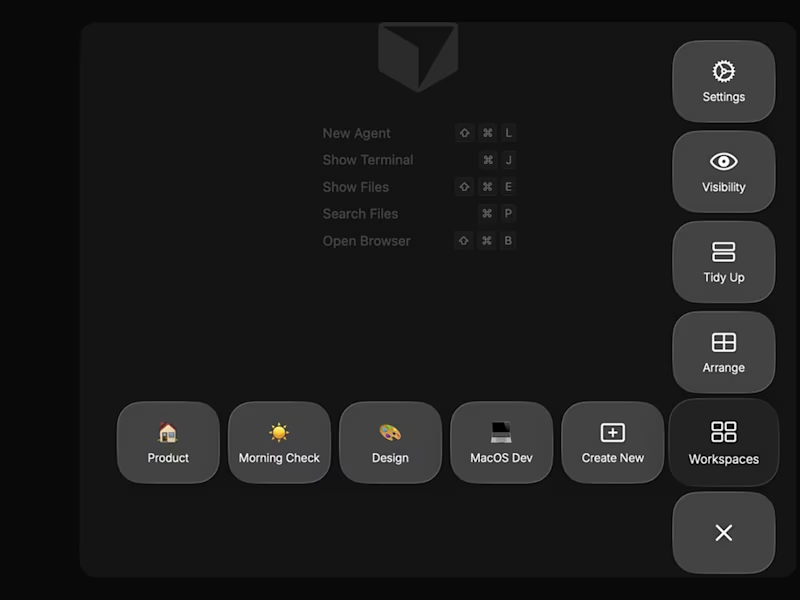
I wanted my own Raycast-like design tool that I could pop open with a hotkey combo while working on any project. So I vibed it into existence on my mac in a single day. Opus 4.5 is no joke. Some minor flaws but loving it so far. For anyone wondering I made this with Claude Code using this workflow: 1. Discuss the project idea and initialized the Xcode project (Swift + Swift UI based) - Opus did this without issue. 2. Brainstormed the workflow pattern in plan mode with Claude for the best path to get all features working as expected 3. Build one feature at a time, frequently unit & integration test them, then commit to a proper branched git repo. 4. Also, if i thought Opus wasn't fully seeing the vision, I'd have Gemini 3 run double checks or give its own ideas. Highly recommend trying this out, build your own tools!
26
457
Message
0
Pete Jensen
Jensen Magic Tour Logo
0
4
Message
0
Jagwinder Singh
Vision IPTV Player Android App Development
0
6
Message
1
Isabella Guran
pro
Some cities do not need a filter. Paris is already the edit.
1
82
Message
0
Iryna Koval
Stop guessing your Claude AI limits. I built a macOS widget to keep my workflow seamless. As a CGI Artist and Web Engineer, my daily stack involves a heavy mix of real-time graphics (Three.js/WebGL) and AI-driven automation. Tools like Claude are essential, but the unpredictable usage limits often disrupt the creative "flow state." To solve this for myself and the community, I developed Claude Bar. What is it? An elegant, transparent floating widget for macOS that tracks and displays your Claude.ai (http://Claude.ai) usage limits in real-time. Key features: * Real-time monitoring: No more manual checks on the Claude.ai (http://Claude.ai) settings page. * Seamless Integration: Designed specifically for macOS to sit quietly in your workspace. * Open Source: Built with Electron, utilizing a custom scraper for limit tracking. But it is in Ukrainian, you can translate it into your language) This tool ensures that technical constraints don't stand in the way of creative execution. Check out the repository here: [link to https://github.com/vfxmajmuni/claude-bar] I’d love to hear how you manage your AI tool quotas during deep work sessions!
0
86
Explore projects