Freelance Digital Accessibilitys in Seattle
Freelance Digital Accessibilitys in Seattle
Sign Up
Post a job
Sign Up
Log In
Filters
2
Projects
People
joshua brightwell
Seattle, USA
Web Optimization Expert | AI SEO, AEO & Accessibility
New to Contra
Follow
Message
Web Optimization Expert | AI SEO, AEO & Accessibility
0
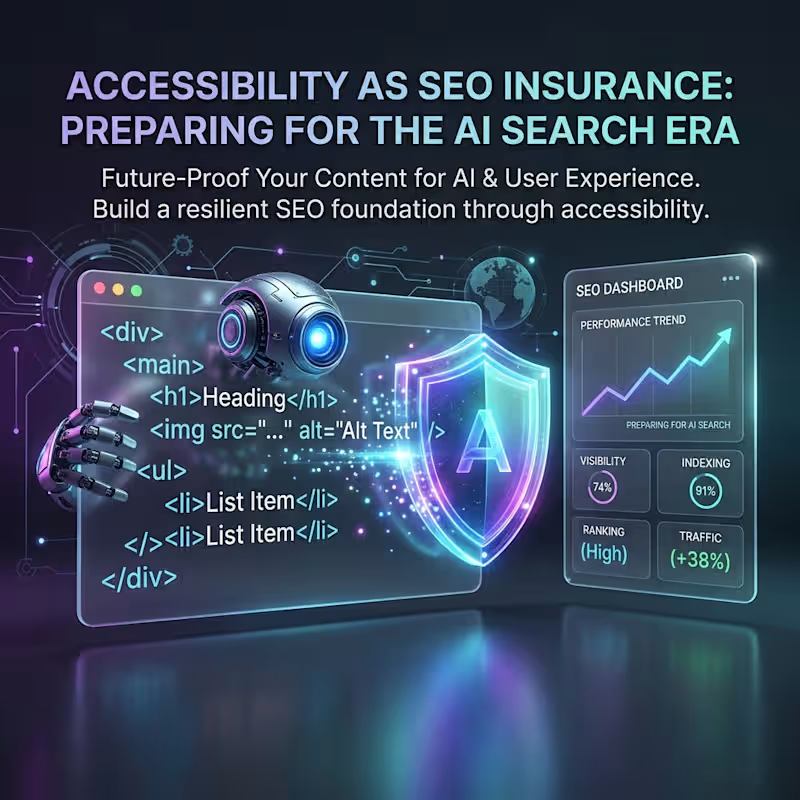
Traditional SEO is dead. Keywords and backlinks won't save you in the AI search era. Why? Because AI search agents don't index blue links; they read and synthesize answers. And if your engineering team has accumulated "semantic debt"—generic div tags, out-of-order headers, inaccessible modals—you are completely invisible to LLM crawlers. The best SEO optimization you can make right now isn't on your copy. It's in your accessibility audit. Here's why accessibility is your ultimate SEO insurance policy for 2026: [Link in the comments]
1
0
131
2
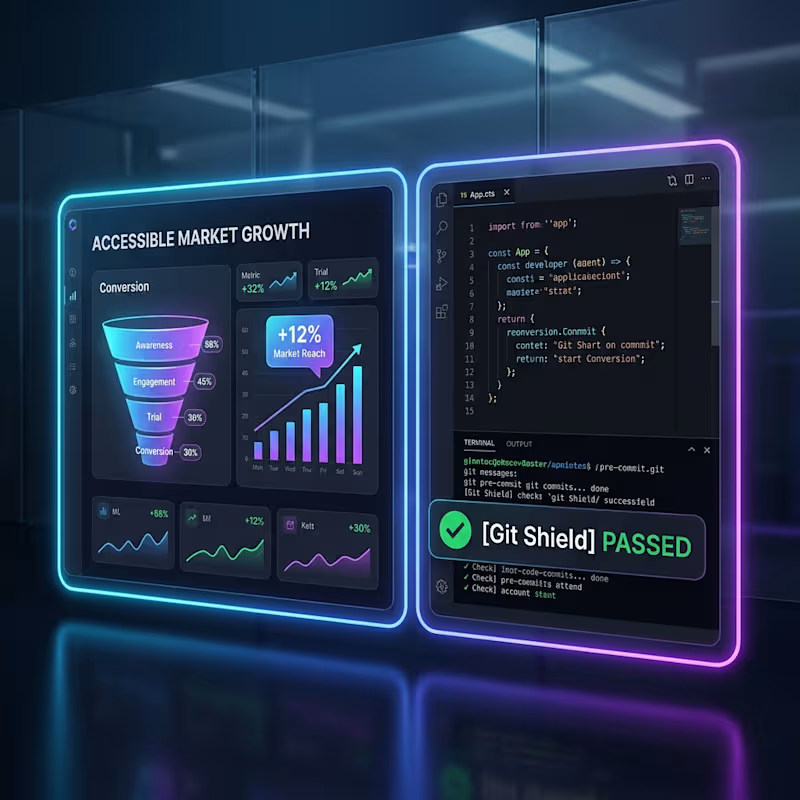
The Handoff Trap: Why accessibility fails on client projects. As independent creators, we’ve all been there: you design or develop a beautiful digital product, hand it off to the client, and months later they come back with a 200-page accessibility audit asking for urgent refactoring. It’s stressful, inefficient, and eats into your margins. The issue isn’t a lack of care; it’s that accessibility is usually treated as a post-production chore rather than a core workflow. In my latest article, I share a framework on how we can operationalize empathy to bridge the gap between marketing goals and engineering velocity: 🛠️ Shift-Left Guardrails: Instead of checking for accessibility bugs at the end of a project, build automated pre-deployment shields (like Git Hooks) into your development flow to catch issues in real-time. 📊 Speak in ROI, Not Checklists: When presenting to clients, reframe accessibility from a compliance task to a growth metric. Use Accessible Market Growth (AMG) and Reach Recovery to show them exactly how many more users can navigate their checkout or sign-up funnels. 👁️ Visual Empathy: Equip your team or clients with simulation sandboxes to experience interactions through the eyes of users with cognitive, motor, or visual impairments. By building accessibility directly into your release cycle, you protect your code quality, unblock enterprise sales for your clients, and deliver products built for everyone. 🔗 Read the full breakdown in the comments below Are you currently using automated shields or manual simulators in your client workflows? Let's discuss in the comments!
2
133
2
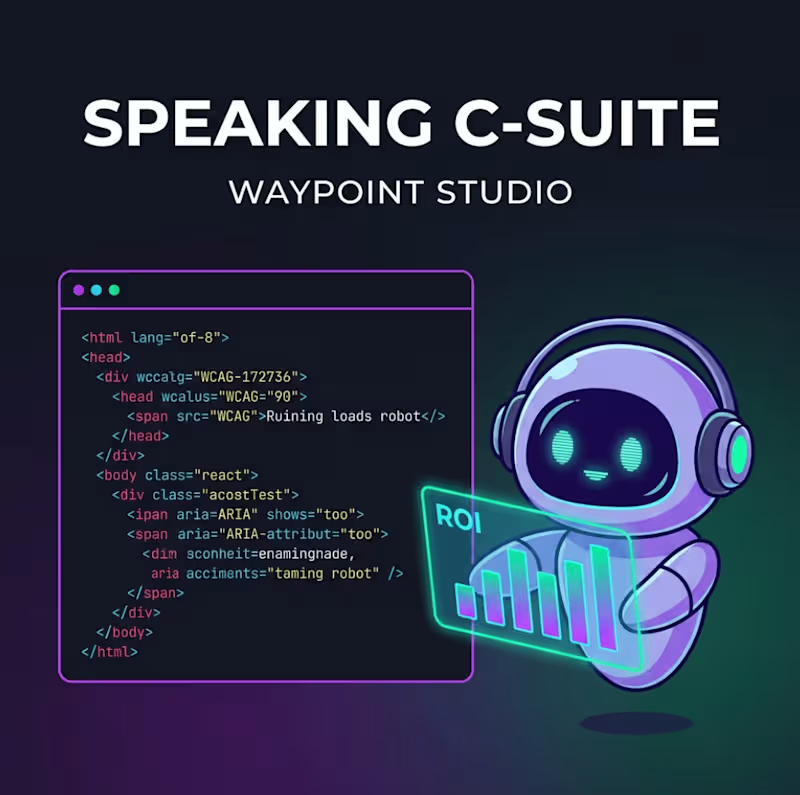
📈 Stop Pitching "Compliance." Start Pitching Growth. As independent developers, designers, and agencies, we've all been there: You identify critical accessibility barriers on a client's website, but when you pitch the fixes, you get shut down. Why? Because when engineers talk, they speak the language of code (WCAG, ARIA labels, HTML validation). But when clients and executives listen, they hear "more work," "delayed features," and "costs." They see a cost center, not an opportunity. If you want to get the budget, bandwidth, and buy-in to build better software, you need to learn to speak C-suite. Our latest blog breaks down how to transform your accessibility pitch from a defensive lawsuit-prevention talk into an offensive revenue recovery conversation using Waypoint Studio’s key growth metrics: Accessible Market Growth (AMG): Quantify the exact percentage of the addressable market currently blocked from converting. Reach Recovery Matrix: Show clients exactly how much traffic and checkout conversion rate they are bleeding out due to interaction barriers. AI Executive Summary Forecasting: Auto-translate code audits into plain-language business slides ready for QBRs. Stop letting important accessibility fixes get backlogged. Learn how to structure your next client pitch and turn inclusive design into a primary growth engine. 🔗 Read the full guide on our blog: https://waypointstudio.io/blog/speaking-c-suite
2
128
1
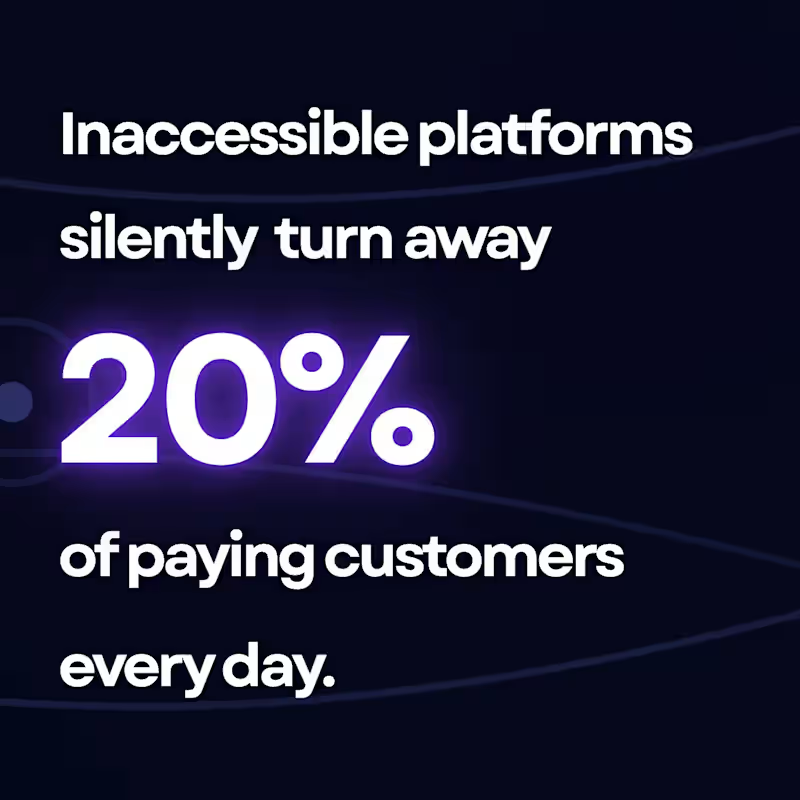
Most digital products and platforms are accidentally locking out up to 20% of their potential users. Not because the product is bad—but because of a hidden barrier: digital accessibility. When you’re running a lean setup or a solo project, accessibility usually gets pushed to the "we'll fix it later" pile. We assume it requires an army of QA testers or massive compliance budgets. It doesn't. You can unlock this massive, hidden audience right now without spending a dime. Here are 3 zero-dollar shifts you can make to your workflow today: Move testing upstream: Stop checking for accessibility barriers after you deploy. Intercepting issues directly in your developer workflow (like using pre-deployment git checks) stops bugs before they ever hit production. Focus on the high-impact 20%: You don't need a total redesign. Fixing keyboard navigation, clear form labels, and color contrast instantly solves the majority of critical user friction points. Design for inclusive flexibility: Inclusive design isn’t a restriction; it’s a framework that makes your core product cleaner, more modular, and easier for everyone to use. Accessibility isn't a checklist item to handle later—it's a massive, underserved market waiting for tools that actually work for them. I just broke down the exact step-by-step strategy for unlocking this hidden audience without breaking your budget. 👇 I’ve dropped the link to the full article in the comments below. What’s the biggest hurdle you face when trying to make your digital tools more inclusive?
1
98
Digital Accessibility
(7)
Follow
Message
Chelsea Wolfe
Seattle, USA
Graphic Design
5.0
Rating
3
Followers
Follow
Message
Graphic Design
0
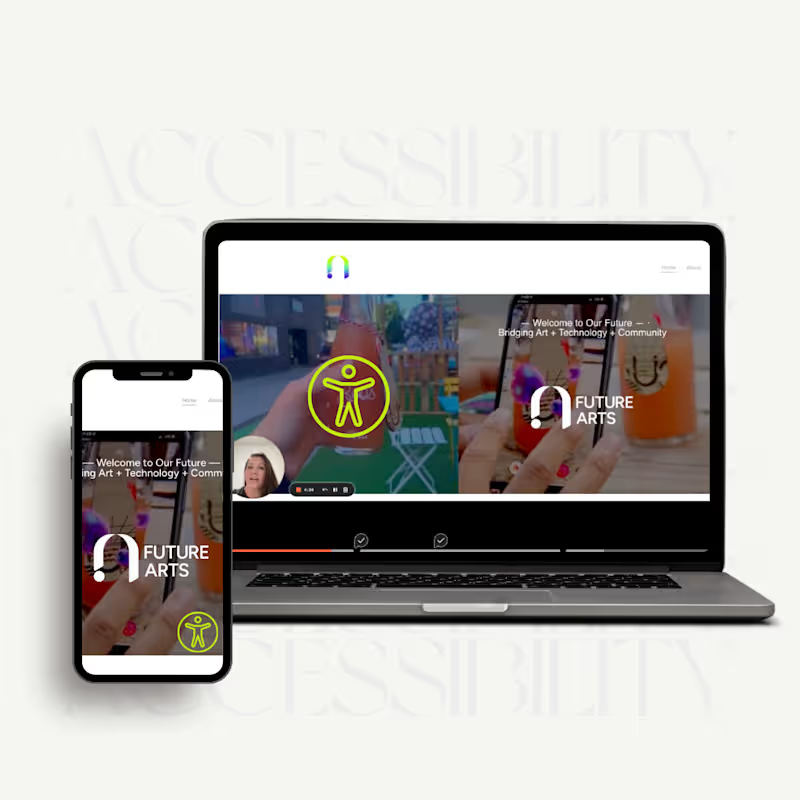
Accessibility Design | Future Arts Co.
0
3
1
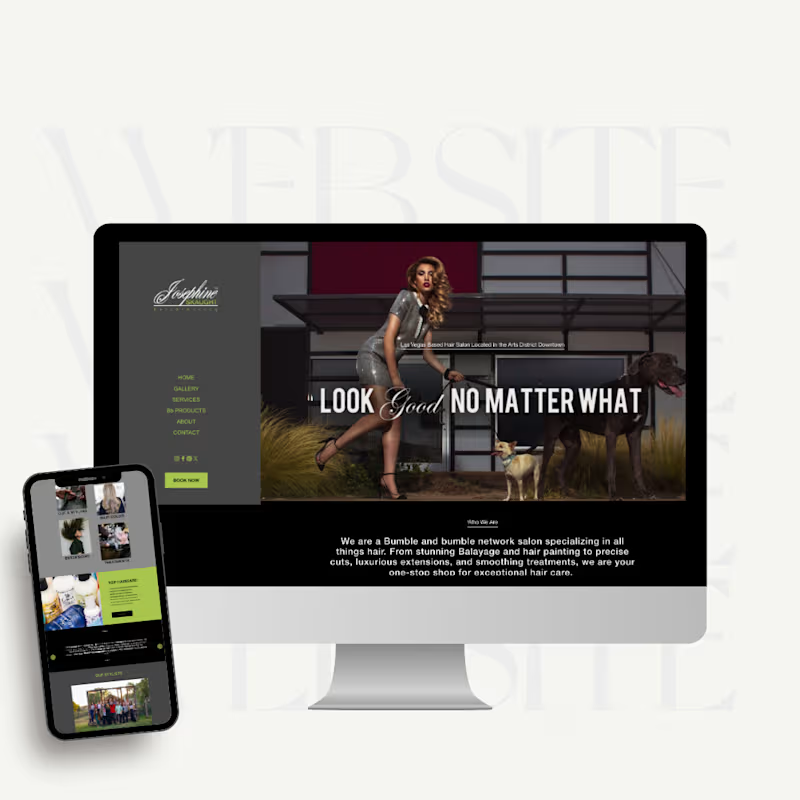
Website Design | Josephine Skaught Salon
1
14
0
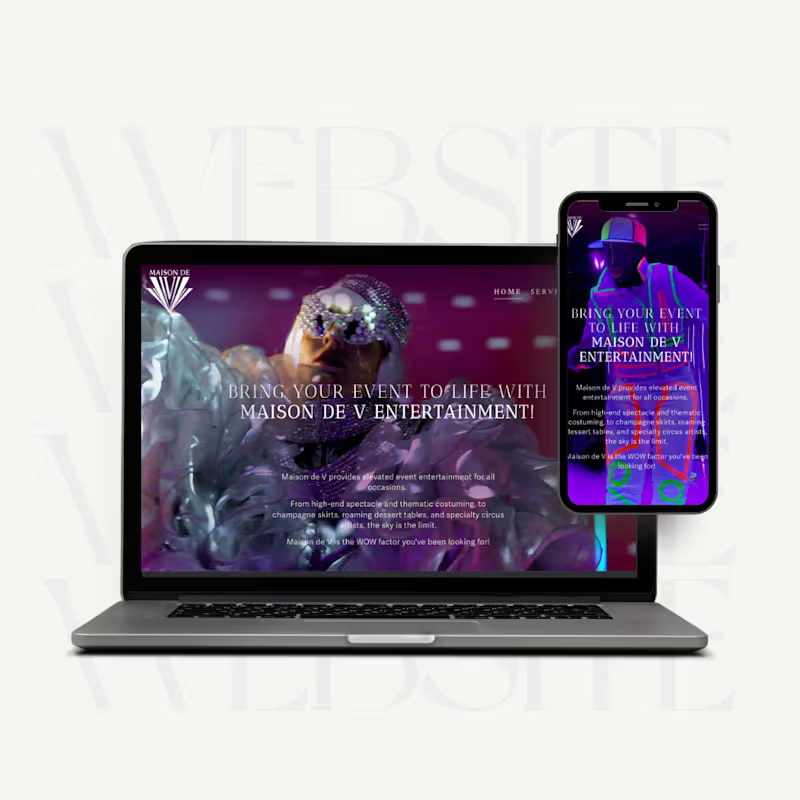
Website Design | Maison de V Entertainment
0
9
0
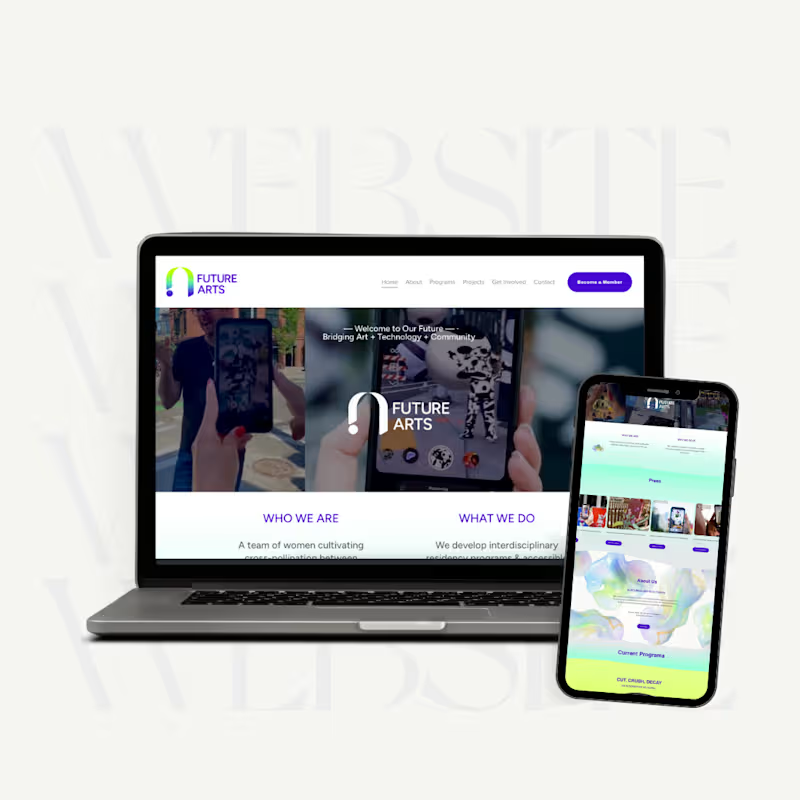
Website Redesign | Future Arts Co
0
8
Digital Accessibility
(1)
Follow
Message
Kirkland Layton
Seattle, USA
Senior Swift-Engineer with 13 years of experience.
Follow
Message
Senior Swift-Engineer with 13 years of experience.
0
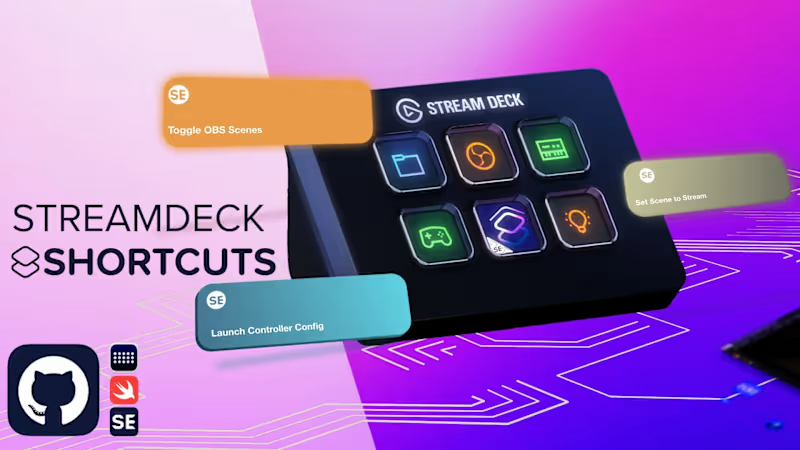
Shortcuts for Elgato's Stream Deck
0
12
0
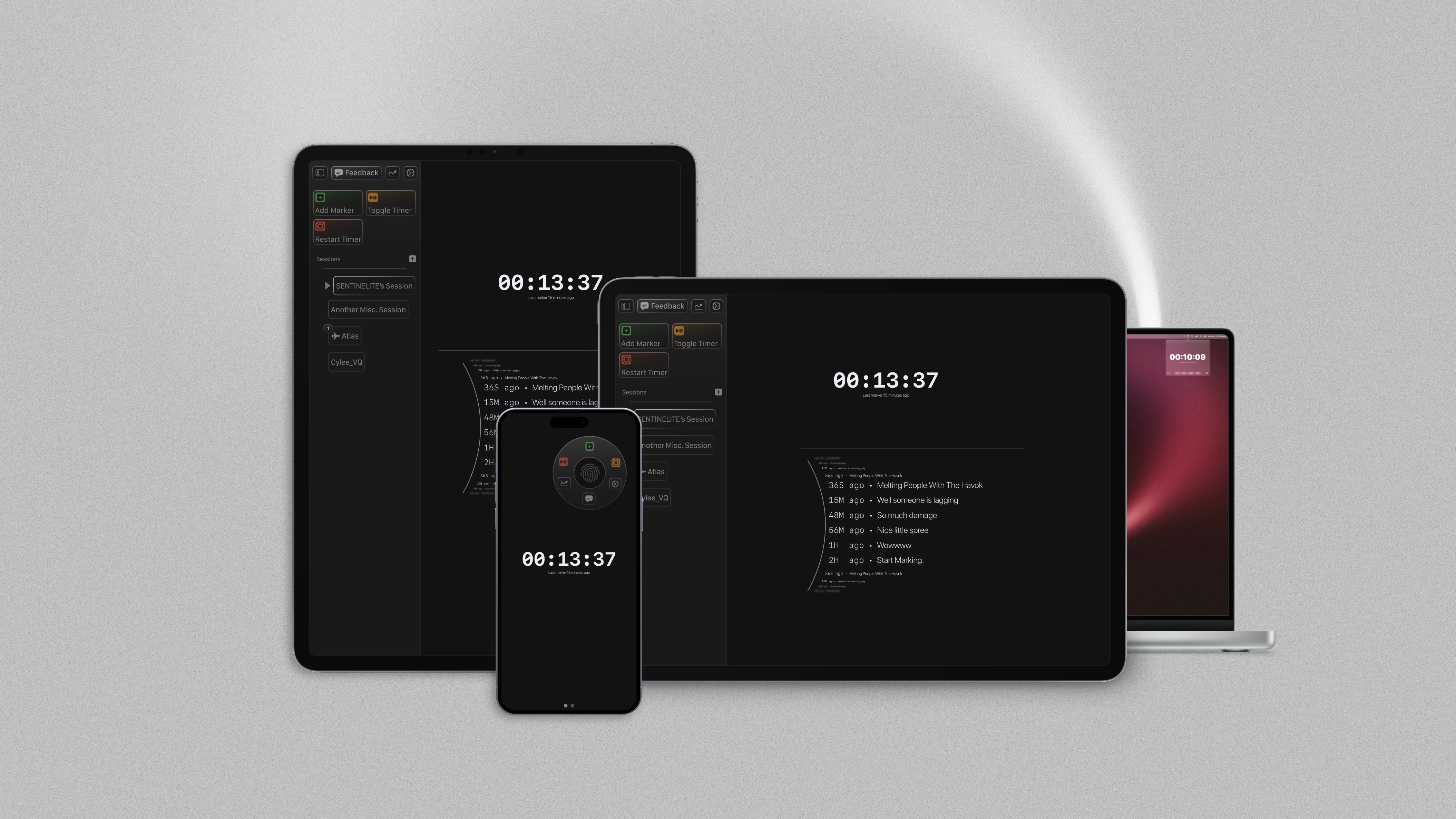
Marker: Streamlining Content Creation with Export Tools
0
5
0
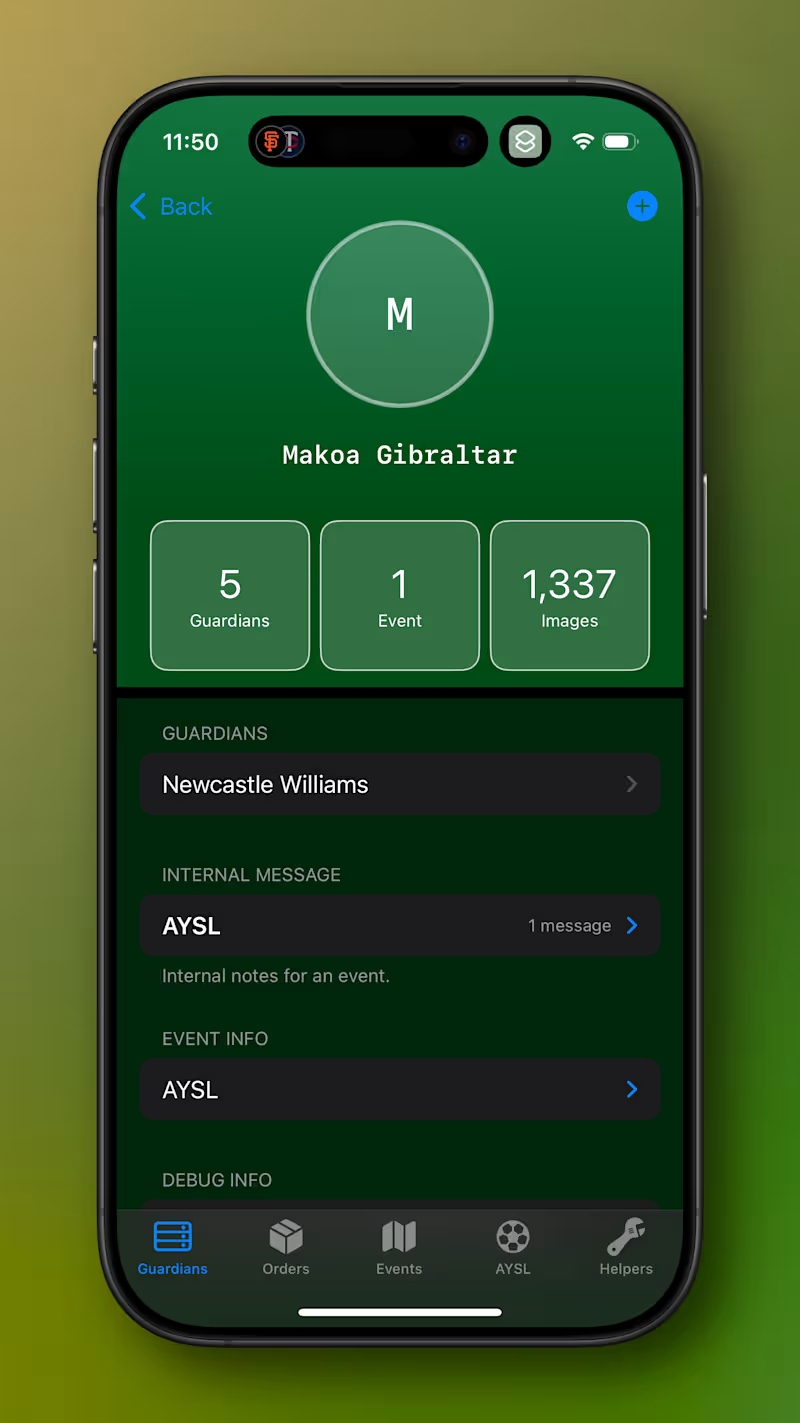
In-House Apple-App for Mike Bennett Photography
0
6
View more →
Digital Accessibility
(1)
Follow
Message
Explore people