Interaction Design Projects in London
Interaction Design Projects in London
Sign Up
Post a job
Sign Up
Log In
Filters
2
Projects
People
Message
0
Idris Abass
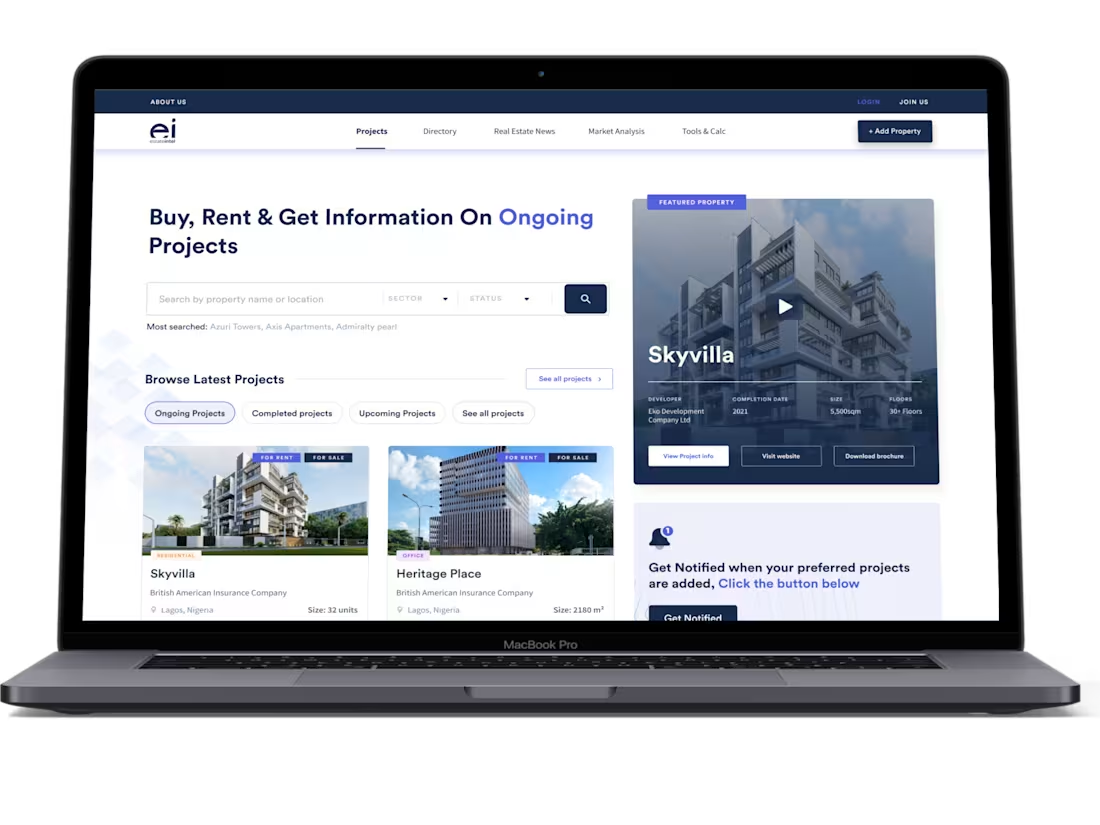
Estate Intel's Project Feature Redesign
0
23
Message
1
Raji Adeoye
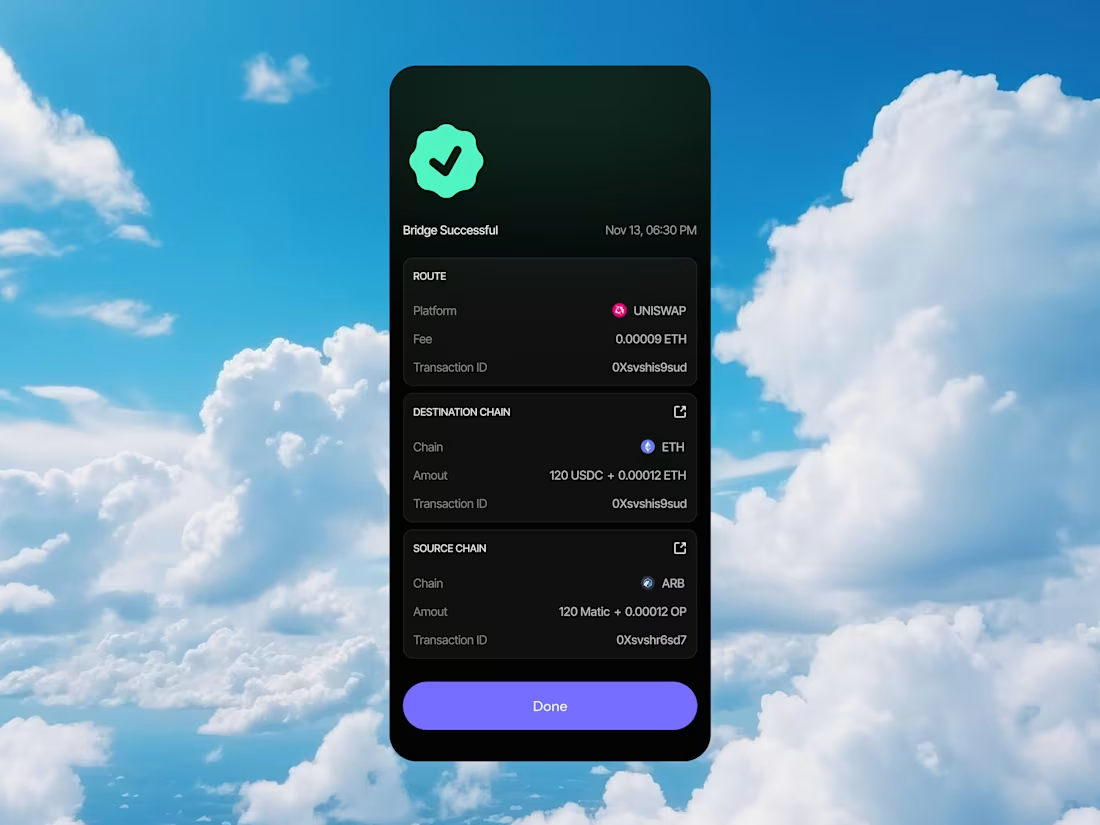
Transaction Process
1
1
36
Message
0
Hammed Shotola
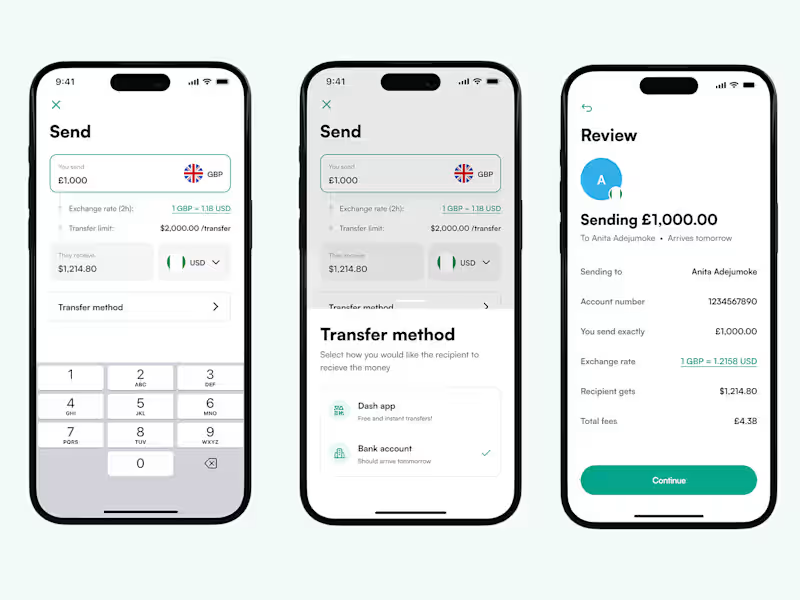
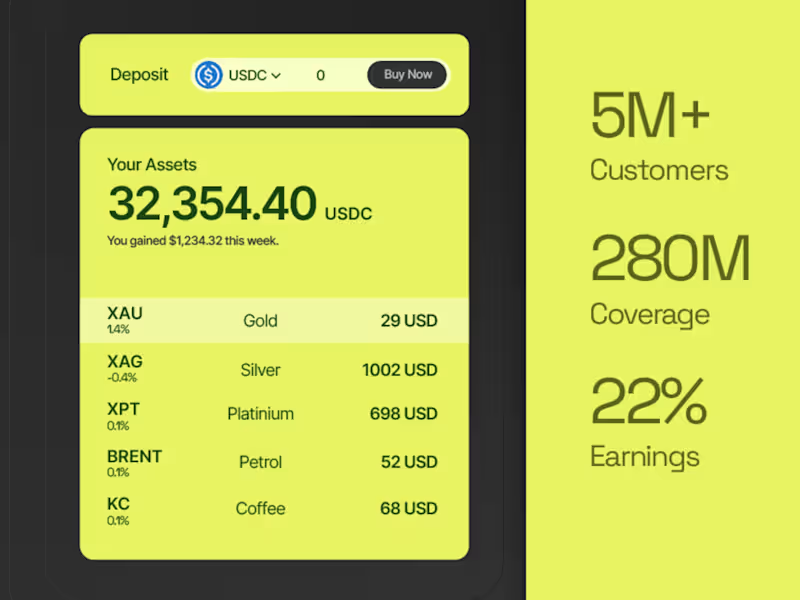
Redesign of Dash Remittance App for UK Market
0
6
Message
0
Victor Churchill
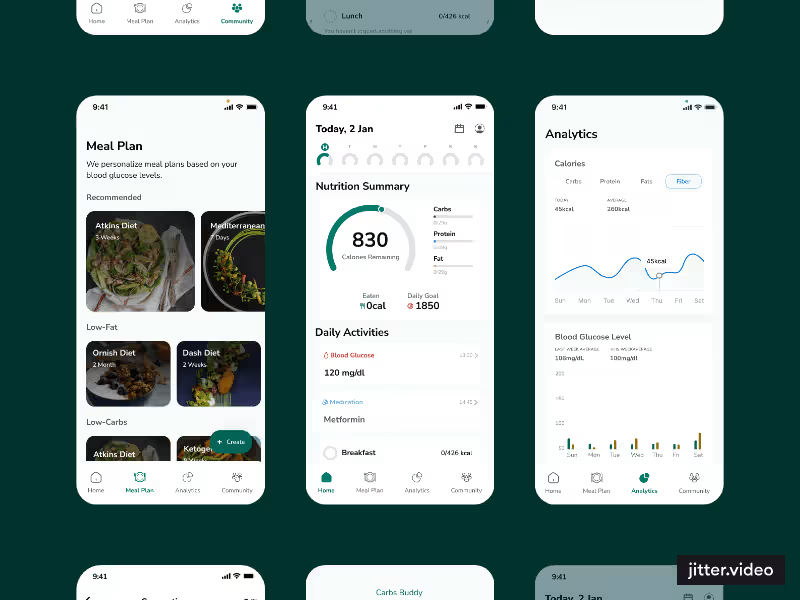
Calorie Tracking and Nutrition Management Application
0
13
Message
0
Fatih Ozturk
UX Research and Interfaces of Tenvault
0
8
Message
0
Turugshan Turna
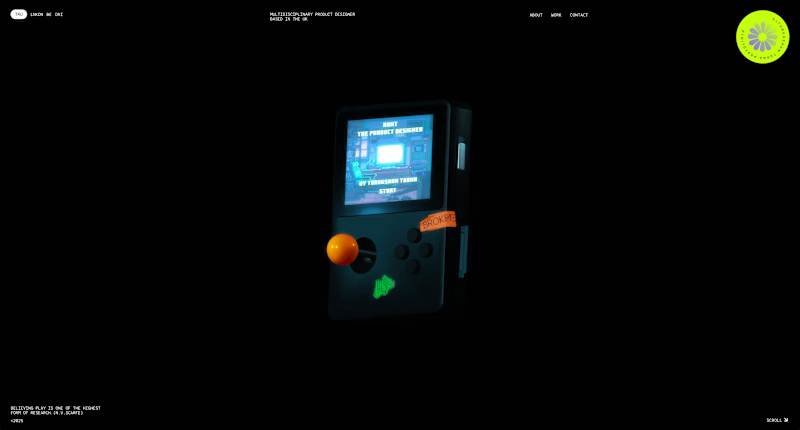
My portfolio website
0
9
Message
1
Arron | SaaS & Mobile
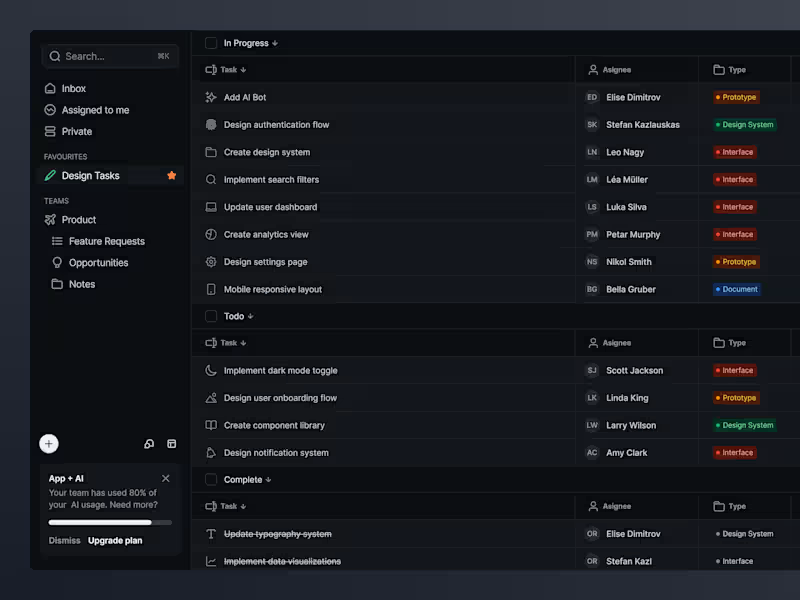
Input Task | Project Management
1
34
Message
1
Laolu Ganiy
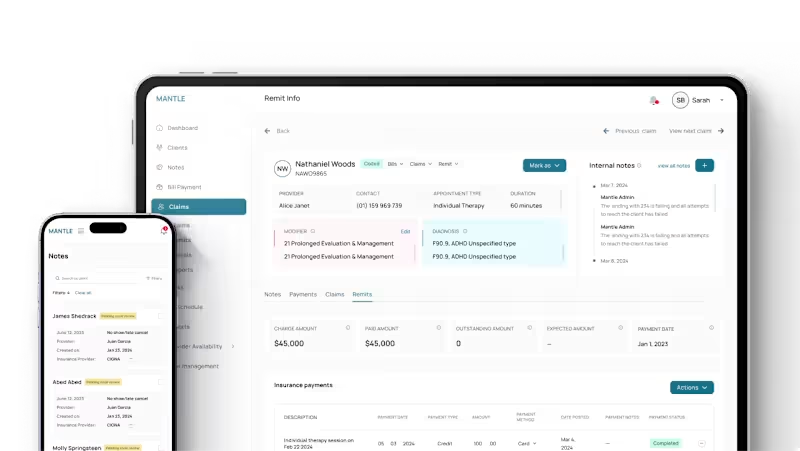
ERP/EHR v2 Enhancement Project
1
10
Message
0
George Angel
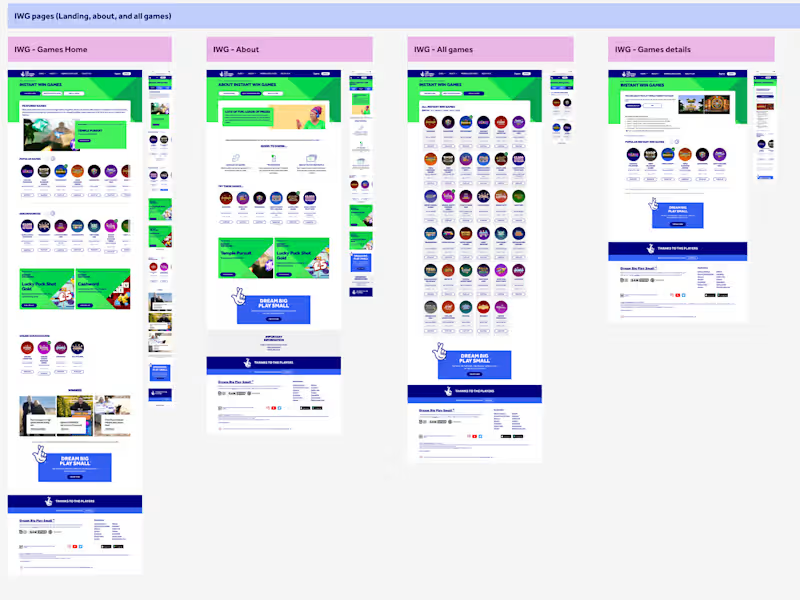
National Lottery Instant Win Games Revamp
0
12
Message
33
Lynne
pro
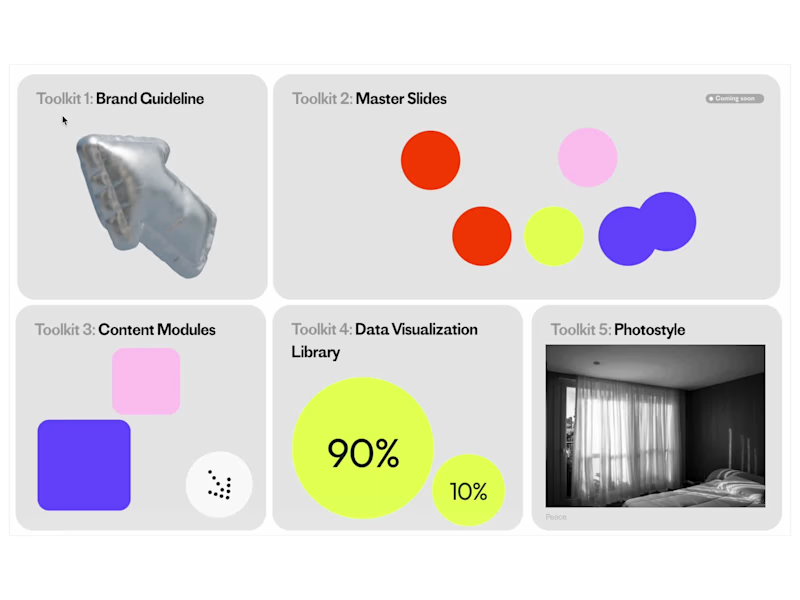
Playing with ReadyMag (https://readymag.com) this week ✨ The interactions and presets are actually insane — so many fun, cute effects you can build in seconds. Honestly… kinda obsessed. —— I’m currently trying to build an online modular presentation library for an in-house team using ReadyMag! They’ll use it to create interactive presentation decks, and this is the index page for everything 👀✨ Try the interactions here: https://readymag.website/5948429
6
33
1.1K
Message
0
Manuele Capacci
pro
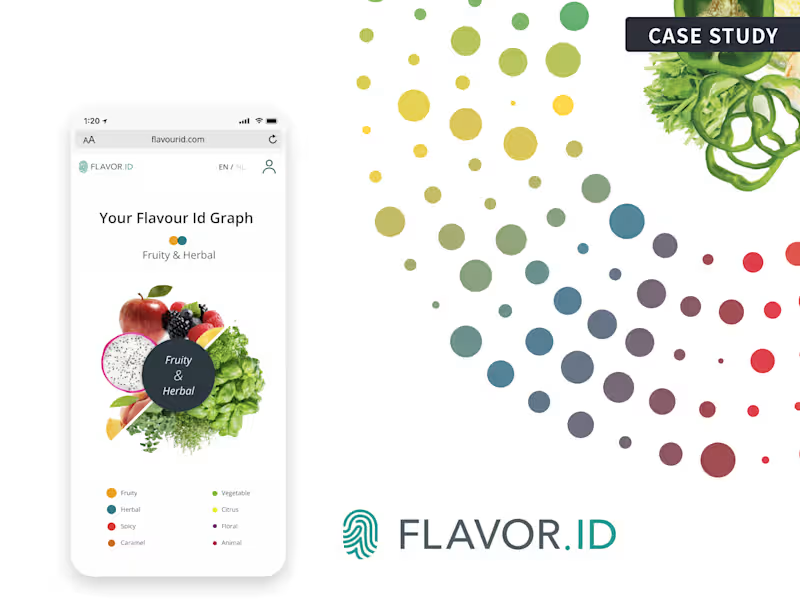
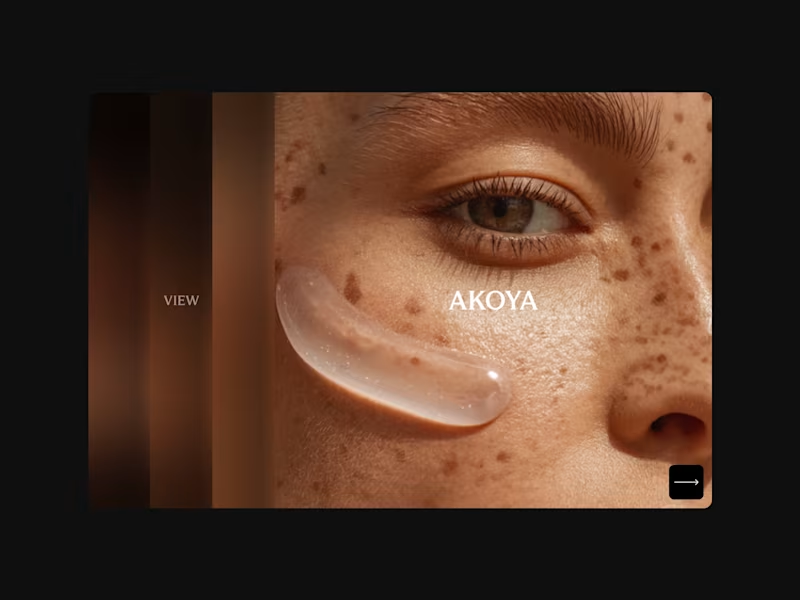
Flavor ID - Turning Food Science into a Personal Experience
0
64
Message
0
Luke Cottrell
pro
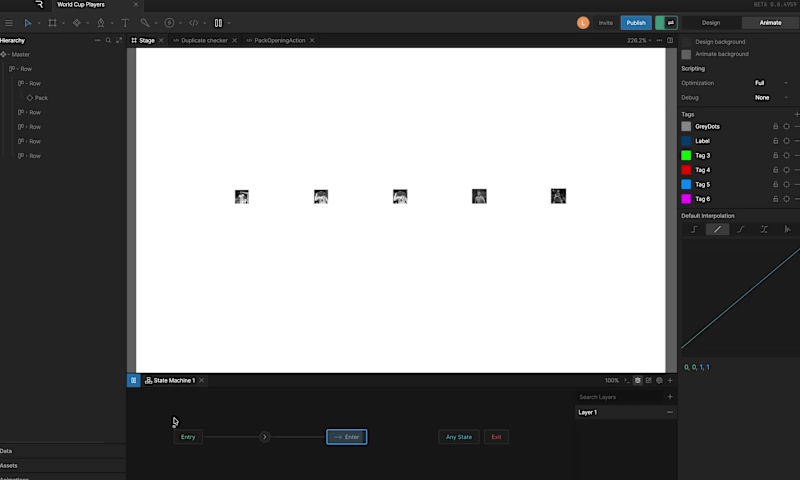
World Cup's a few weeks away so I built a FIFA-style pack opener in Rive. The interesting bit isn't the reveal animation, it's the data binding underneath. One Player view model as a blueprint, a list of instances as the squad pool, a Lua listener script that randomises the pick on packOpening trigger. Everything on the artboard binds to a single nested instance so name, photo, rating, and sub-stats stay in sync without any per-element wiring. Rive's new scripting and list properties make this kind of thing genuinely fun to build. Bring on summer!!
0
145
Message
0
Jessy Mariau
pro
A live 3D graph running inside a Framer site
0
6
Message
0
Jordan hurren
Glass Refractal Interactive Component
0
117
Message
32
Jasmine Gordon
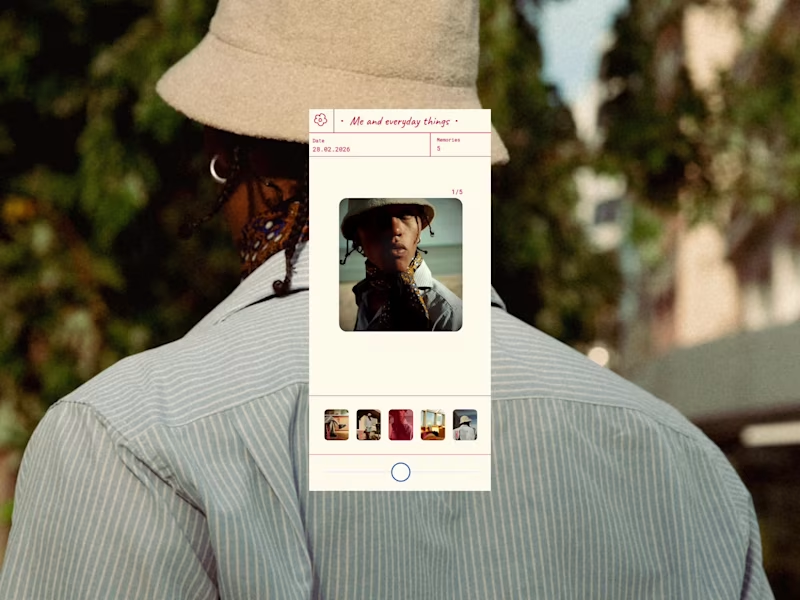
A photo viewer inspired by the classic 3D View‑Master. I wanted to rethink how we look back at our memories on our phones, and bring back that slow, nostalgic feeling instead of the usual quick swipe through. So I attempted to mimic the View‑Master lever, you press and pull the circle in either direction to switch images. Drag it right to move forward, drag it left to go back. I added the ability to move backwards (which you can’t do on the real thing) because it just felt more natural to give people that freedom. For the UI, I designed it to be clear and simple whilst allowing the image the user is viewing to be the main focus. Designed by me in Figma, then built in Figma Make. Play around with it here: https://unify-board-60898759.figma.site
6
32
685
Message
0
Monodeep Samanta
pro
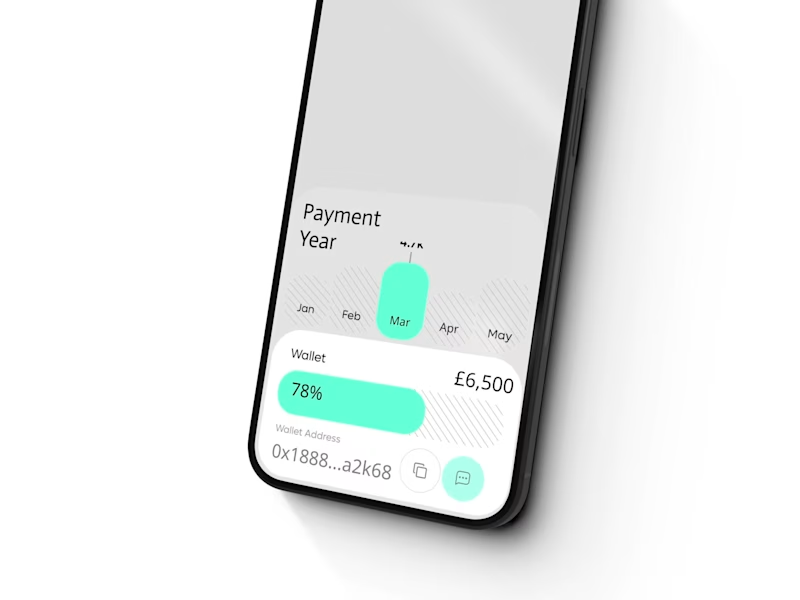
TalentFlow: Workforce & Payment Management Mobile App Designed a mobile workforce and payment management experience for agencies managing distributed talent. The product combines team management, earnings, payment progress, wallet activity and performance data within a simplified mobile interface. The UX and CRO strategy focused on stronger information hierarchy, faster access to high-value actions, financial transparency and reducing friction across core management workflows.
0
68
Explore projects