Experienced Industrial Designer & 3D CGI Artist
Experienced Industrial Designer & 3D CGI Artist
View more →


Rive ⬥ Characters ⬥ UI ⬥ Interactive Motion ⬥ Illustration

Rive ⬥ Characters ⬥ UI ⬥ Interactive Motion ⬥ Illustration
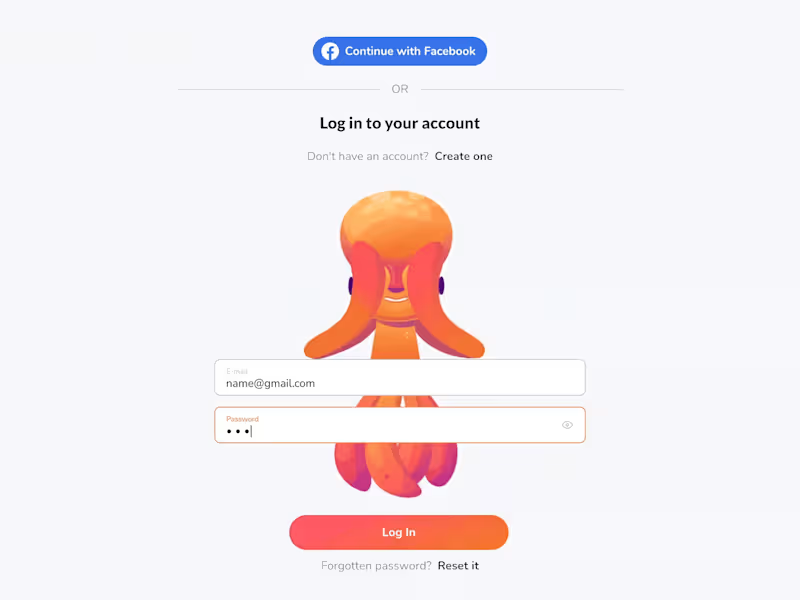
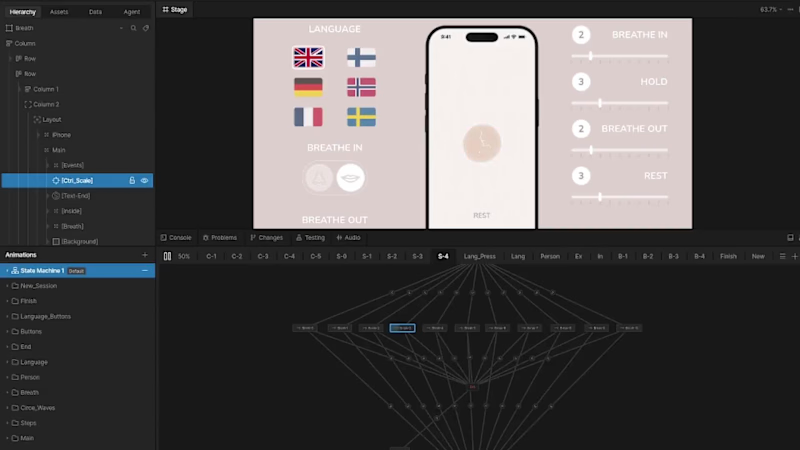
Interactive Breathing Animation System Built in Rive
I'd like to share a project I worked on a while ago.
The visuals are simple, but the most interesting part was building a flexible animation system in Rive. I set up logic, states, and interactions. This allows the animation to adapt to different use cases. And at the same time, it stays lightweight and easy to integrate.
All parameters are controlled by developers: from timing to breathing method. This makes it easy to adapt to different types of exercises.
Key features:
• Multi-language support
• Breathing method selection (nose or mouth)
• Adjustable timing for each phase (inhalation, holding, exhalation, resting)
• One animation system for all exercise types (relaxation, focus, energy, etc.)
Built before data binding was introduced in Rive 😂
Try it out: https://rive.app/s/qSSq8Fnsz0GfXhHoslnoyw/embed
1. Select your language.
2. Adjust the timing and breathing method.
3. Start the session.
4. Press Finish to end the session after the current cycle.
5. Tap New Session to restart.
All parameters can be updated in real time.
5
676
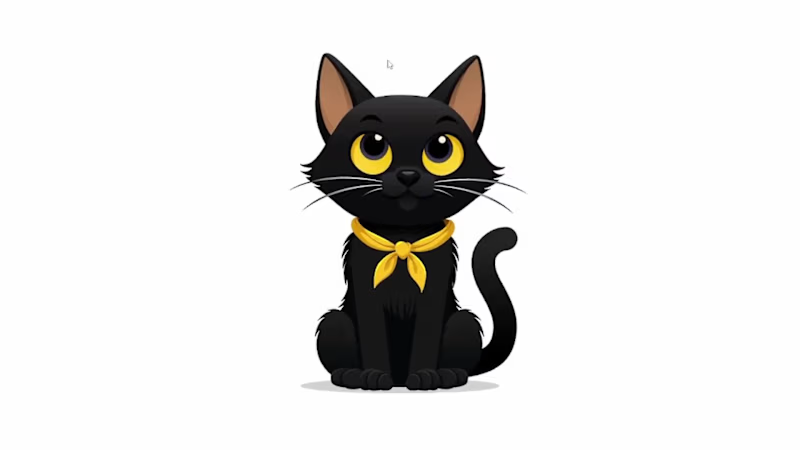
Rive Mascot Animation
Project Overview
Design an expressive, interactive mascot animation in Rive that reacts to user actions and brings personality into the product experience.
Role: Rive Animator
Services:
- Character redrawing (AI raster → clean vector)
- Interactive Rive mascot animation (only 40 Kb)
Tools: Rive, Adobe Illustrator
Process:
1. Character Preparation
The character was originally generated as a raster AI image. I manually rebuilt it as a clean, fully vector-based character, optimized for animation.
2. Rigging & Animation States
I prepared the character for animation and created several expressive states, including:
- Idle
- Happy
- Smiling
- Winking
To make the mascot feel more alive and responsive, I added an interactive behavior where the mascot follows the user’s mouse cursor when it gets close.
2
6
774

creative marketing professional
creative marketing professional

View more →

Brand designer for small businesses
Brand designer for small businesses

Looking for a logo or a fun design? Hit me up!
Looking for a logo or a fun design? Hit me up!