Projects using Figma in Edmonton
Projects using Figma in Edmonton
Sign Up
Post a job
Sign Up
Log In
Filters
2
Projects
People
Message
3
CodeLoop Canada
pro
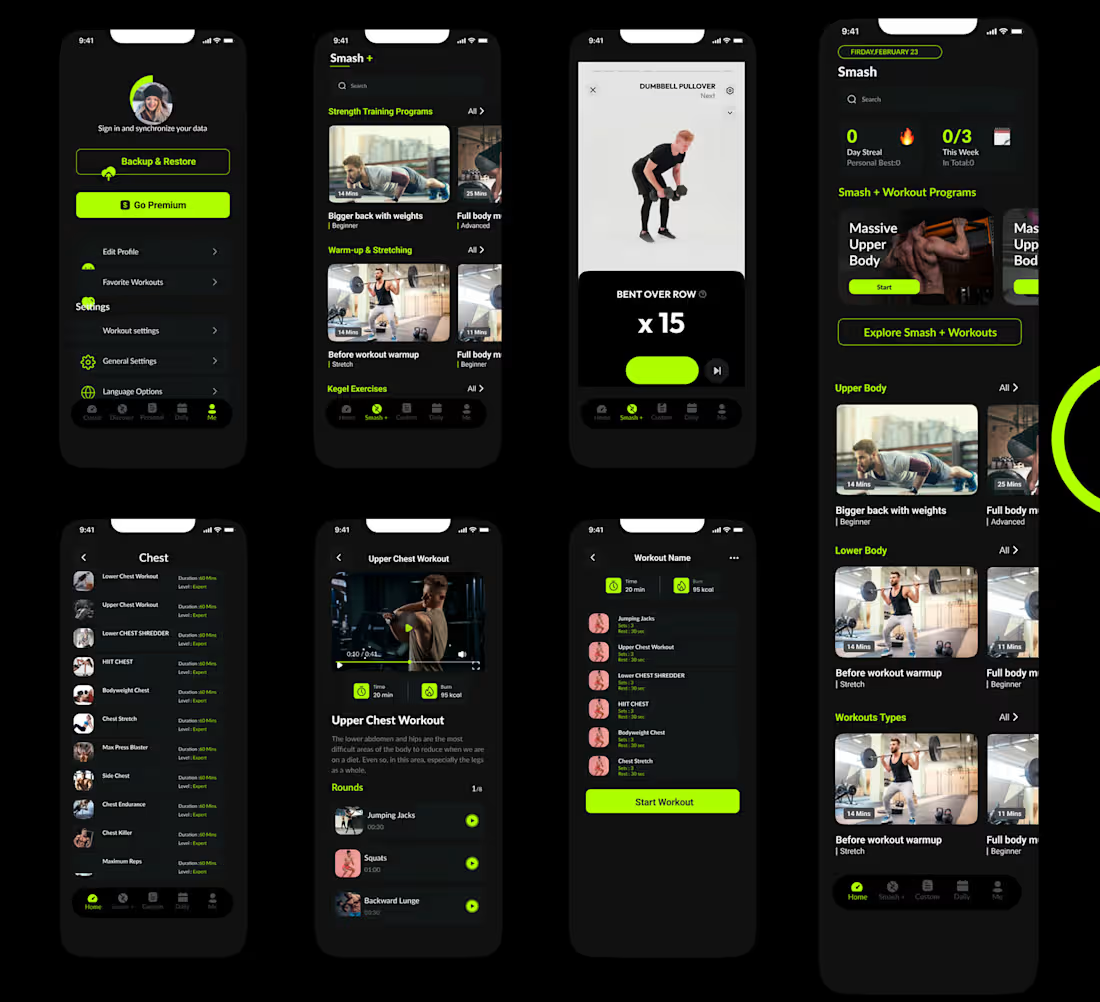
Smash+ — Modern Fitness Experience Designed in FlutterFlow
3
6
Message
0
Nicole Buloran
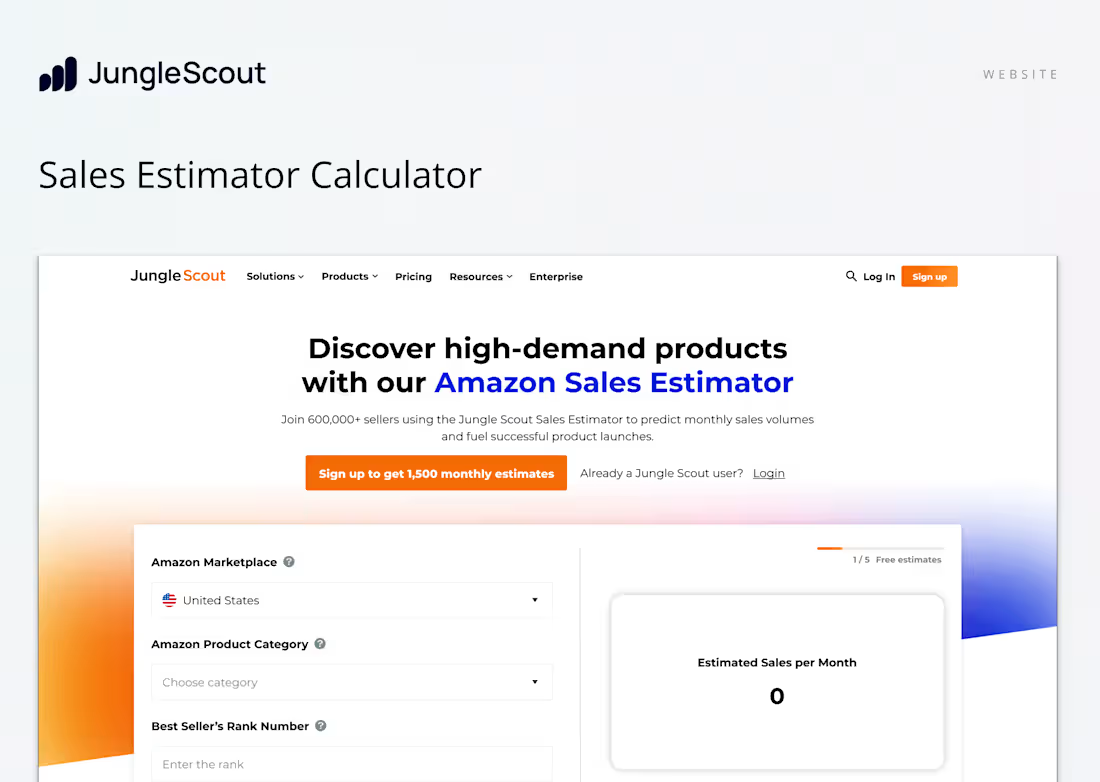
Jungle Scout Sales Estimator Redesign
0
8
Message
0
Jeffrey Agyepong
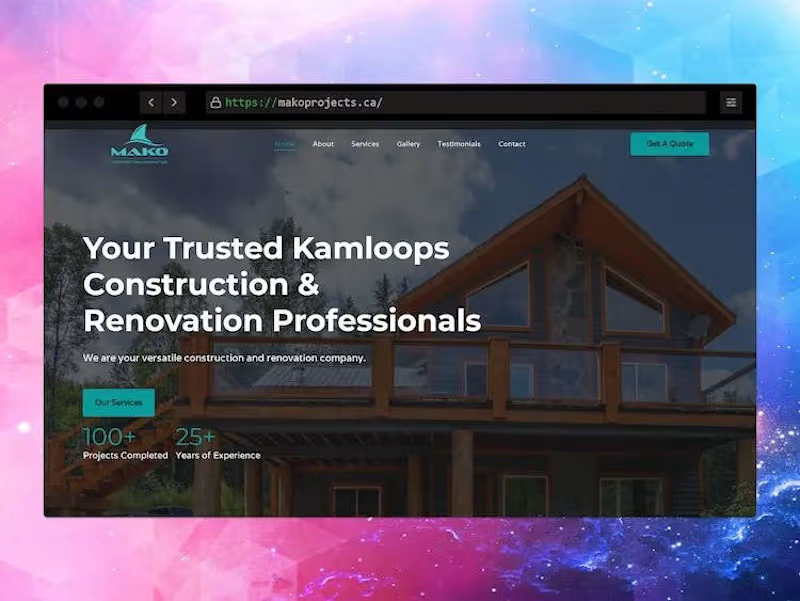
Kamloops Construction Company | Mako Construction and Renovatio…
0
11
Message
0
Trina Bloemen
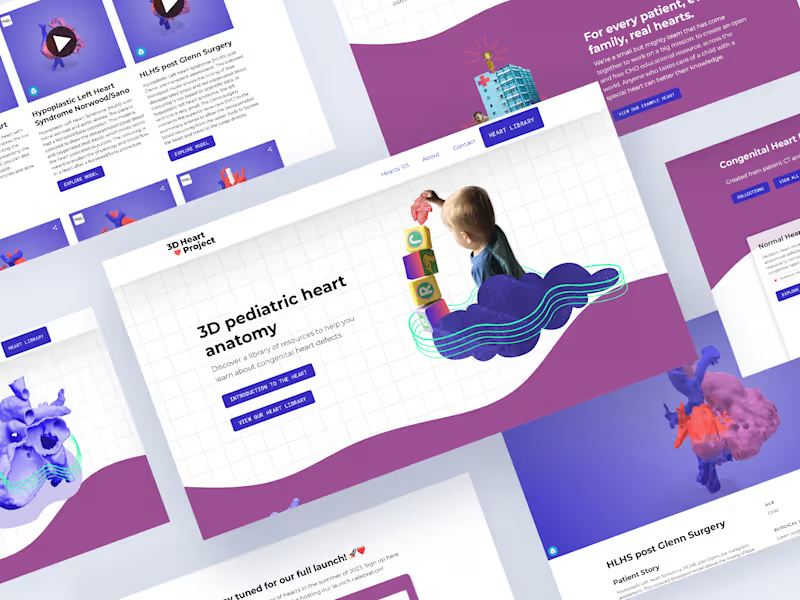
The 3D Heart Project: Website, Branding & Library
0
41
Message
0
Miya Ramos
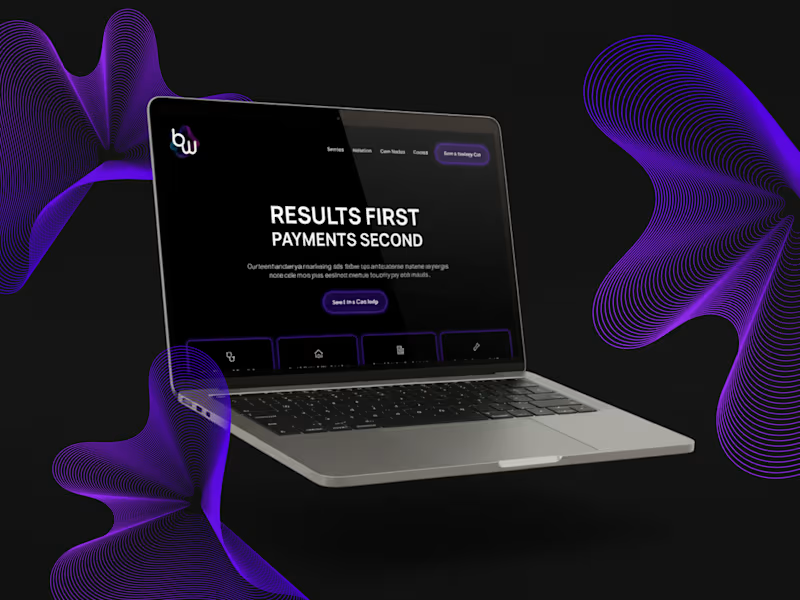
Bloom Wave Media Brand & Website Design
0
4
Message
0
Nick Yahodin
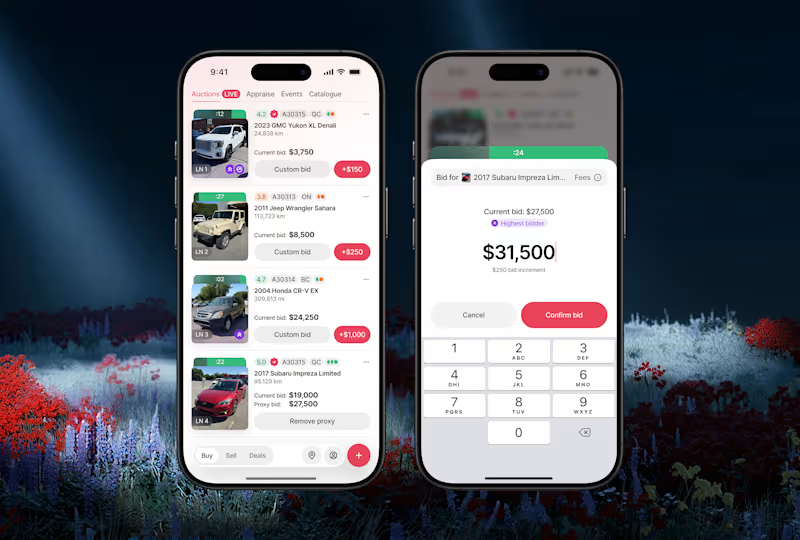
Redesigned B2B marketplace-auction app & grew listings by 2x
0
13
Message
0
Vivian Lai-Bui
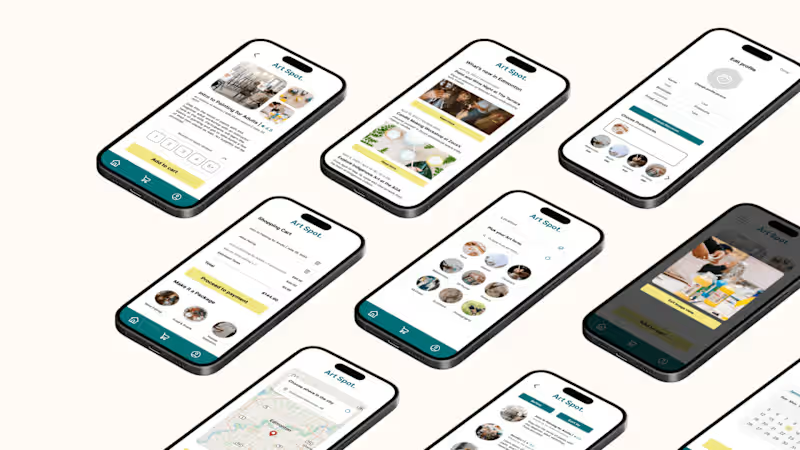
Creating a Mobile App for Local Art Program & Event Registration
0
57
Message
0
Irem Ozekes
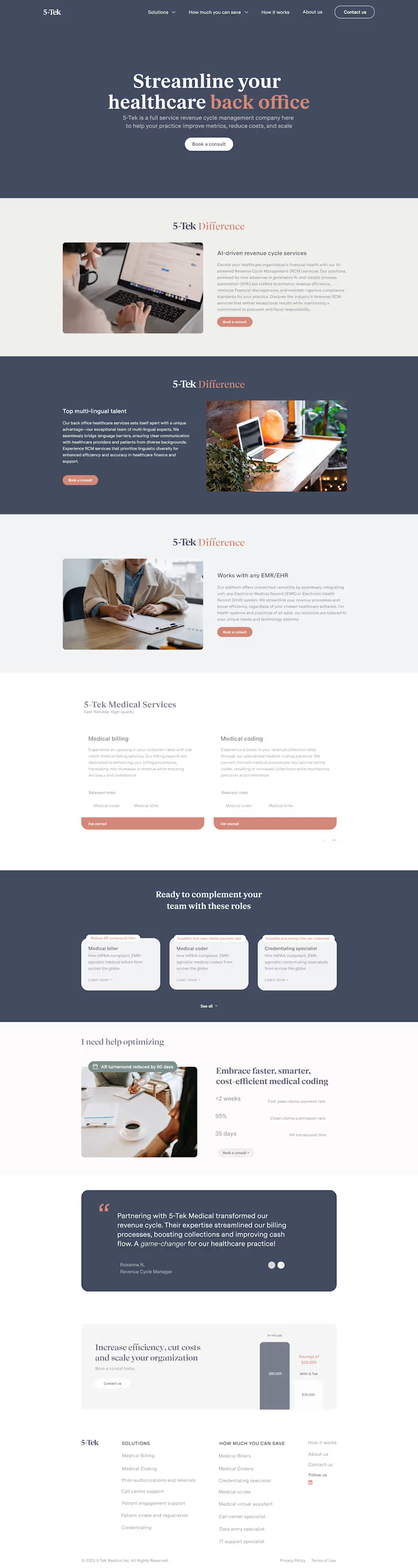
Branding, design and Webflow development for 5-Tek
0
16
Message
7
Muhammad Ahmed
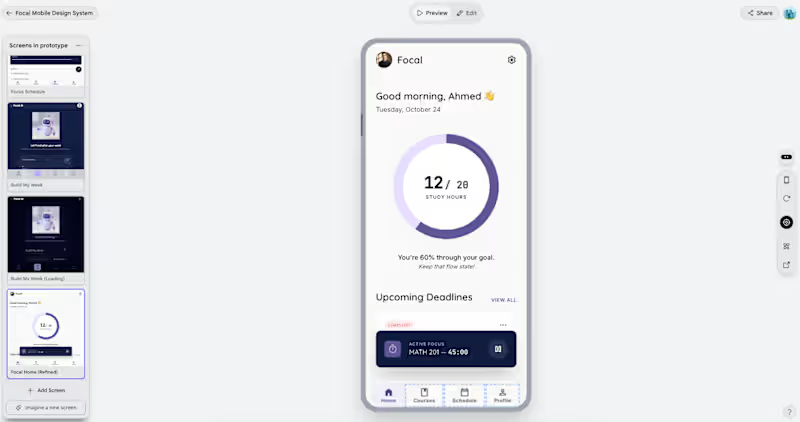
Focal is an AI-powered study planner app designed to help university students take control of their academic workload. Students can add their courses, set deadlines and difficulty levels, and let Focal's AI generate a personalized weekly study schedule. The app features 7 screens, including a home dashboard, course management, an AI schedule generator with a loading state, a weekly focus view, and a student profile with gamification elements like focus streaks and total study hours. app link: https://stitch.withgoogle.com/preview/1196363918287567684?node-id=1b50926136494292aee8232a6bc7b338 🔧 How I Used Stitch I used Google Stitch as the core design tool for the entire project. I started by generating a master design system for the Focal brand — establishing the navy, lavender, and coral colour palette, typography, and component styles. I then generated each screen individually using detailed text prompts, referencing the Focal design system in every prompt to maintain visual consistency across all 7 screens. I used Stitch's multi-screen infinite canvas to manage all screens in one workspace, and used the Instant Prototype feature to connect all screens into a clickable, interactive flow with a shareable link. 💬 Feedback on Stitch Stitch made it incredibly fast to go from a concept to a fully designed multi-screen prototype. The design consistency across screens was impressive — once the design system was established in the first prompt, every subsequent screen matched the brand without extra effort. The Instant Prototype feature was a highlight, connecting all screens into a shareable, clickable flow in seconds. The main friction point was that prompt changes sometimes affected unintended screens, requiring an undo. Overall, it's an incredibly powerful tool for solo builders and students who want professional-looking app designs without a design background.
3
7
223
Message
0
Zunaira Javed
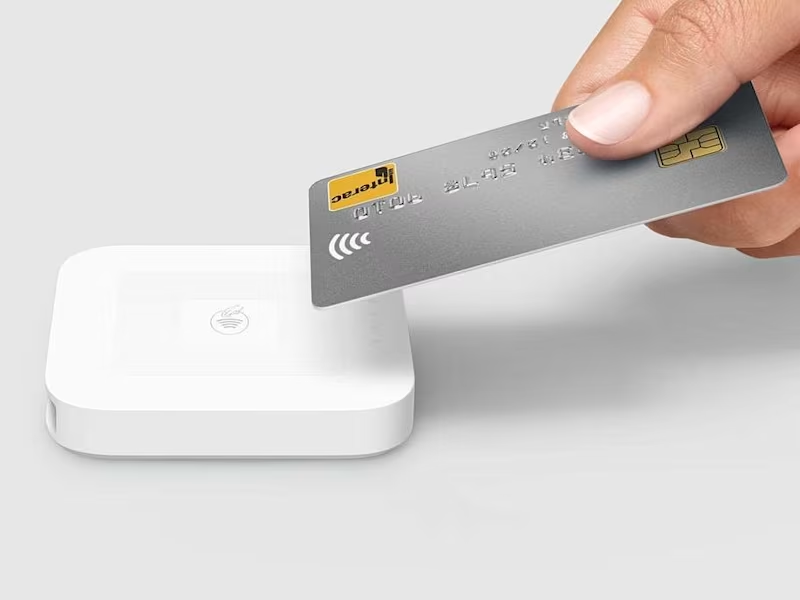
Aumtco - Mass Transit Payment Cards and App
0
20
Message
0
Joel Berg
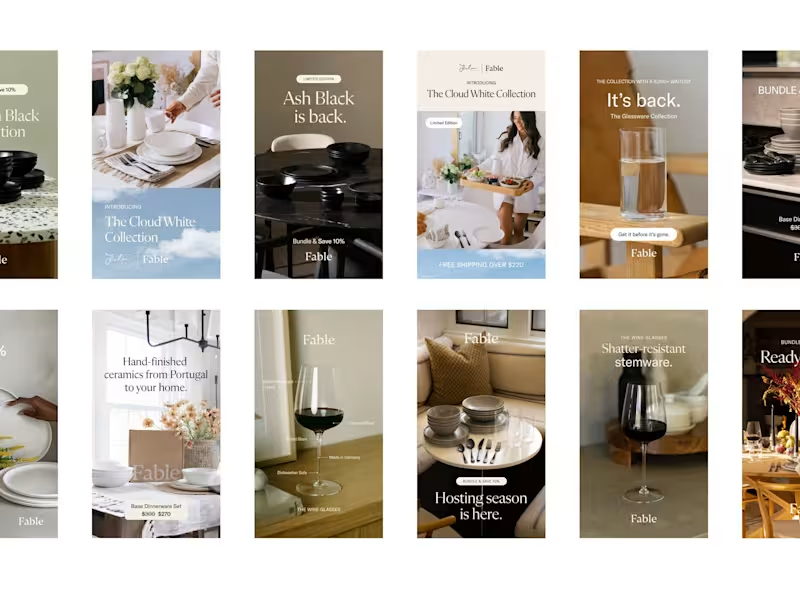
Joel Berg — Fable
0
25
Message
1
Kabelo Mdlongwa
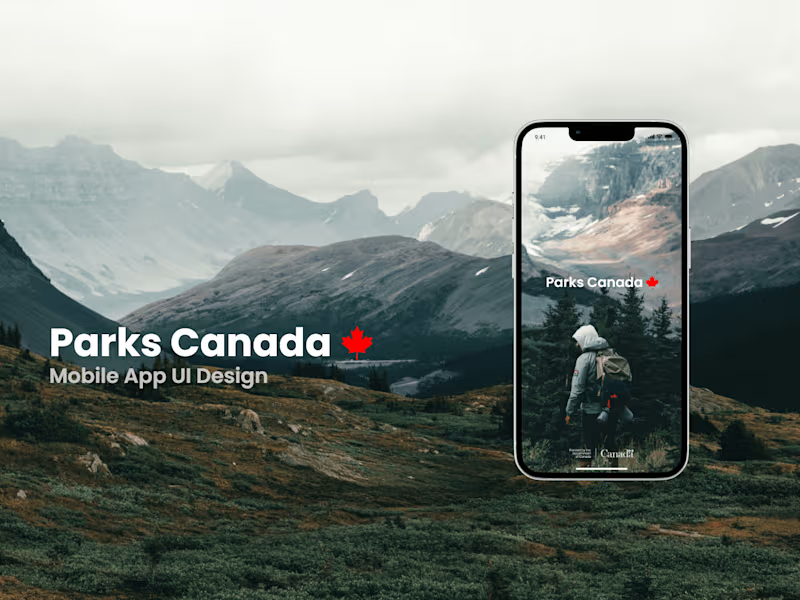
Parks Canada Mobile App UI Design
1
4
Message
0
Infinite Ideas Web Design
Canadian Attitude | Clothing Brand for Women & Men
0
32
Message
0
John Trampe
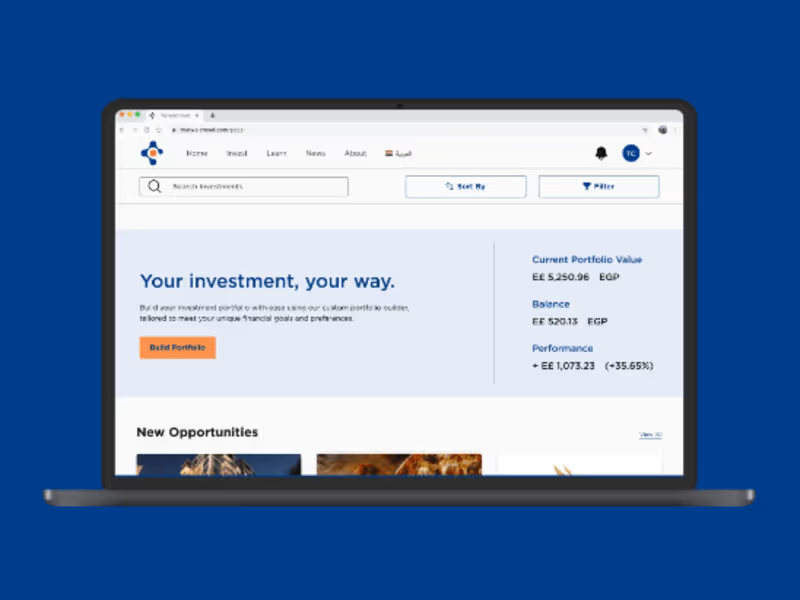
Tharwa Crowd
0
9
Message
0
Colin Stasuik
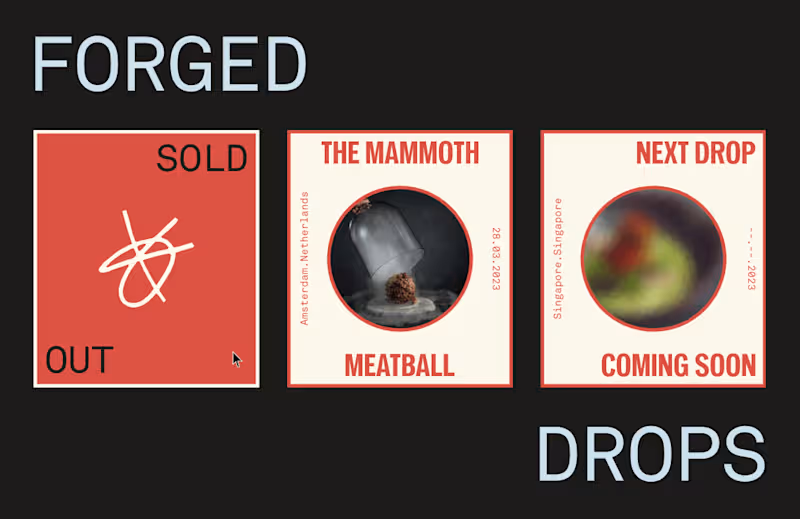
forged by vow layout design
0
4
Message
3
CodeLoop Canada
pro
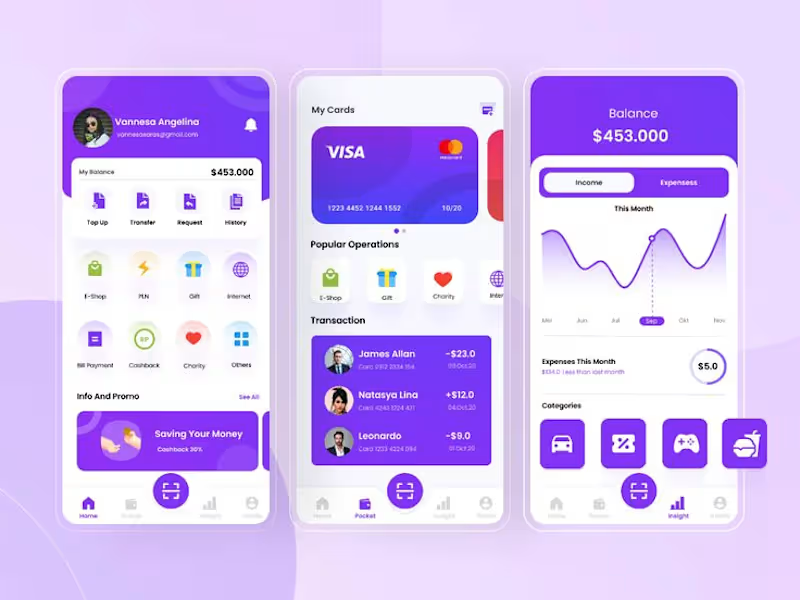
Smart Money - Personal Finance Manager (FlutterFlow App)
3
6
Explore projects