
Desi Hernandez
UX/UI Designer


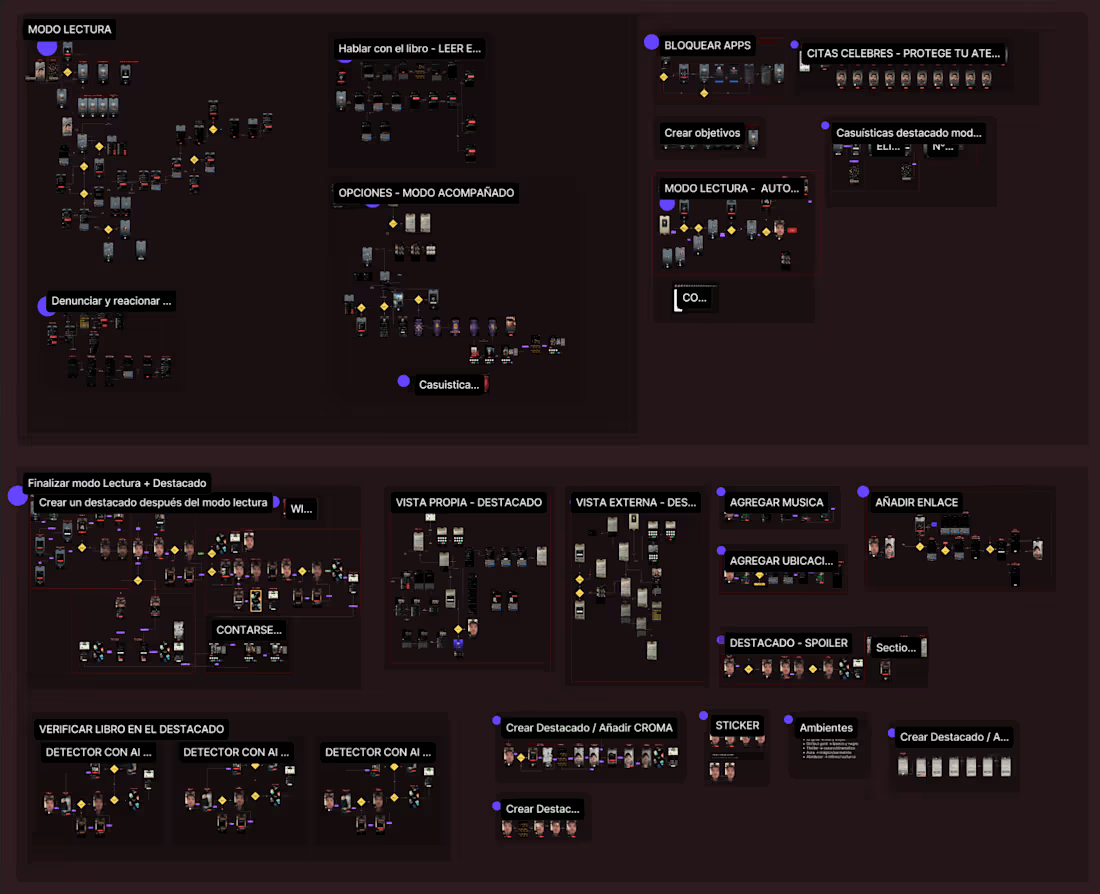
Tell me you're designing an app without telling me you're designing an app👀
And no, this isn't the whole app.
It's just one feature.
Behind what looks like a simple user experience is a whole ecosystem: every possible user journey, different user types, edge cases, error states, and decisions users will probably never notice... and that's exactly the point.
One of the tools I rely on the most to make this happen is wireflows.
They're much more than screens connected by arrows. They're how I understand the user's journey before jumping into high fidelity designs.
Wireflows help me:
- Explore every possible user path.
- Identify edge cases and friction points early.
- Think through scenarios that are easy to miss.
- Create a shared understanding between design, product, and engineering.
People often see the final UI and think that's what product design is.
But for me, the real work happens long before the polished screens. It's about designing experiences that make sense from start to finish.
Good design isn't just about how it looks. It's about how it guides, solves problems, and helps people move forward effortlessly.
Do you also start your projects with wireflows, or do you use a different way to map the user experience?
0
86
Hi everyone! 👋
This is my first post here, so I thought I'd share something I've been really excited to work on.
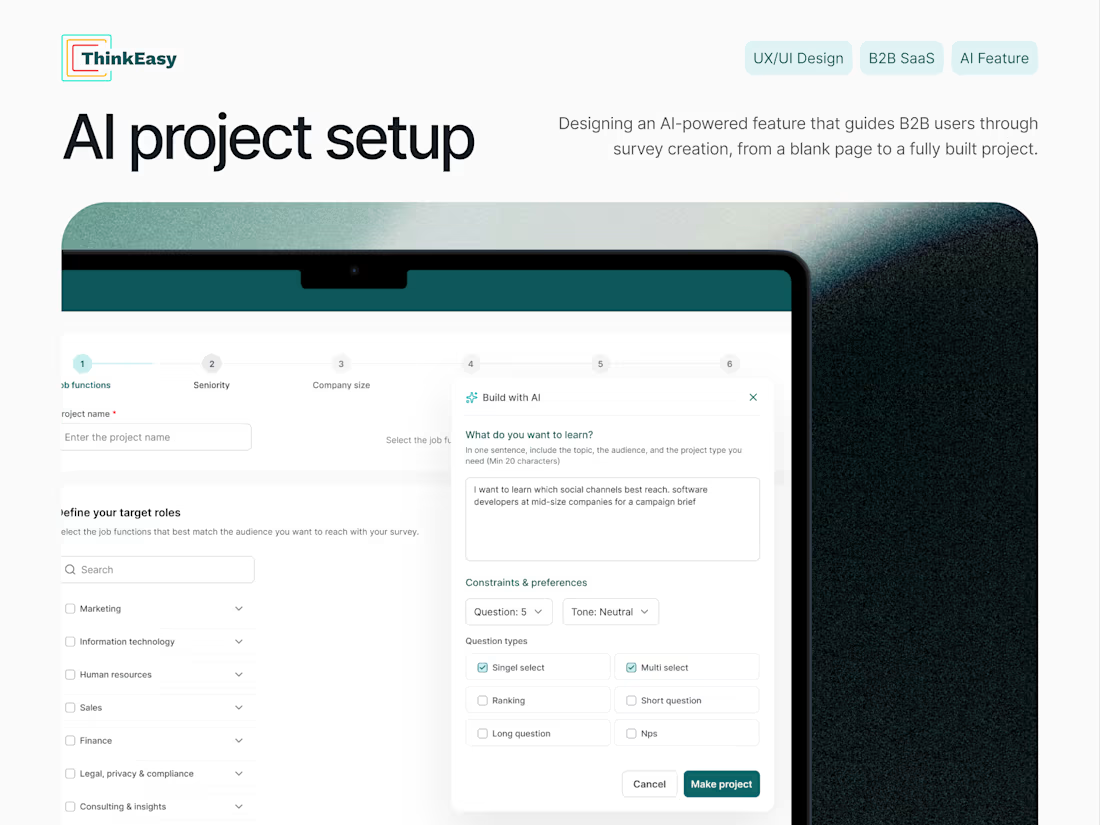
I recently designed the AI Project Setup experience for ThinkEasy from scratch. The goal was to make creating research projects feel simple and intuitive, while using AI to guide users instead of overwhelming them.
It was a fun challenge to figure out how to balance flexibility with clarity, and I'm really happy with how it came together.
I'd genuinely love to hear your thoughts or feedback!
https://www.behance.net/gallery/247586847/ThinkEasy-AI-Project-Setup
#UXDesign #ProductDesign #AI #CaseStudy #UserExperience
20
26
773
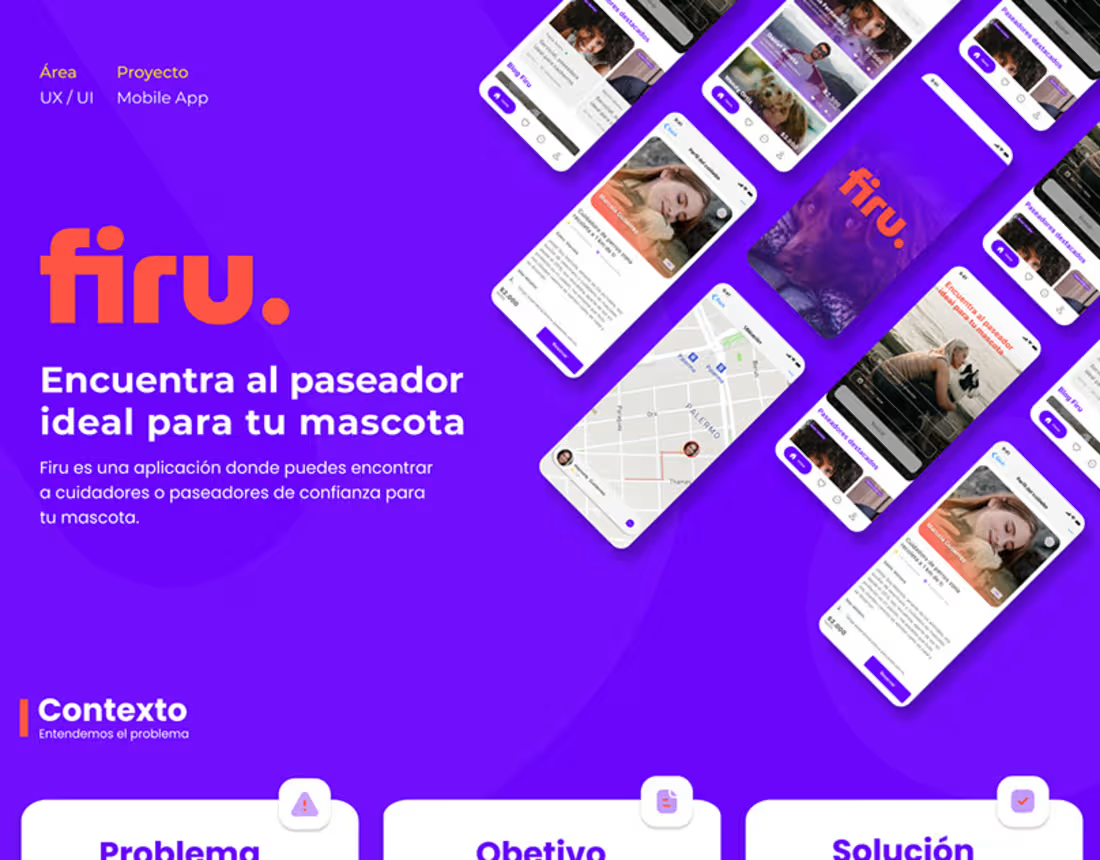
Firu App
1
18
Social media post Design
2
12