The network for creativity
Join 1.25M professional creatives like you
Connect with clients, get discovered, and run your business 100% commission-free
Creatives on Contra have earned over $150M and we are just getting started
Back to feedPost

"The site is slow, can you fix it?" is probably the message I get most.
Before touching a single setting, I look at four things:
1) how many plugins are active, and which ones load on every page
2) image sizes (a 4 MB hero photo is still the most common culprit I see)
3) whether any caching is set up at all
4) the hosting plan, because sometimes the honest answer is that the server is the problem
Most of the time the fix is boring: remove, compress, cache. No magic plugin needed.
What's the first thing you check when a site feels slow?
The network for creativity
Join 1.25M professional creatives like you
Connect with clients, get discovered, and run your business 100% commission-free
Creatives on Contra have earned over $150M and we are just getting started




Related posts

For Sienna Rhodes, I designed the homepage around one idea: the portfolio should come first.
Photography clients usually want to know one thing before they read about your process, your packages, or even who you are: Do I connect with your work?
So instead of opening with a traditional introduction, the homepage leads directly into the portfolio and lets the imagery make the first impression. The supporting copy and details come later, once the work has already created that initial connection.
I’m curious where other designers and photographers land on this. Do you prefer a portfolio-first homepage, or do you think the photographer’s story should come first?


Portfolio first, every time for photography. Nobody hires off a process paragraph, they hire because one image stopped them scrolling. The story matters, but it lands harder after the work has already made the case. That start here slider does the pitch by itself.

Designed and built this for Haunted Boulder City, a ghost and UFO tour just outside Vegas.
Had a lot of fun playing with the night photography, fog, and scroll effects on this one. Pretty happy with how it all came together.
Check it out: https://www.hauntedbouldercity.com/ 👻 👽 🛸

Really nailed the atmosphere here. The night photography, fog, and scroll effects make the site feel like part of the tour experience rather than just a booking page. 👻 Which effect took the most experimenting to get right?

Which mockup would you choose?


6 voted
25%
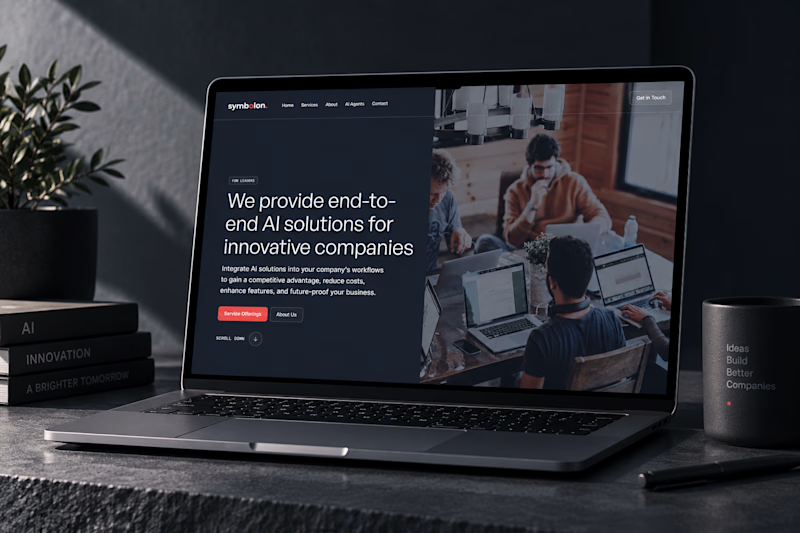
18 voted
75%
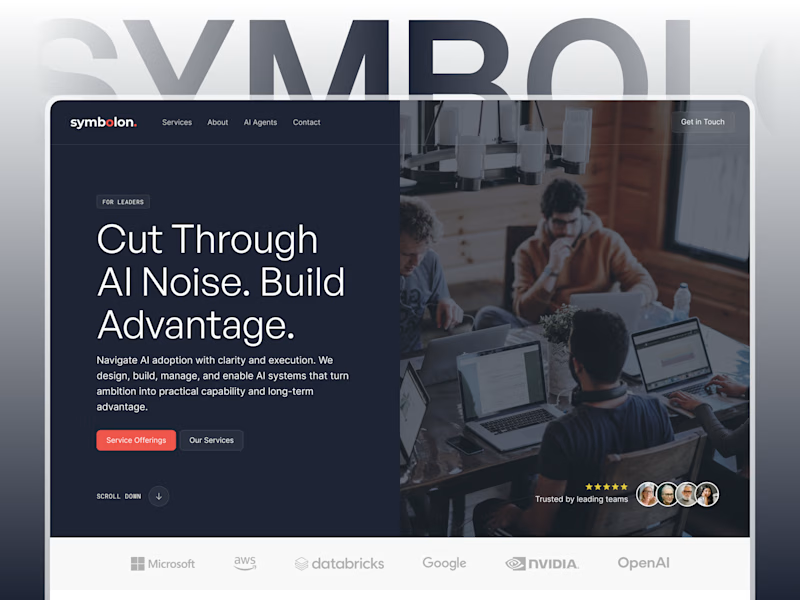
24 votes
Closed

Custom Figma showcases design better for sure! 👍