The network for creativity
Join 1.25M professional creatives like you
Connect with clients, get discovered, and run your business 100% commission-free
Creatives on Contra have earned over $150M and we are just getting started
Back to feedPost

Tutorial: Figma MCP without the rate limit wall. I have been using this repo a lot, and I have to recommend it.
Figma-cli is an open-source, MIT-licensed repo that connects your assistant (Claude Code or Cursor) directly to Figma Desktop on your machine. There are no API keys and no cloud round trip, so nothing to rate-limit.
What you get in the box:
→ 40+ shadcn/ui components you can plug in
→ Support of design tokens + design system import Built-in accessibility checks (WCAG contrast, touch targets)
→ Snapshot testing ensures the same prompt produces the same output
→ Export to PNG, SVG, JSX, JSON tokens I've been running it in "safe mode" (plugin-based, no patching of Figma itself), it's honestly the difference between "novelty" and "actually in my workflow."
Where it shines: Repetitive spec-driven work, a dozen variants of a component, a full type specimen, every button state. Where it doesn't matter: hierarchy, rhythm, what to cut. And that's on you too.
👇Full setup walkthrough (with the exact terminal commands) on my blog
grevaleart.com/blog/posts/figma-cli-free-mcp-no-rate-limit



The network for creativity
Join 1.25M professional creatives like you
Connect with clients, get discovered, and run your business 100% commission-free
Creatives on Contra have earned over $150M and we are just getting started


Trending
retrofuturism
Share your favorite designs from the past exploring the distant future. Or your own take on the aesthetic 🚀
halftone
Dots. Texture. Grain. Let's see your designs using the halftone technique.

Midjourney
Creatives are showing off what they're making with Midjourney.
colorgrade
Video editors sound off: How do you enhance the mood of your video in color grading?
Related posts

Okay, I finally did it 🎬
My showreel has been on the to-do list for about a year. Every time I set aside a weekend for it, a client project showed up and it went right back to the bottom of the list.
Five websites:
📊 Data product
🩺 Healthcare
📣 Marketing
⚖️ Law firm
🛍️ Luxury e-commerce
They all look completely different, and that's on purpose. A site selling a data product has to earn trust fast. A luxury store has to make you slow down and want something. A law firm site has to feel safe. Same craft, five different jobs 🙂
Happy with how it turned out 💛
Taking on new projects now – say hi 👋


Wow love your creativity


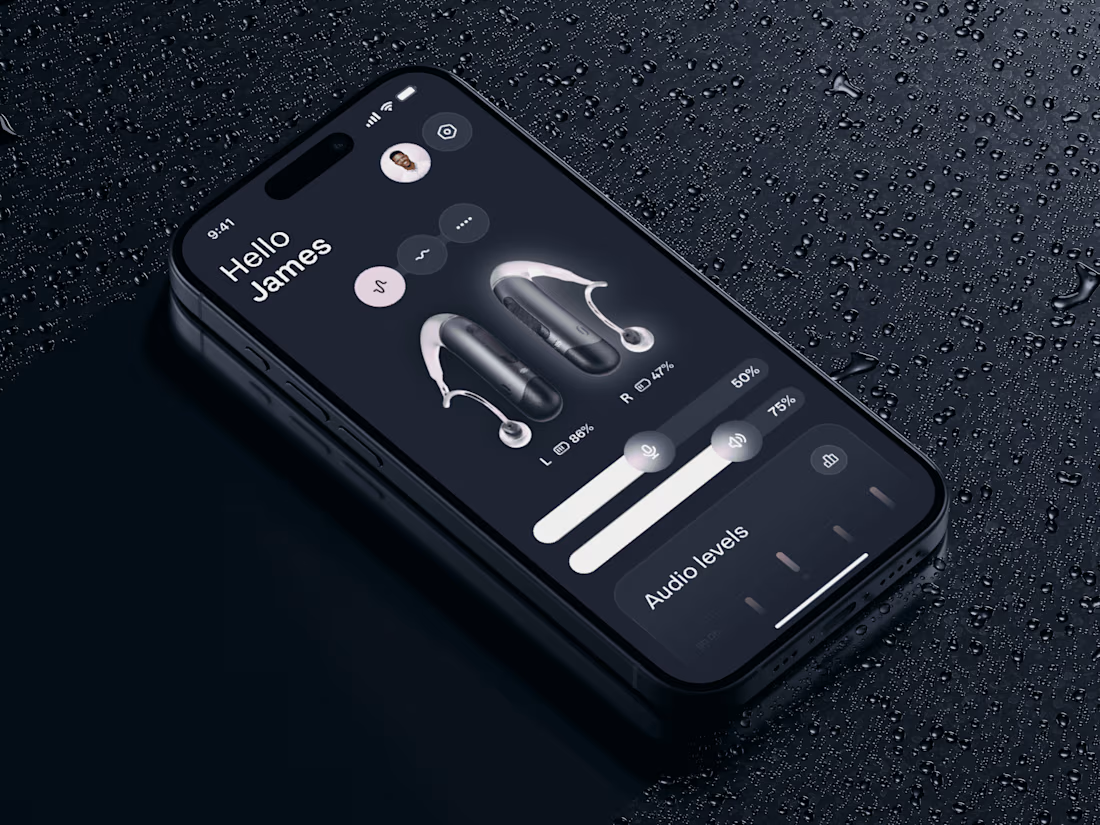
New mobile design concept for the care device app 🦻🏻
Share your feedback


Sleek, premium, and intuitive; the dark interface fits the care device concept perfectly!

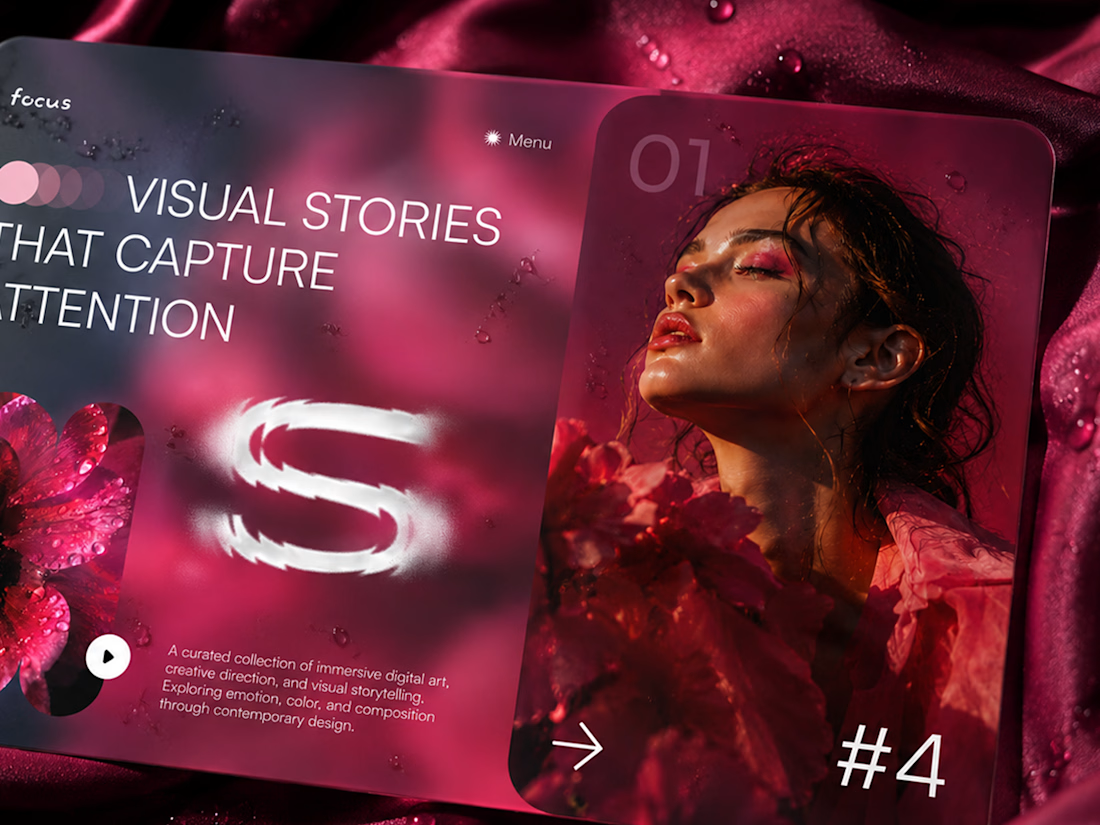
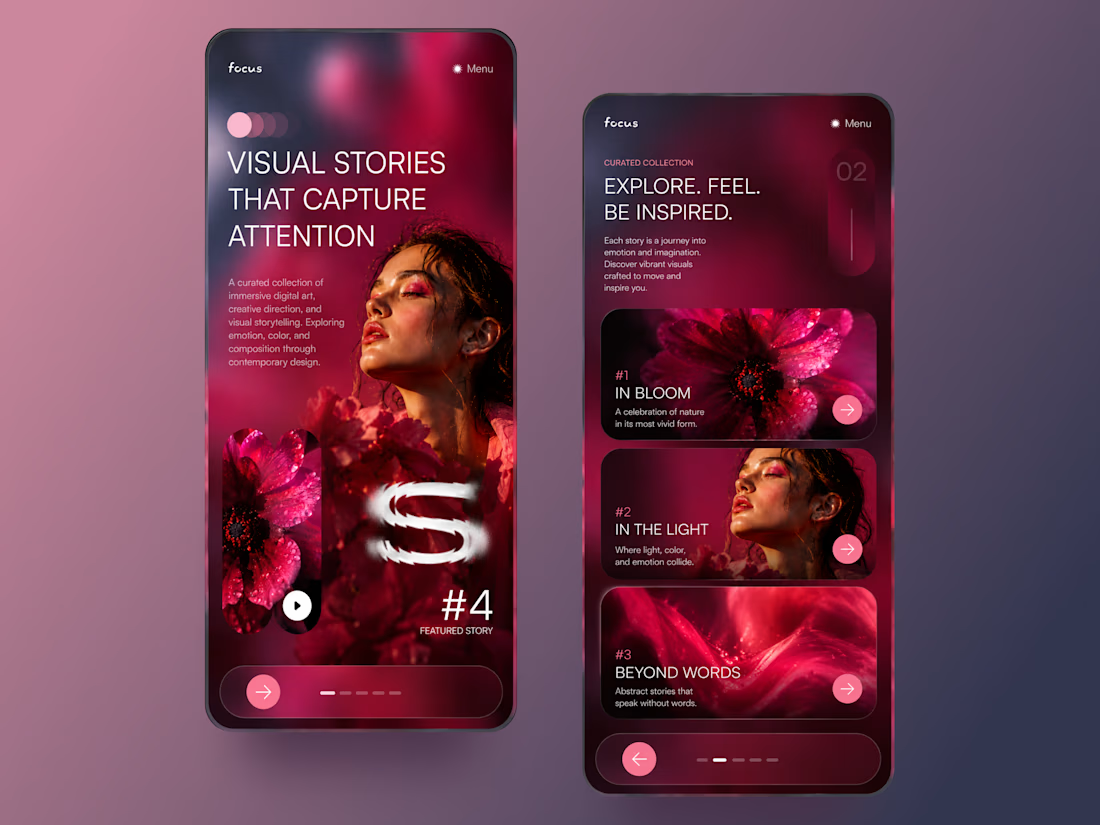
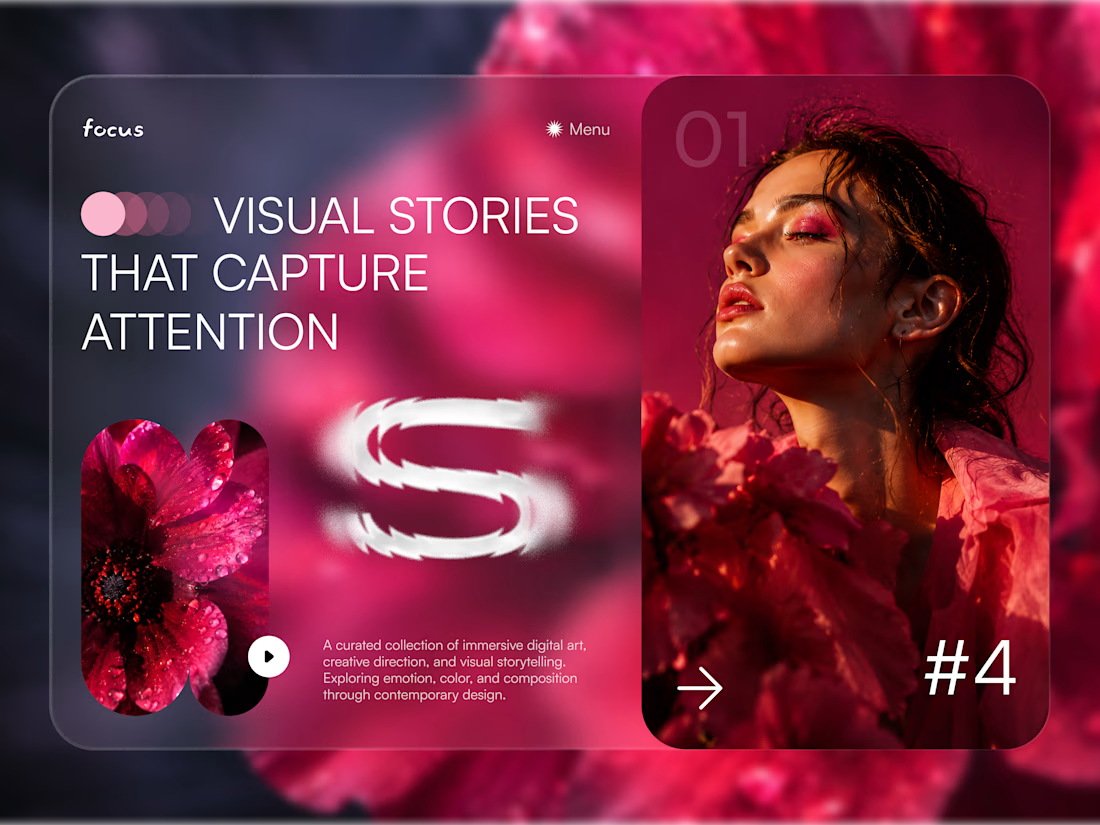
Focus — Immersive Visual Storytelling Experience 🌺✨
Focus is a bold digital concept created for a curated platform that brings together visual stories, creative direction, and immersive editorial content.
The goal was to make every screen feel emotional, cinematic, and highly engaging while keeping the browsing experience clear and intuitive. The visual direction combines deep pink tones, layered imagery, soft transparency, and oversized typography to create a strong sense of atmosphere from the very first interaction.
Special attention was given to:
• a dramatic hero section built around visual storytelling and emotional impact;
• editorial compositions that blend photography, typography, and motion-inspired elements;
• responsive mobile screens designed for immersive browsing and content discovery 📱;
• story cards that help users explore collections through clear visual hierarchy;
• soft glassmorphism effects and layered gradients that add depth without overwhelming the interface;
• simple navigation and directional controls that keep the experience intuitive;
• a scalable visual system suitable for creative portfolios, digital magazines, and art-focused platforms.
The result is a memorable digital experience that turns content discovery into something more expressive and immersive — helping every visual story feel distinct, emotional, and worth exploring 🎨
Looking to create a bold digital experience for your creative, fashion, art, or lifestyle brand? Let’s build something people remember 💫



Wowww🤩🫠