The network for creativity
Join 1.25M professional creatives like you
Connect with clients, get discovered, and run your business 100% commission-free
Creatives on Contra have earned over $150M and we are just getting started
Back to feedPost

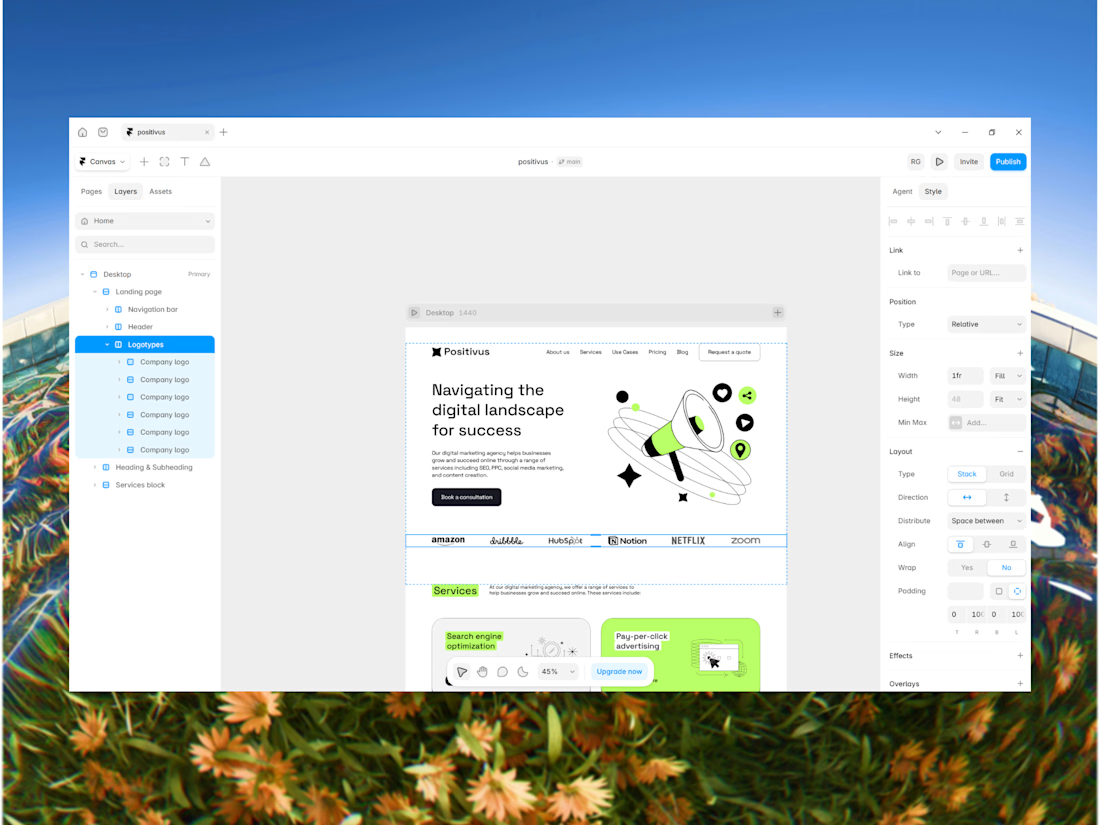
Here's how I approach turning a Figma design into a Framer website:
1. Open Figma file
2. Import design into Framer
3. Clean up the structure (gaps, paddings, layout...)
4. Build the responsive behavior
5. Add interactions & animations
6. Test every breakpoint
7. Final check before launch
Import is only the beginning.
Real work is turning the design into a responsive, interactive website that works properly across different screen sizes.
*It's not client project, credits to Olga for figma design: https://www.figma.com/community/file/1230604708032389430/positivus-landing-page-design?q_id=593e993a-acf8-4522-9a3b-5c20a775d126

The network for creativity
Join 1.25M professional creatives like you
Connect with clients, get discovered, and run your business 100% commission-free
Creatives on Contra have earned over $150M and we are just getting started





Related posts

Since I started remixing templates, I've been offering to build websites for friends and family. 👀 It's a great way to work on real projects for real people, not just practice files.
This one is for a friend who's a family counselor. I used the Holistic template and had the site live in almost a day. There's still much to do to tailor this template to her but I'm happy with the result so far. 🤍
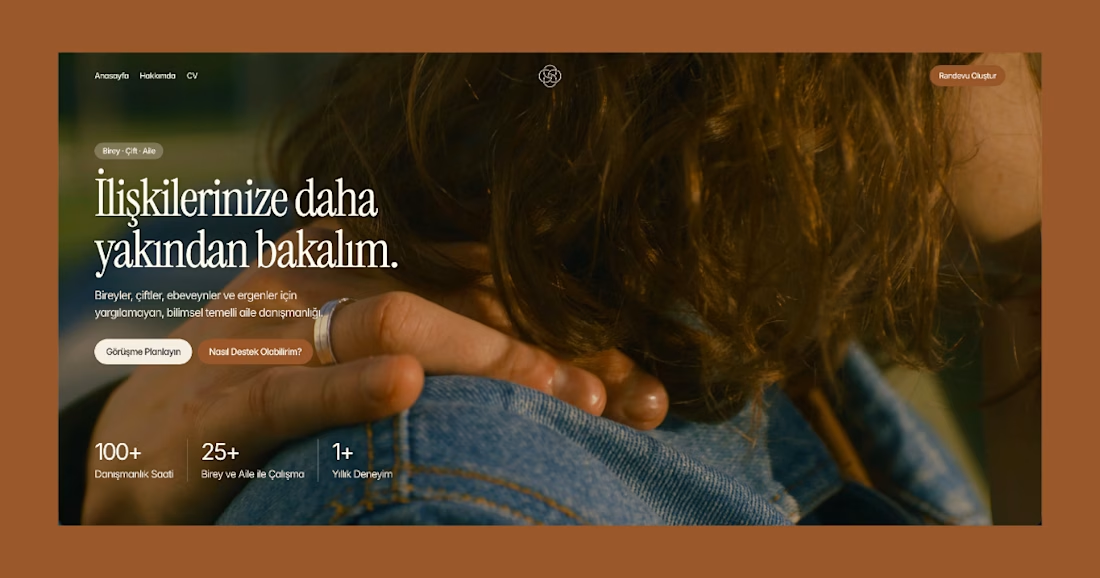

Good call building for real people. The warm photo with that serif headline suits a counselor's site well.


there are tons of cool things in our latest template
just one of them: team section interaction
get it for free → https://startfrom.co/templates/lapse

This is amazingggg

Just created a Framer website preloader with 2 options to choose from. The difference is the sequence of what appears first and the reveal animation. I made two options because I can’t choose which is best lol. What’s your favorite, Option 1 or 2?
BTW if you want this for free (normally $12), like it on the Framer Marketplace (on this link) and comment here so I know, and I’ll send it to your DM.
20 voted
48%
22 voted
52%
42 votes
Closed

Option 1 feels better than Option 2 for me