The network for creativity
Join 1.25M professional creatives like you
Connect with clients, get discovered, and run your business 100% commission-free
Creatives on Contra have earned over $150M and we are just getting started
Back to feedPost

A Framer tip for SaaS projects: Your pricing doesn't have to be in USD for everyone 🌍
When building SaaS websites for clients targeting international markets, regional pricing is something worth considering.
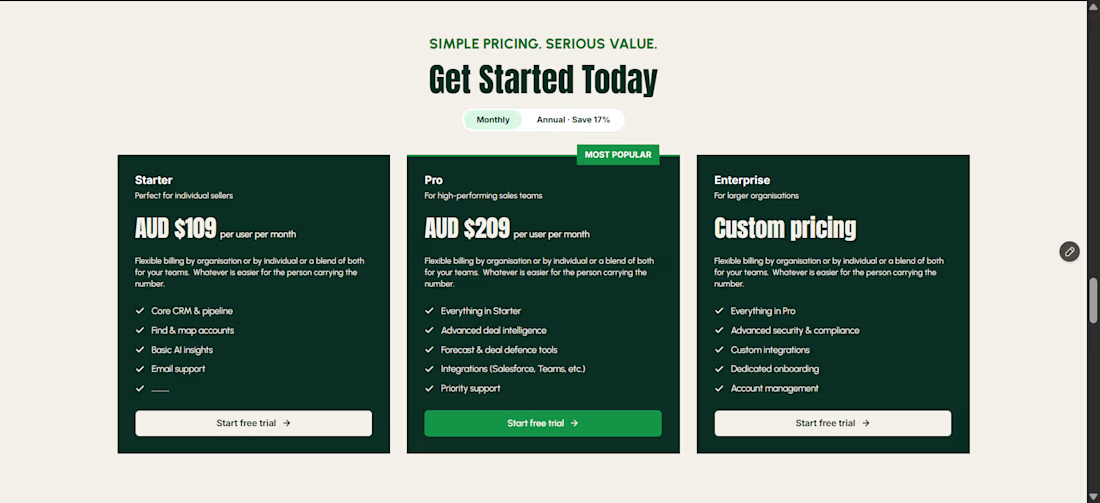
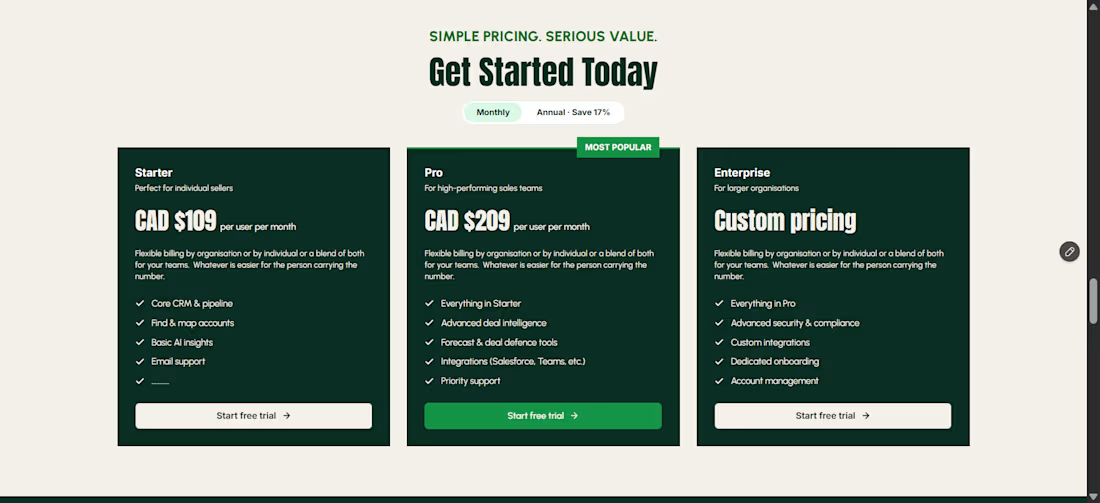
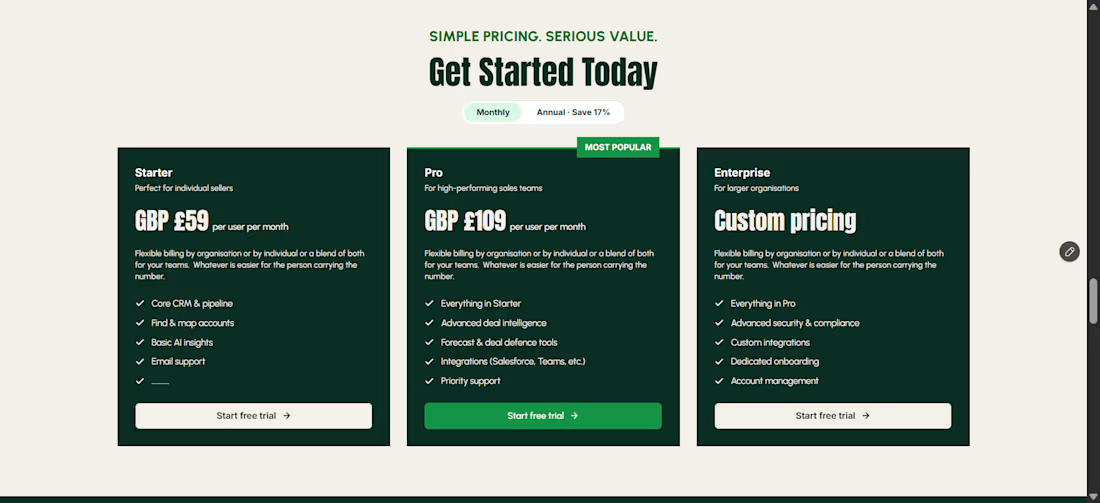
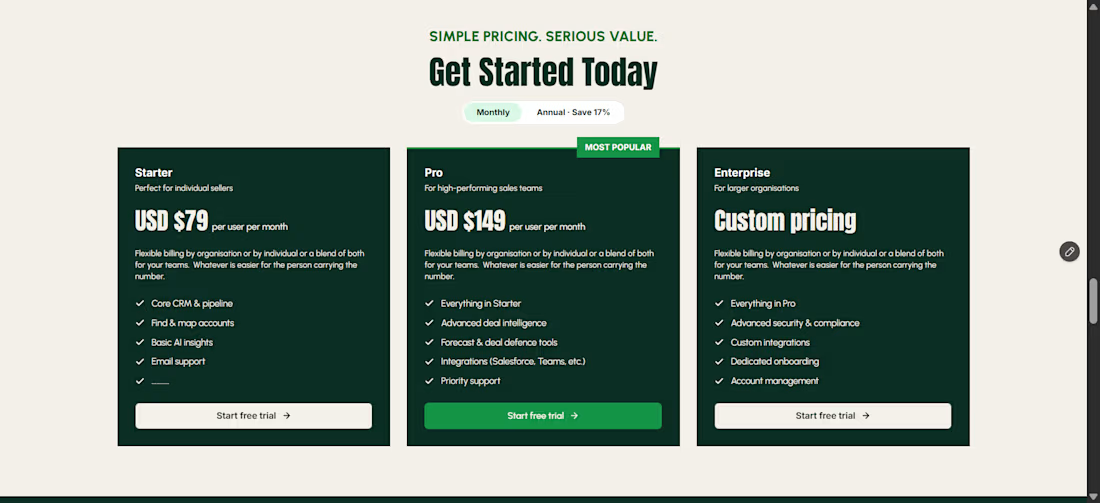
I recently implemented this on a SaaS website I designed and built, using regional pricing logic to display different currencies based on the visitor's location.
Here's the interesting part: you don't need to redesign or localize the entire website.
Your copy, layout, components, and overall design can stay exactly the same. Only the pricing elements need to change based on the visitor's region.
For example:
UK → GBP (£)
Euro-area countries → EUR (€)
Canada → CAD ($)
Australia → AUD ($)
New Zealand → NZD ($)
Other regions → USD ($)
You can achieve this using country detection, a currency mapping system, and fixed regional prices or currency conversion, depending on the client's pricing strategy.
I tested the implementation using VPN connections to different countries to verify that the displayed currency and prices changed as expected.
The takeaway for Framer creators: When a client asks for international pricing, don't immediately think about building separate pages for every market. Sometimes, you just need to make the existing pricing components smarter.
It's also worth explaining to clients that displaying a local currency and charging in that currency are two different things. Checkout needs to support the intended billing setup too.
Have you implemented regional pricing in a Framer project before? How did you approach it?
#Framer #FramerCommunity #SaaS #WebDesign


The network for creativity
Join 1.25M professional creatives like you
Connect with clients, get discovered, and run your business 100% commission-free
Creatives on Contra have earned over $150M and we are just getting started







Related posts

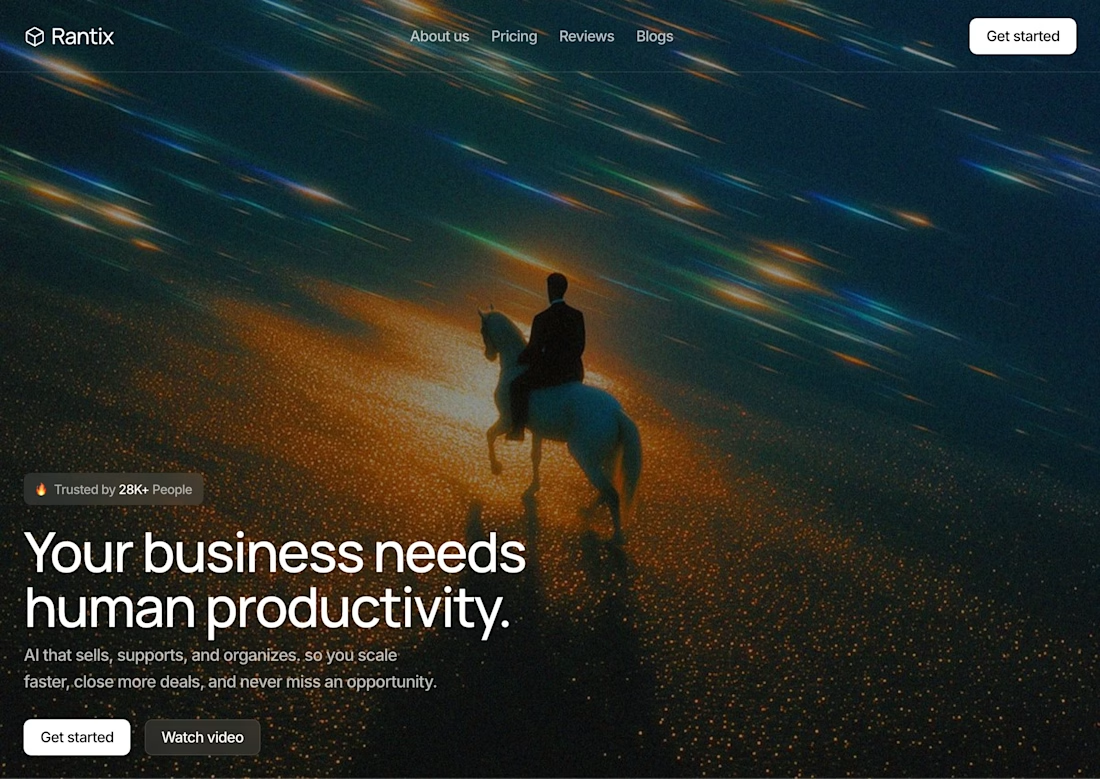

Great design the visual effects is unique 🎉🎉


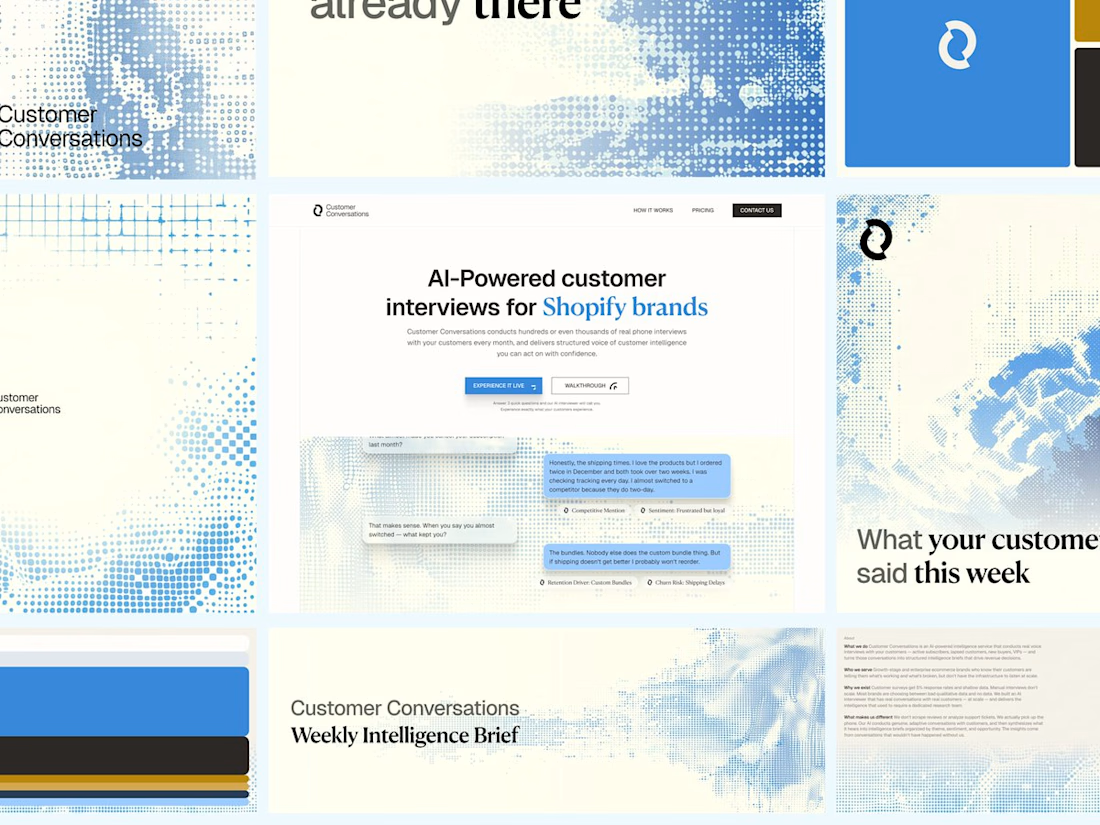
Customer Conversations is an AI that calls a store's customers and interviews them. Explaining that took half of every sales call.
Three weeks after Bryan Starck brought it to us, it had a brand and a homepage built to do the explaining. Answer three questions and the AI calls you for a real interview in 60 seconds.

Nice design


This is what happens when payments meet motion 🔥.
Every tap. Every transition. Every sound effect 🎧.
Built a fully animated payment transfer prototype. Turn your sound ON. Trust me, you’ll feel the difference.


I love this