The network for creativity
Join 1.25M professional creatives like you
Connect with clients, get discovered, and run your business 100% commission-free
Creatives on Contra have earned over $150M and we are just getting started
Back to feedPost

The idea for this tool was born out of pure frustration.
I transitioned away from WordPress to Framer a long time ago, but when a friend needed help migrating thousands of products to their WooCommerce store, I decided to jump in. The data was scattered across supplier websites running on Odoo, OpenCart, WooCommerce, and custom PHP.
Manual entry would have taken months, if not weeks, and the existing Chrome extension solutions were all locked behind expensive paywalls with terrible workflows. Instead of settling, I embarked on AI-assisted development using Gemini AI to build my own solution.
Today, I’m open-sourcing WooExtractor Pro. It’s a Manifest V3 Chrome Extension I engineered to autonomously extract massive product catalogs directly from your active browser session.
Because it runs locally, it completely bypasses server-side PHP limits and timeouts. It grabs lazy-loaded assets and normalizes messy data across entirely different CMS architectures into clean, import-ready CSVs.
A quick tip for developers: During the experimental phase, I discovered that WooCommerce's native CSV importer fails if a supplier uses dynamic image URLs without standard file extensions (like .jpg or .png). If you are scraping a 3rd-party CMS with dynamic assets, use the WP Ultimate CSV Importer plugin. It handles both static and dynamic image URLs flawlessly.
E-commerce data migrations are a massive headache, so I’m giving this extension away completely free for the community. You can grab the code, use it, or fork it here:
https://github.com/abubaker-cs/WooScraper-Pro

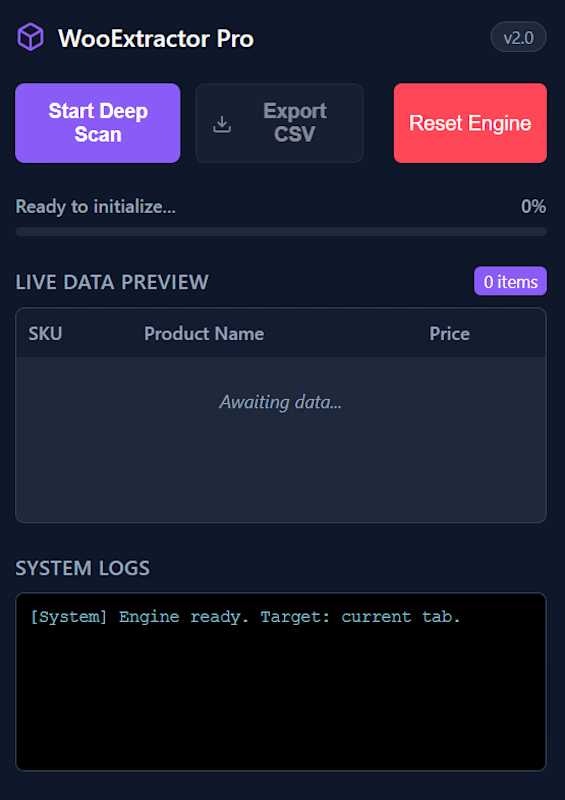
The network for creativity
Join 1.25M professional creatives like you
Connect with clients, get discovered, and run your business 100% commission-free
Creatives on Contra have earned over $150M and we are just getting started





Related posts

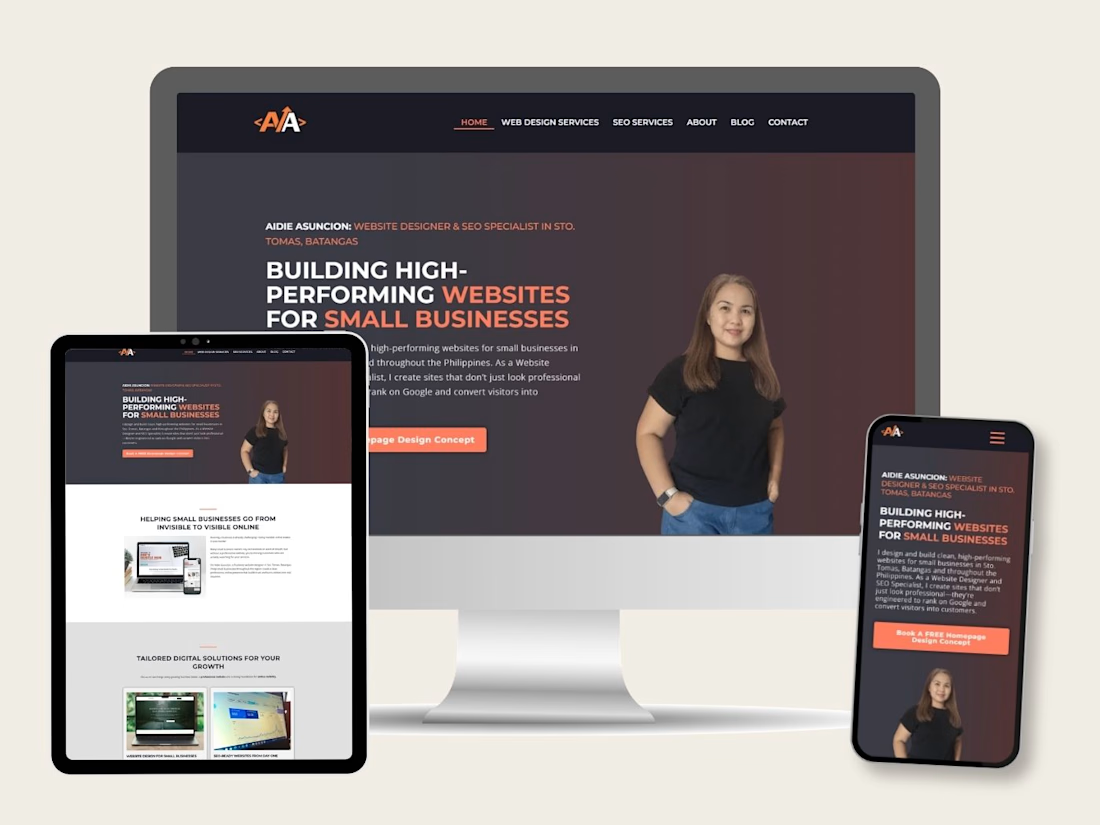
Built a responsive WordPress website with Elementor as part of an SEO specialization project, applying keyword research, site structure, on-page SEO, image optimization, and technical SEO fundamentals.



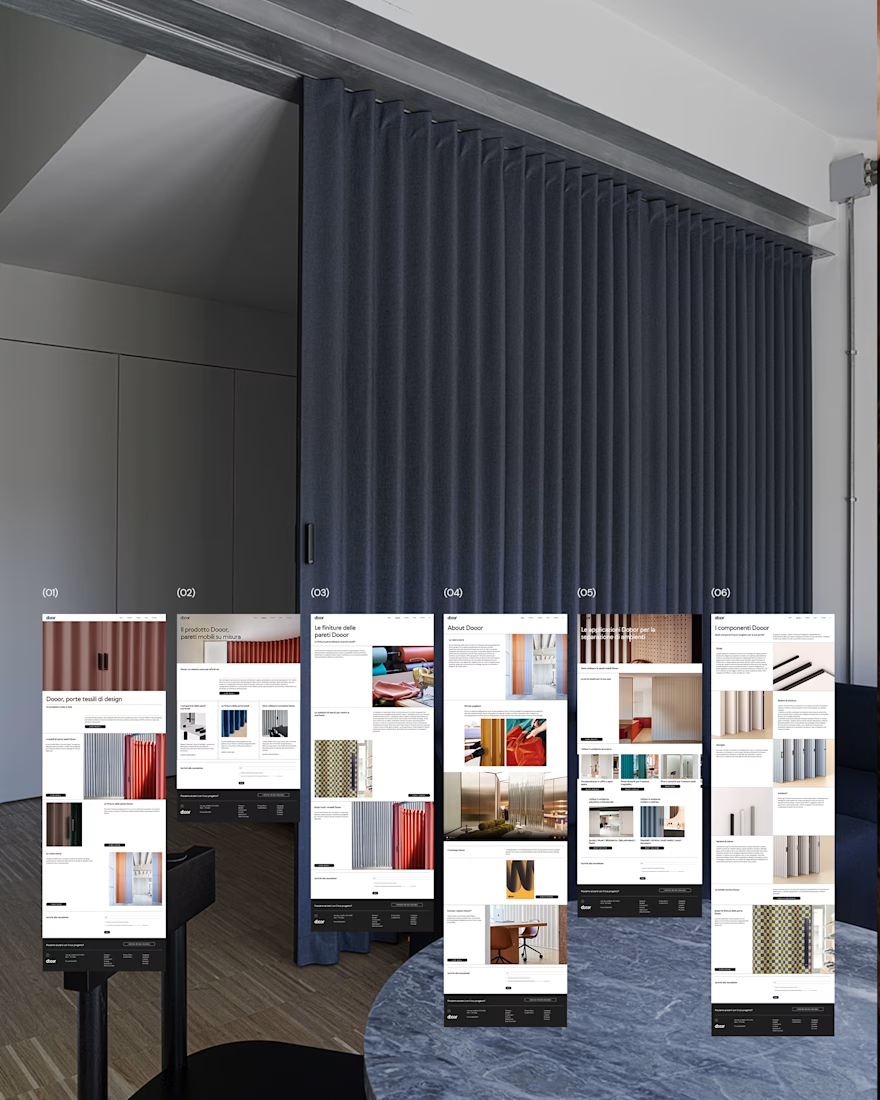
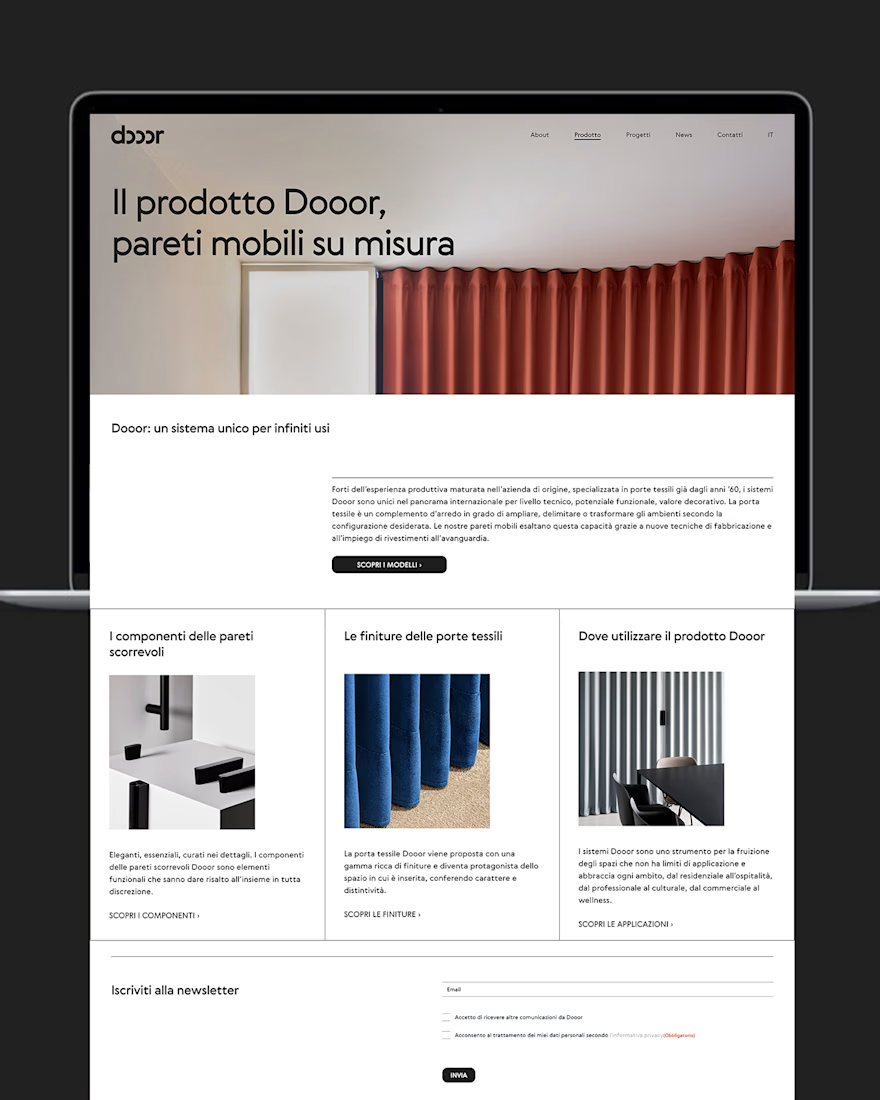
Hello! Just published my first project here. A shared the website I've designed for Dooor, a very well known italian company specialized in textile doors. The client asked for a minimal, cleand and well organized website.


Top notch work Eliana.


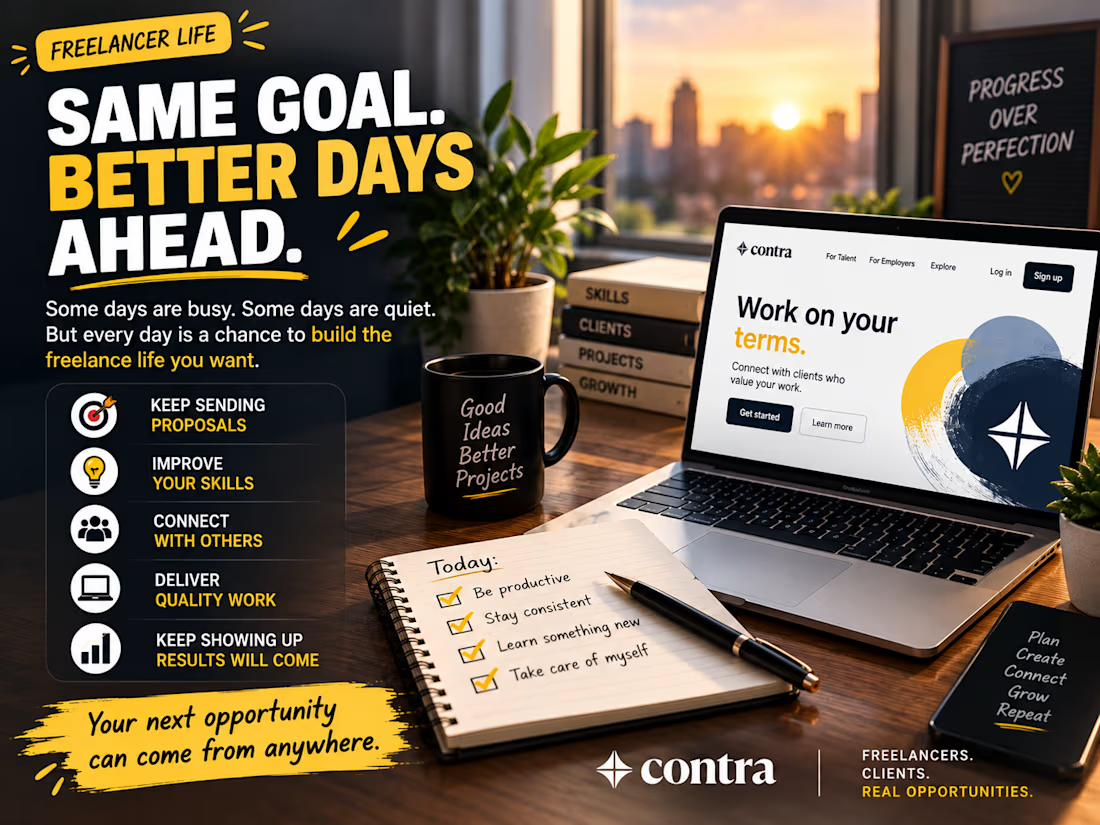
Same goal. Better days ahead.
Some days are busy.
Some days are quiet.
But every day is a chance to build the freelance life you want.
For me, that means:
→ Keep sending proposals
→ Improve my skills
→ Connect with other freelancers
→ Deliver quality work
→ Keep showing up
Not every day brings a project.
But every day can bring progress.
Your next opportunity can come from anywhere. Keep going.
#contra #freelancing #freelancer #webdevelopment #wordpress #growth

exactly! we just have to keep our momentum