The network for creativity
Join 1.25M professional creatives like you
Connect with clients, get discovered, and run your business 100% commission-free
Creatives on Contra have earned over $150M and we are just getting started
Back to feedPost

Sending customized emails one by one to potential clients or leads takes hours.
Most professionals look for expensive email marketing platforms or software subscriptions to solve this—but if you already use Google Workspace, you can automate the entire process for free.
I recorded a 52-second breakdown showing how to automate bulk personalized emails straight from Google Sheets using Google Apps Script.
Here is what you will learn in the video:
🔹 Setup & Navigation: How to launch Apps Script directly from Extensions
🔹 Authorization & Safety: Walking through Google account permissions step-by-step
🔹 Execution & Verification: Running the script and confirming delivery in Gmail
No paid tools, no complex setup—just a lightweight JavaScript snippet doing the repetitive work for you.
🎥 Watch the quick video below for the full step-by-step process.
📌 The full Apps Script code is pinned in the first comment so you can copy, paste, and test it immediately.
👇 Drop a comment if you have questions or need help adapting the script for your spreadsheet!
#GoogleSheets #AppsScript #DataAutomation #Gmail #WorkflowAutomation #Productivity #GoogleWorkspace #ProcessAutomation #DataAnalytics #TechTips
Google GeminiGoogle SheetsgooglesheetsautomationAI AutomationBusiness Workflow AutomationData Analysis


The network for creativity
Join 1.25M professional creatives like you
Connect with clients, get discovered, and run your business 100% commission-free
Creatives on Contra have earned over $150M and we are just getting started
Trending
retrofuturism
Share your favorite designs from the past exploring the distant future. Or your own take on the aesthetic 🚀
halftone
Dots. Texture. Grain. Let's see your designs using the halftone technique.

Midjourney
Creatives are showing off what they're making with Midjourney.
colorgrade
Video editors sound off: How do you enhance the mood of your video in color grading?
Related posts

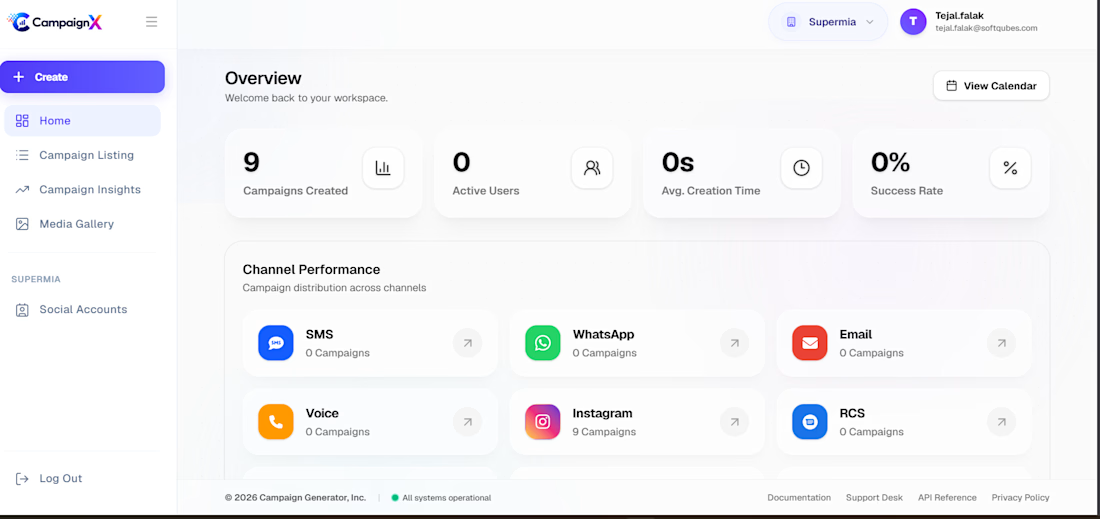
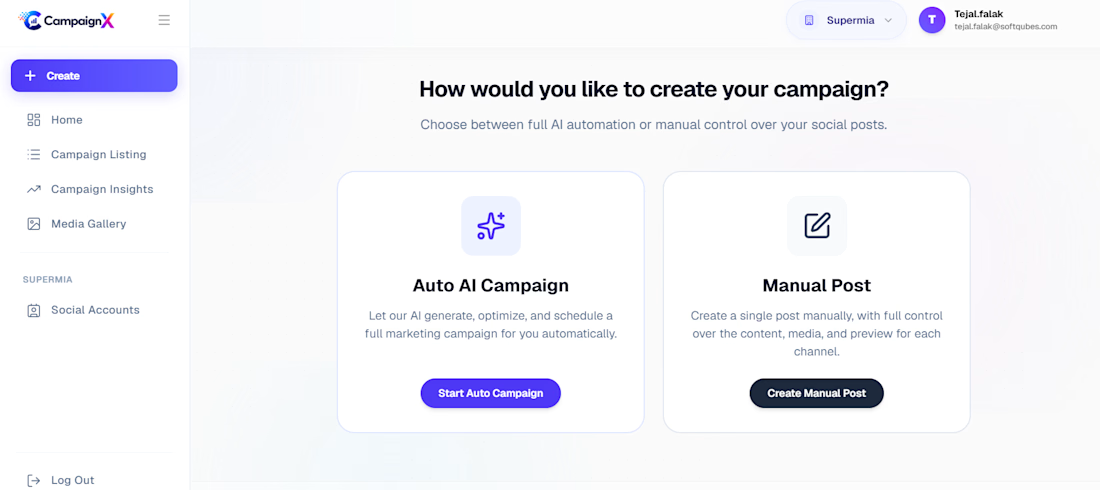
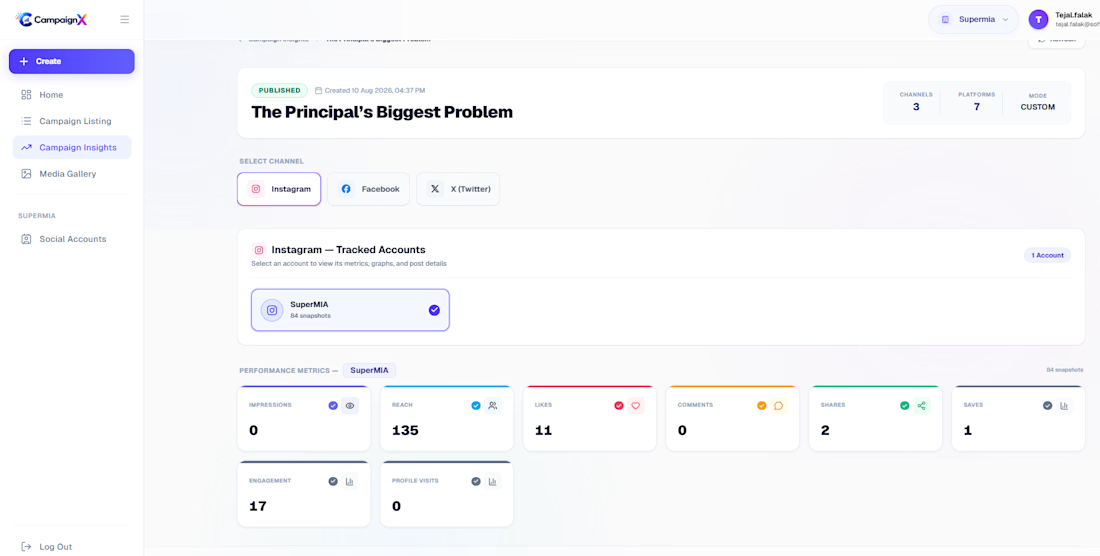
Developed an AI-powered Marketing Campaign Automation platform that helps businesses create, manage, and optimize marketing campaigns across multiple channels with minimal manual effort. The solution leverages Generative AI and conversational AI to streamline campaign planning, content generation, audience targeting, and performance analysis. The platform enables marketing teams to launch campaigns faster while improving engagement and conversion rates. Inspired by modern AI-driven marketing approaches that automate campaign workflows and personalized customer interactions.



Interesting!

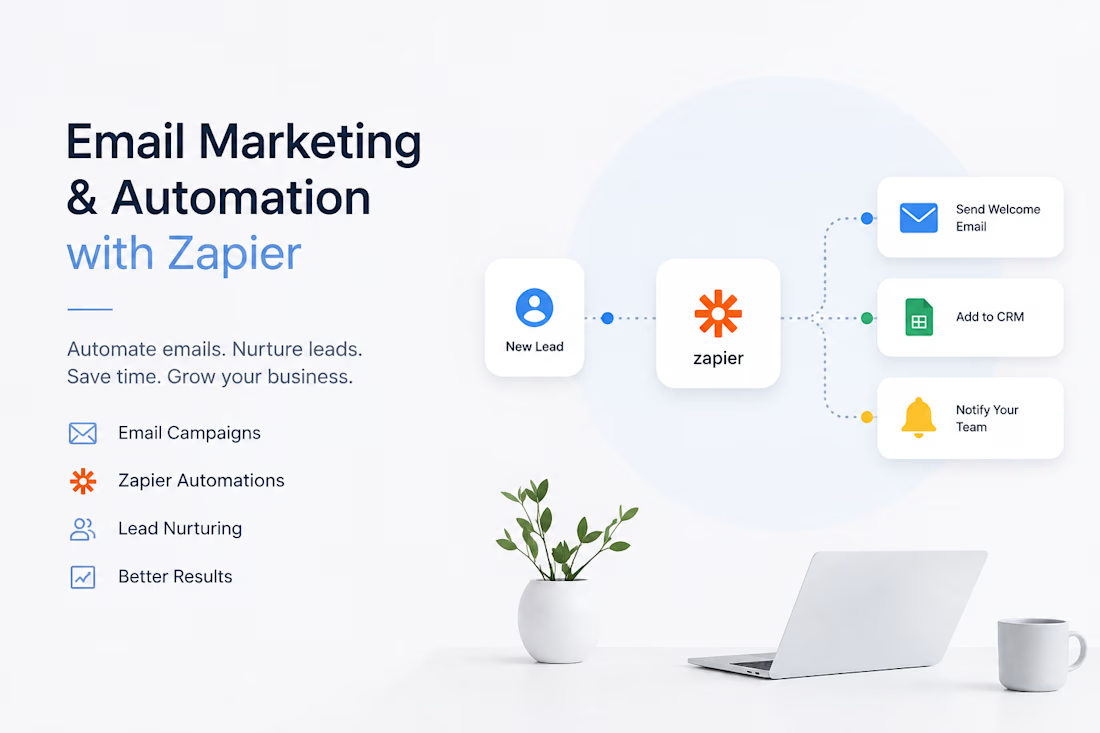
I help businesses build effective email marketing systems and automated workflows that capture leads, nurture prospects, and keep customers engaged without relying on repetitive manual tasks.



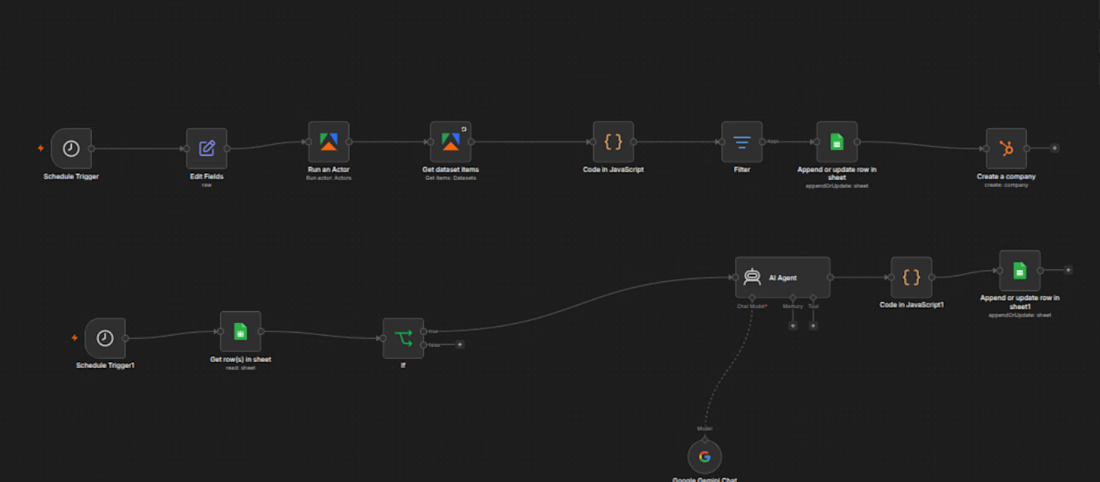
🚀 AI Lead Generation + CRM Automation with n8n
What if your business could automatically collect leads, qualify prospects with AI, organize data, and update your CRM without any manual work?
That's exactly what I built.
This end-to-end automation workflow was designed to help businesses streamline their sales process and focus on what matters most: converting qualified leads into customers.
🔥 What This Workflow Does
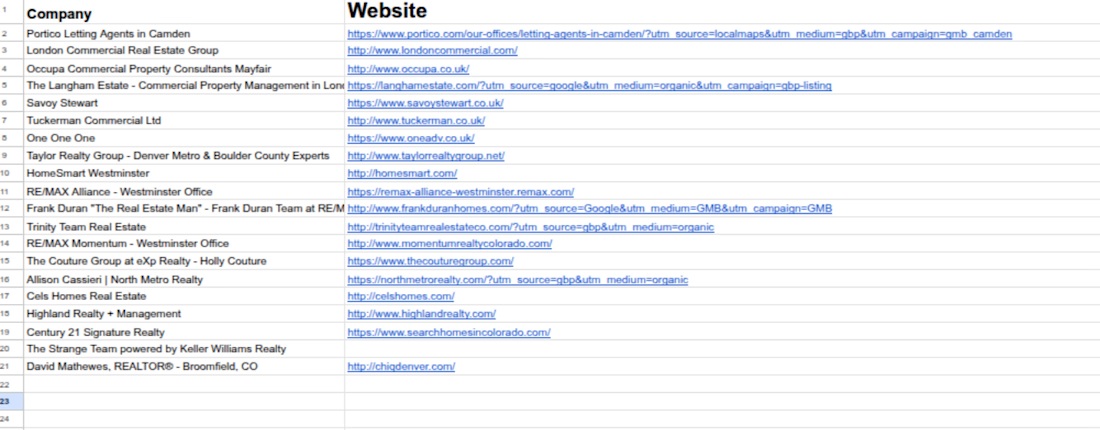
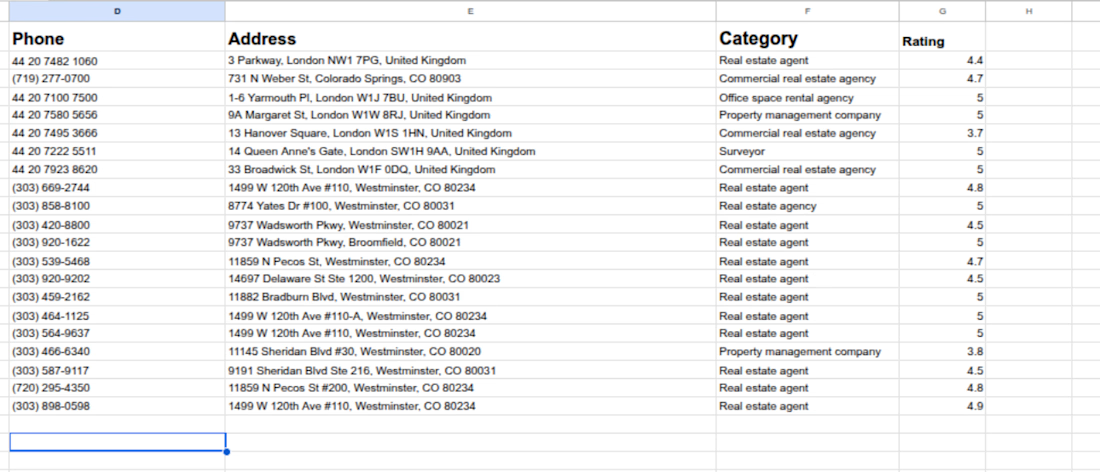
✅ Automatically collects business leads
✅ Scrapes and extracts data using Apify
✅ Cleans and processes data with JavaScript
✅ Qualifies leads using Google Gemini AI
✅ Stores and manages data in Google Sheets
✅ Creates and updates company records in HubSpot CRM
✅ Runs automatically on a predefined schedule
🛠️ Technologies Used
n8n
Google Gemini
Apify
HubSpot CRM
Google Sheets
JavaScript
REST APIs
AI Agents
💼 How This Helps Businesses
✔️ Reduce manual work
✔️ Save hours of repetitive tasks
✔️ Improve lead quality
✔️ Build an organized CRM database
✔️ Increase sales productivity
✔️ Create a scalable lead generation system
Whether you're a startup, agency, SaaS company, or sales team, automation can significantly improve your workflow and help you generate better results.
📩 Need a similar AI automation solution for your business?
Feel free to send me a message. I'm available for custom AI agents, lead generation systems, CRM automation, workflow automation, and n8n development.
Let's discuss your project and build something amazing together.
#n8n #AIAutomation #LeadGeneration #CRMAutomation #HubSpot #GoogleGemini #BusinessAutomation #WorkflowAutomation #AIAgents #SalesAutomation #NoCode #AutomationSpecialist #B2B #LeadScraping #AIWorkflows