The network for creativity
Join 1.25M professional creatives like you
Connect with clients, get discovered, and run your business 100% commission-free
Creatives on Contra have earned over $150M and we are just getting started
Back to feedPost

🚀 Day 8/30 — My CodeAlpha Internship Journey
A few days ago, I received my offer letter from CodeAlpha with three tasks to complete during my internship.
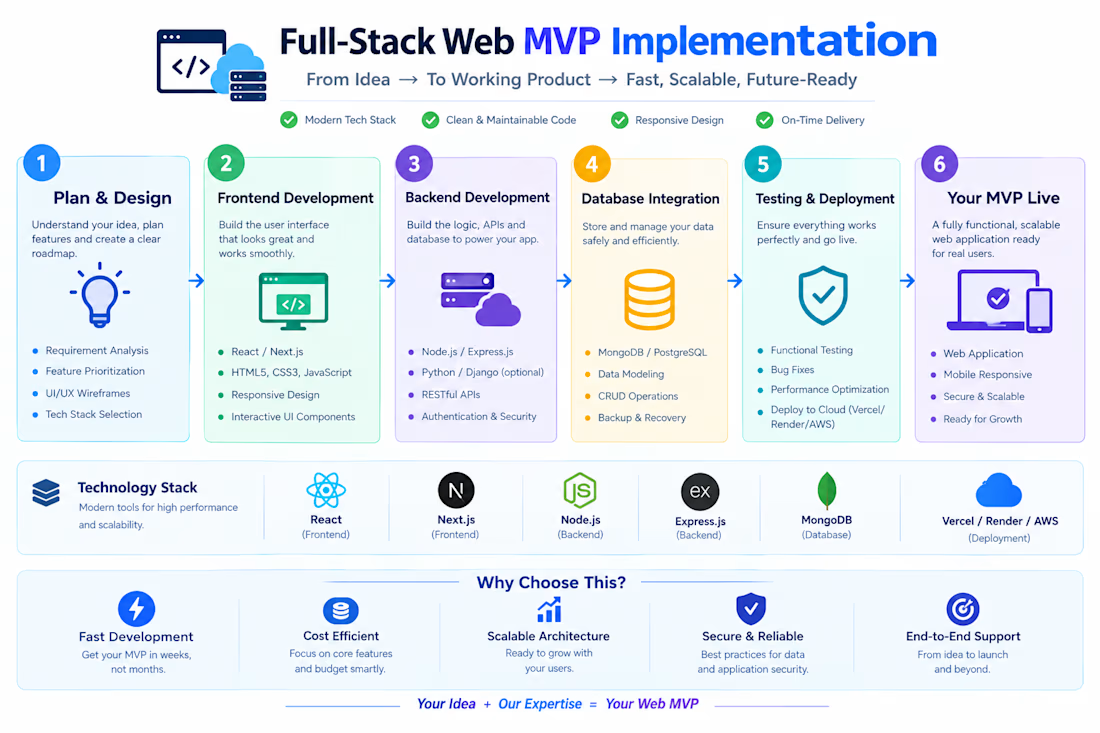
I decided to turn this opportunity into a real learning journey. I started building a Project Management Tool using React.js, Node.js, Express.js, and MongoDB.
During my first 7 days, I worked on Login, Registration, Authentication, Dashboard, and Project pages. While building authentication, I faced several bugs, but solving them helped me understand the process much better.
Today, Day 8/30, I worked on improving my Dashboard and Create Project page, React Router navigation, UI design, and backend connection.
I also faced issues with CSS, routing, and MongoDB Atlas, but every error taught me something new. 🐛➡️💡
Next, I'm moving toward Project Board → Tasks → Assignments → Status → Comments → Team Collaboration.
I'm sharing this journey to learn in public, stay consistent, and build my developer brand. 🚀
One day. One problem. One improvement.


The network for creativity
Join 1.25M professional creatives like you
Connect with clients, get discovered, and run your business 100% commission-free
Creatives on Contra have earned over $150M and we are just getting started







Related posts

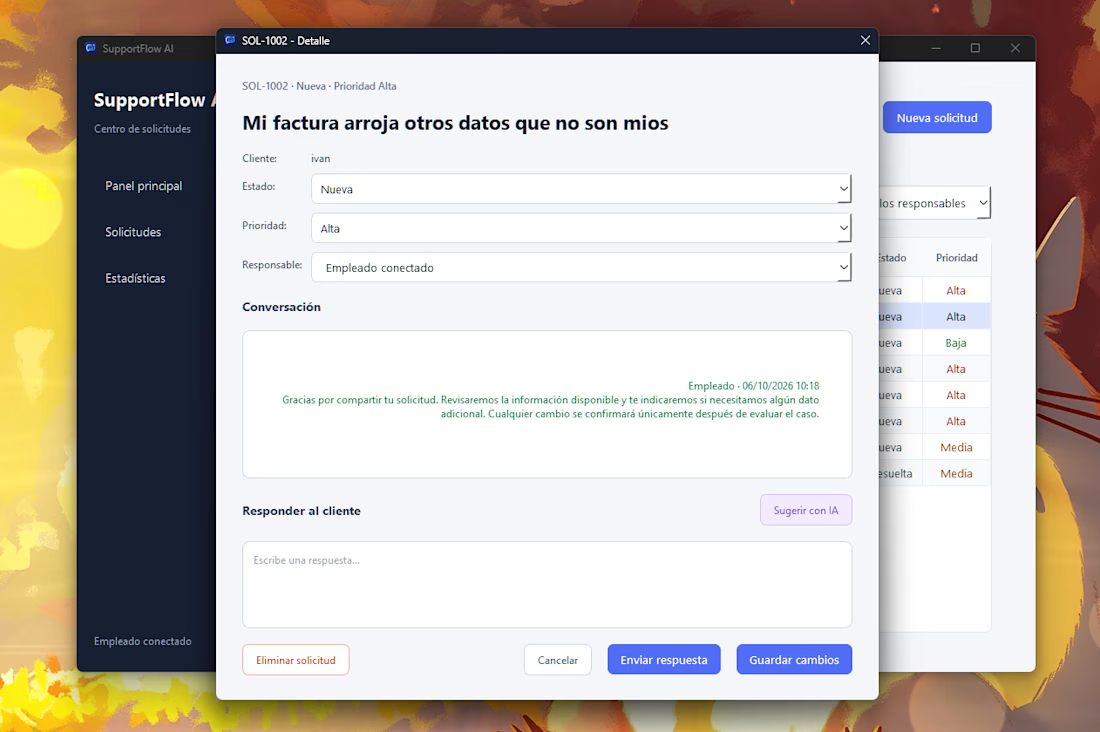
SupportFlow AI is a customer support management system built with Python, PySide6, FastAPI and PostgreSQL.
It helps teams manage customer requests, assign priorities and responsibilities, track conversations, and generate AI-assisted response suggestions while keeping a human in control of the final reply.
I built the application structure, interface, backend integration, database workflows, API layer and automated testing.



The conversation-revision idea sounds useful. I would also check that revision on the server when accepting the send, so a message arriving between review and click cannot slip through. Mark the draft stale while keeping the human edits visible. Two useful regression cases: a...

Agri Guard is a full-stack web application that helps farmers identify plant diseases instantly using AI. Users can upload a photo of an affected plant or describe symptoms in text, and the app returns a diagnosis along with a verified treatment plan.
What I built:
A clean, dark-themed landing page with a hero section, trust badges, feature highlights and clear call-to-action buttons (Get Started, Login to Dashboard)
A Node.js and TypeScript backend with REST API routes, utility modules and environment-based configuration
AI integration for image analysis and text-based diagnosis through the OpenRouter API
A disease database with treatment recommendations, plus scripts to extend it with new diseases
Login and dashboard flow for returning users
My focus: a clear, conversion-friendly landing page, readable typography, consistent spacing and a responsive layout that works on both desktop and mobile.


How do you connect the model's diagnosis to the treatment database? Does it have to match a known disease entry before showing a treatment, or can the model generate recommendations outside that list?

Built a highly responsive web application prototype focusing on smooth user interfaces and swift database connectivity. Optimized web performance to ensure rapid load times and cross-platform compatibility.