The network for creativity
Join 1.25M professional creatives like you
Connect with clients, get discovered, and run your business 100% commission-free
Creatives on Contra have earned over $150M and we are just getting started
Back to feedPost

The three things I add to every n8n workflow before handing it over
Most automations don’t fail loudly. A token expires or an API renames a field, and the workflow keeps “succeeding” while doing nothing. Before I hand a workflow to a client I add three things:
1. An error workflow that sends a message naming the failed node and the input that broke it.
2. A duplicate check on the record’s key, so a retried webhook doesn’t create two rows or send two emails.
3. A daily count (“12 leads saved today”), so silence itself becomes a signal.
It takes about 20 minutes, and it’s what keeps a workflow working months after the demo.

The network for creativity
Join 1.25M professional creatives like you
Connect with clients, get discovered, and run your business 100% commission-free
Creatives on Contra have earned over $150M and we are just getting started



Related posts

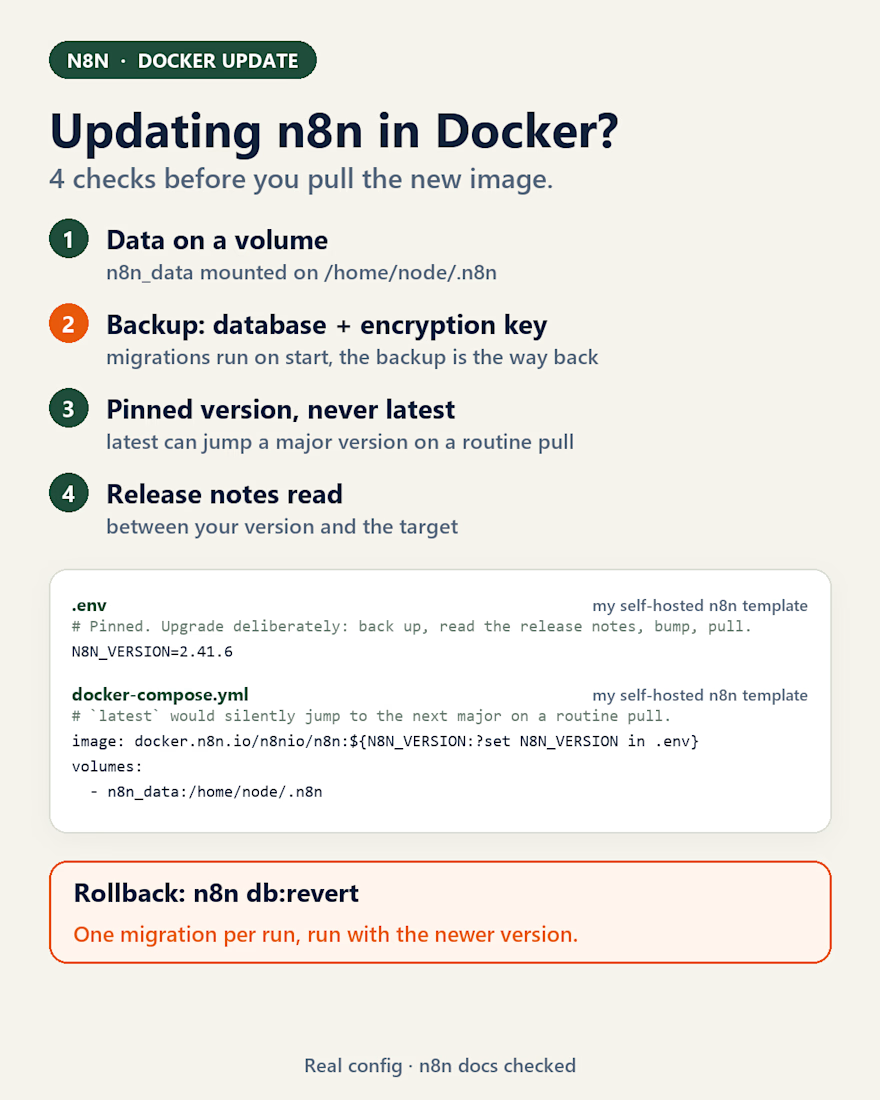
How to update n8n in Docker without losing data, and what to do before you pull the new image.
The update itself is short. With Docker Compose: pull the new image, then recreate the container (docker compose pull, then docker compose up -d). Your workflows only survive if the data sits outside the container. Here is what my self-hosted template does, checked against the n8n docs:
Before the update
• Check where the data lives. The n8n_data volume must be mounted on /home/node/.n8n. Even with PostgreSQL, that folder still holds the encryption key. No volume means the new container starts empty.
• Back up the database and the encryption key. Migrations run when the new version starts. If one can't be reverted, the backup is the only way back.
• Pin the version. My .env says N8N_VERSION=2.41.6, never latest, because latest can jump a major version on a routine pull.
• Read the release notes between your version and the target. The docs advise updating at least once a month, so you never jump many versions at once.
If it goes wrong
• n8n db:revert undoes one migration per run, and it has to be run with the newer version.
• If that fails, restore the backup and go back to the old tag.
One more trap: after the update the n8n container gets a new IP, and a reverse proxy that cached the old one answers 502. Mine resolves the container on every request.
How do you update n8n today: pinned version, or latest and hope?


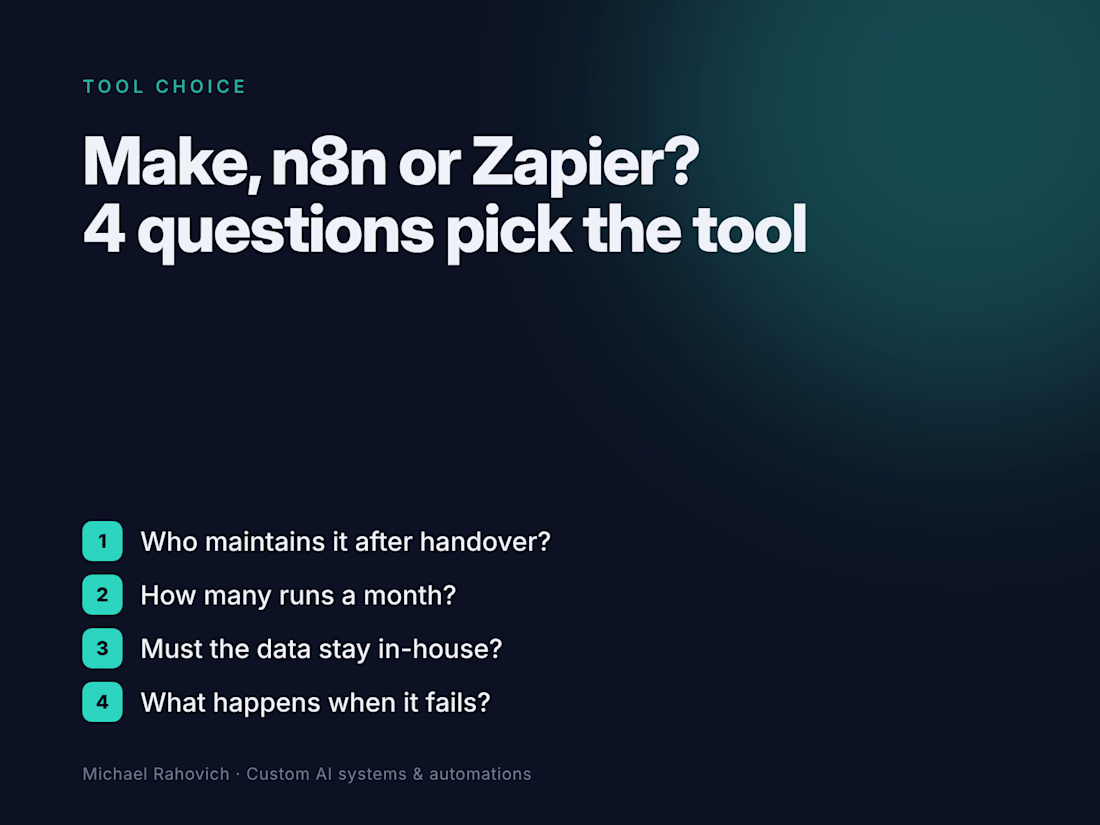
I pick the automation tool last. After 400+ builds, that order saves clients money.
First I map the process on one page. Then 4 questions decide between Make, n8n, Zapier or code😍
1. Who looks after it once I hand it over? If your team already knows Zapier, a simple flow stays in Zapier.
2. How many times will it run a month? A flow that fires on every order or every new lead gets expensive per run. That's often where Make or self-hosted n8n wins.
3. Must the data stay on your own server? Then it's self-hosted n8n.
4. What happens when it fails? Flows with many branches and retries need strong error handling, so I usually build those in Make or n8n.
Code comes in only when no tool can do a step cleanly.
AI models get the same treatment. Sorting messages, drafting replies and reading documents each have a different bar for cost and accuracy, so they don't all get the same model.
Which tool does your business run on today, and would you pick it again?


A real estate team I worked with kept their leads in three places, a notebook, WhatsApp, and a spreadsheet, and by the time they called back, the buyer had already found another agent.
Now, when a new lead comes in, it is checked and sorted automatically, the hot ones go to the agent straight away, and the rest get a follow up without anyone having to remember.
That is what my n8n and ChatGPT lead automation does, and the link is in the post.

Three places for leads is the real problem here, more than the speed. Once everything lands in one list, the sorting becomes easy. One thing I'd check with a real estate team: what happens when the same buyer messages on WhatsApp and also fills the form? Merging those into one...