The network for creativity
Join 1.25M professional creatives like you
Connect with clients, get discovered, and run your business 100% commission-free
Creatives on Contra have earned over $150M and we are just getting started
Back to feedPost

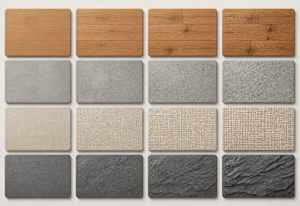
Quick guide to seamless AI textures: 1) Describe the material clearly (e.g. "weathered oak planks, top-down, even lighting"). 2) Ask for seamless/tileable output so it repeats without visible edges. 3) Derive PBR maps (albedo, normal, roughness) for game engines and Blender. 4) Upscale to 2K/4K for close-up 3D work. Try it with this ai texture generator: https://imgtoimg-ai.com/usecase/ai-texture-generator
imgtoimg-ai.com
Generate Seamless AI Textures for 3D & Game Design | Img2Img AI
Create seamless AI textures from text prompts or reference images, then use them for 3D model texture generation, game assets, architecture, and product design.
The network for creativity
Join 1.25M professional creatives like you
Connect with clients, get discovered, and run your business 100% commission-free
Creatives on Contra have earned over $150M and we are just getting started





Related posts

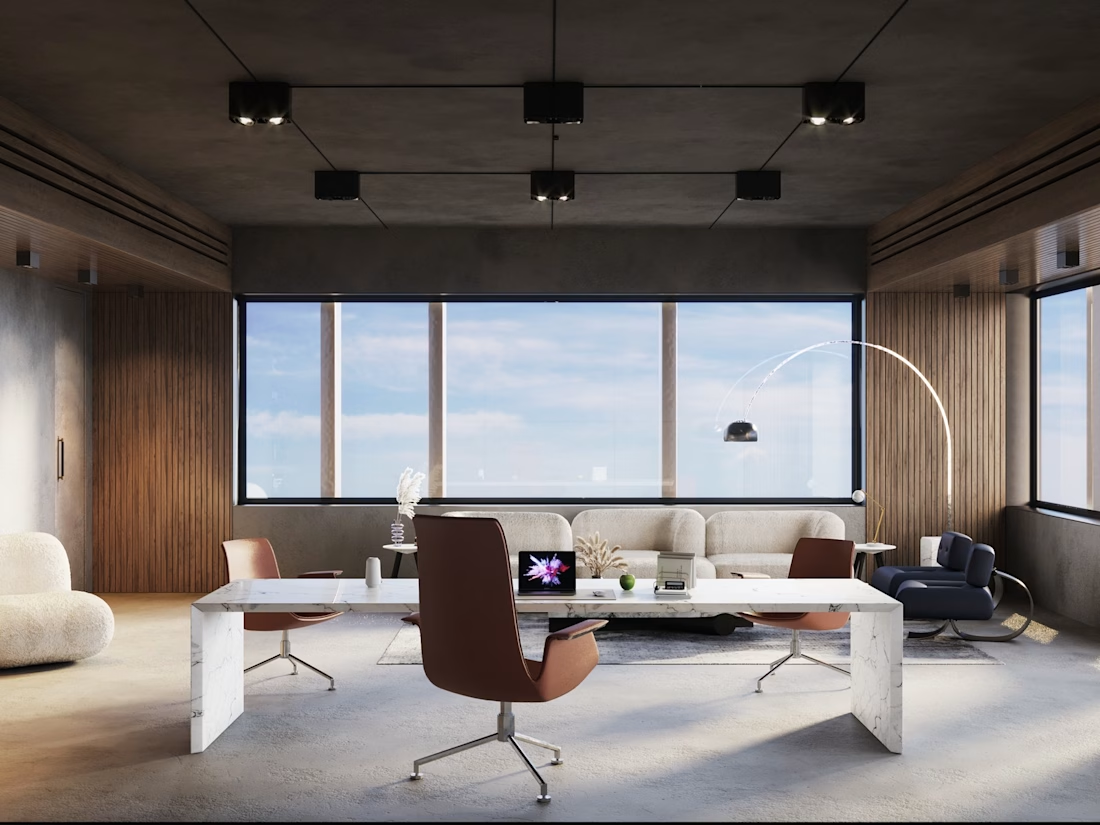
Concrete, walnut and marble: can a raw material palette still feel warm?
🏛️ Here's a new executive office visualization, 4 views, built around texture contrast and soft daylight. Full case study on my profile.
Planning a project that needs convincing visuals? Let's talk.


Amazing job, keep going! 😍✨




That's great its really creative 🎉🎉


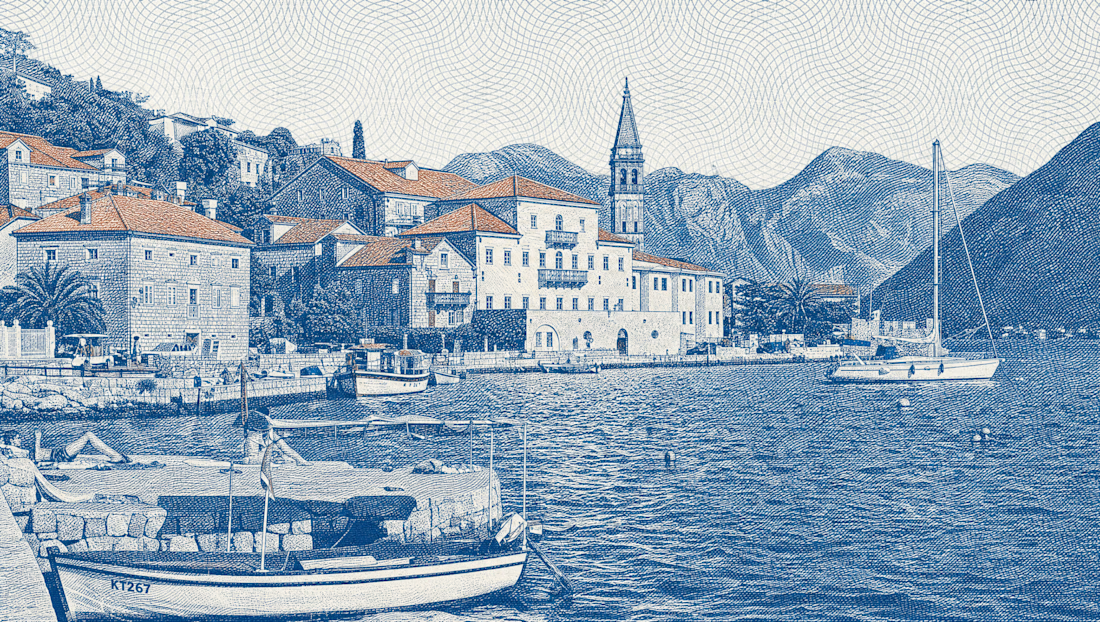
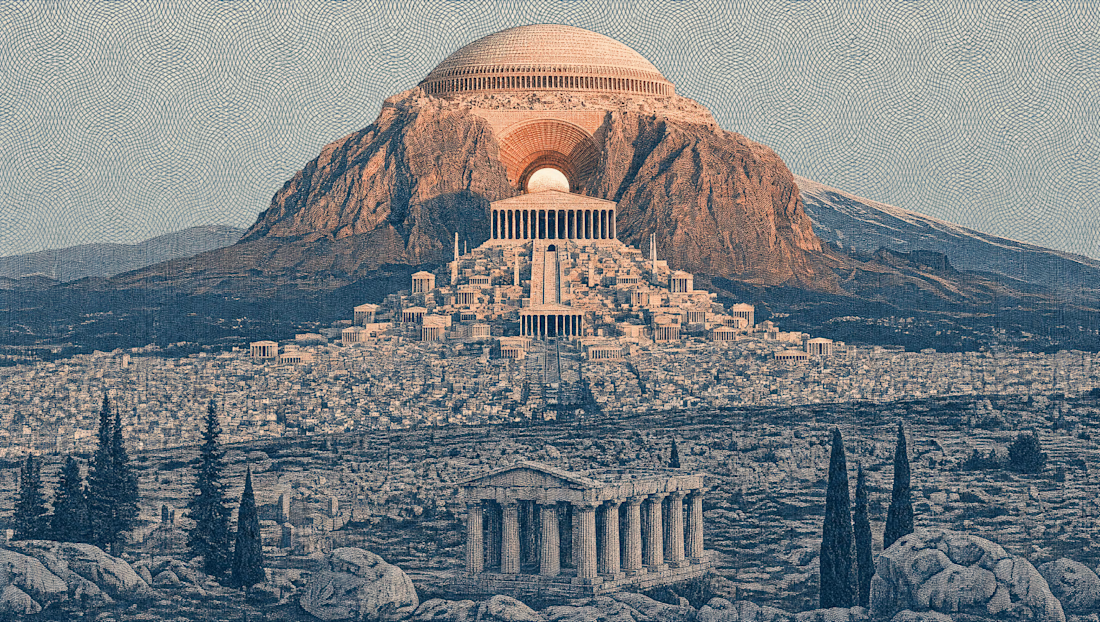
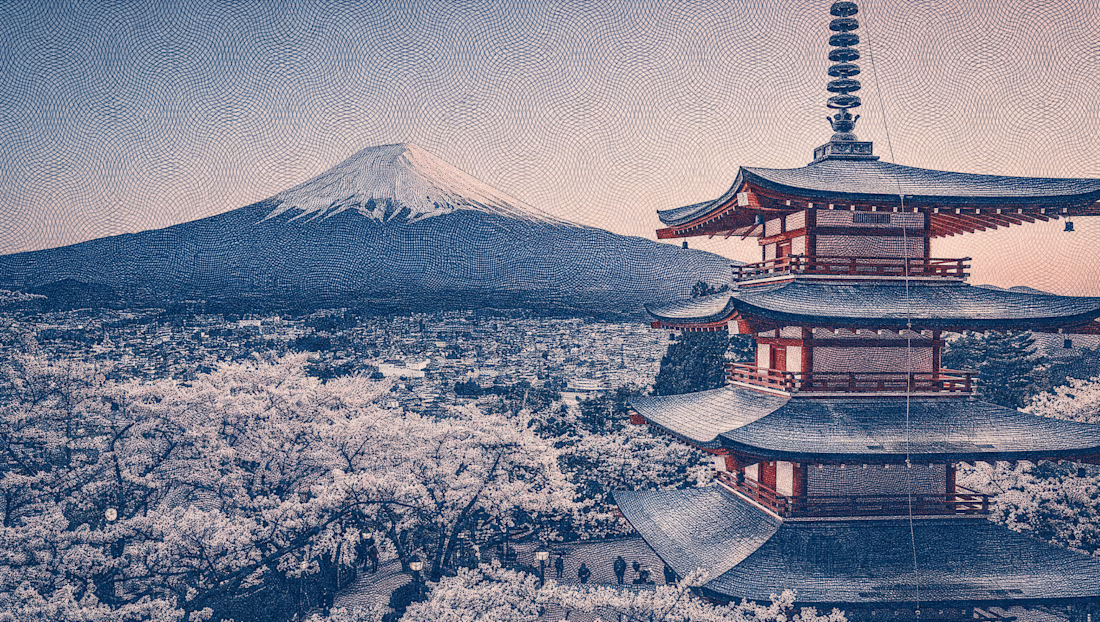
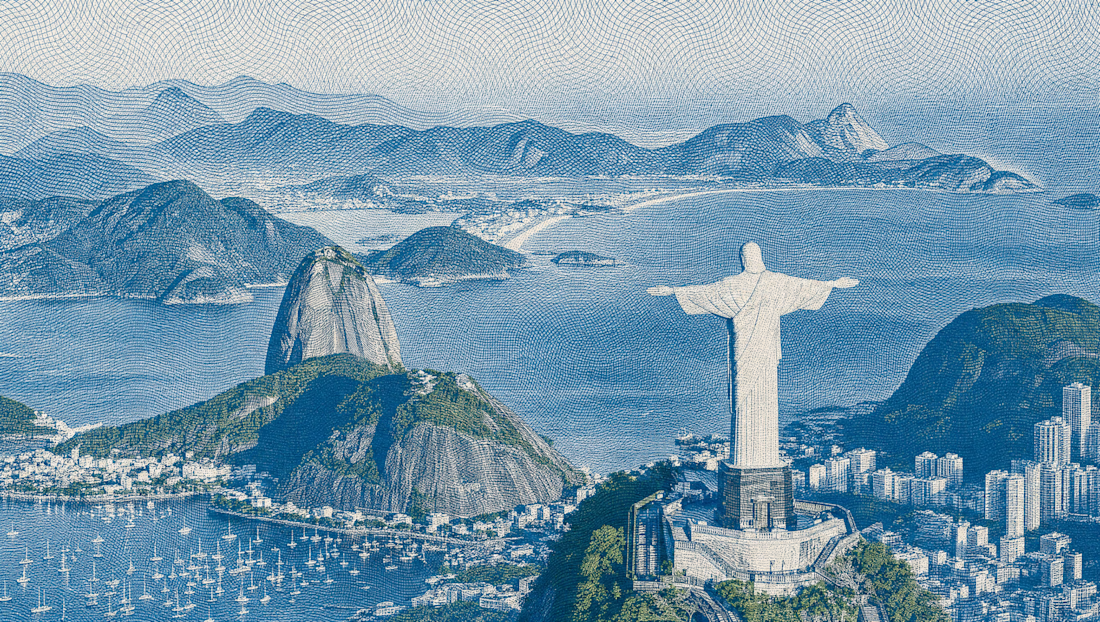

The etched blue ink treatment turns a postcard shot into something that feels printed. It works especially well on the pagoda and Rio frames, and doing it all inside Figma is a good reminder of how far that tool stretches.