The network for creativity
Join 1.25M professional creatives like you
Connect with clients, get discovered, and run your business 100% commission-free
Creatives on Contra have earned over $150M and we are just getting started
Back to feedPost

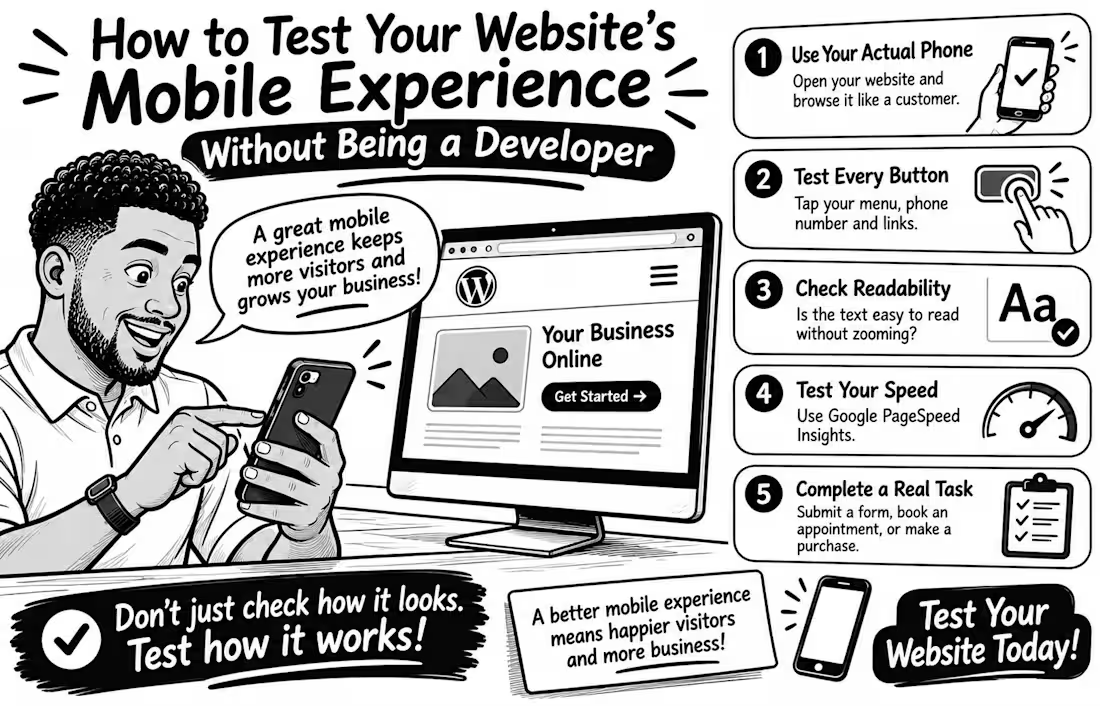
How to Test Your Website's Mobile Experience Without Being a Developer
Your website may look perfect on a laptop but become frustrating on a phone Tiny buttons, unreadable text, and complicated forms can make simple tasks harder than they should be
The good news? You don't need coding skills to test your mobile experience.
Try these 5 simple checks
Use your actual phone. Open your website and browse it like a customer. Can you find important information quickly?
Test every button. Tap your menu, phone number, contact button, and links. Are they easy to press without accidentally clicking something else?
Check readability. Is the text comfortable to read without zooming? Does anything extend beyond the screen?
Test your speed. Enter your page URL at Google PageSpeed Insights (pagespeed.web.dev) and review its mobile performance report.
Complete a real task. Try submitting a contact form, booking an appointment, or completing a test purchase. Don't stop at the homepage!
Remember, a good mobile experience isn't just about fitting a smaller screen. It's about helping visitors accomplish what they came to do.
Your turn: When did you last test your entire website on your phone? Try it today and tell me what you discover


The network for creativity
Join 1.25M professional creatives like you
Connect with clients, get discovered, and run your business 100% commission-free
Creatives on Contra have earned over $150M and we are just getting started
Related posts

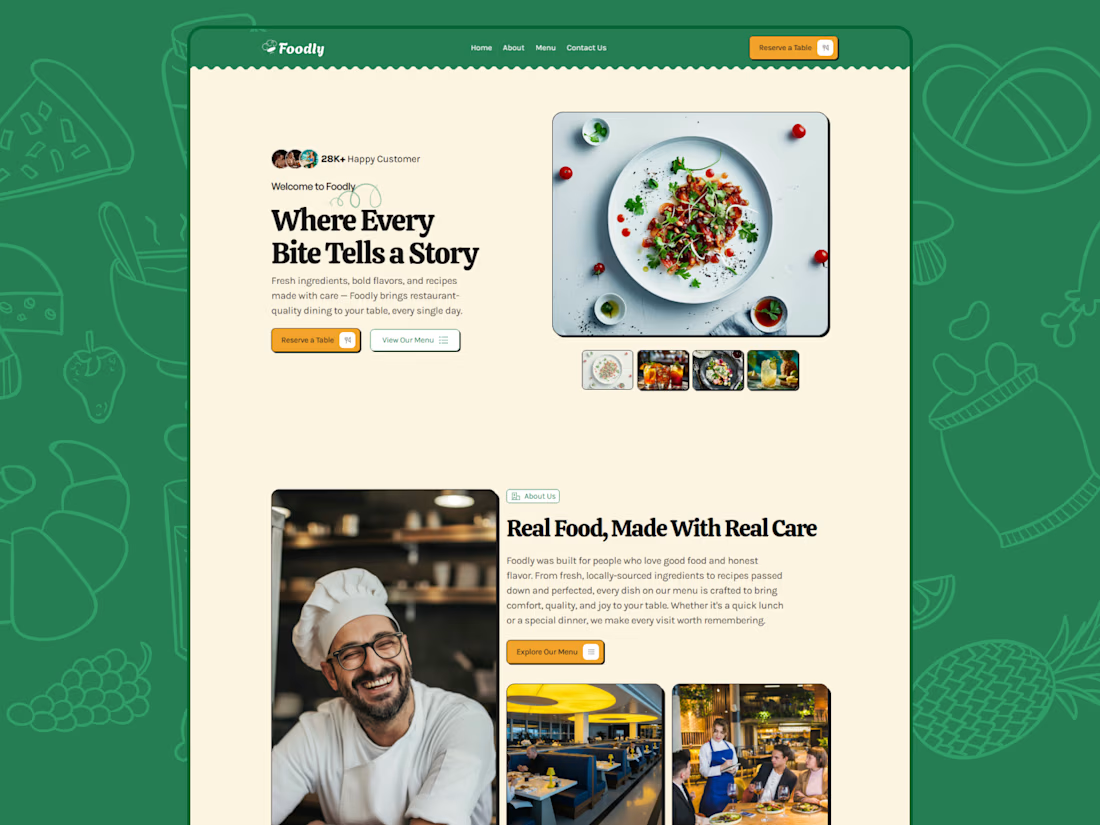
People eat with their eyes first. 🍽️✨
Foodly — a modern, responsive Framer template for restaurants, cafés, and family dining spots.
Show off your menu, share your story, and make your next customer hungry before they even arrive.
Template link:https://framer.link/rNItHF0




This is the kind of milestone that motivates you to keep building. 🚀
$100K earned in one year is an incredible achievement. Congratulations, Nikita!
I’m building my own journey too, focusing on website design and automation, and seeing what’s possible here makes me even more excited about the road ahead.
One project, one client, and one step at a time. The goal is to keep improving, deliver real value, and build lasting client relationships.
Here’s to the beginning! ✨

Exactly one year on Contra, and just hit $100,000 earned! 💸✨
Signed up exactly a year ago, and just got the notification crossing the six-figure mark.
Building and working with clients here has been an absolute pleasure - clean, smooth, and no unnecessary friction. Huge thanks to...

Shopify store for a luxury women's handbag brand: product pages, collections, and a clean storefront built to turn visitors into customers.


Great work 👏🏻