The network for creativity
Join 1.25M professional creatives like you
Connect with clients, get discovered, and run your business 100% commission-free
Creatives on Contra have earned over $150M and we are just getting started
Back to feedPost

My core AI workflow for SaaS explainers and product demos has settled into a few reliable layers, each with clear tradeoffs:
Veo 3 — my go-to for cinematic B-roll and concept shots. The realism and motion coherence are unmatched right now, but it's slower to iterate and prompt adherence can be hit-or-miss on complex scenes, so I budget extra generations.
Runway — great for stylized transitions, abstract visuals, and quick experiments. Faster turnaround than Veo 3, but consistency across multiple shots in the same video is still tricky.
HeyGen — my pick for avatar-led explainer segments (talking head intros, testimonials). Lip-sync quality is strong, though avatar movement can feel slightly stiff over longer takes.
ElevenLabs — handles all voiceover. Multilingual support has been a game-changer for client work outside English.
CapCut + After Effects/Premiere — where everything gets stitched, color-matched, and polished. AI tools generate raw material; the edit is where it becomes a coherent story.
The biggest lesson: no single tool covers the full pipeline. The real skill now is knowing which tool to reach for at which stage — and being fast enough at stitching it all together that clients don't see the seams.
What's everyone else leaning on for consistency across shots? That's still my biggest pain point.
#creativeaiflow


The honest breakdown of tradeoffs is more useful than most AI workflow posts. Veo 3 for cinematic B-roll but slower to iterate is the exact tension most teams hit. Curious what you're using for the quicker iteration rounds.
The network for creativity
Join 1.25M professional creatives like you
Connect with clients, get discovered, and run your business 100% commission-free
Creatives on Contra have earned over $150M and we are just getting started





Related posts

I built FlowPilot AI ⚡ — an AI-powered operations platform that transforms customer requests into intelligent workflows.
From AI-powered request analysis and smart prioritization to conditional automation and human approval, FlowPilot helps small businesses streamline operations and reduce repetitive work.
Built with @Base44 for the #Base44Challenge


There's a lot to appreciate in this piece. Great job!

Green | Logo Animation & Motion Design
Bringing brand identity to life through motion.
This logo animation explores the relationship between shape, movement, and typography, combining Trim Paths animation, subtle glow effects, and dynamic positional movement to create a clean, engaging visual identity.
Every movement is designed to complement the brand mark while allowing the wordmark to reveal itself with clarity and purpose.
Tools: Adobe After Effects
Focus: Logo Animation · Motion Graphics · Kinetic Typography · Visual Identity
#LogoAnimation #MotionGraphics #AfterEffects #MotionDesign #BrandIdentity


The trim-path motion keeps the identity clean and controlled.

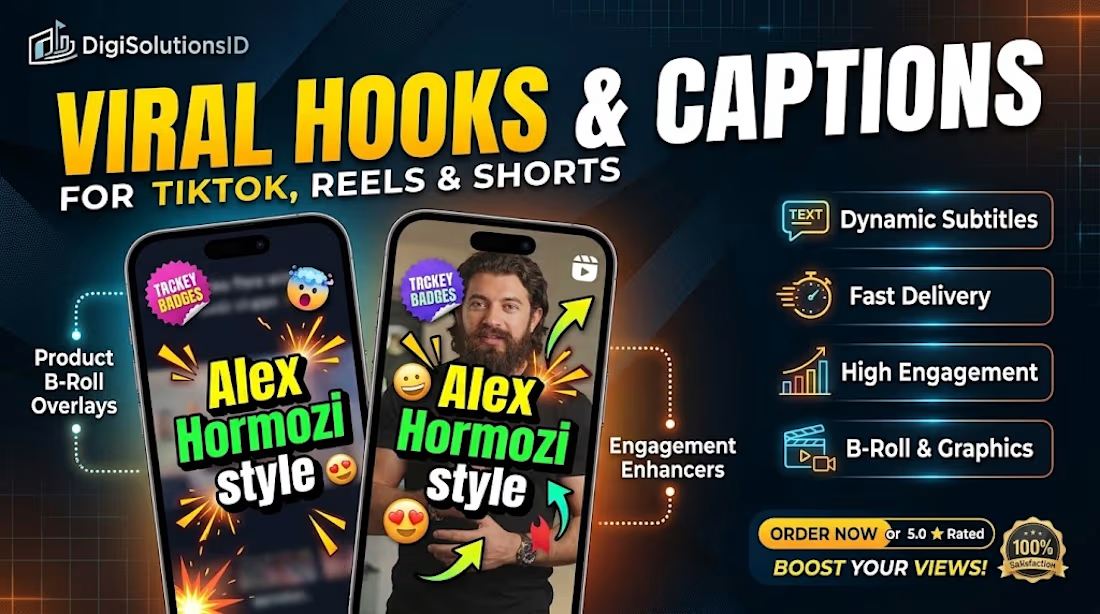
Scaling your video content shouldn't take 20+ hours a week.
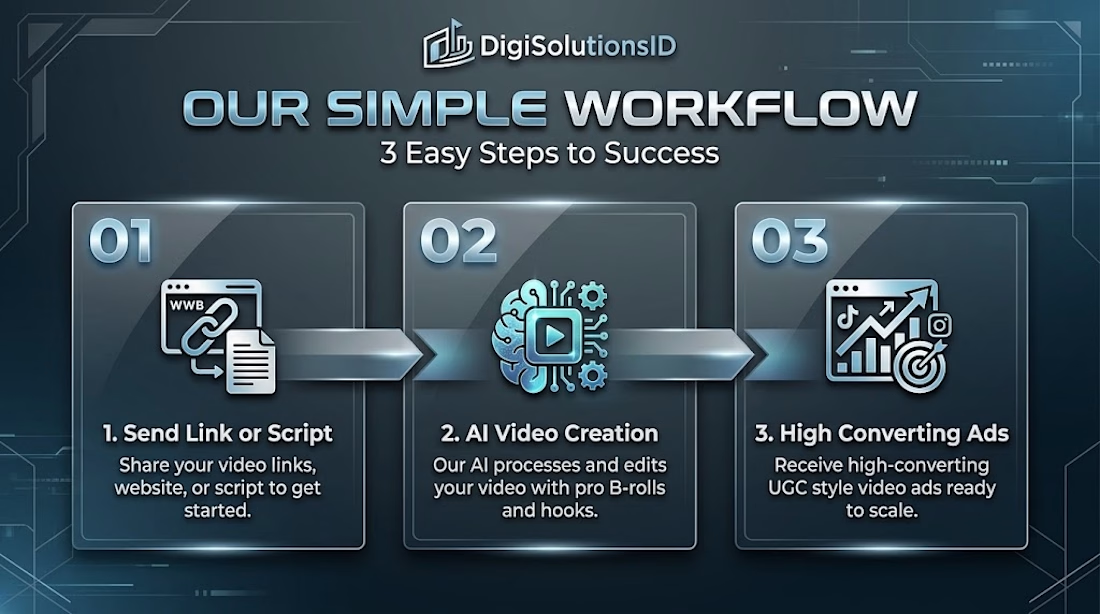
We help creators and brands transform ideas and raw footage into high-converting UGC and short-form videos using an efficient, 3-step workflow:
1️⃣ Strategy & Hooks: Crafting hooks that immediately stop the scroll.
2️⃣ AI + Pro Video Editing: Seamless cuts, sound design, viral B-rolls, and engaging subtitles.
3️⃣ High-Converting Deliverables: Polished content optimized for brand growth and conversions.
Let’s elevate your social media presence.
📩 Drop a message or hire directly through my Contra profile!



Putting strategy and hooks first, before any editing, is what separates real conversion work from pretty cuts, Moch. That 3-step workflow is a clean package. Wishing you lots of creator clients.