The network for creativity
Join 1.25M professional creatives like you
Connect with clients, get discovered, and run your business 100% commission-free
Creatives on Contra have earned over $150M and we are just getting started
Back to feedPost
Little Study Path
Homeschool with a Plan, Not Panic
Little Study Path is a K–5 homeschool planning prototype built for the Config Makeathon. It helps overwhelmed parents move from “Where do I begin?” to a clear first-week plan.
The prototype guides parents through a simple setup experience and brings key planning pieces into one place: a weekly schedule, parent dashboard, saved resources, compliance support, and a child-friendly student view.
I designed Little Study Path around a parent-first workflow: reassure the parent, collect only the essential setup details, generate a manageable first-week plan, and separate parent planning tools from the student-facing experience.
The primary prototype was built in Figma Make. I also created a supplemental GitHub/Vercel deployment to explore code-level polish and interaction refinements after the Figma Make prototype was working.
Key features:
Guided onboarding for K–5 homeschool families
Personalized first-week plan
Parent dashboard with tasks, progress, resources, and compliance summary
Weekly schedule view
Resource library
State compliance checklist and helpful links
Child-friendly student view with daily activities and progress
Links:
Primary Figma Make prototype: https://vary-jelly-18392287.figma.site/
Figma Community file: https://www.figma.com/community/file/1648502941920817398
Supplemental Vercel version: https://littlestudypathprototype.vercel.app/


The decision to separate parent planning from the student-facing view is a really solid UX call. That kind of role-aware design is hard to get right in a short makeathon window. Congrats on shipping this.

Thank you so much! That's very encouraging.


Hi Asana, don't forget to share this to Instagram, X, or LinkedIn with #ConfigMakeathon and @figma and drop the link in the comments here 🙌
Thank you Nia! Yes I shared to the Figma community and on my LinkedIn account. I also remembered to include the links in the bottom of my post.

This could help so many parents 👏
Thank you! I struggled years ago as a first time homeschool parent. So I can totally empathize with a lot of parents that have made this decision.
The network for creativity
Join 1.25M professional creatives like you
Connect with clients, get discovered, and run your business 100% commission-free
Creatives on Contra have earned over $150M and we are just getting started



Related posts

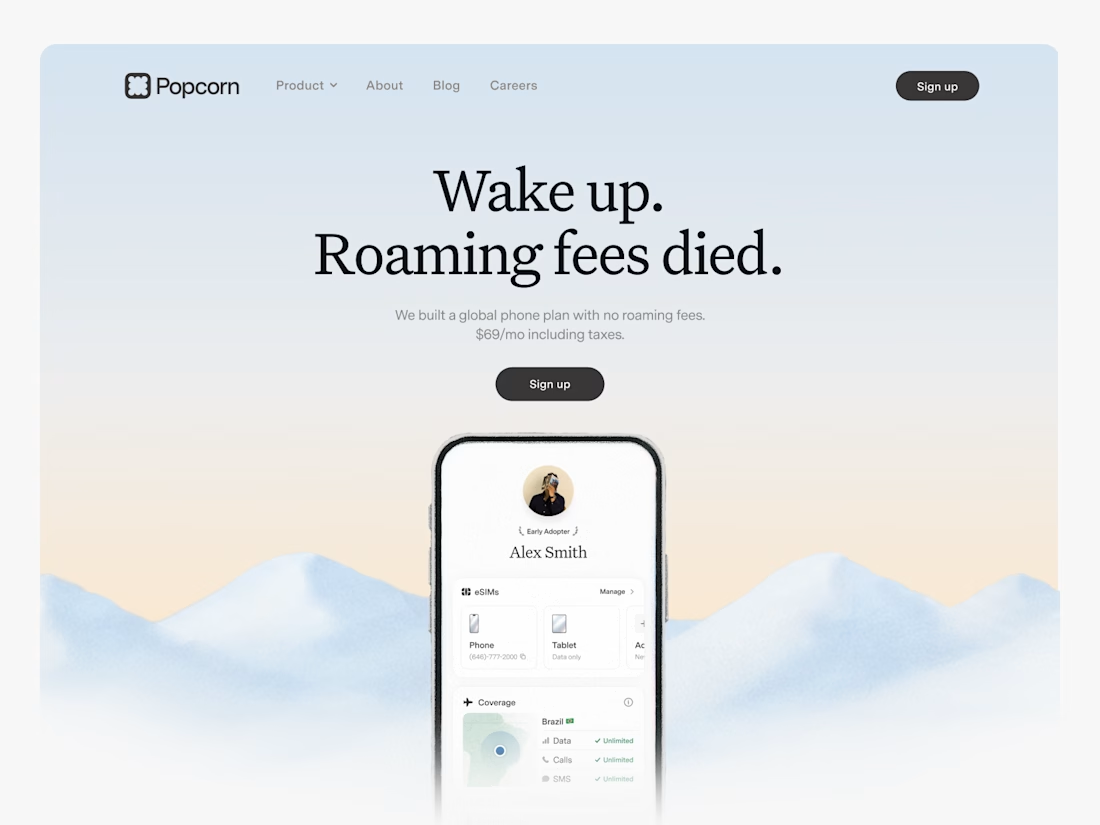

Looks great! What about readability though?
Text seems low contrast to me. Although I have a poor vision and most things seem too small and low contrast to me.

Crypto Portfolio Dashboard
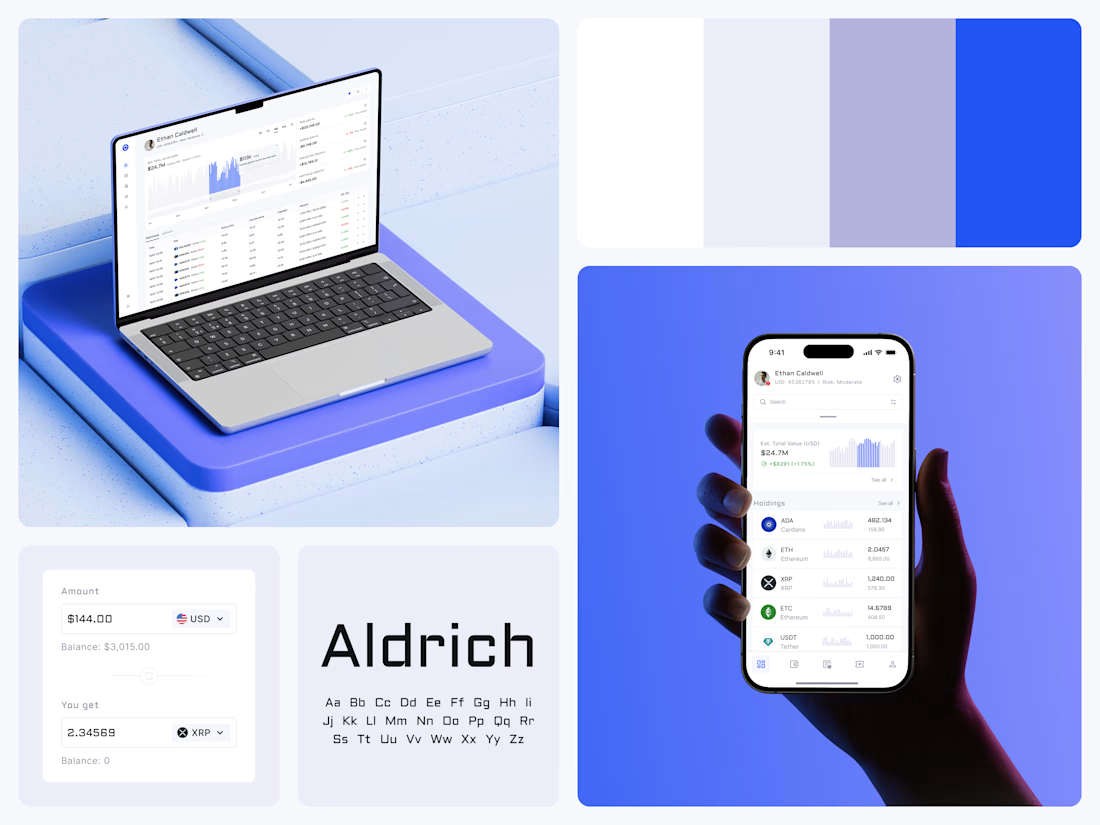
Blue means one thing here: the range you are looking at.
The value chart is a row of thin gray bars, and only the selected date range fills in blue. You read the period that matters and keep the months around it as context.
The phone carries the same chart above the holdings list. Each coin gets its own small bar chart between the name and the amount, so you can scan the whole portfolio for movement without opening a single coin.
Trading screens get busy fast. This one stays light and calm, so the numbers lead: total value, realized and unrealized P&L and open positions, all on one screen.
Designed by the Hue & Machine team.
#Crypto #Fintech #DashboardDesign #TradingPlatform #DataVisualization #UIDesign #ProductDesign #WebApp #MobileDesign #FigmaDesign



Nice Ui Dmytro

🎨 Brand and web design for Nura, the AI tool for real estate
See Case Study here


Amazing work