The network for creativity
Join 1.25M professional creatives like you
Connect with clients, get discovered, and run your business 100% commission-free
Creatives on Contra have earned over $150M and we are just getting started
Back to feedPost
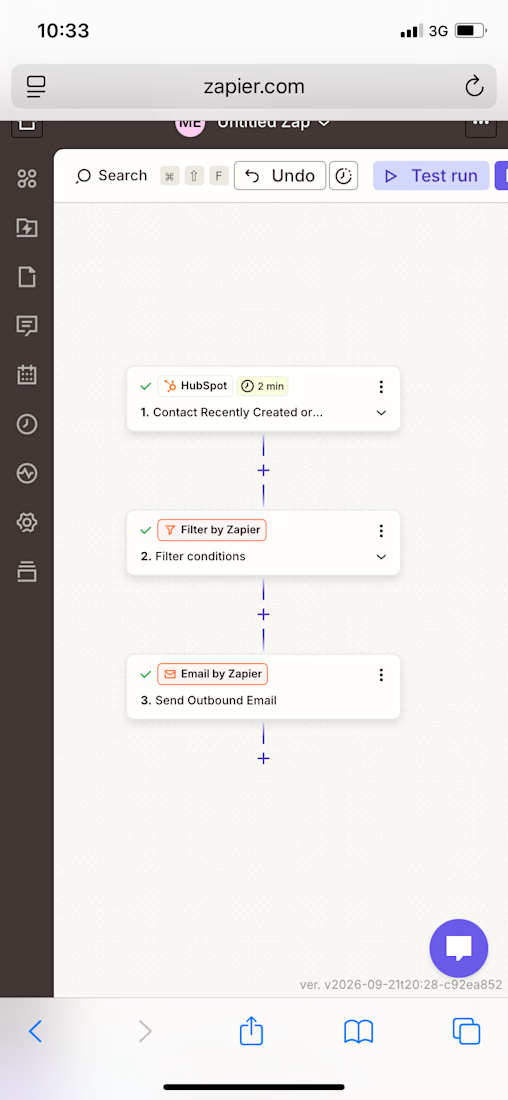
Learning Recap: Zapier + HubSpot Integration + Filters
Today I advanced my Zapier skills by connecting a real CRM (HubSpot) and learning how to add conditional logic to an automation, so it only runs when specific criteria are met.
What I Practiced
✅ Connected my real HubSpot account to Zapier, including authorizing app permissions
✅ Built a Trigger using HubSpot’s “Contact Recently Created or Updated” event
✅ Created a test contact in HubSpot to generate real sample data for the workflow
✅ Ran a live test on the Trigger step and confirmed it passed
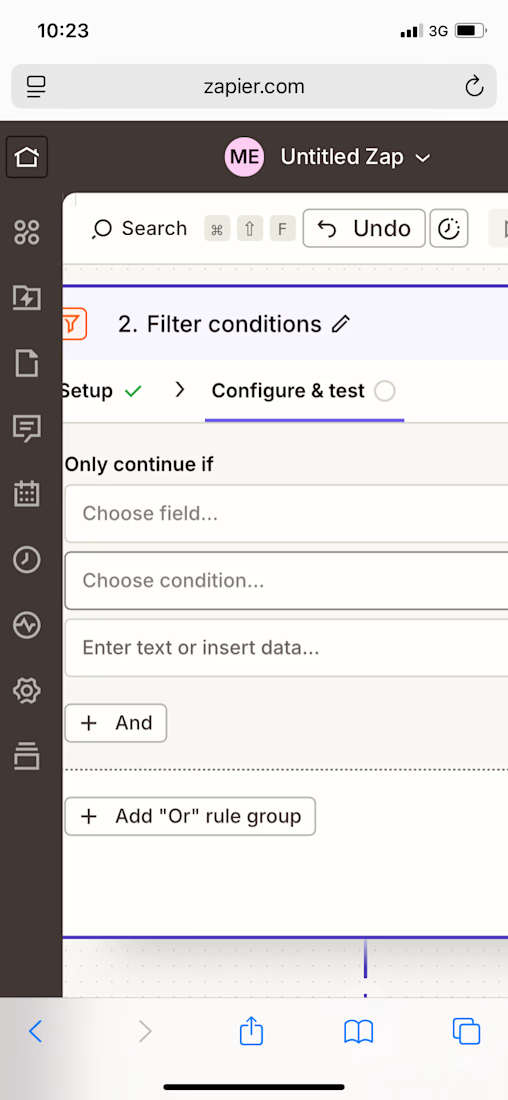
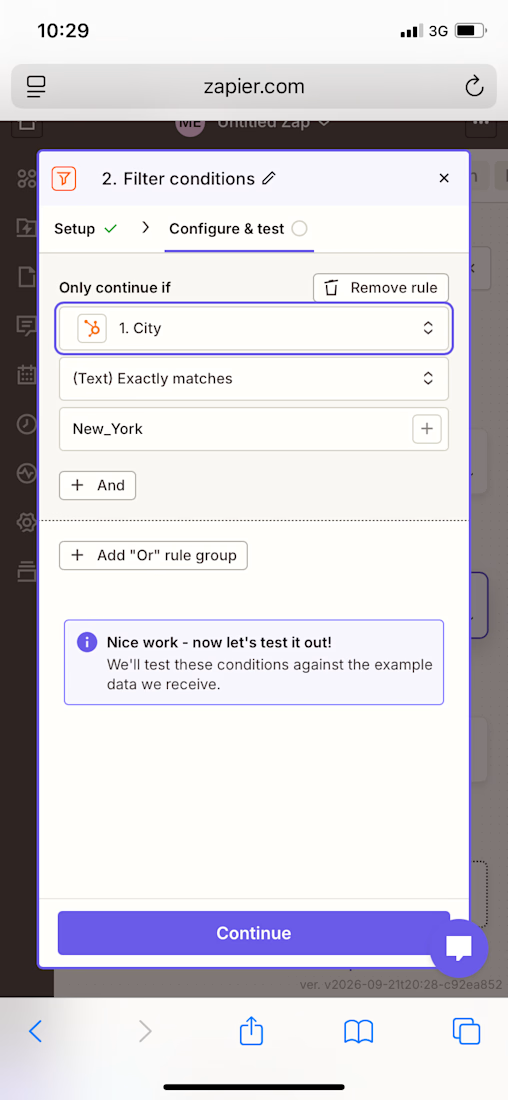
✅ Added a Filter by Zapier step between the Trigger and Action, to control exactly when the automation continues
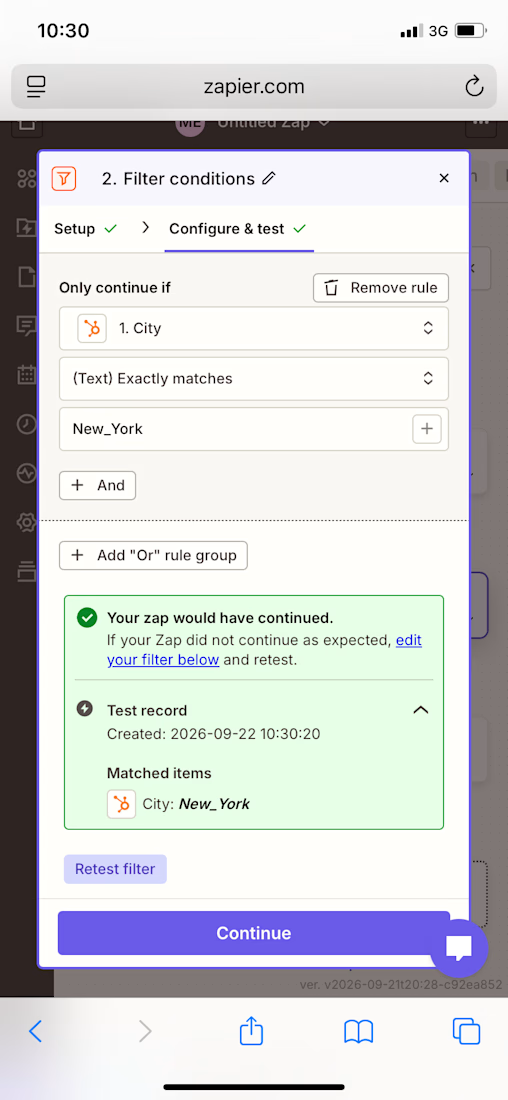
✅ Configured a filter condition (“Only continue if Contact City exactly matches a specific value”)
✅ Ran a live test on the Filter step and confirmed the condition passed correctly
✅ Configured an Email by Zapier action using dynamic data (contact’s first name and email) pulled automatically from HubSpot
✅ Ran a live test on the Action step and confirmed the email was sent successfully
✅ Cleaned up the workflow by removing an unused extra step, leaving a clean 3-step automation
Skills Practiced
• CRM integration and account authorization
• Multi-step workflow design (Trigger → Filter → Action)
• Conditional logic / rule-based automation
• Dynamic data mapping between connected apps
• Live testing and validation at every stage of a workflow.

The network for creativity
Join 1.25M professional creatives like you
Connect with clients, get discovered, and run your business 100% commission-free
Creatives on Contra have earned over $150M and we are just getting started







Related posts



Learning Recap: Zapier Fundamentals
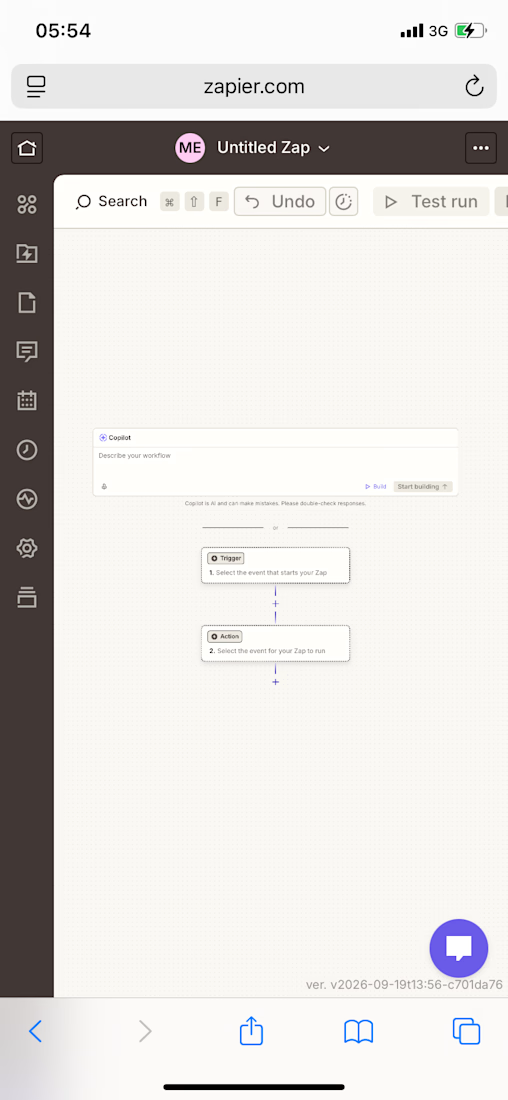
Today I began learning Zapier, an automation tool that connects apps so repetitive tasks can run without manual effort. I went from a brand-new account to building and testing a fully working automation.
What I Practiced
✅ Created a Zapier account and explored the Dashboard
✅ Understood the core Trigger → Action concept behind every automation
✅ Built a Zap from scratch using the Zap Editor
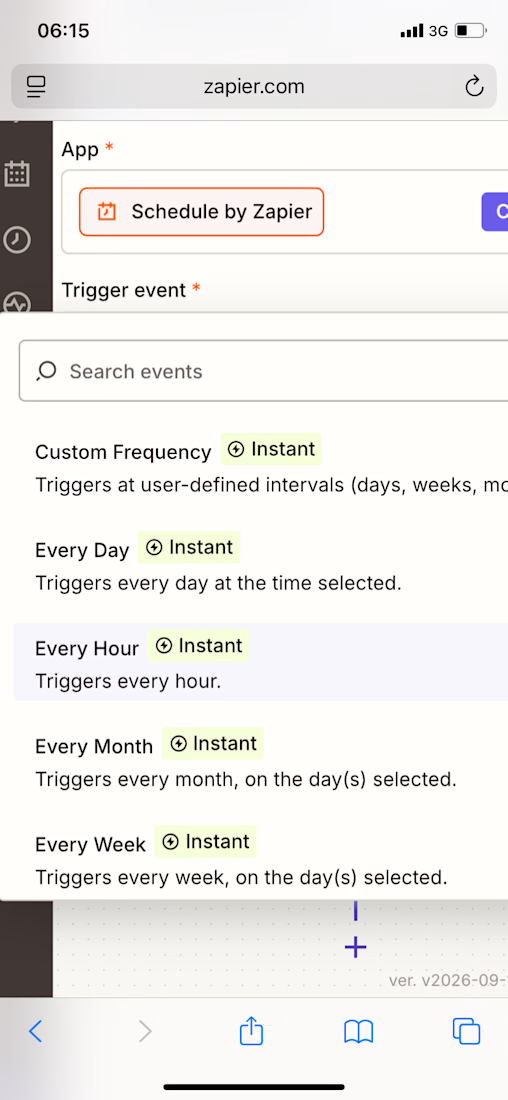
✅ Selected and configured a Trigger app (Schedule by Zapier — set to run “Every Day”)
✅ Configured trigger settings, including time of day and weekend behavior
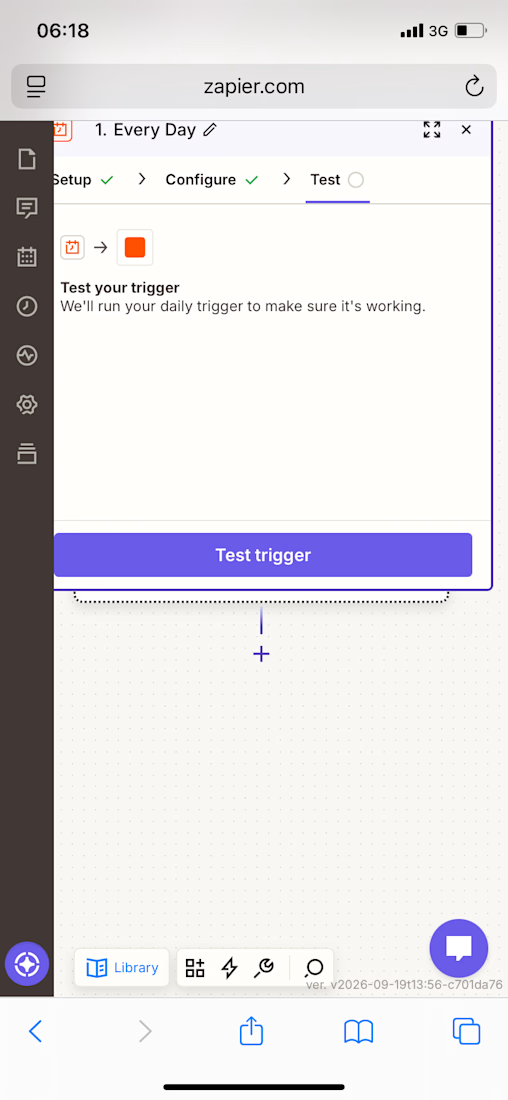
✅ Ran a live test on the Trigger step and confirmed it passed
✅ Selected and configured an Action app (Email by Zapier — “Send Outbound Email”)
✅ Filled in action fields: recipient, subject line, and email body
✅ Ran a live test on the Action step and confirmed the email was sent successfully
✅ Understood the difference between publishing a Zap and keeping it as a draft
Skills Practiced
• Workflow automation logic (Trigger → Action)
• No-code app integration setup
• Step-by-step configuration and troubleshooting
• Live testing and validation of automated workflows


Launching a product is exciting—watching your backend crash under real traffic is not.When your CRM, payments, databases, and team alerts don't talk to each other, your business loses dozens of productive hours every week. We build real-time REST and GraphQL data pipelines with automated webhook retry logic to keep your entire stack in perfect harmony.