The network for creativity
Join 1.25M professional creatives like you
Connect with clients, get discovered, and run your business 100% commission-free
Creatives on Contra have earned over $150M and we are just getting started
Back to feedPost

6 Essential Adobe Illustrator Shortcuts for Apparel & Vector Designers 🚀
Speed and precision define technical vector development. Here are 6 core Adobe Illustrator shortcuts every vector and apparel designer should master to optimize workflow:
Ctrl + Alt + C: Make with Top Object (Envelope Distort)
Ctrl + Alt + B: Blend Tool for smooth color transitions
Ctrl + Alt + M: Envelope Mesh for custom text warps
Shift + D + Ctrl + V: Draw Inside for instant garment mockup pattern placement
Shift + M: Shape Builder Tool for fast geometric cuts
Shift + X: Instant swap between Fill & Stroke
Working with vector graphics requires both speed and precision. Which shortcut saves you the most time in CAD production?
Looking for factory-ready vector drafting, tech packs, or technical flat sketches? Feel free to check out my profile and let's collaborate!
#AdobeIllustrator #Typography #GraphicDesigner #GraphicDesigner #FashionCAD #DesignTips

The network for creativity
Join 1.25M professional creatives like you
Connect with clients, get discovered, and run your business 100% commission-free
Creatives on Contra have earned over $150M and we are just getting started



Related posts


Design and build of Polychrome, a free Framer portfolio template with coloured tabs for commercial and studio work and warm and cool colour modes.


This is bold and eye-catchy layout 🔥

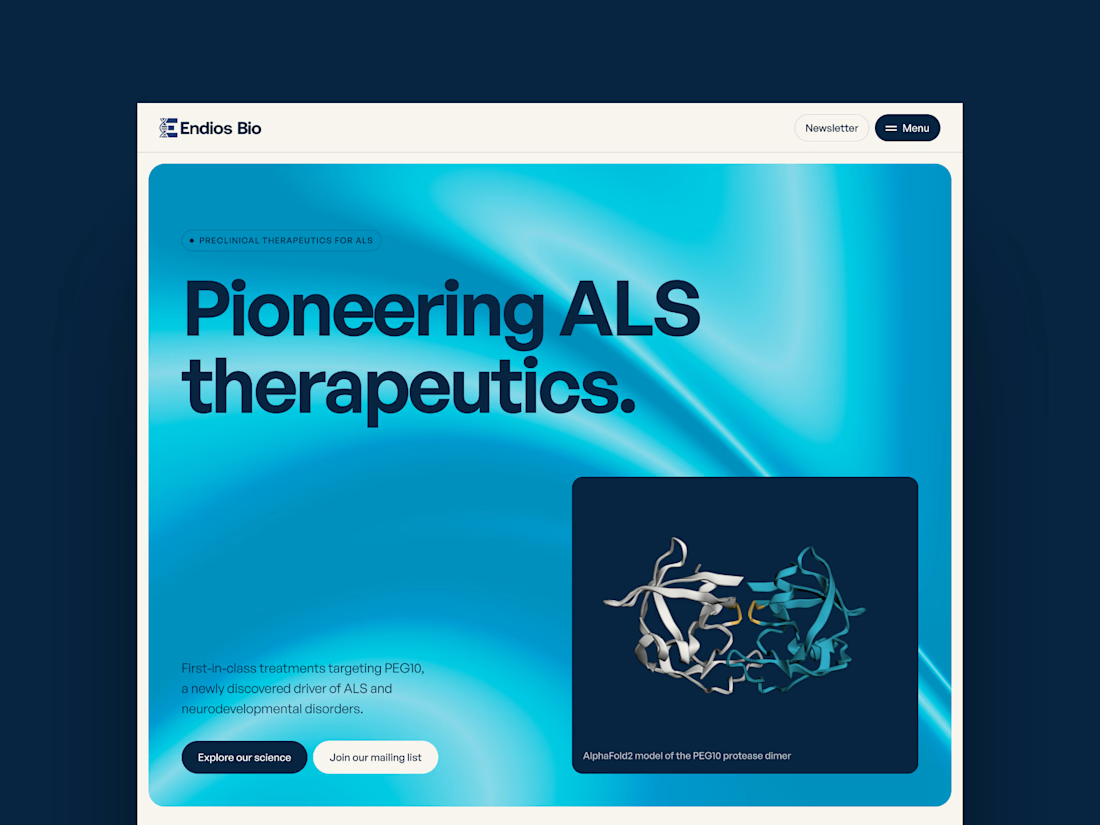
Just launched a full rebuild for Endios Bio, an ALS biotech I designed the brand for. 🎉
The hero is the real AlphaFold model of PEG10, the protein at the center of their research, rendered live and rotating in Framer.
Every science visual on the site comes from real data.


Seconding what @Quan Huguely said! I like how the protein they’re studying, and the work they are doing much more tangible

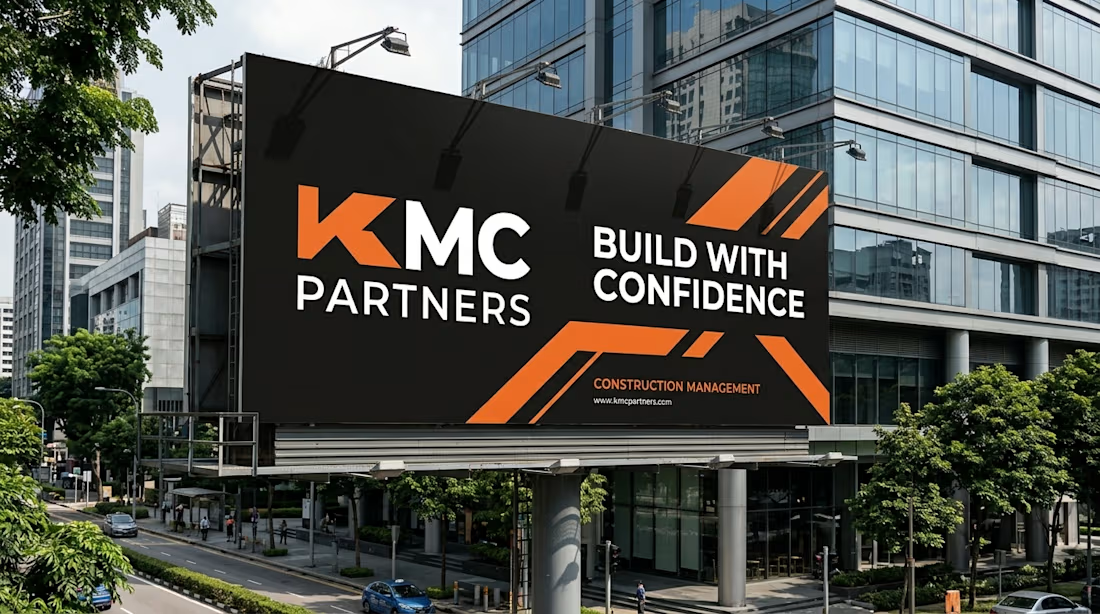
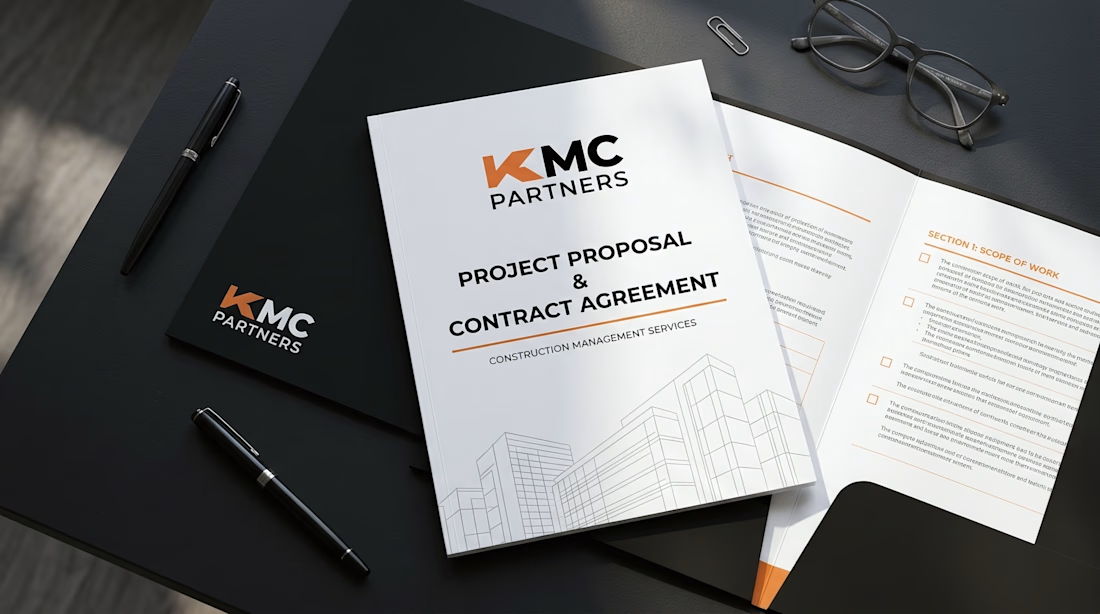
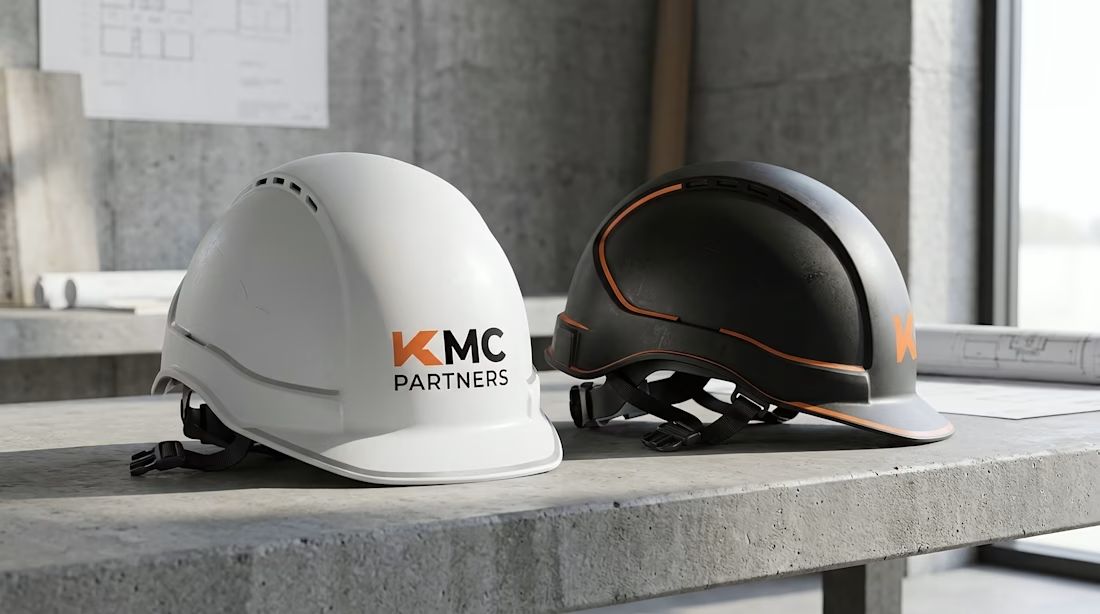
Branding & Visual Identity | KMC Partners Introducing KMC Partners a bold and professional brand identity built around trust, transparency, and confidence. A visual direction that reflects the company's construction expertise, experience, and commitment to delivering successful projects.Branding & Visual Identity | KMC Partners Introducing KMC Partners a bold and professional brand identity built around trust, transparency, and confidence. A visual direction that reflects the company's construction expertise, experience, and commitment to delivering successful projects. Explore the full project 🔗 www.behance.net/gallery/258818229/Branding-Visual-Identity-KMC-Partners