The network for creativity
Join 1.25M professional creatives like you
Connect with clients, get discovered, and run your business 100% commission-free
Creatives on Contra have earned over $150M and we are just getting started
Back to feedPost

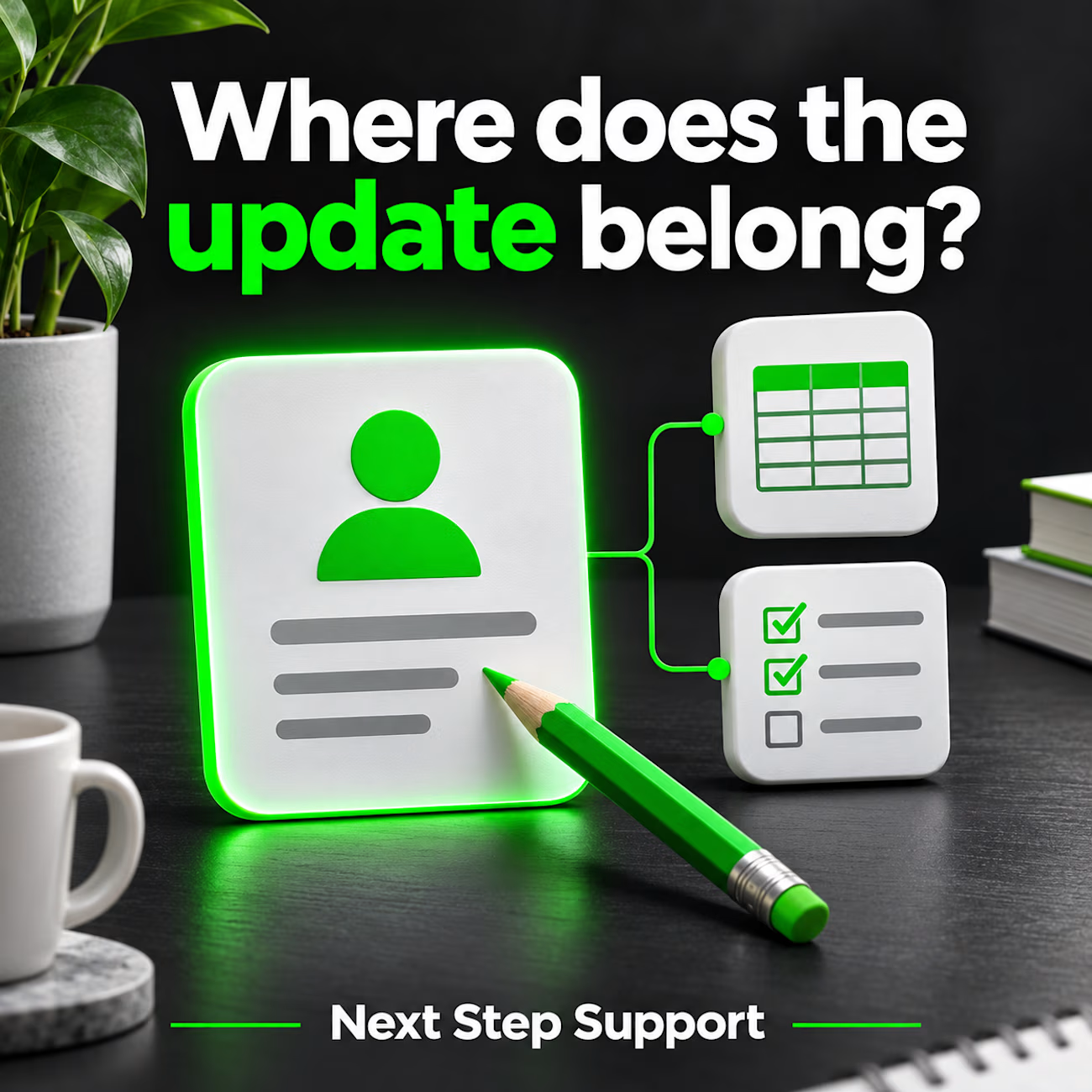
A client sends you a new email address. Their details also appear in a CRM, a spreadsheet, and a project workspace. Which record should you update first?
It helps to choose a main home for each kind of information. Contact details might be maintained in the CRM, while project tasks stay in the project workspace. Everything does not need to be copied everywhere.
For details that do appear in more than one place, decide who makes the change and how the other records receive it.
Then test an update, not just a new record. With a sample contact and client messages disabled, check that the new value reaches the intended record and an older value does not replace it.
Clear ownership makes a connected system easier to maintain when information changes.
The network for creativity
Join 1.25M professional creatives like you
Connect with clients, get discovered, and run your business 100% commission-free
Creatives on Contra have earned over $150M and we are just getting started
Related posts

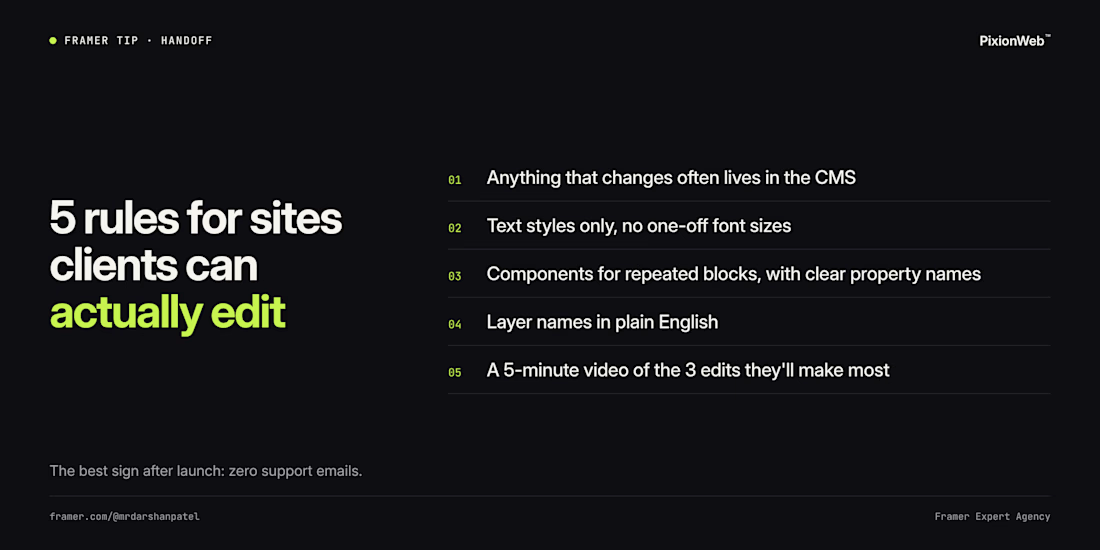
5 rules for Framer sites clients can actually edit ✍️
Anything that changes often lives in the CMS
Text styles only, no one-off font sizes
Components for repeated blocks, with clear property names
Layer names in plain English
A 5-minute video showing the 3 edits they'll make most
The best sign after launch is zero support emails.
What do clients break most often on your sites? 👇


Great list. One I'd add: lock the layout, free the content. I set max widths and stack gaps inside components so a client can paste a paragraph twice as long and nothing breaks on a 390px screen. Most "the client broke the site" moments I've seen were really overflowing text on mobile.

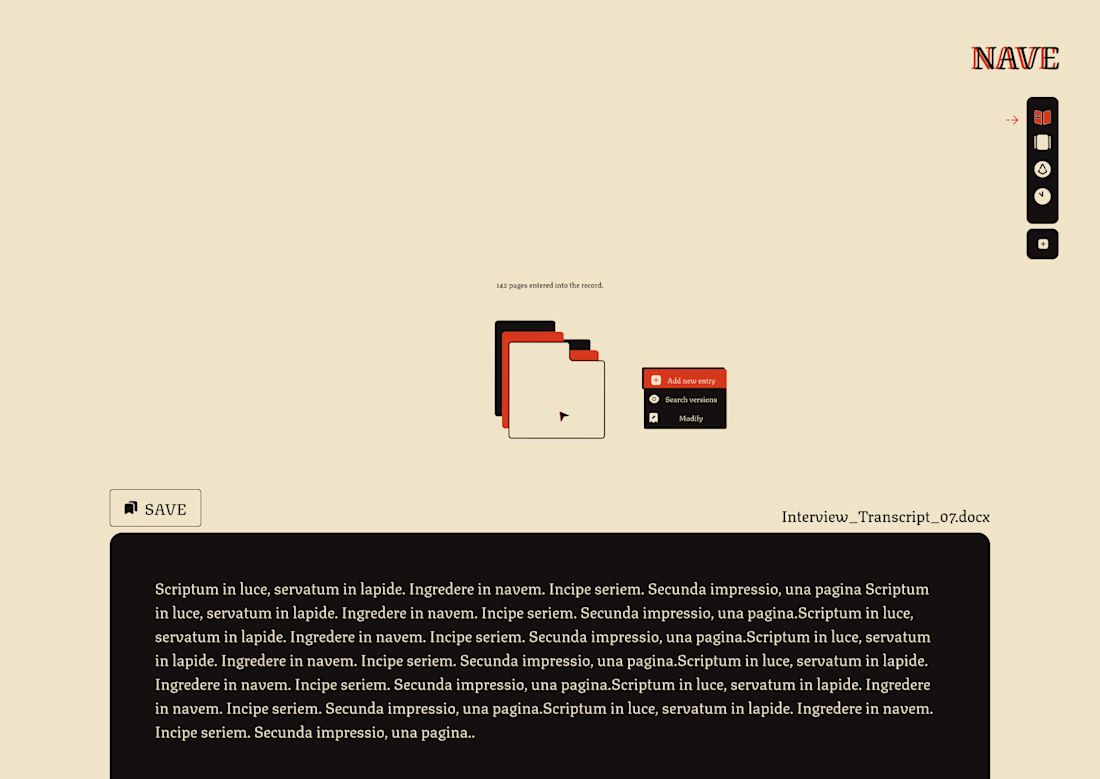
What if your drafts never disappeared?
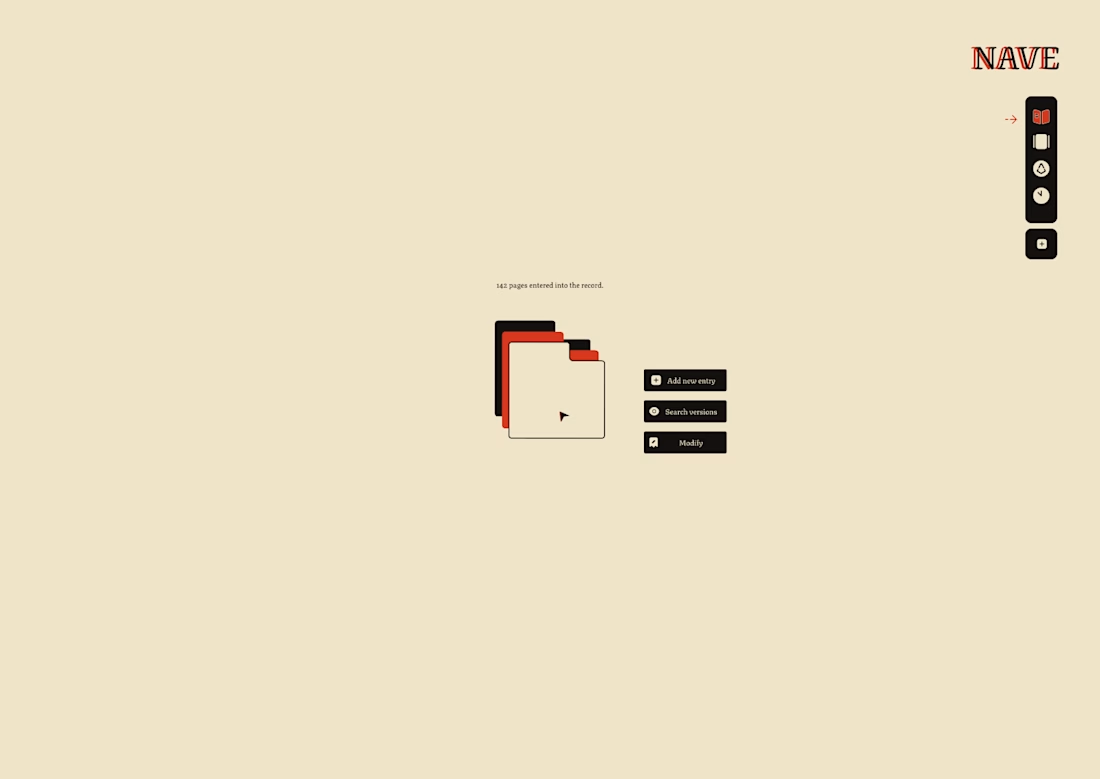
NAVE prints every revision behind the current one, like a second pass on a press.
See what changed. Bring back what you miss. Keep both.
Out soon

Nice colors

Automations rarely break on their own. Something around them changes.
The usual causes:
→ Someone renames a column or a form field
→ A password or app connection expires
→ The process changes and the automation stays the same
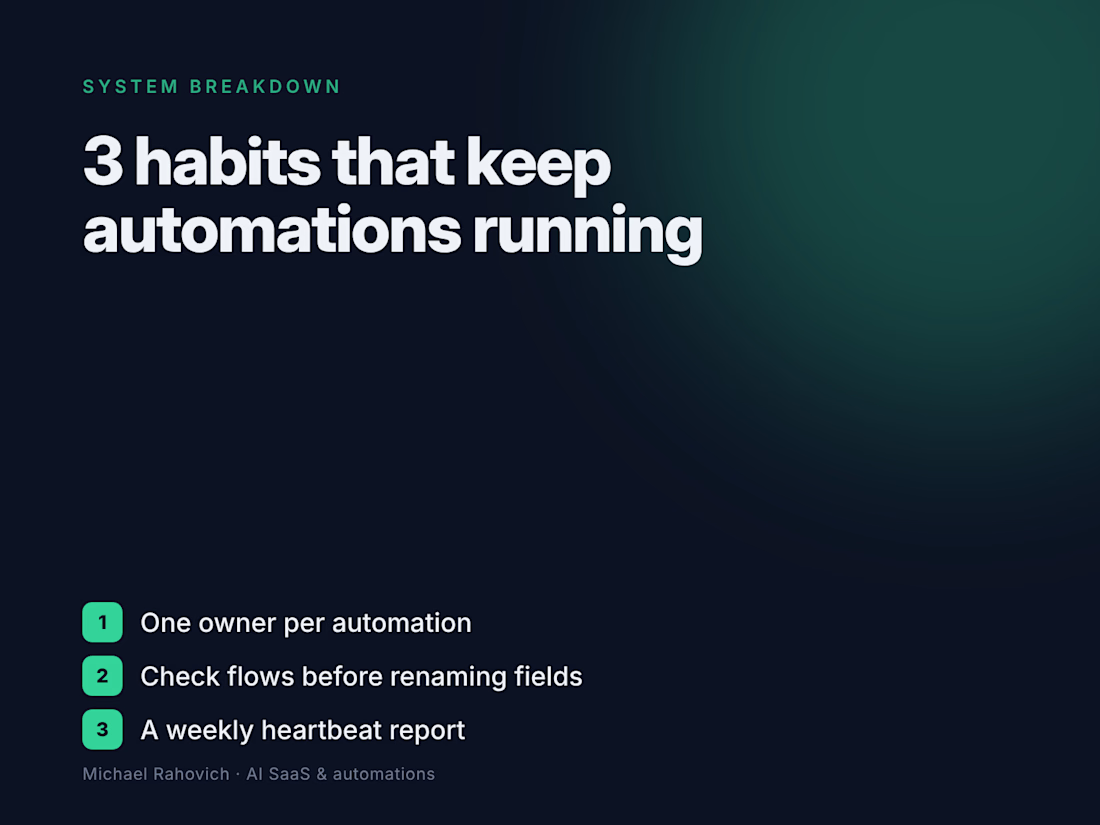
3 habits that prevent most of it:
One owner per automation
A named person who gets the alerts and knows what the flow should do.
Check the flows before you change the source
Before renaming a field in your CRM, sheet or form, check which automations read it. I keep a simple list: automation, trigger, fields used.
A weekly heartbeat
Every flow logs its runs to one sheet. Once a week, a short summary shows what ran, what didn't, and what went quiet.
Quiet is the dangerous one. An automation that stops running sends no error.
What's the last automation that stopped on you without anyone noticing?