The network for creativity
Join 1.25M professional creatives like you
Connect with clients, get discovered, and run your business 100% commission-free
Creatives on Contra have earned over $150M and we are just getting started
Back to feedPost

Automations rarely break on their own. Something around them changes.
The usual causes:
→ Someone renames a column or a form field
→ A password or app connection expires
→ The process changes and the automation stays the same
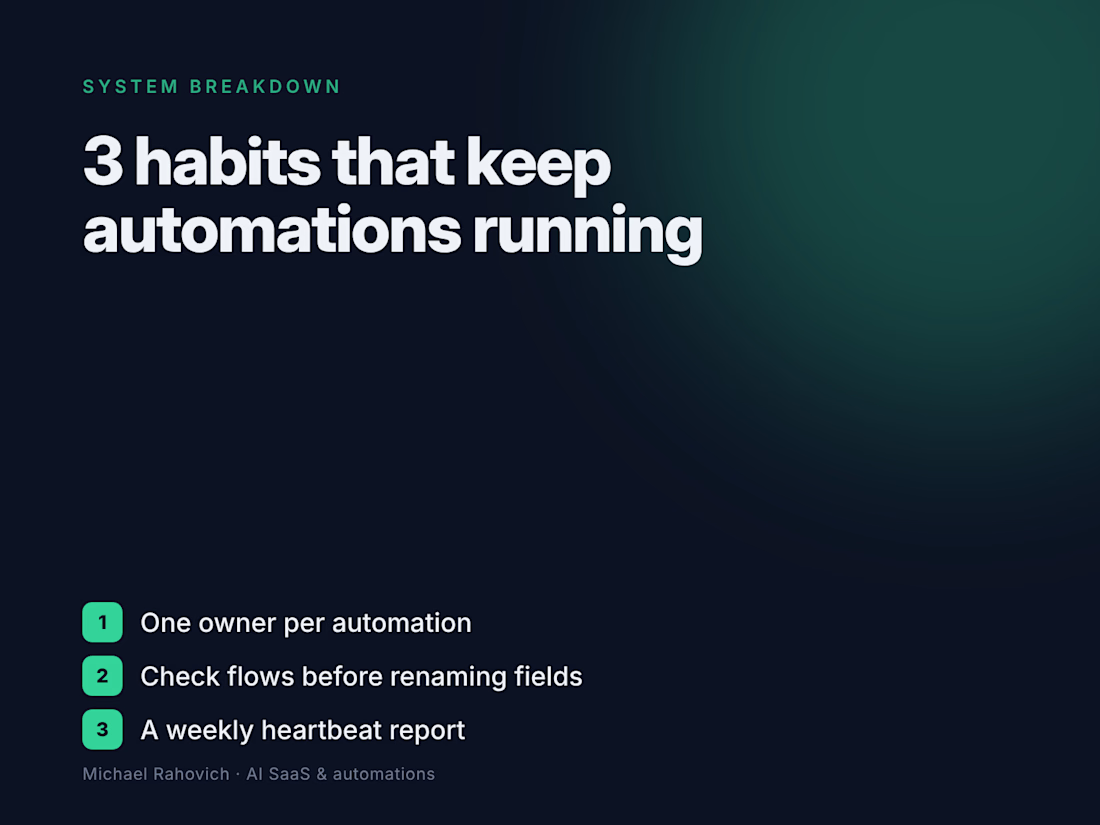
3 habits that prevent most of it:
One owner per automation
A named person who gets the alerts and knows what the flow should do.
Check the flows before you change the source
Before renaming a field in your CRM, sheet or form, check which automations read it. I keep a simple list: automation, trigger, fields used.
A weekly heartbeat
Every flow logs its runs to one sheet. Once a week, a short summary shows what ran, what didn't, and what went quiet.
Quiet is the dangerous one. An automation that stops running sends no error.
What's the last automation that stopped on you without anyone noticing?
The network for creativity
Join 1.25M professional creatives like you
Connect with clients, get discovered, and run your business 100% commission-free
Creatives on Contra have earned over $150M and we are just getting started



Related posts

Quick question for small business owners.
Which job eats more of your week?
A) Fixing messy spreadsheets
B) Copying data from one app to another
Both can be automated. I'm curious which one hurts more.

0 voted
0%

1 voted
100%

1 vote
Closed

B, by a distance. The one we see most is leads arriving from ad forms, WhatsApp and the website and being copied into a CRM by hand. Once each source feeds one inbox automatically, nobody misses a lead because it sat in the wrong app.

The agent found the leak, rotated the key and synced every environment.
I will only approve
Light or Dark?
1 voted
25%
3 voted
75%
4 votes
Closed

Great idea, nicely executed.

Automation should make work easier — not create another system that needs constant attention.
The most useful business automations often start with small, repetitive tasks:
• Moving information between tools
• Sending follow-ups
• Processing incoming requests
• Generating reports
• Organizing data
Before automating a workflow, understand how it works manually. If the process is unclear or constantly changing, automation may only make the confusion faster.
The best automation removes friction, reduces repetitive work, and gives people more time to focus on decisions that actually matter.
At Shipmind Labs, we build custom software, integrations, and automation solutions around real business workflows.
What task would you automate first if you could?