The network for creativity
Join 1.25M professional creatives like you
Connect with clients, get discovered, and run your business 100% commission-free
Creatives on Contra have earned over $150M and we are just getting started

The network for creativity
Join 1.25M professional creatives like you
Connect with clients, get discovered, and run your business 100% commission-free
Creatives on Contra have earned over $150M and we are just getting started
Related posts

B&R Order Extractor: purchase orders turned into production-ready order lines. B&R Products commissioned me to cut the time it takes to turn customer purchase orders into something the factory floor can use. What we created: an order extractor that reads PDFs and photos, pulls out every order line, and lets the operator check and fix each field before export. What we did: built the upload and extraction flow; made customer, order number, description, quantity, tinting and comments editable; set up a daily batch queue with numbered exports for traceability; added picker names and ordered versus invoiced quantities; built the spreadsheet export for store, dispatch and invoicing; built the tinting list; managed the backend database that archives every order and batch with duplicate protection. Live and used by the team.


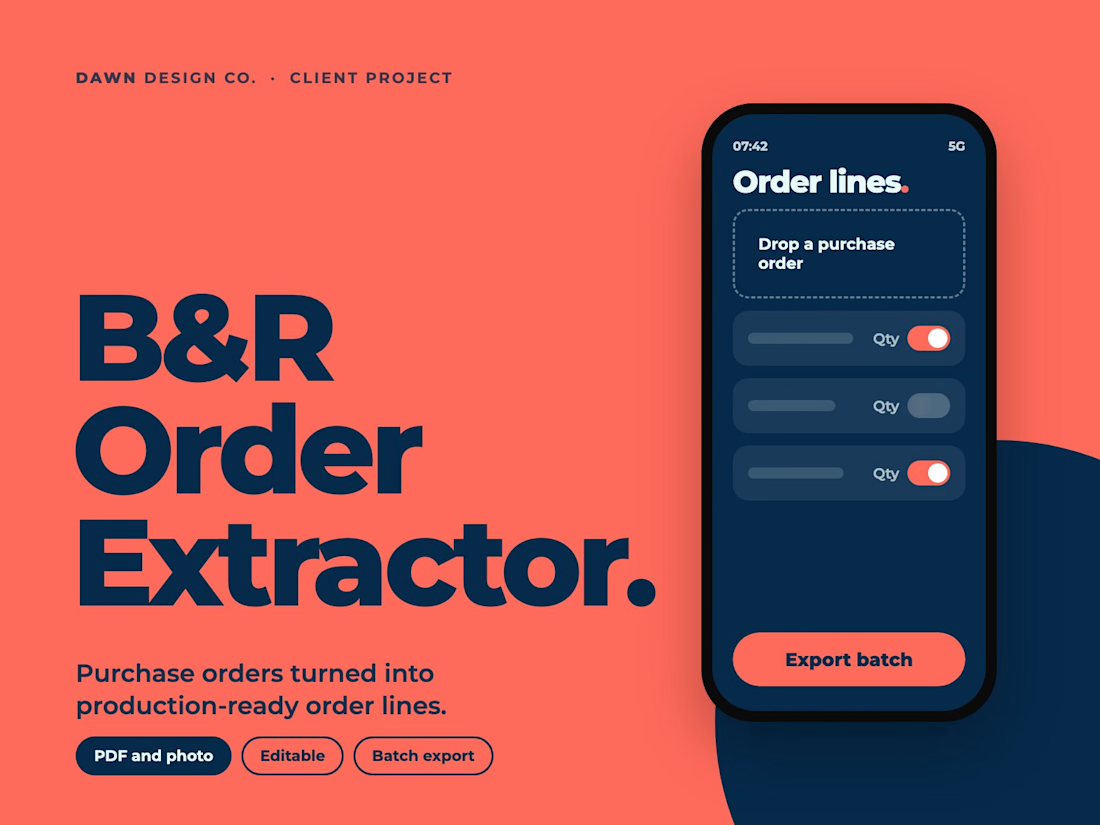

The review step makes sense.
Event Hire Operations: stock, packing and returns for event hire businesses. After building an operations tool for an events client, I saw the same gaps in every hire business: stock counts that drift, packing done from memory and returns nobody checks. What we created: a white-label operations platform that each hire business gets under its own brand. What we did: designed live stock tracking, packing lists, returns check-in and a booking flow; reworked a proven client tool into a product any hire business can run; built branded demo portals so an owner sees their own business on screen before they commit.


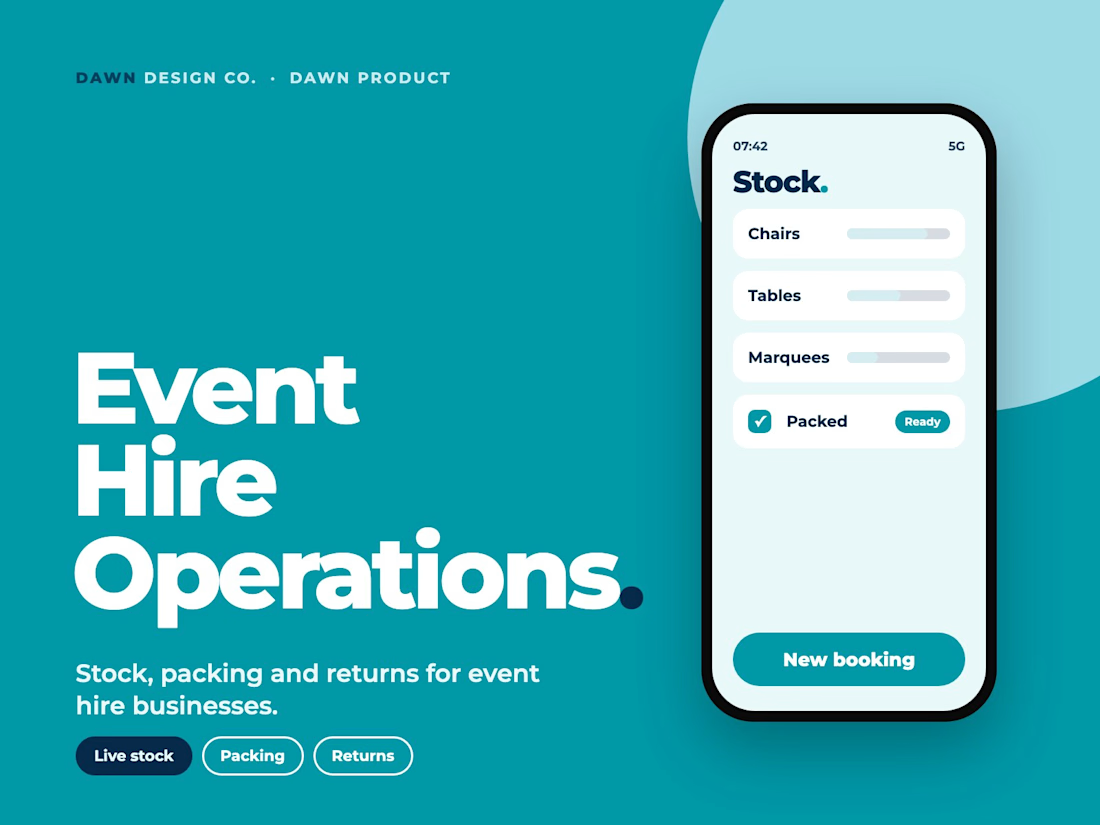
Really useful for event teams.

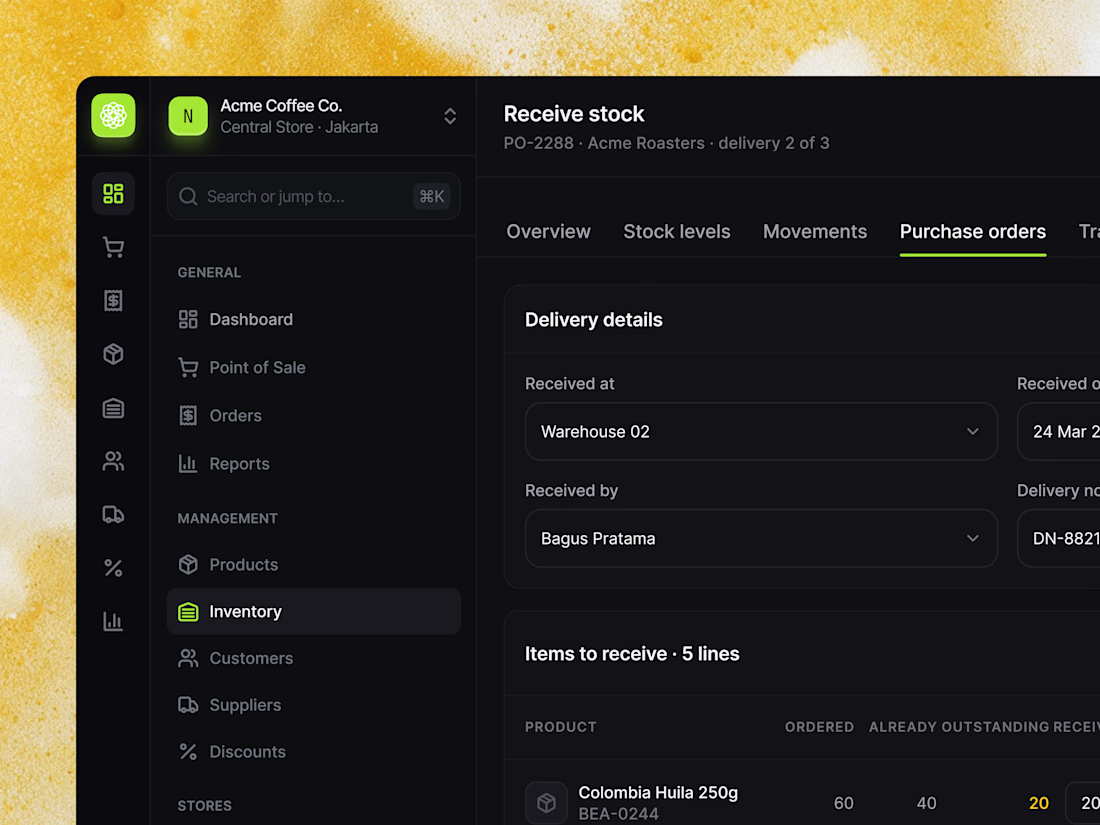
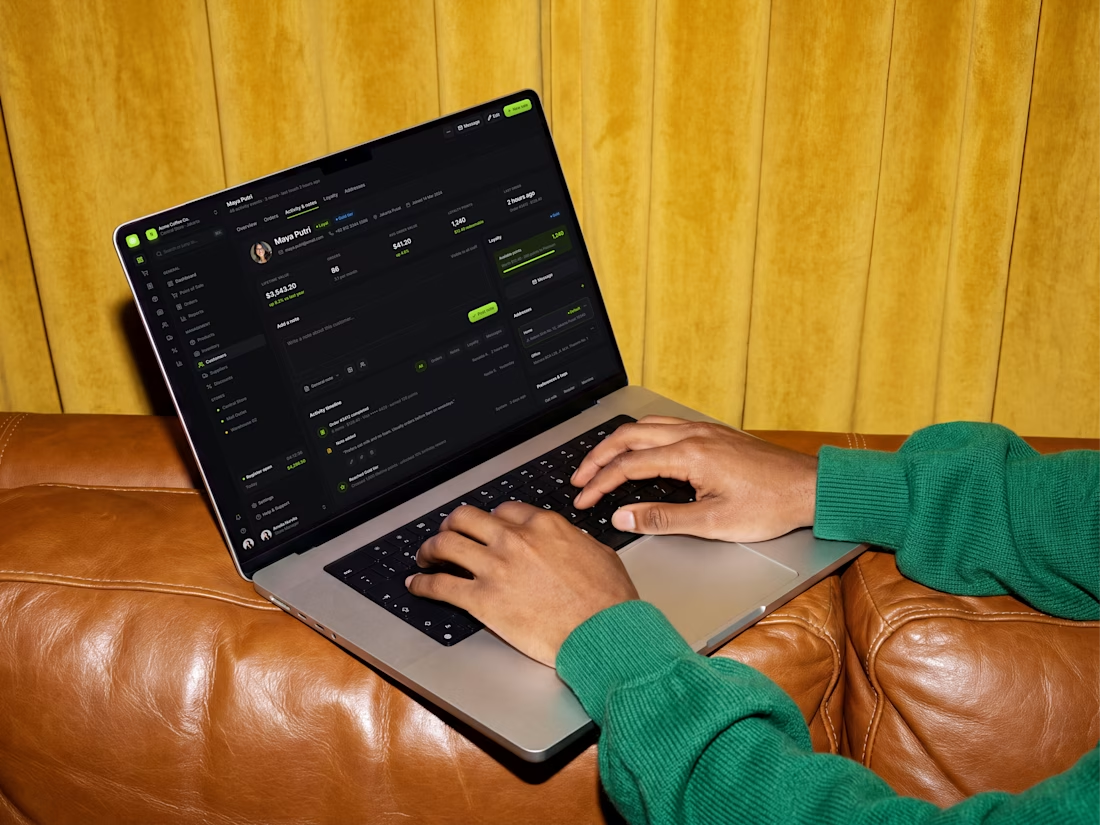
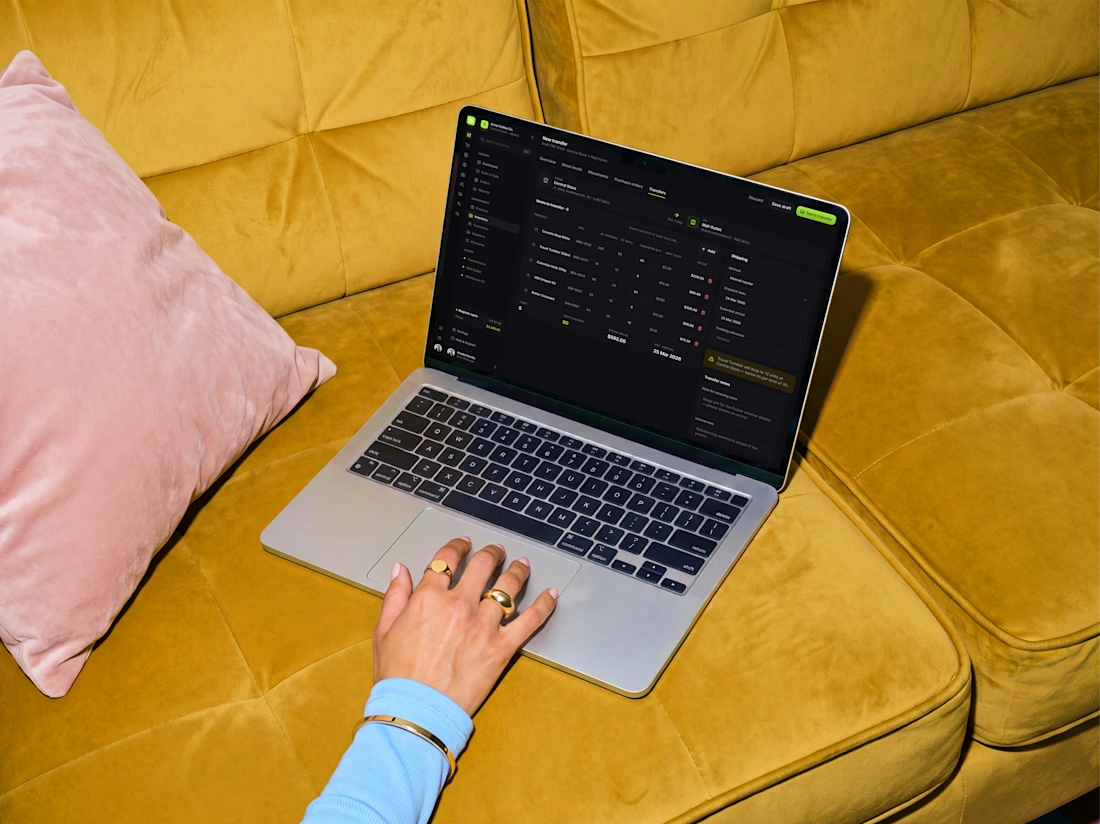
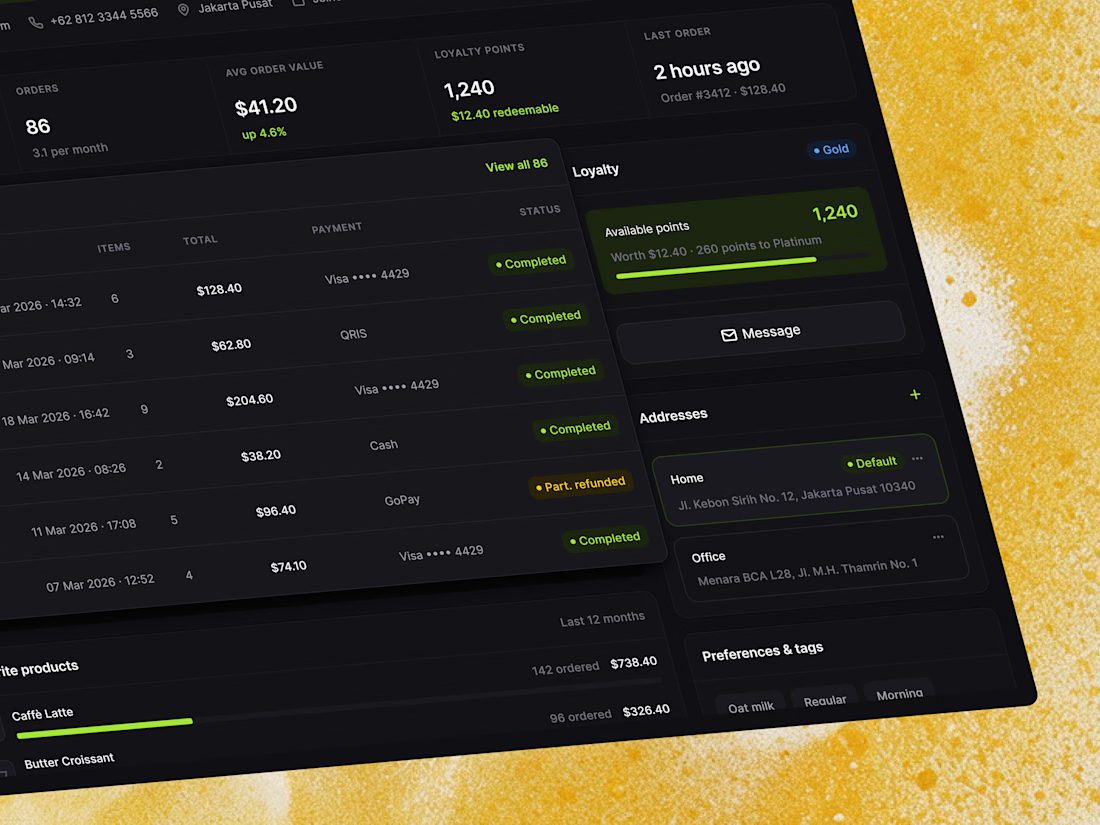
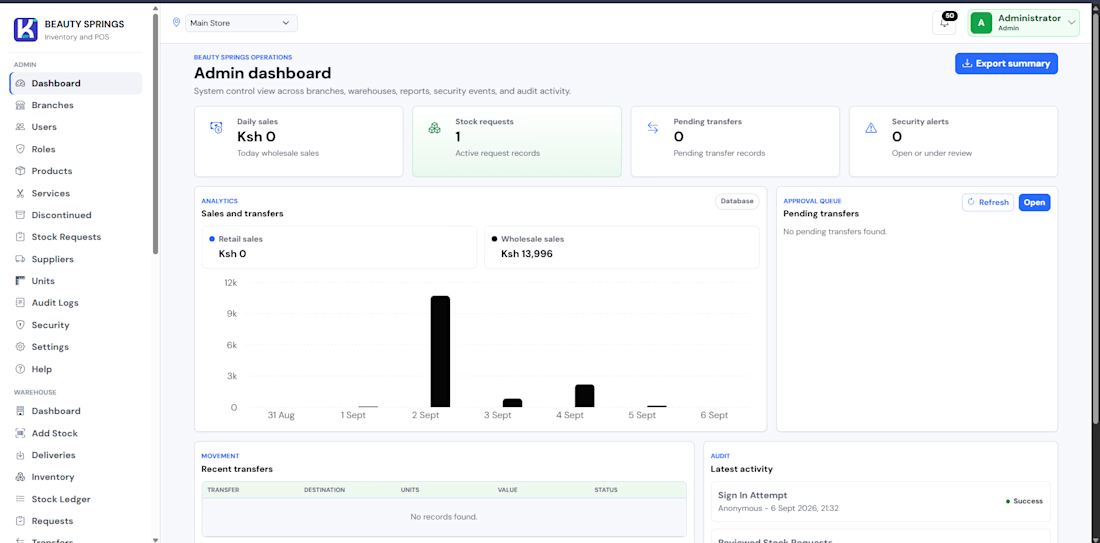
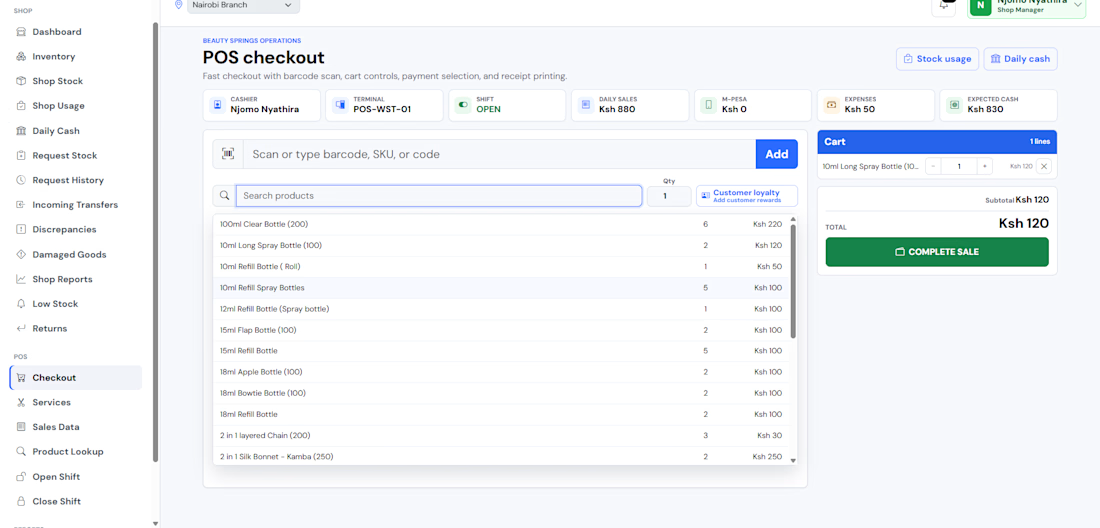
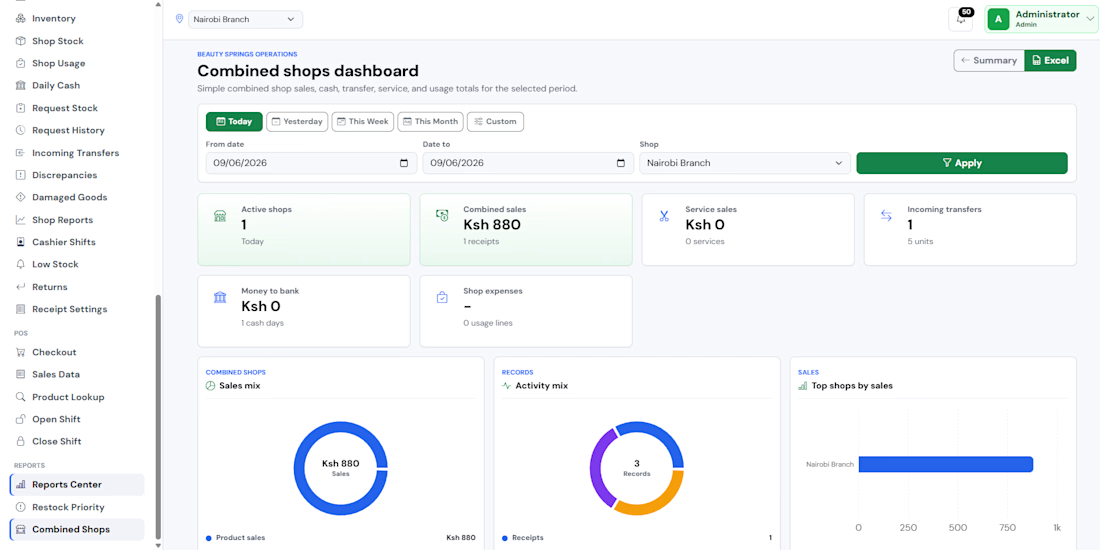
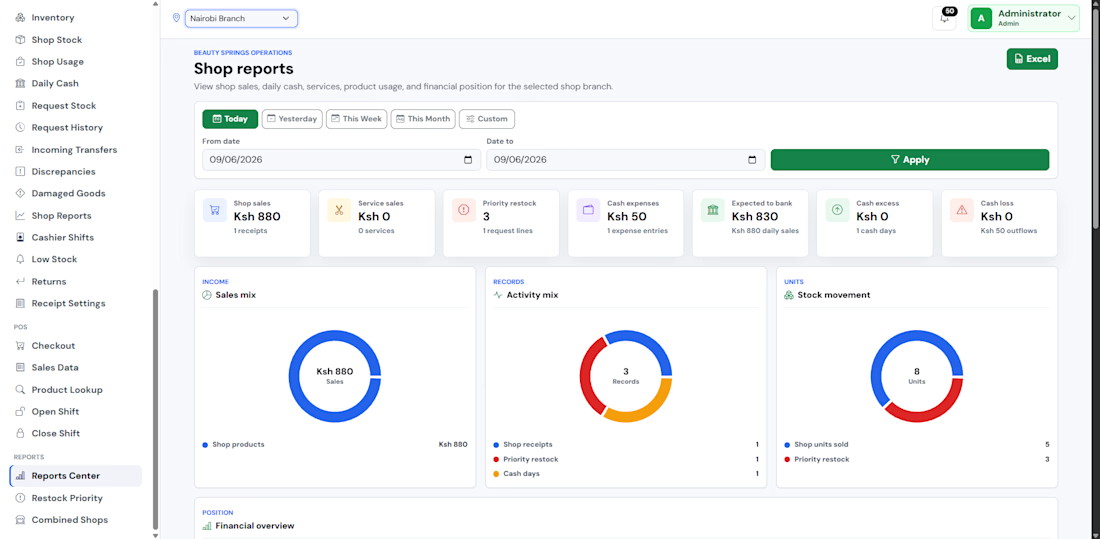
When you’re designing a retail platform, the inventory and customer screens have to make everyday work feel fast, clear, and easy to trust. For this project, we focused on three core experiences: a stock receiving flow that keeps deliveries accurate, a clean inventory view that makes product and stock status easy to scan, and a customer profile that brings loyalty points, order history, and payment details into one place.
Slide through the 4 attached frames to see how we balanced the deep charcoal interface and lime green accents against a warm mustard yellow backdrop, from detailed inventory screens to real-world laptop mockups.
Drop your thoughts and feedback in the comments below! ❤️👇
#SaaSDesign #RetailTech #POSDesign #InventoryManagement #EnterpriseUX