The network for creativity
Join 1.25M professional creatives like you
Connect with clients, get discovered, and run your business 100% commission-free
Creatives on Contra have earned over $150M and we are just getting started
Back to feedPost

Most spreadsheet errors don’t come from bad formulas. They come from bad entries.
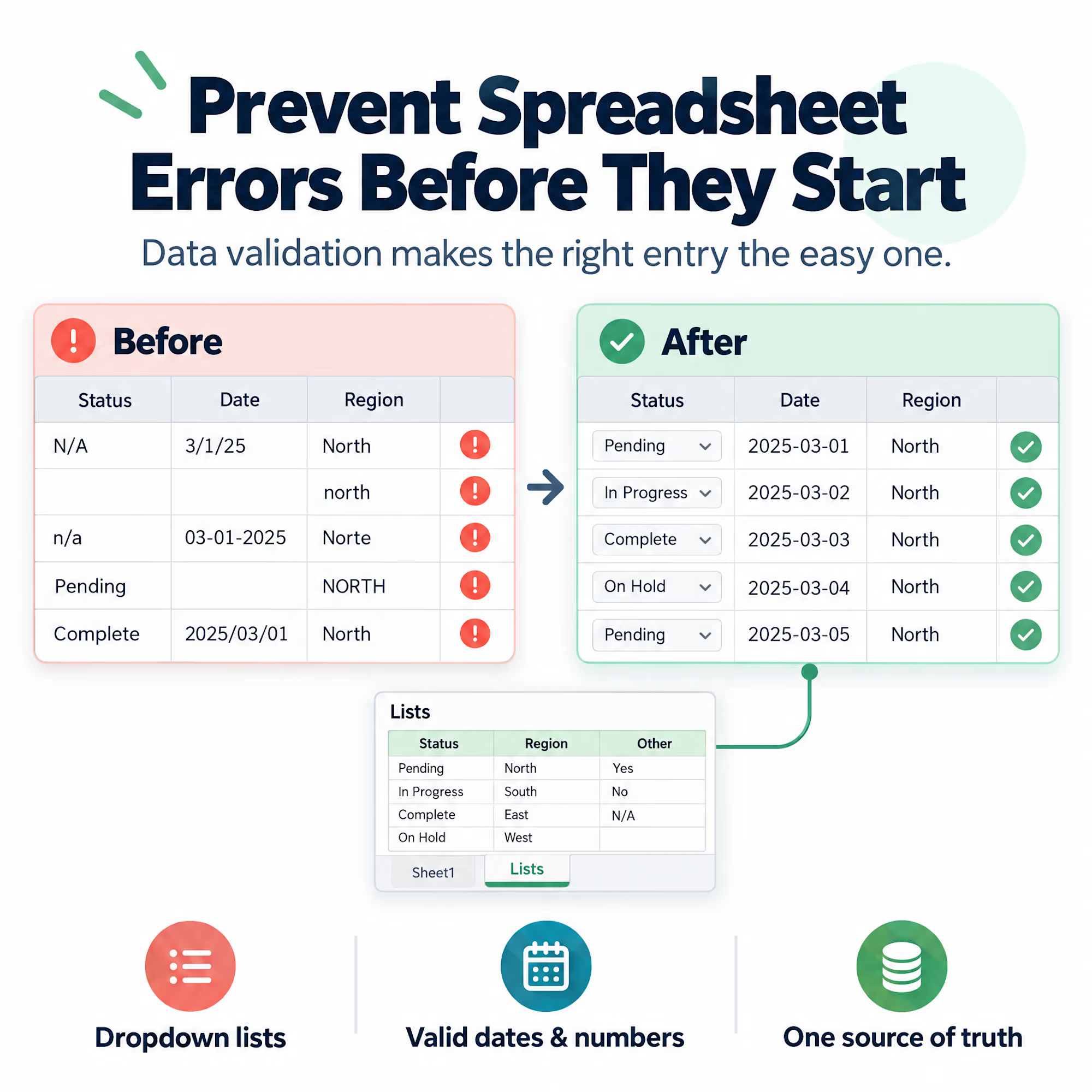
One person types “N/A”, another leaves the cell blank, a third writes “n/a “ with a trailing space. A date arrives as text. A region shows up as “North”, “north”, and “Norte”. Every formula downstream is correct, and the totals are still wrong.
Cleaning that up afterward works, but it’s the expensive way. It’s cheaper to stop the bad entry from getting in:
-- Use dropdown lists (Data Validation) for any field with a fixed set of values
-- Restrict date and number columns to valid formats
-- Add a short input message that explains what the cell expects
-- Keep a separate “lists” sheet so the allowed values live in one place
The goal isn’t to lock people out. It’s to make the right entry the easy one.
A spreadsheet that’s hard to fill in wrong rarely needs a cleanup project later.
Which field in your own reports causes the most cleanup work?
The network for creativity
Join 1.25M professional creatives like you
Connect with clients, get discovered, and run your business 100% commission-free
Creatives on Contra have earned over $150M and we are just getting started
Related posts

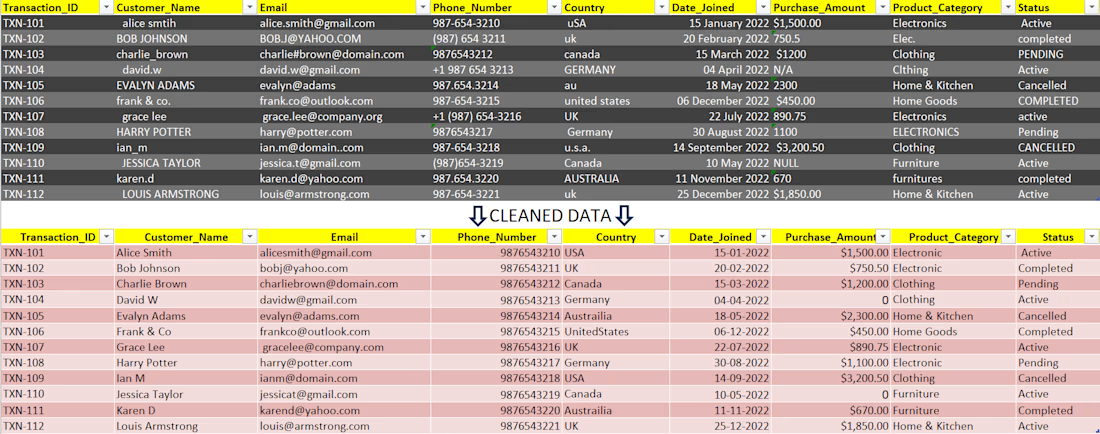
"Engineered an automated data-cleansing framework to audit, normalize, and restructure high-error transactional records. By resolving systemic data anomalies—including string irregularities, duplicate entity entries, schema mismatches, and null variances—this pipeline elevated raw, unreliable logs into clean, decision-ready assets primed for business intelligence modeling."



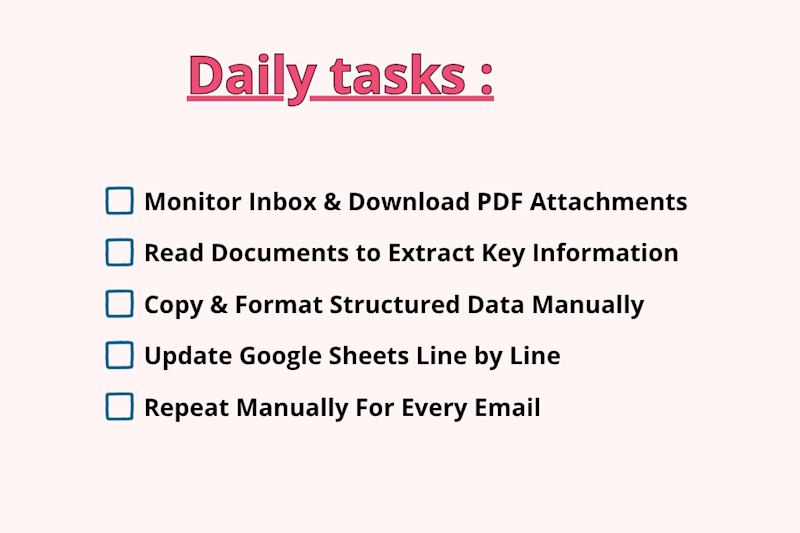
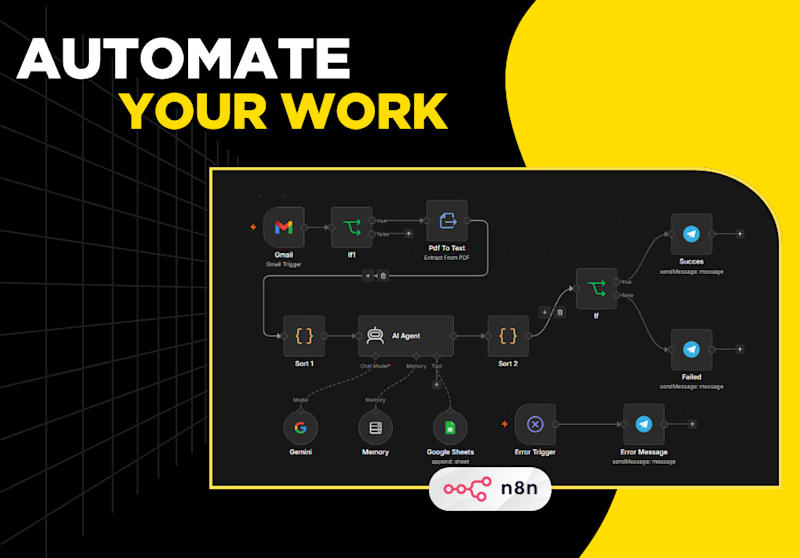
Processing incoming PDF attachments and logging key email data manually takes hours of tedious, repetitive work. Every time a new invoice, quote, or report lands in your inbox, you have to manually open the email, download the PDF, read through dense pages to extract important details, format the data, and log it into Google Sheets row by row.
Which one is faster, saves more time, and prevents mistakes?


1 voted
25%
3 voted
75%
4 votes
Closed

The manual-vs-automated framing is clear, but I'm curious how the workflow copes with PDFs that don't share a layout, like scanned invoices versus quotes. Do you parse them with a fixed template or an extraction step, and what happens to rows it can't read confidently?