The network for creativity
Join 1.25M professional creatives like you
Connect with clients, get discovered, and run your business 100% commission-free
Creatives on Contra have earned over $150M and we are just getting started
Back to feedPost

Photoshop Quick Workflow: Seamless Shape Blending with Clipping Masks 🍃🏙️
When designing streetwear graphics and digital composites, non-destructive layer masking is essential for clean production files.
Here is a 30-second breakdown of fitting complex artwork into organic textures:
Duplicate the base silhouette layer (Ctrl + J)
Place the secondary graphic/cityscape directly above
Right-click the layer → Create Clipping Mask (Shortcut: Alt + Click between layers)
This keeps original assets untouched and ready for factory placement sheets, posters, and print files.
Open for freelance projects in streetwear graphics and tech pack development. Let's build! 🚀

The network for creativity
Join 1.25M professional creatives like you
Connect with clients, get discovered, and run your business 100% commission-free
Creatives on Contra have earned over $150M and we are just getting started



Related posts

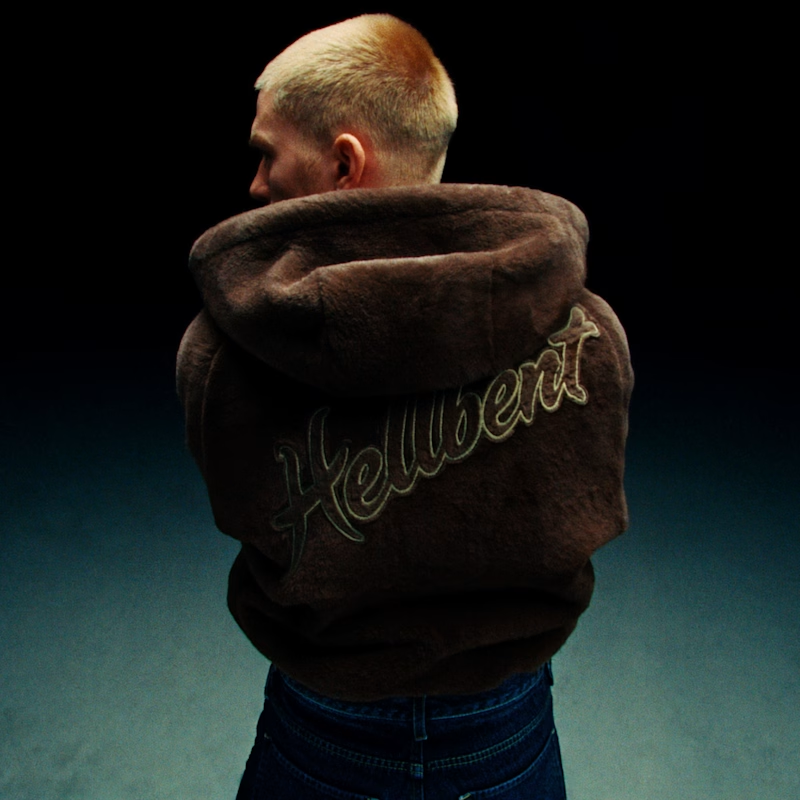
Which of the two jacket film frame goes fire?
9 voted
38%
15 voted
62%

24 votes
Closed

Option B is absolutely better

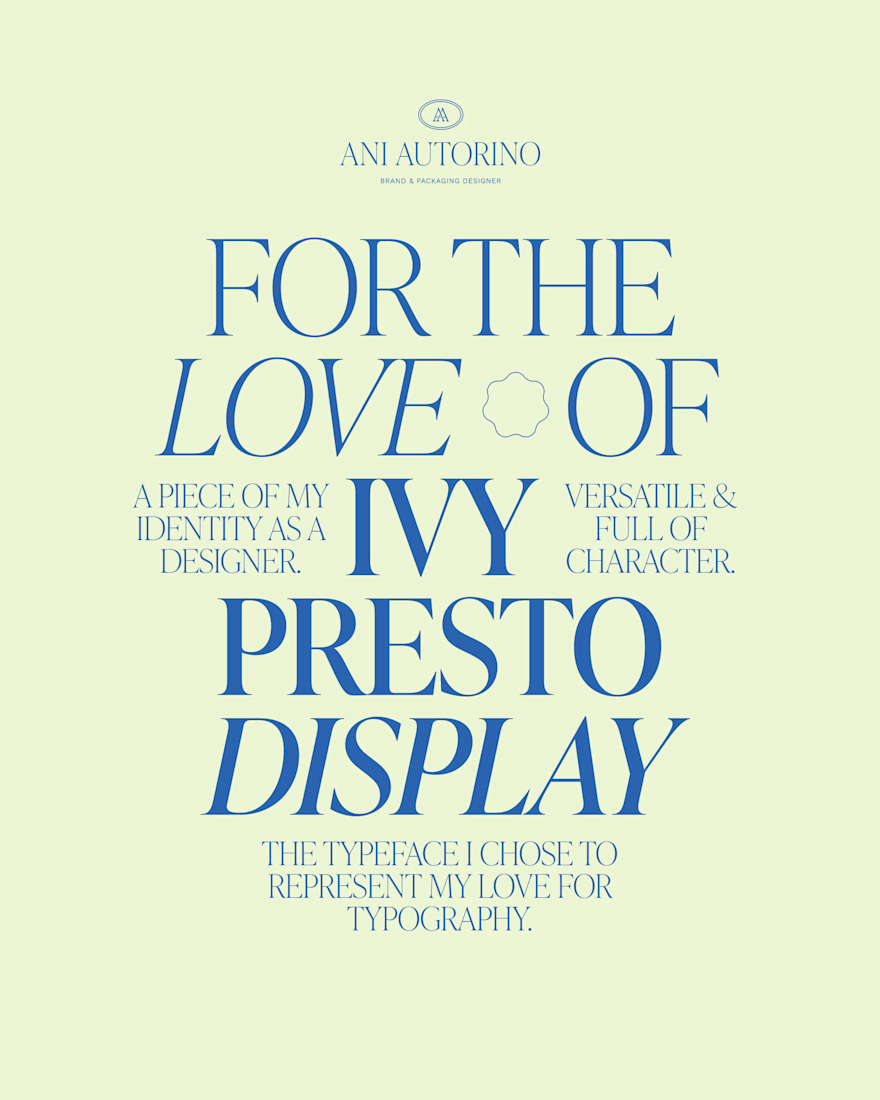
A little sentimental today, 🥹 but I promise there are some useful resources at the end.
I was coming back to my first steps as a brand and packaging designer and when I was looking for a typeface for my own logo, I wanted something delicate that reflected my love for typography and the kind of work I do: Ivy Presto Display felt right, and it’s been part of my visual identity ever since. 🥰
And since we're talking about favorite design resources, two more I keep coming back to are:
✳️ Creatoom for mockups and inspiration.
✳️ Pixel Surplus for finding beautiful typefaces, especially when looking for something new to experiment with.
It’s funny how a typeface can become more than just a design choice. Sometimes, it becomes part of how you see yourself as a designer.
What's a resource or typeface you feel personally attached to?
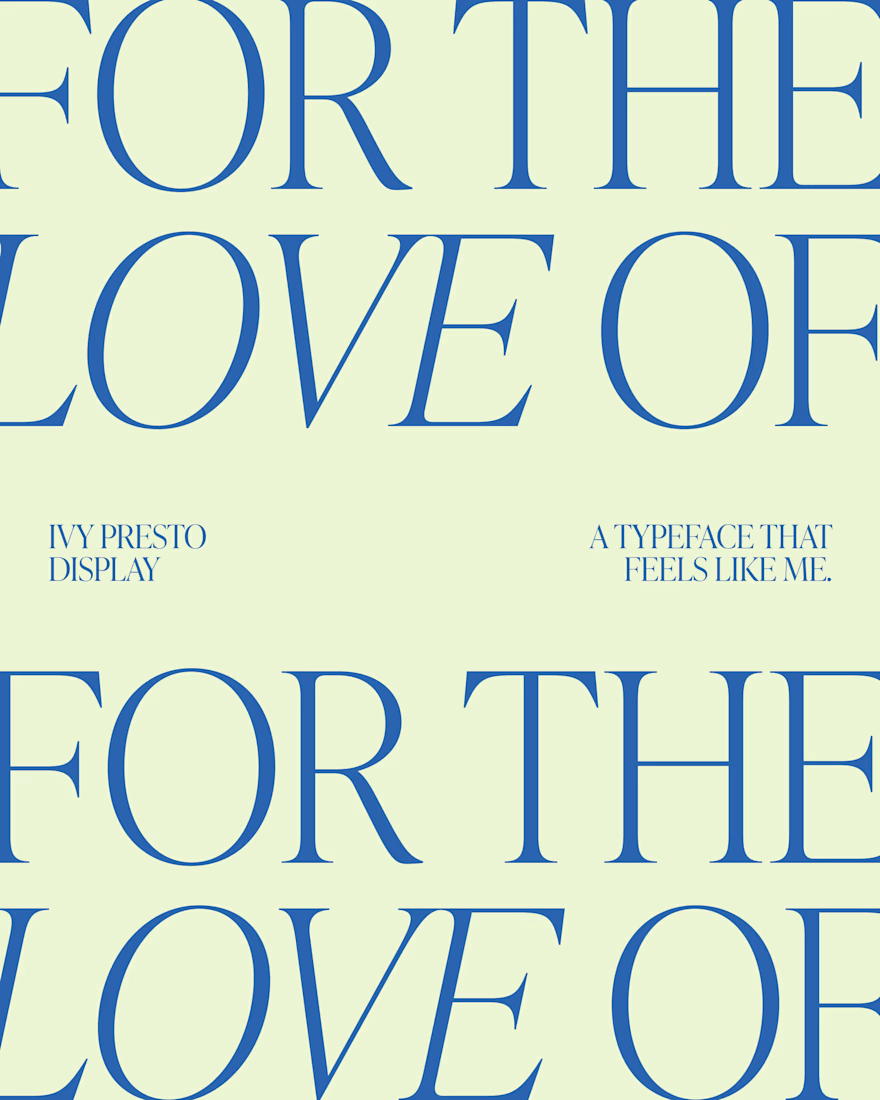


This font fits you very well! Thanks for the ressources 💯


Who said color inspo has to come from a Pinterest board?
The eyedropper tool might be my most-used design tool, but it's also changed the way I see color everywhere. Buildings, flowers, books, even your morning coffee.
Because good design starts with paying attention.
What's one tool that's changed the way you see the world?

Colour inspo is everywhere.