The network for creativity
Join 1.25M professional creatives like you
Connect with clients, get discovered, and run your business 100% commission-free
Creatives on Contra have earned over $150M and we are just getting started
Back to feedPost
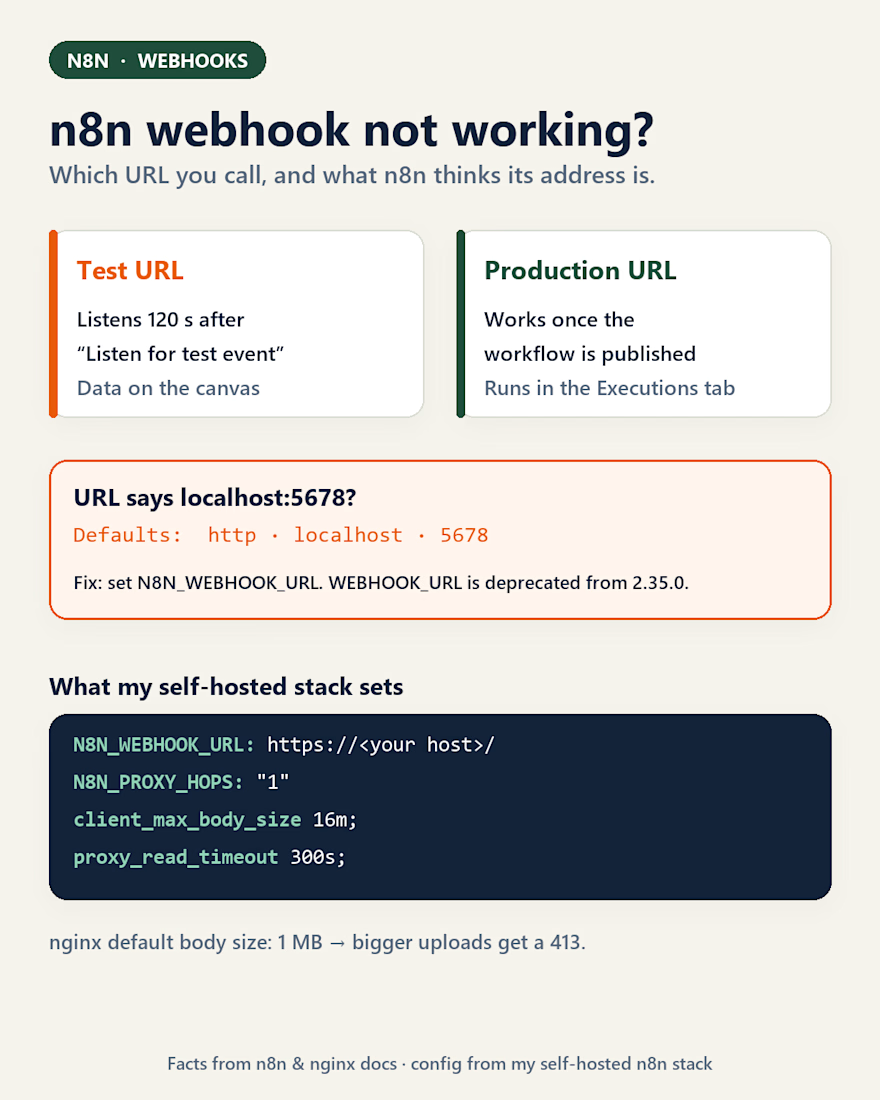
n8n webhook not working? Check which URL you're calling, and what n8n thinks its own address is.
Test URL vs production URL
• The test URL listens for 120 seconds after you select "Listen for test event", and the data shows on the canvas.
• The production URL only works once the workflow is published, and its runs don't show on the canvas: open the Executions tab.
Getting a 404 "webhook is not registered"? Check the URL you called against those two rules first.
The URL says localhost:5678
n8n builds the webhook URL from N8N_PROTOCOL, N8N_HOST and N8N_PORT, and their defaults are http, localhost and 5678. Behind Docker and a reverse proxy, set N8N_WEBHOOK_URL to your public HTTPS address. It replaces WEBHOOK_URL, deprecated from n8n 2.35.0 (it still works, with a warning in the logs). Before 2.30.0, use WEBHOOK_URL.
What my self-hosted n8n stack sets
• N8N_WEBHOOK_URL: the public HTTPS address, ending with a slash.
• N8N_PROXY_HOPS=1: one proxy (nginx) in front, so n8n trusts one forwarded hop.
• client_max_body_size 16m in nginx, to match n8n's 16 MiB payload limit. nginx's default is 1 MB: a bigger upload gets a 413 before n8n even sees it.
• proxy_read_timeout 300s for long webhook calls (nginx's default is 60s).
Which one got you: the test URL, the localhost address, or the proxy?


The network for creativity
Join 1.25M professional creatives like you
Connect with clients, get discovered, and run your business 100% commission-free
Creatives on Contra have earned over $150M and we are just getting started



Related posts

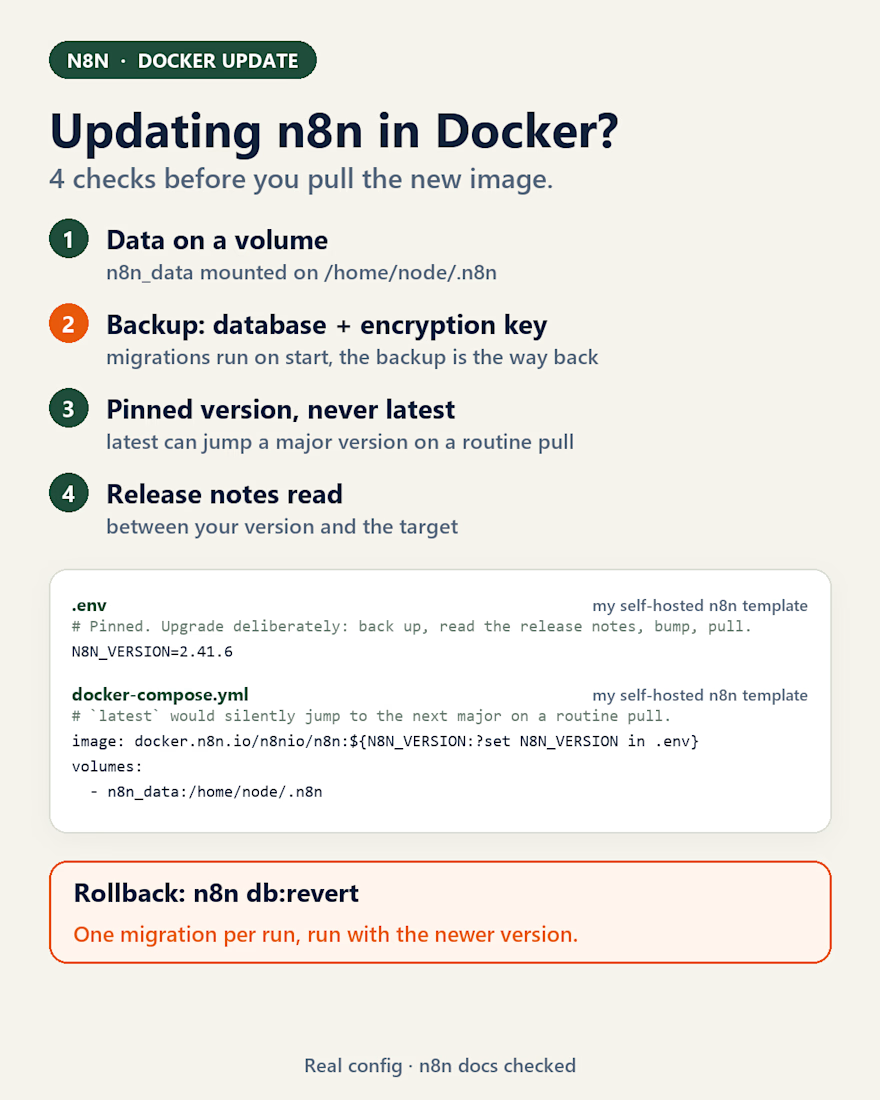
How to update n8n in Docker without losing data, and what to do before you pull the new image.
The update itself is short. With Docker Compose: pull the new image, then recreate the container (docker compose pull, then docker compose up -d). Your workflows only survive if the data sits outside the container. Here is what my self-hosted template does, checked against the n8n docs:
Before the update
• Check where the data lives. The n8n_data volume must be mounted on /home/node/.n8n. Even with PostgreSQL, that folder still holds the encryption key. No volume means the new container starts empty.
• Back up the database and the encryption key. Migrations run when the new version starts. If one can't be reverted, the backup is the only way back.
• Pin the version. My .env says N8N_VERSION=2.41.6, never latest, because latest can jump a major version on a routine pull.
• Read the release notes between your version and the target. The docs advise updating at least once a month, so you never jump many versions at once.
If it goes wrong
• n8n db:revert undoes one migration per run, and it has to be run with the newer version.
• If that fails, restore the backup and go back to the old tag.
One more trap: after the update the n8n container gets a new IP, and a reverse proxy that cached the old one answers 502. Mine resolves the container on every request.
How do you update n8n today: pinned version, or latest and hope?

A real estate team I worked with kept their leads in three places, a notebook, WhatsApp, and a spreadsheet, and by the time they called back, the buyer had already found another agent.
Now, when a new lead comes in, it is checked and sorted automatically, the hot ones go to the agent straight away, and the rest get a follow up without anyone having to remember.
That is what my n8n and ChatGPT lead automation does, and the link is in the post.


Three places for leads is the real problem here, more than the speed. Once everything lands in one list, the sorting becomes easy. One thing I'd check with a real estate team: what happens when the same buyer messages on WhatsApp and also fills the form? Merging those into one...

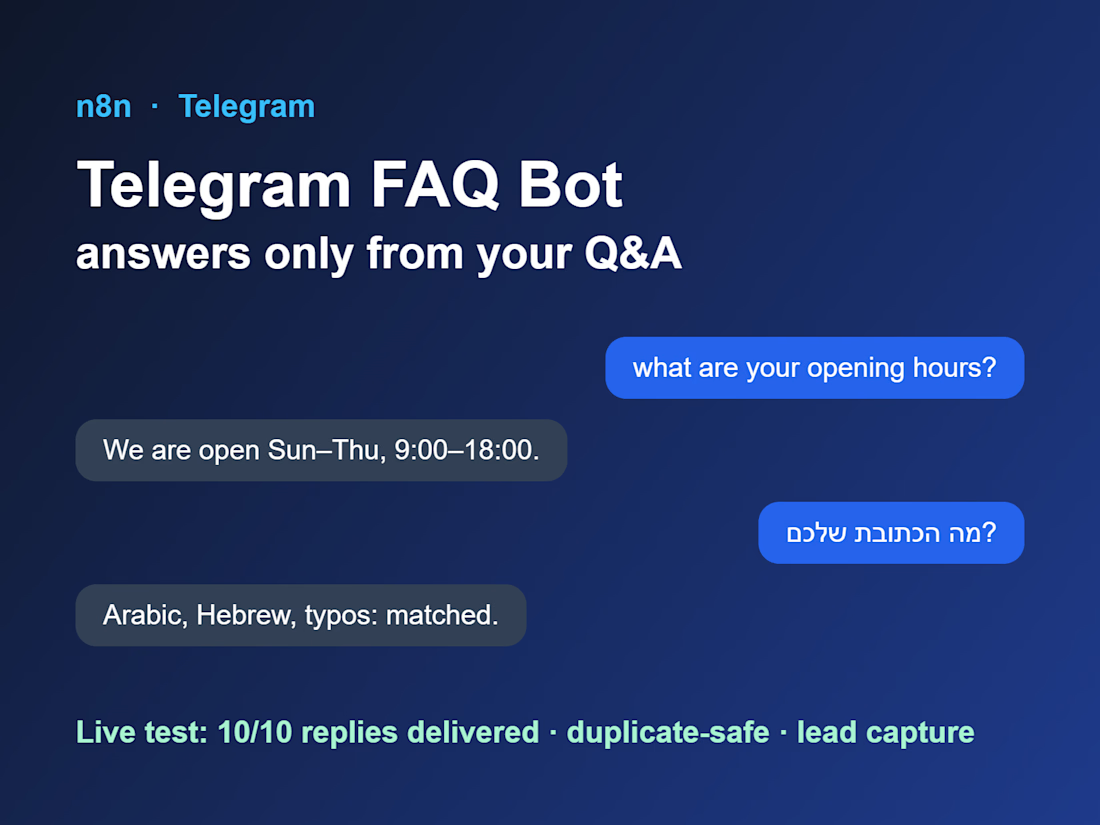
n8n workflow that answers Telegram customer questions only from your own Q&A; lead capture, duplicate-safe; live-tested with a real bot (10/10).