The network for creativity
Join 1.25M professional creatives like you
Connect with clients, get discovered, and run your business 100% commission-free
Creatives on Contra have earned over $150M and we are just getting started
Back to feedPost

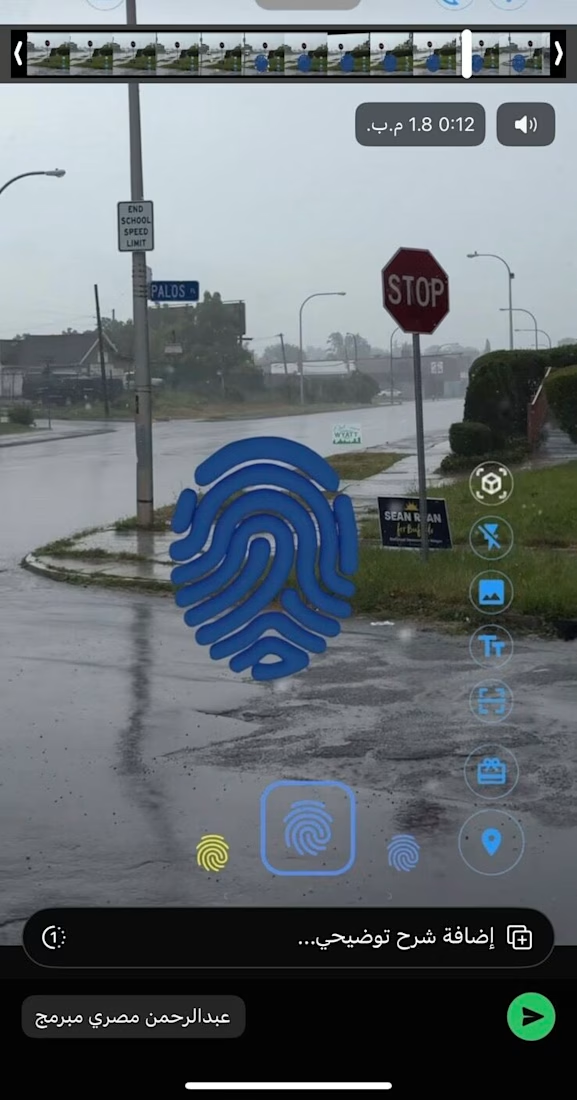
Imagine walking down the street, raising your phone, and finding a message someone left hanging in mid-air right where you're standing—a photo, a song, a text post—like they left a piece of themselves behind in the real world.
That was the client’s request. I said, "On it."
—
I built the feature in just two days. Open the camera, and the object appeared perfectly in the air. I sent it to the client, feeling pretty proud.
His response came back: "I don't see anything."
—
I kept wondering—how is this even possible? I could see it clearly on my screen. Then, it hit me.
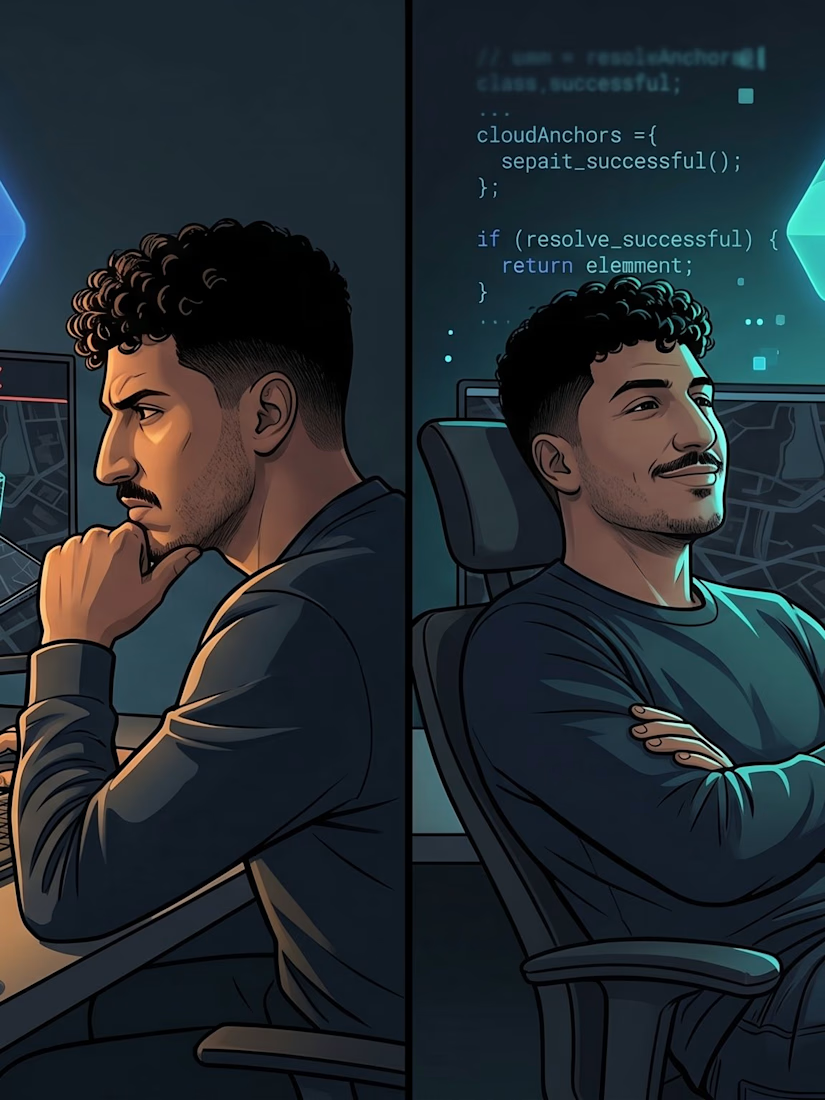
The AR object was being positioned using GPS. When I dropped it, my device calculated its position based on mycoordinates. When the client opened the app in the same spot, his device calculated it from his side—and the error margin between the two devices reached up to 5 meters.
This meant the message I left right in front of the door appeared for him in the middle of the street.
—
I searched through every available Flutter package to find a solution. Nothing.
—
That’s where things got complicated, because the only way out was to go Native.
I opened Google's ARCore documentation and started digging through the examples. At first, I barely understood a thing. But I kept reading.
Slowly, the picture became clearer. I began to understand how anchors are formed—how the device scans the visual features of the physical environment (the angles, the lighting, the precise details) and uploads them to the cloud, instead of relying solely on GPS.
It’s called Google Cloud Anchors. And that was the missing piece.
I built the method channel between Flutter and Native code by hand. Line by line. Until it finally worked.
—
The first time I hosted an object, had someone else open the app in the same exact spot, and they saw it precisely where it was meant to be—I felt something hard to put into words.
Not just because the code worked. But because I stepped into a territory that terrified me, and I walked out of it with a brand-new skill.
—
When there isn't a package ready for you, it’s not the end of the road. It’s the beginning of a journey to learn something no one else in your immediate circle is talking about.
What’s the toughest technical challenge you've dived into, even when it terrified you? 👇
#Flutter #ARCore #NativeDevelopment #MobileDevelopment #SoftwareEngineering

The network for creativity
Join 1.25M professional creatives like you
Connect with clients, get discovered, and run your business 100% commission-free
Creatives on Contra have earned over $150M and we are just getting started
Related posts

I designed a task management app from scratch. Here's every decision I made and why:
Most task apps have a problem hiding in plain sight , they're so loaded with features that by the time you've organised your tasks, you've lost the energy to do them.
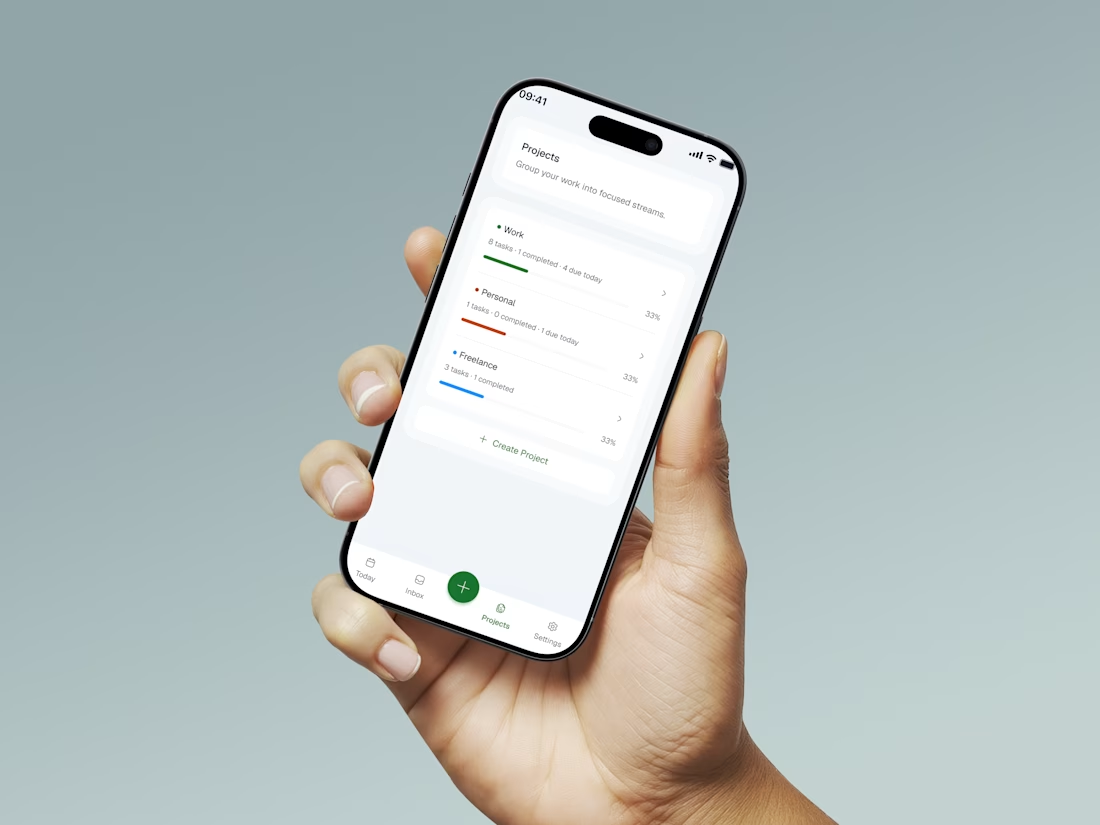
That's what I wanted to fix with PLANORA
One question drove every decision: what does someone actually need when they sit down to get things done?
Here's what I focused on:
One screen for everything: no nested menus, no switching views. Just your tasks and your day.
Add a task in under 3 seconds: one tap, type, done. Friction at the capture stage kills habits before they form.
Visual hierarchy over visual noise: white space and contrast do the work, not badges and colour coded labels competing for attention.
The goal wasn't the most powerful task app. It was the one people would actually use every day.
Simplicity is the hardest thing to design. But it's almost always the right answer.
What's the most cluttered app you use daily that needs a redesign? 👇


So minimal. Does it support recurring tasks?

Your Website Says “Learn More.” Your Visitors Hear “Maybe Later.”
This week I audited the buttons on my own website.
“Learn more” appeared 7 times.
“Get in touch” appeared 4 times.
Neither told a visitor what they’d actually get.
Worse, my “Get in touch” buttons opened an email app, while my header button opened my booking page. Same goal, two different experiences.
So I rewrote them:
❌ Learn more → ✔ Book my free consultation
❌ Get in touch → ✔ Start your project
❌ Explore projects → ✔ See more on Behance ↗
❌ (nothing) → ✔ Not sure what you need? Let’s figure it out together
That last one matters most. Some of my sections built interest… then just stopped. No next step at all.
A good button does three things:
→ Says what happens when you click
→ Shows up at the moment someone is convinced
→ Leads everyone to the same easy next step
Your buttons are the only part of your website that asks people to do something. They deserve more than two words.
Quick challenge: open your homepage and count your “Learn more” buttons. How many did you find? 👇



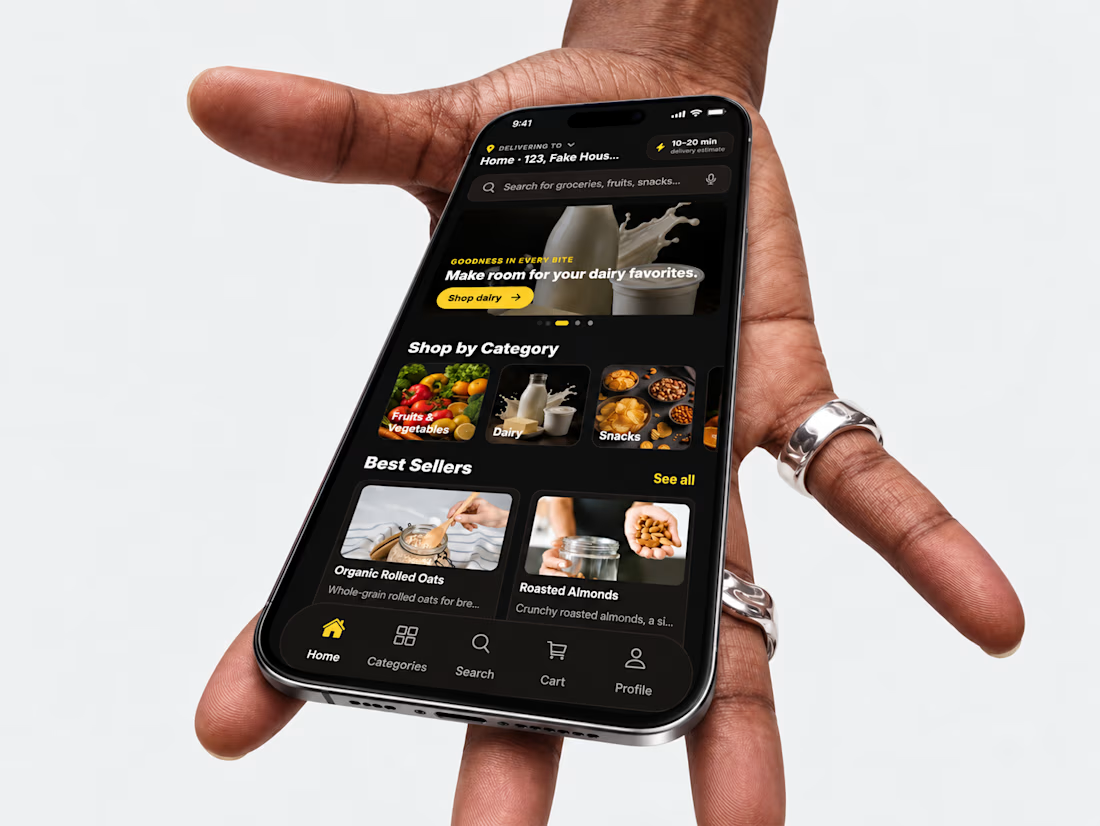
I recently experimented with Ada by Adalo by developing Zipzy, a responsive quick commerce demo app.
The experience taught me how much clear requirements, precise prompts, and a well defined product vision matter when working with AI powered app development.
Now, I'm ready to help businesses migrate existing Adalo apps, validate new ideas, or develop applications from scratch.
Curious about my experience? Check out the project 👇



i check the app and i think there should be ai customer support,to make the app well structure