The network for creativity
Join 1.25M professional creatives like you
Connect with clients, get discovered, and run your business 100% commission-free
Creatives on Contra have earned over $150M and we are just getting started
Back to feedPost

1. Project Overview
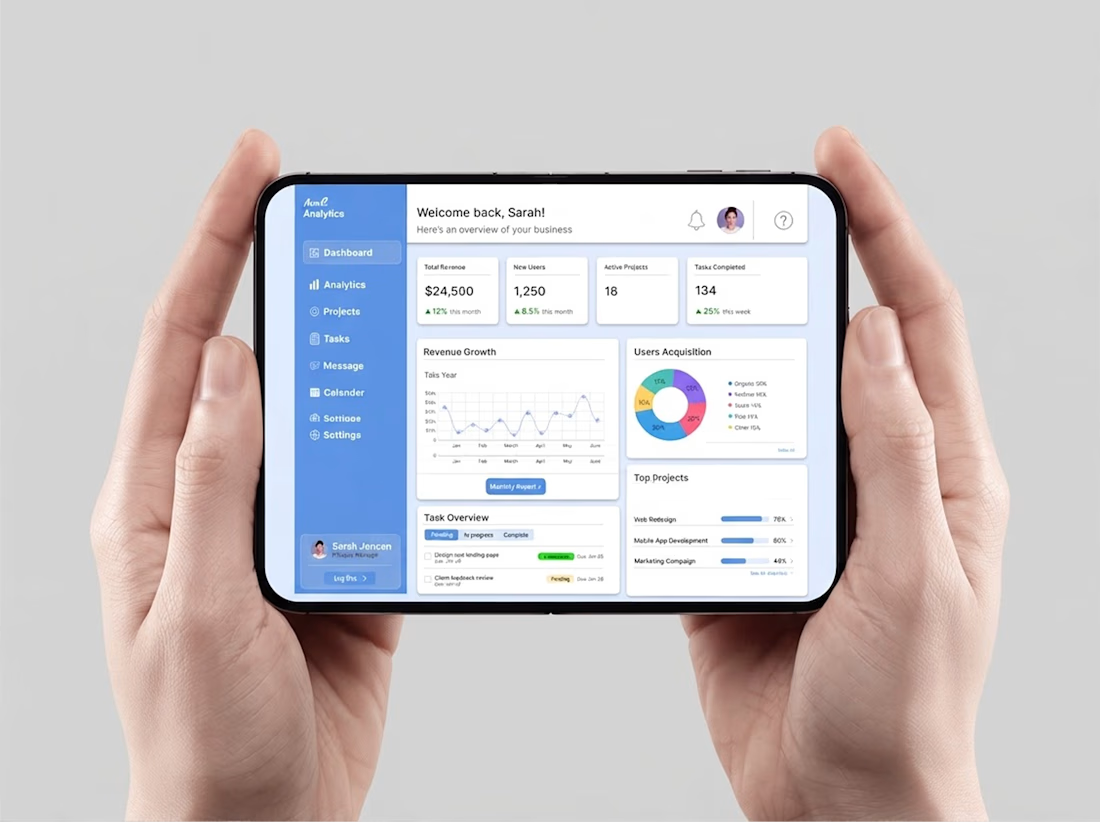
Modern SaaS platforms often suffer from data overload, making it difficult for teams and stakeholders to track key performance indicators efficiently. The goal of this project was to design a high-clarity SaaS Analytics & Business Intelligence Dashboard in Figma that simplifies complex financial and operational metrics into an intuitive, actionable interface.
2. The Core Challenges
Information Fatigue: Users struggled with unstructured data grids, delaying quick decision-making.
Hierarchy Gaps: Secondary details often competed with primary revenue drivers for visual attention.
Workflow Disconnection: Managing financial tracking separately from active project tasks created operational friction.
3. UX Strategy & Design Solution
The dashboard architecture was structured around clean visual hierarchy and cognitive ergonomics:
Top-Level KPI Cards: Placed at the primary fold to provide instant visibility into core financial health (Total Revenue, New Users, Active Projects) backed by real-time percentage growth indicators.
Modular Data Segmentation: Cleanly separated financial revenue growth charts from user acquisition source graphs to eliminate visual clutter.
Unified Project Overview: Integrated structured status tags and progress bars to streamline daily task tracking.
4. UI Execution & Design System
Visual Hierarchy: Applied a refined surface contrast system with purposeful accent colors (such as growth indicators) to guide user focus effortlessly.
Scalable Typography: Strict typographic scales were maintained to separate macro figures from micro labels.
Figma Workflow: Built entirely in Figma using advanced Auto Layout and reusable master components to ensure structural responsiveness and clean developer handoff.
Tools Used: Figma (Auto Layout, Component Systems, Responsive UI Design

The network for creativity
Join 1.25M professional creatives like you
Connect with clients, get discovered, and run your business 100% commission-free
Creatives on Contra have earned over $150M and we are just getting started










Related posts

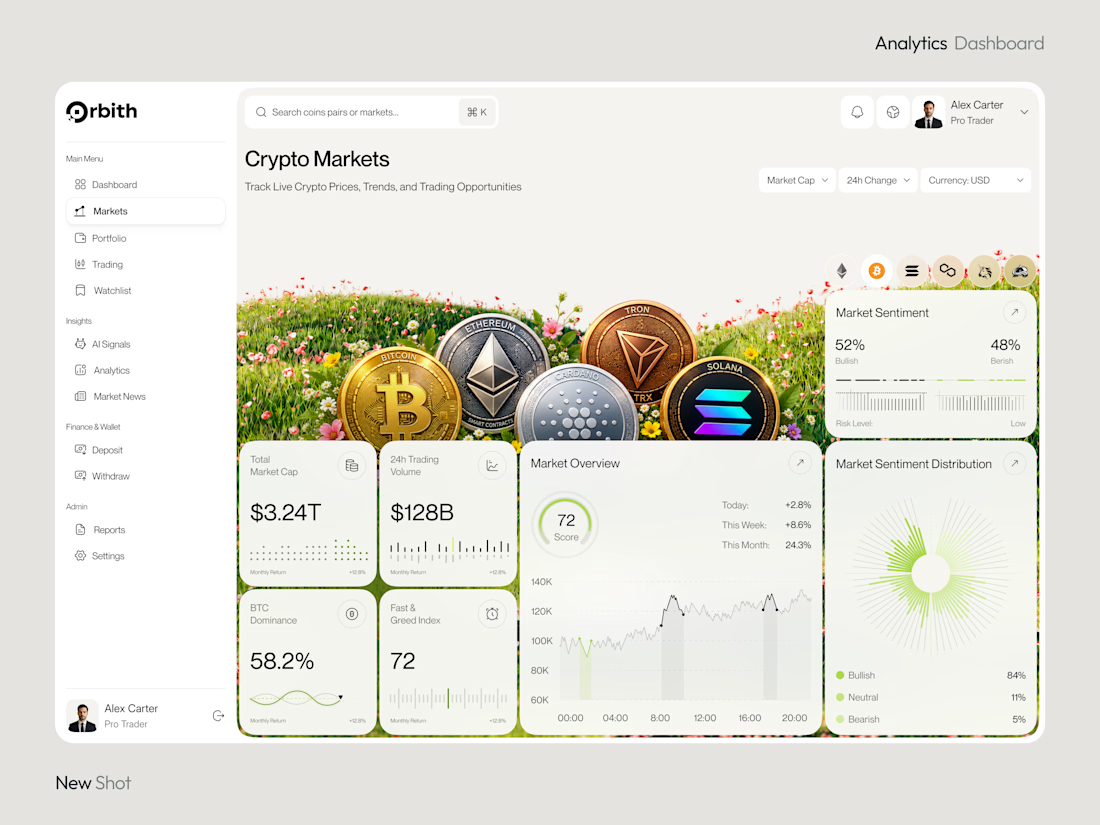
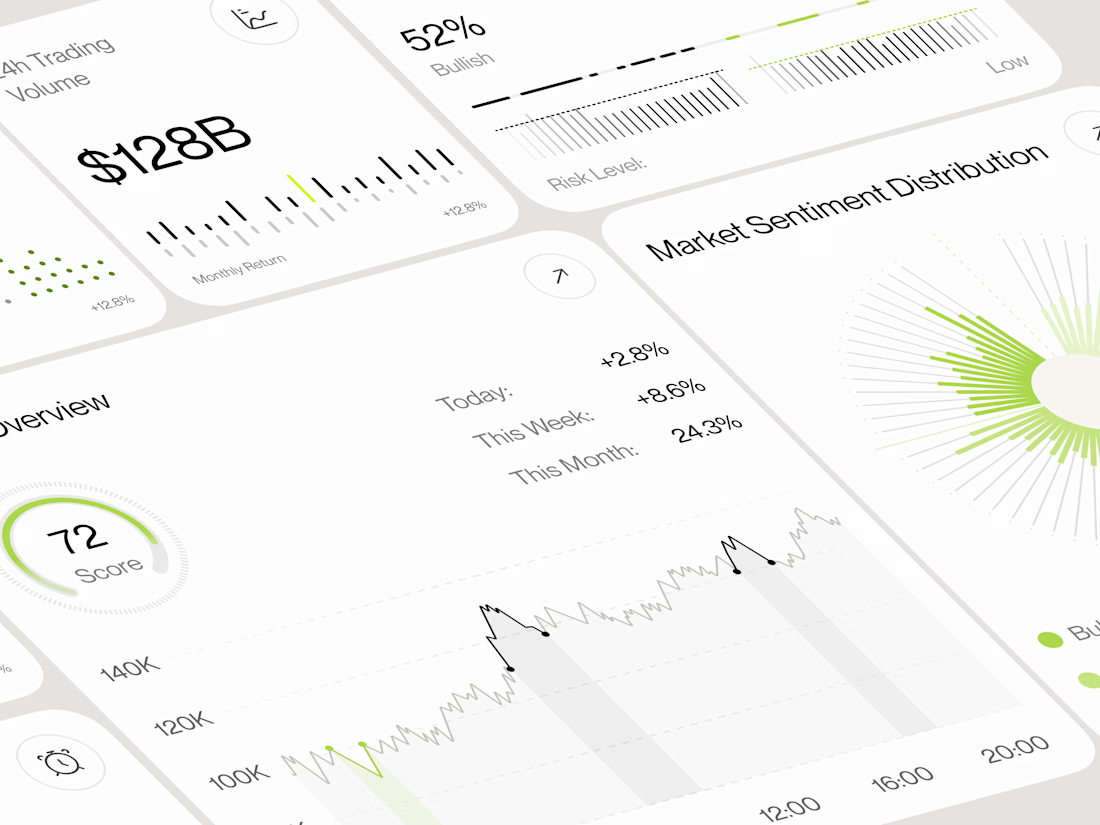
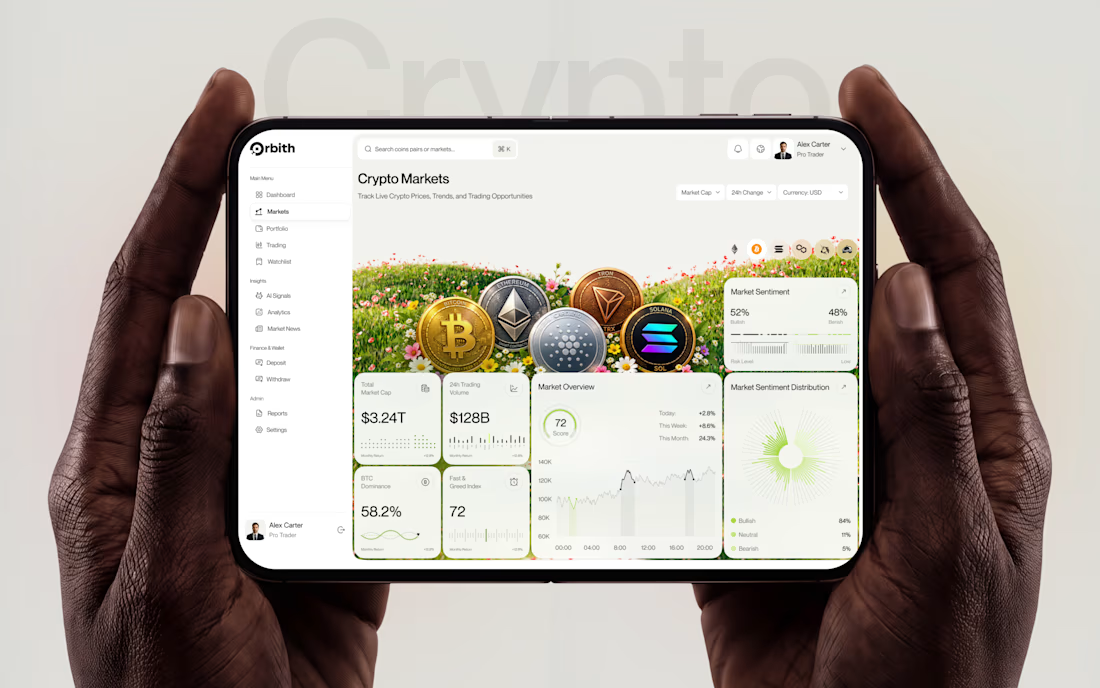
Most crypto dashboards show numbers. Great design turns those numbers into decisions.
Meet Orbit — a crypto analytics dashboard where real time insights meet a premium, data-driven experience.
Would you trust this interface with your next trading decision?
#UIDesign #DashboardDesign #CryptoTrading #FintechDesign #ProductDesign



Wow this one is really neat and clean.

Which gummy brand would make you stop scrolling?
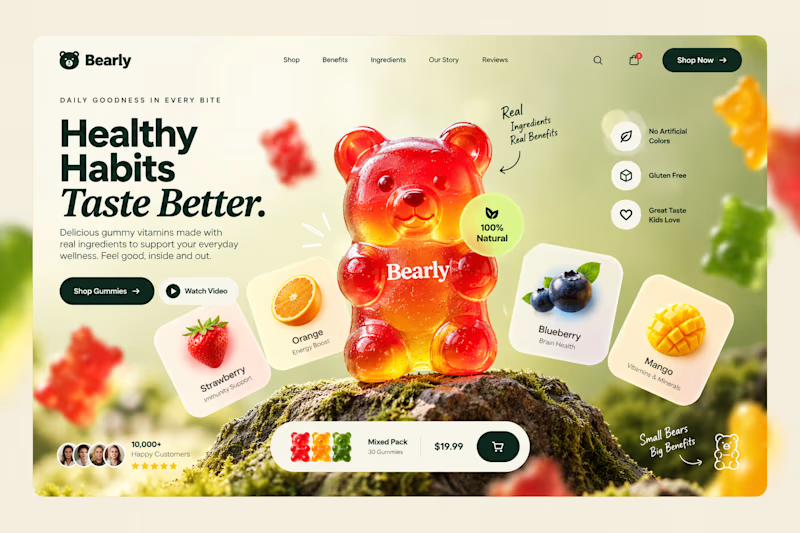
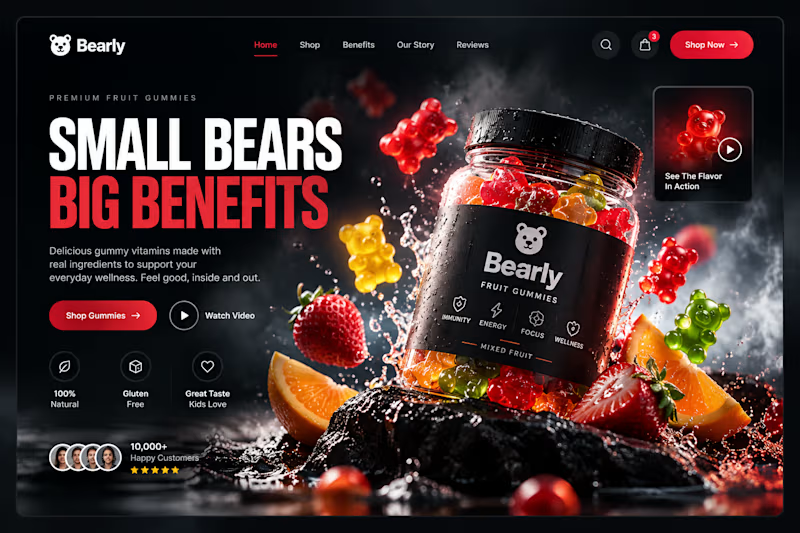
Two different directions for Bearly, a gummy candy brand concept.
One is bright, playful, and fruit-inspired. The other is bold, dark, and premium.
Same product, two completely different visual experiences.
Which one would you choose? Vote below! 👇
#BrandIdentity #WebDesign #UIUX #EcommerceDesign #Figma #DesignInspiration #ABTesting
9 voted
75%
3 voted
25%
12 votes
Closed

I will always love it playful cant lie

This liquid glass concept looks really cool.


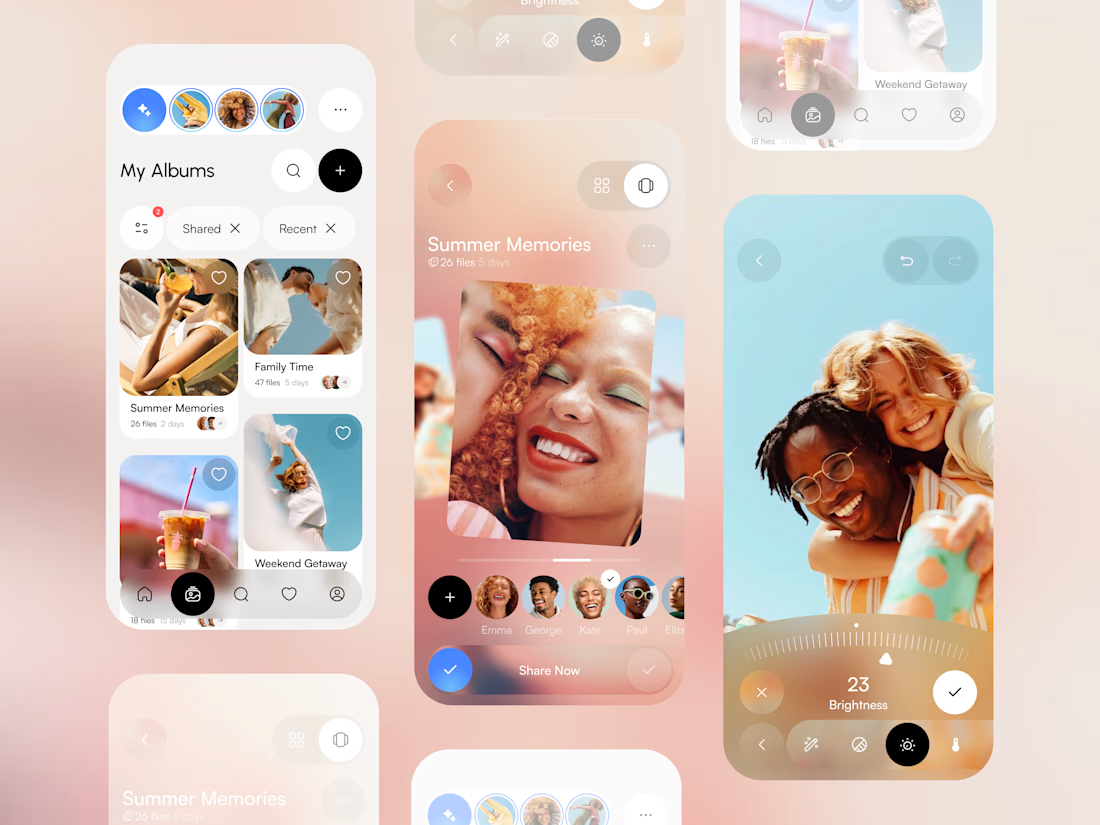
What do you think about this photo gallery mobile app concept? 🖼️ Share your feedback

nice work