
merceinstem.gumroad.com
iOS Shortcut Widget: Add Notion task with Template [50% OFF]
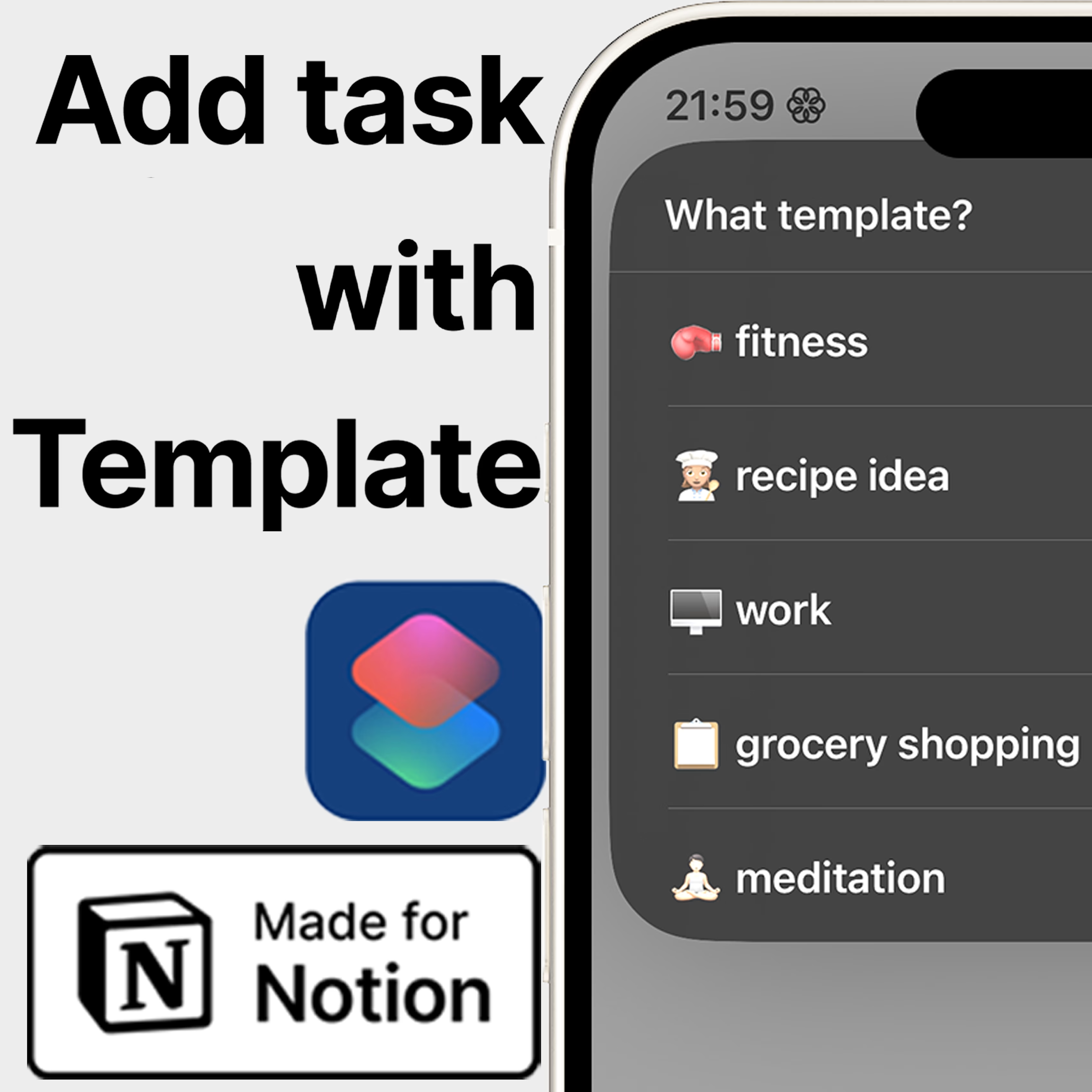
Add task with template - in one click💸 I’m running a 50% off sale for the first 10 purchases!Change your entire relationship with Notion on mobile with this widget. I’ve nearly stopped using Notion altogether because I need incredibly fast task input on my phone whilst not breaking the complexity of my database setup. This is the dream task input system – immidiate, very simple action without leaving your property values blank. This is all because this widget uses templates, which you won’t find anywhere else – trust me, I’ve looked; and this is why I made my own.1. What does it do?✍🏻 Creates a new task in Notion in your database of choice using 🔤 your task name 📅 your deadline 📋 your template selection Your selected template preserves everything you add into it – including Rollups, Relations, page icons, text... anything!✅ Mutiple source databases are supported for the first time (uses Notion’s latest API)No need to download a specific Notion template or database – this works with your own!❣️ Templates are the most versatile way to make this product suitable for most Notion use cases, since they are highly customizable, and can set multiple properties with one click.2. What you get 🔗 Access to shortcut link download 📄 Video tutorials and documentation to connect your templates and database 📨 Support service 👆🏻 One-tap page creation 🤖 Siri Support 3. What you need 📱 An iPhone / iPad / Mac with Internet connection A Notion database with templates – if you choose to use them A Notion database with deadline property – if you choose to use it 🙋🏻♀️ Hi! I’m Mercè, and I made this!⭐ Please consider leaving a rating and comment to help me improve.📥 Not quite your fit? Submit your petition!❓If you have questions, want updates, or just want to connect, feel free to reach out at automationatelier@gmail.com