The network for creativity
Join 1.25M professional creatives like you
Connect with clients, get discovered, and run your business 100% commission-free
Creatives on Contra have earned over $150M and we are just getting started
Back to feedPost

Does your business website run on Solo? Save a copy before November 30, 2026. Solo says it will delete its websites and account data that day.
• In Solo, open Account Settings and choose Download Website Data. Open the ZIP and keep any form or newsletter records private.
• Download the images separately using the links in the CSV. Open a few to check that they saved correctly.
• If you bought your domain through Solo Domains, follow Solo’s transfer instructions. Before switching to a replacement site, check that business email still works and that contact requests reach the right inbox.
If you need help scoping the move, send Kurouto Digital your public site link and tell us which visitor actions need to keep working. We work remotely with businesses in the U.S. and Canada.
https://kuroutodigital.com/contact/
Solo’s shutdown guide: https://support.soloist.ai/doc/solo-shutdown-faq

kuroutodigital.com
Request an Estimate - Kurouto Digital
Tell Kurouto Digital what your business needs - a website, an app, or ongoing care - and get a written estimate after a free consultation.
The network for creativity
Join 1.25M professional creatives like you
Connect with clients, get discovered, and run your business 100% commission-free
Creatives on Contra have earned over $150M and we are just getting started


Related posts

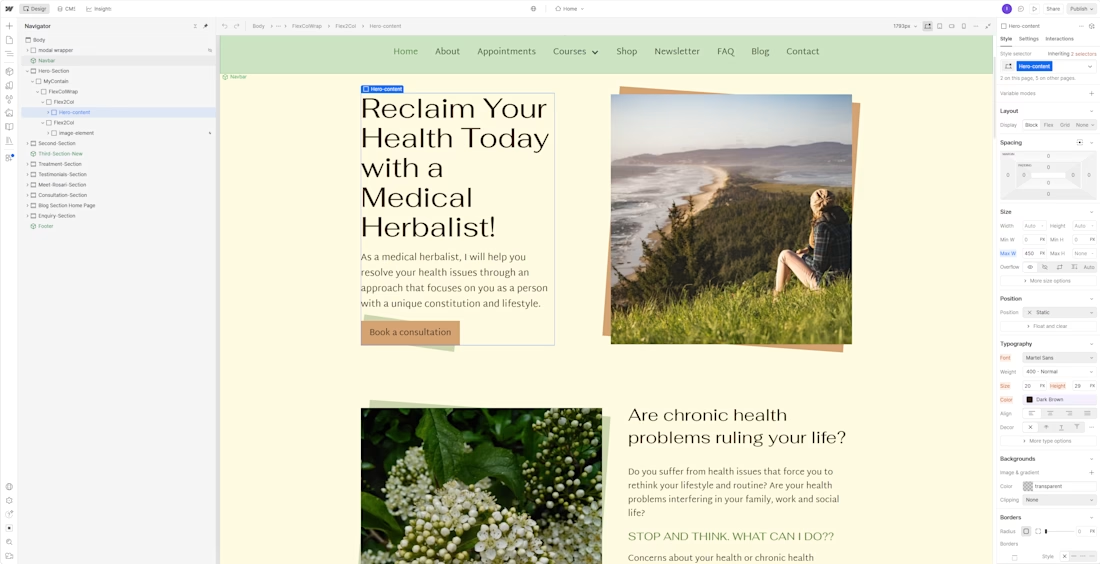
One of my favorite outcomes from Dr. Rosari Kingston's website was not a number.
It was this- she now checks her own enquiries and updates her own pages, without waiting on a developer.
For a solo practitioner, that independence matters as much as the design.
Practitioners, how do you update your website today- yourself, a developer, or not at all?


Well done!

Built a website and access funnel for Lumen Capital.

I built a four-language ordering site for a Croatian pizzeria. Guests choose pickup or delivery. Staff accept or decline orders by email.


great one