The network for creativity
Join 1.25M professional creatives like you
Connect with clients, get discovered, and run your business 100% commission-free
Creatives on Contra have earned over $150M and we are just getting started
Back to feedPost

5 WordPress Security Mistakes That Can Get Your Website Hacked in 2026
WordPress remains the world's most popular content management system, powering millions of websites across every industry. Unfortunately, its popularity also makes it one of the most targeted platforms for cybercriminals.
Most successful attacks are not the result of sophisticated hacking techniques. They happen because website owners unknowingly leave security gaps that are easy to exploit.
Here are five of the most common WordPress security mistakes I continue to find during security audits in 2026.
1. Using Outdated Plugins and Themes
This remains the leading cause of WordPress compromises.
Many website owners assume that if a plugin appears to be working correctly, it does not need to be updated. In reality, plugin updates frequently contain security patches for vulnerabilities that have already been discovered and disclosed publicly.
Once a vulnerability becomes public, automated bots begin scanning the internet for websites running affected versions.
A single outdated plugin can expose your entire website to:
Remote code execution
Privilege escalation
SQL injection
File upload vulnerabilities
Cross-site scripting (XSS)
The larger your plugin stack becomes, the more critical update management becomes.
Best Practice
Remove unused plugins completely
Keep all active plugins updated
Replace abandoned plugins with actively maintained alternatives
Monitor vulnerability databases regularly
2. Excessive Administrator Accounts and Weak Access Controls
Many WordPress websites accumulate administrator accounts over time.
Former employees, developers, marketing agencies, virtual assistants, and contractors often retain access long after their work is complete.
Every additional administrator account increases your attack surface.
In 2026, credential theft remains one of the most successful attack methods. Attackers frequently obtain credentials through:
Phishing campaigns
Data breaches from unrelated services
Password reuse attacks
Infostealer malware
Even a technically secure website can be compromised if an attacker gains access to an administrator account.
Best Practice
Apply the principle of least privilege
Remove inactive accounts immediately
Enforce strong password policies
Enable two-factor authentication (2FA)
Review administrator access regularly
3. Exposed Administrative Endpoints
Many WordPress installations still expose administrative interfaces directly to the public internet.
Common examples include:
/wp-admin/
/wp-login.php
XML-RPC endpoints
REST API endpoints with excessive exposure
Attackers continuously scan these locations looking for opportunities to:
Launch brute-force attacks
Enumerate usernames
Abuse authentication mechanisms
Exploit vulnerable integrations
This is especially dangerous for websites with high traffic or valuable customer data.
Best Practice
Restrict access where appropriate
Disable XML-RPC if not required
Implement rate limiting
Use Web Application Firewall (WAF) protection
Monitor authentication attempts
4. Poor Hosting Security and Misconfigured Server Environments
Many WordPress compromises originate outside of WordPress itself.
Even a perfectly maintained WordPress installation can become vulnerable when hosted on poorly configured infrastructure.
Common issues include:
Insecure file permissions
Exposed backup archives
Unpatched server software
Misconfigured databases
Shared hosting environments with weak isolation
Attackers often target infrastructure weaknesses because they are easier to exploit than WordPress core itself.
Best Practice
Use reputable hosting providers
Enforce secure file permissions
Regularly update server software
Protect backups properly
Implement server-level monitoring
5. Ignoring Security Headers and Modern Web Hardening
This is one of the most overlooked issues I encounter during audits.
Modern websites require more than plugin updates and strong passwords.
Security headers help protect visitors and reduce the impact of many common attack techniques.
Frequently missing headers include:
Content-Security-Policy (CSP)
Strict-Transport-Security (HSTS)
X-Frame-Options
Referrer-Policy
Permissions-Policy
While missing headers may not directly lead to a website compromise, they often create opportunities for:
Cross-site scripting attacks
Clickjacking
Session hijacking
Data leakage
Best Practice
Implement a modern security header policy and review it regularly as your website evolves.
Final Thoughts
Website owners often assume their WordPress site is secure simply because it is online and functioning normally.
Unfortunately, many vulnerabilities remain invisible until an attacker discovers them first.
A professional security assessment can identify hidden weaknesses before they become costly incidents.
I provide WordPress Security Audits, Vulnerability Assessments, Malware Investigations, and Security Hardening services for businesses, WooCommerce stores, agencies, and content websites.
My approach combines years of WordPress development experience with a specialized focus on website security. Rather than relying solely on automated scanners, I perform a practical, real-world assessment designed to identify the issues that attackers actually exploit.
If you'd like an expert review of your WordPress website, feel free to get in touch.

The network for creativity
Join 1.25M professional creatives like you
Connect with clients, get discovered, and run your business 100% commission-free
Creatives on Contra have earned over $150M and we are just getting started











Related posts

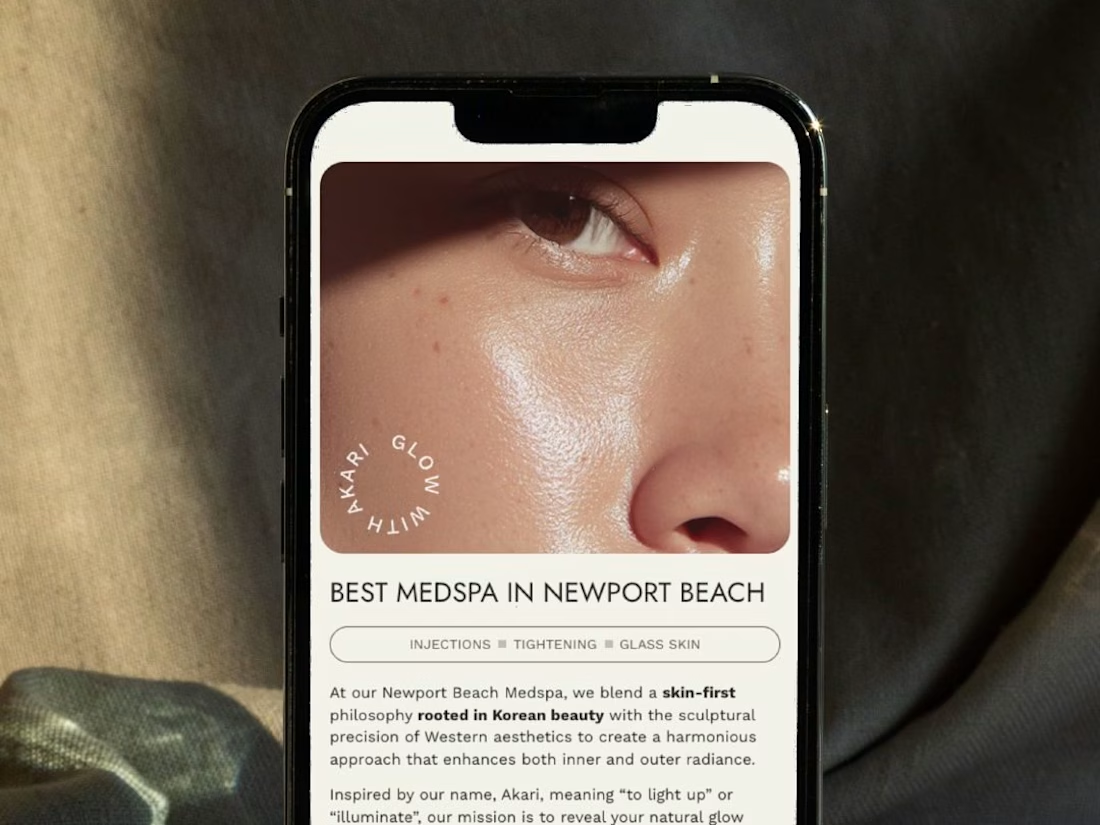
A restructured, clean website for Akari Medspa that turns scattered information into an intuitive experience as precise as the treatments they offer.


Too perfect buddy

In 2020, I watched businesses close.
Not because their products were bad.
Because they had no way to reach their customers.
The lockdown shut the doors. But customers were still looking, and they were online.
Customers were online. Businesses were offline.
So I started building simple websites for friends and local businesses. The goal was simple: help them stay visible and keep selling.
One referral became ten. Ten became a full-time agency.
Today that's 150+ projects, and the lesson hasn't changed: a business that can be found online has a way to keep going when everything else stops.
If your business disappeared from Google tomorrow, how would customers find you?
Link to our story in the first comment.

"one referral became ten" is such a good way to grow an agency, starting with friends and local businesses makes a lot of sense. is cterling still mostly referrals now, or do you go out and find clients too?

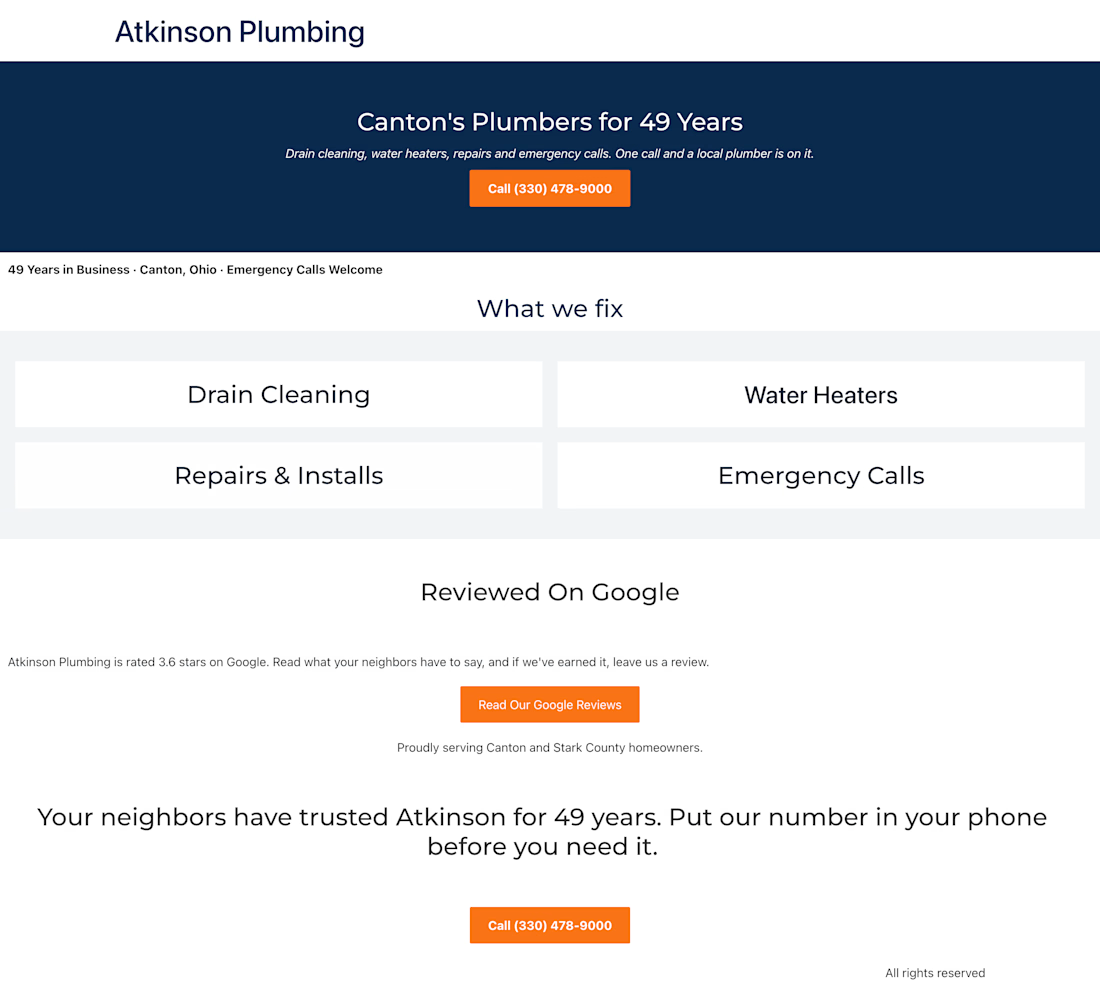
Website Redesign Concept: Plumbing Company, Canton OH