The network for creativity
Join 1.25M professional creatives like you
Connect with clients, get discovered, and run your business 100% commission-free
Creatives on Contra have earned over $150M and we are just getting started
Back to feedPost

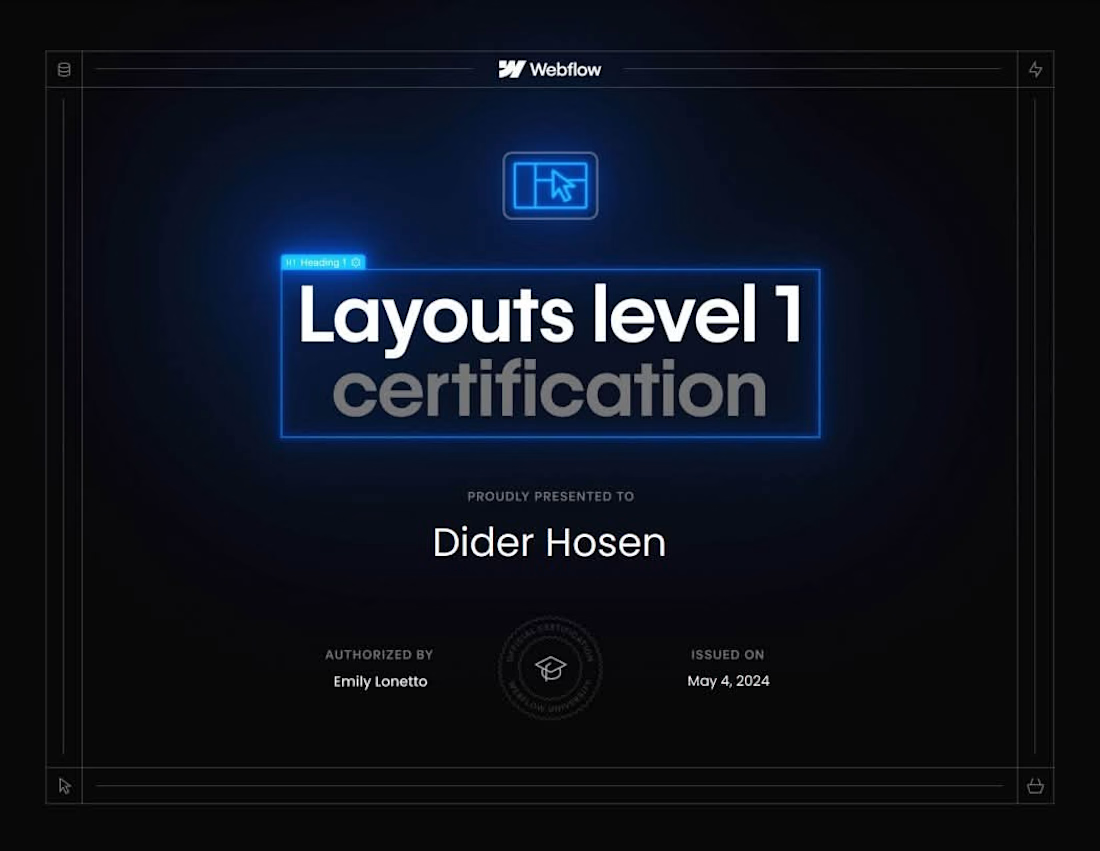
Just earned my Webflow Layouts Level 1 Certification! 🎓
This certification covers advanced layout techniques in Webflow —
including Flexbox, CSS Grid, and responsive layout structures that
make websites look great on every screen size.
For my clients, this means:
✅ Layouts built with clean, structured CSS — not hacky workarounds
✅ Perfectly responsive across desktop, tablet, and mobile
✅ Fast-loading, well-organized Webflow builds that scale easily
Combined with my Webflow 101 Certification, I now hold two official
Webflow University certifications — backed by 3+ years of hands-on
Webflow development experience.
If you need a Webflow developer who actually knows the fundamentals
inside and out — let's work together.
#Webflow #WebflowCertified #WebflowLayouts #ResponsiveDesign #NoCode #Freelancer
webflowcertifiedpartnerswebflowlayoutLow-Code/No-Code DevelopmentWeb DesignWebflow DevelopmentWebflow

The network for creativity
Join 1.25M professional creatives like you
Connect with clients, get discovered, and run your business 100% commission-free
Creatives on Contra have earned over $150M and we are just getting started
Related posts

I migrated Pi-lit's site from WordPress to a custom-coded, AI-native website with its own hosting. The result:
-A scalable design system that also supports their ecommerce
-30+ pages with consistent branding throughout
-Animated illustrations of their scenes and products that bring the roadway safety story to life
See Full Case Study


Lovely work


We’re testing two filtering layouts for a template library.
Top Filters
The filters are placed above the content. This option feels lighter, leaves more space for the cards, and works well when there are only a few main categories.
Sidebar Filters
The categories remain visible in the sidebar. This makes the available options easier to scan and works better for more complex filtering, but takes up some of the content space.
Which layout would help you find the right template faster?

24 voted
39%
37 voted
61%
61 votes
Closed

Such a clean presentation. You can tell a lot of thought went into this.

Built this free SaaS portfolio template in Framer a few months ago, and it’s been amazing to see the momentum it’s gaining! 🚀
It’s now ranked #18 in Framer’s Marketing category, bringing in more visibility, views, and commissions.
I’ve shared the full case study here, covering the project and how it came together.
Take a look if you’re curious! 🙌


This is amazing Fawaz! 🚀 Ranked #18 in Framer's Marketing category is huge! Love how you turned a free SaaS template into visibility + commissions. That's smart product thinking. Can't wait to read the full case study, congrats on the momentum!