The network for creativity
Join 1.25M professional creatives like you
Connect with clients, get discovered, and run your business 100% commission-free
Creatives on Contra have earned over $150M and we are just getting started
Back to feedPost

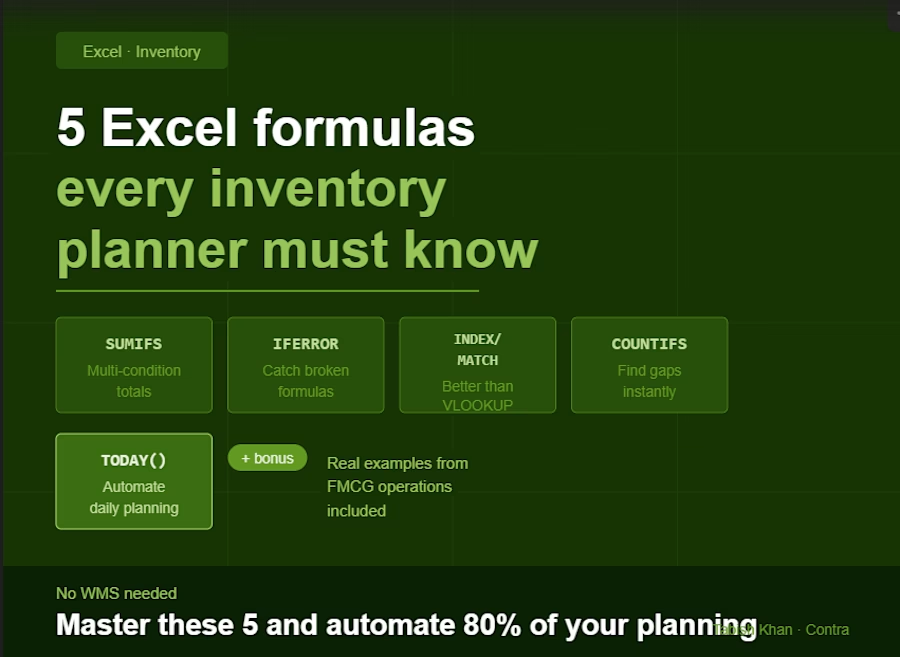
5 Excel formulas every inventory planner must know
You don't need a fancy WMS to manage inventory well. You need Excel and the right formulas.
After years of managing inventory in FMCG operations, these are the 5 formulas I use constantly — and the ones I build into every custom Excel system I deliver for clients.
1. SUMIFS — your most powerful counting tool
Instead of filtering manually, SUMIFS lets you sum quantities based on multiple conditions at once.
=SUMIFS(quantity_column, SKU_column, "SKU001", warehouse_column, "WH-A")
Use it for: total stock by SKU and location, total dispatched by date range, production output by shift.
2. IFERROR — stop broken formulas from crashing your sheet
When a formula can't find a value it returns an error. IFERROR catches it and shows something cleaner.
=IFERROR(VLOOKUP(A2,data_range,2,0),"Not found")
Use it for: wrapping any VLOOKUP or INDEX/MATCH so your sheet doesn't fill with #N/A errors.
3. INDEX/MATCH — better than VLOOKUP
VLOOKUP breaks when you add columns. INDEX/MATCH never does.
=INDEX(return_column,MATCH(lookup_value,lookup_column,0))
Use it for: pulling SAP data into your planning sheet, matching SKU codes to descriptions, linking sheets without breaking.
4. COUNTIFS — find gaps instantly
COUNTIFS counts rows that meet multiple conditions. Use it to spot where data is missing or incomplete.
=COUNTIFS(status_column,"Pending",date_column,"<"&TODAY())
Use it for: overdue orders, pending GRs, items with zero stock, SKUs not yet received.
5. TODAY() and date logic — automate your daily planning
Stop manually updating dates. TODAY() always returns the current date — build your planning triggers around it.
=IF(reorder_date<=TODAY(),"Order Now","OK")
Use it for: reorder alerts, overdue shipment flags, days-since-last-receipt calculations.
These 5 formulas are the foundation of every inventory Excel system I build. Master them and you can automate 80% of your daily planning without spending a rupee on software.
Need a custom Excel system built around your operation? Check out my services below.


The network for creativity
Join 1.25M professional creatives like you
Connect with clients, get discovered, and run your business 100% commission-free
Creatives on Contra have earned over $150M and we are just getting started

Challenges
View all


Related posts


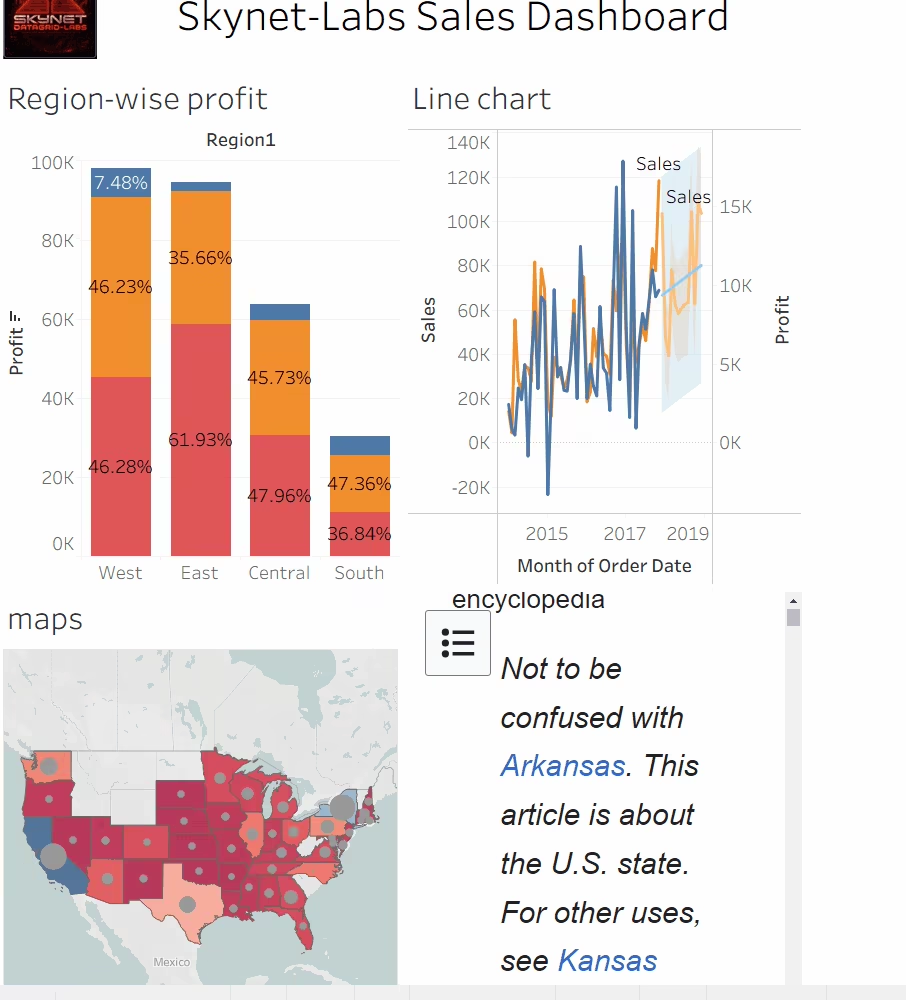
Multi-sheet Tableau workbook demonstrating advanced analytics features including LOD expressions, sets, parameters, and map-based geographic analysis. The dashboard combines region-wise profit distribution via stacked bar charts, dual-axis sales and profit trend lines across 2017–2018, and a choropleth map for territory-level performance visualization. Highlights cross-functional Tableau capability beyond standard charting.


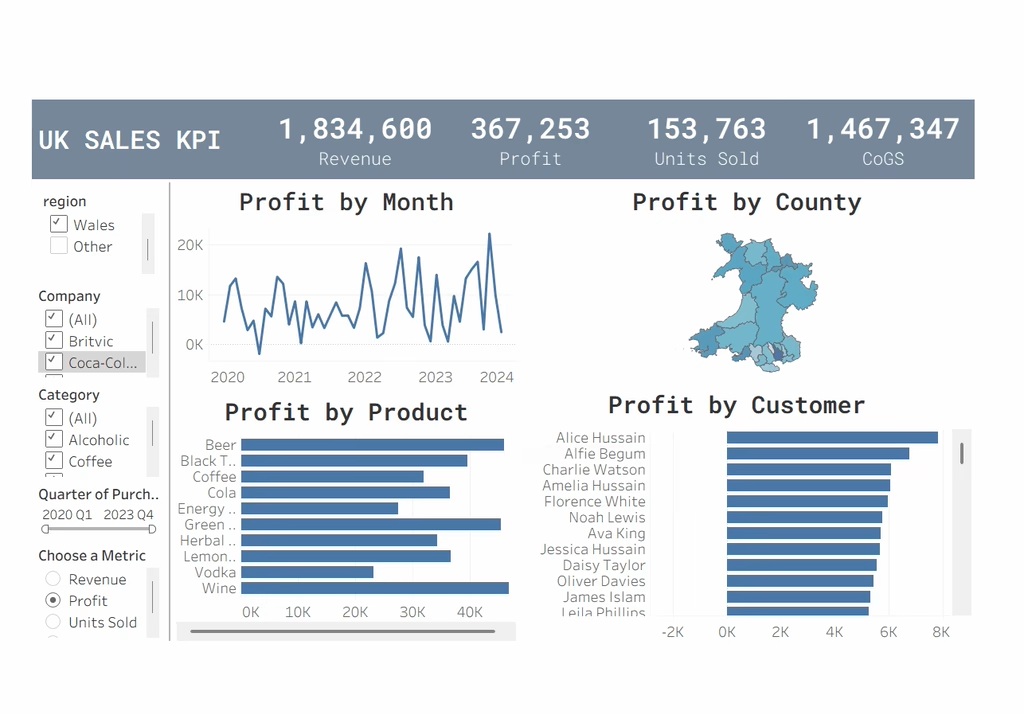
UK Sales KPI Dashboard: An interactive Tableau dashboard tracking Revenue, Profit, Units Sold, and CoGS with region, company, category, and quarter filters.