The network for creativity
Join 1.25M professional creatives like you
Connect with clients, get discovered, and run your business 100% commission-free
Creatives on Contra have earned over $150M and we are just getting started
Back to feedPost

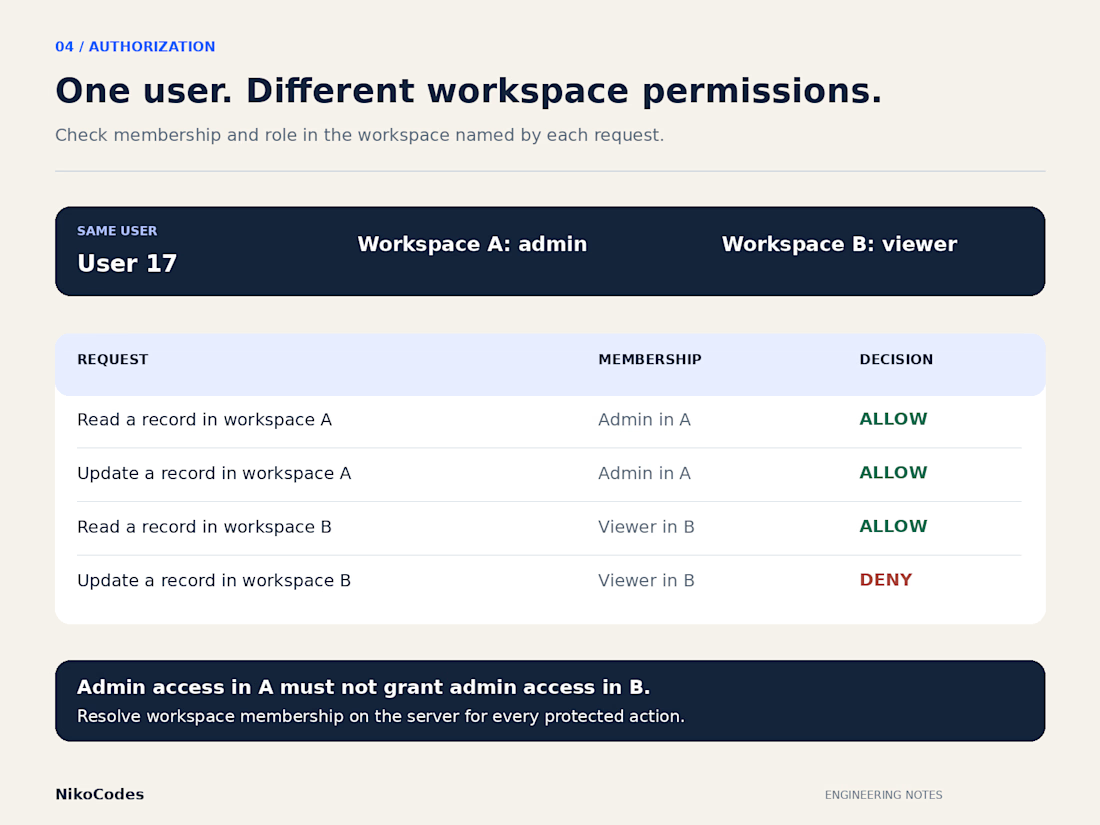
Admin in one workspace, viewer in another
A customer should be able to manage their own workspace without gaining access to another company's records. That boundary becomes harder to enforce when the same person belongs to several organizations with different roles.
A single account-level “admin” flag cannot describe someone who administers workspace A, reviews workspace B and has no access to workspace C. Each request needs an answer for this person, this action and this record's workspace.
The following examples use fictional accounts and permissions. They are a practical release check for a customer portal or SaaS application.
Write down the permitted actions.
Alex is an admin in workspace A: reading, editing, inviting members and exporting customer records are allowed.
Alex is a viewer in workspace B: reading is allowed; editing, invitations and exports are denied.
Blair is an editor in workspace A: reading and editing are allowed; invitations and exports are denied. Blair has no membership in workspace B, so all four actions are denied there.
Your product may use different rules. Some viewers may need exports; some editors may only change records they own. Define those choices before implementation. “Admins manage users” still leaves questions about granting ownership and removing the last owner.
Resolve the relationship on the server.
For an edit request, establish the authenticated user, the record's workspace and the permission that applies there. A workspace ID sent by the browser is input to validate, not evidence of membership.
If the route contains both a workspace ID and a record ID, verify their relationship. Otherwise, an attacker may combine a workspace they belong to with a record from elsewhere.
Check access before returning private information or changing data. Use shared policies consistently across entry points. Hidden buttons help people navigate; the corresponding direct requests still require authorization. OWASP recommends validating permissions on every request and checking access to the specific resource or action.
Check the less visible routes.
Repeat the same permission cases against search, exports, downloads and bulk operations. An inaccessible detail page provides little protection if its records appear in an export.
For a bulk request containing both permitted and forbidden records, decide whether to reject the whole request or process the permitted subset with a clear result. Test that forbidden records remain unchanged and their private details stay hidden.
Authorize private attachment downloads before issuing temporary links. Also decide how long an issued link may remain usable. Removing workspace membership does not necessarily invalidate a URL already issued by object storage; its expiration and signing credentials follow separate rules.
Test permission changes during active work.
Remove Alex from workspace B, then reuse the existing session to repeat the requests. The result should match the product's revocation policy. Any delay from cached permissions or token lifetimes needs to be an explicit decision.
A queued export can finish after its requester loses access. Decide whether processing may continue, whether the result may be delivered and whether downloading it requires a fresh permission check.
Workers also need the correct workspace context. Passing only a record ID into a background job can discard the boundary checked by the original request.
Verify both allowed and denied outcomes.
Confirm that authorized actions work. For rejected requests, confirm that data remains unchanged and error responses reveal no private content.
If PostgreSQL row security is part of the design, test with the actual application database role. Superusers and roles with BYPASSRLS bypass it; table owners normally do too unless forced to use row security.
Keep these account, workspace and action combinations as regression checks. Add cases when a role, export or bulk operation changes. A release review can then inspect specific outcomes instead of accepting “permissions are done.”
The network for creativity
Join 1.25M professional creatives like you
Connect with clients, get discovered, and run your business 100% commission-free
Creatives on Contra have earned over $150M and we are just getting started





Related posts


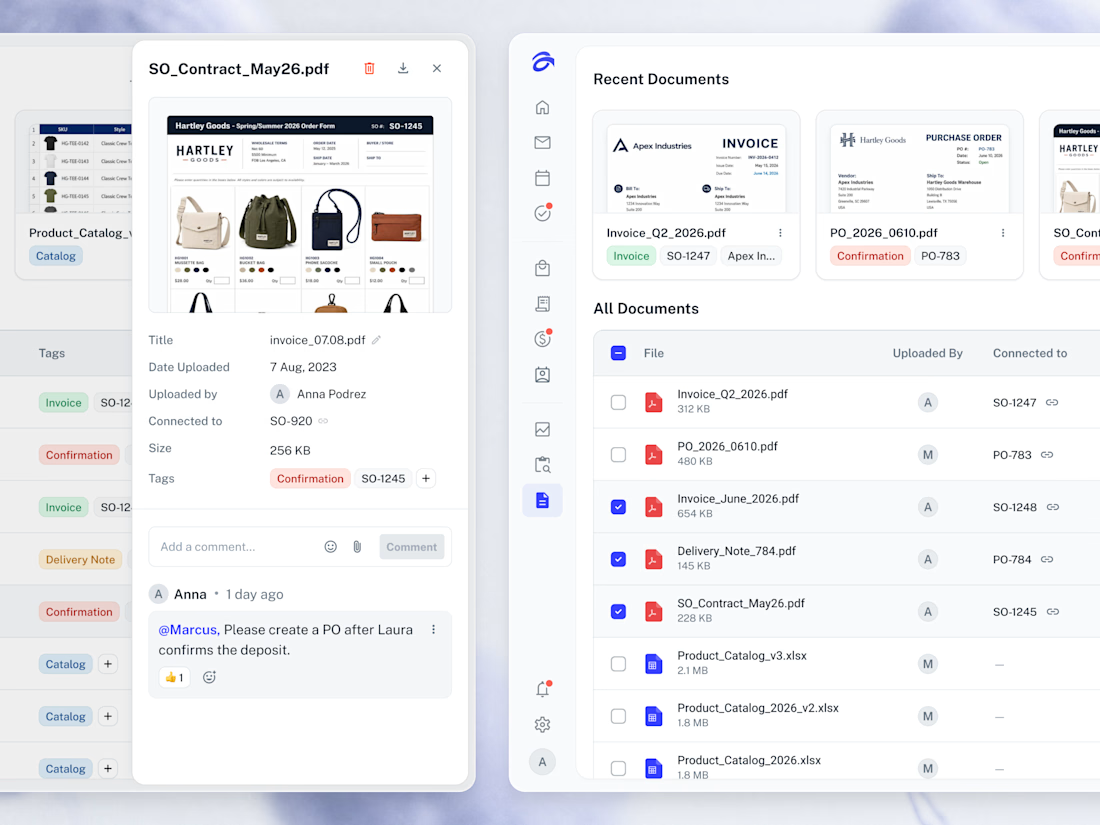
📂 Every file the business runs on, gathered in one library and linked back to the order it came from.



Creative work Anna

Which one is your favorite?
