The network for creativity
Join 1.25M professional creatives like you
Connect with clients, get discovered, and run your business 100% commission-free
Creatives on Contra have earned over $150M and we are just getting started
Back to feedPost

Shrinking your browser window isn't mobile testing.
Here are 5 bugs it will never show you:
1) The button hiding under the browser bar.
100vh on iPhone Safari includes the address bar, so your "Book a call" button sits just off-screen. Use 100dvh instead.
2) The page zooms in when someone taps a form.
iOS zooms into any input under 16px and stays zoomed. Set inputs to 16px.
3) The menu that only opens on hover.
Phones don't have hover. The dropdown that works on desktop is invisible on touch.
4) The whole page wiggles sideways.
One element 10px wider than the screen adds a horizontal scroll. Usually an image or a long URL.
5) The sticky footer that jumps over the keyboard.
Fixed elements float up when the keyboard opens and cover the field the user is typing in.
Most of your client's visitors are on a phone, and most of them won't report what broke. They just leave.
That's why Layerdock shows your site on desktop, tablet and phone side by side, scrolling in sync. Every pin records the screen size it was left on, so "it's broken" comes with the device that broke it.
Which one have you shipped by accident? I've done #1 more times than I'd like to admit.
The network for creativity
Join 1.25M professional creatives like you
Connect with clients, get discovered, and run your business 100% commission-free
Creatives on Contra have earned over $150M and we are just getting started



Related posts


I bet you’ve NEVER seen button hover effects quite like these. And honestly, this time, I COOKED!
I went into this wanting to build a portfolio website. Somewhere along the way, it became so good that I’m genuinely considering making it my MAIN portfolio.
The scroll. The transitions. The interactions. But especially the button hover effects. Every little detail makes the experience feel alive, and I’ve probably spent more time hovering over these buttons than I’d like to admit.
But this wasn't just about making something that looks good. I wanted to build something that actually works for me.
THE BRANDING: I built the entire experience around my existing Sup* identity, keeping the personality intact while giving it a website that feels distinctly mine. From the visual language to the interactions, I wanted every part of the experience to feel intentional rather than like another template with a name slapped on it.
THE EXPERIENCE: As a designer, I obsess over the little things. The way an element responds when you hover over it. How scrolling feels. How one section transitions into the next. And how all of it comes together into an experience that feels cohesive.
The button interactions were easily one of my favourite parts to work on. But don't just take my word for it. Go try them yourself.
And yes, I designed a mobile-specific menu experience too. Please don't skip that part!
THE AUTOMATION: A portfolio shouldn't just display your work. It should help you get work.
One of my biggest goals was to turn this website into a funnel that brings potential clients directly to my Contra profile. I wanted to make it easier for people to discover my work, get in touch, and take the next step.
So, I built in form automation that delivers incoming submissions straight to my email and the website's admin side. No manually checking submissions across different places. The enquiries come to me, giving me a more direct way to keep track of potential opportunities.
It's a small but meaningful workflow that makes the website more than just a pretty front end.
THE STORY BEHIND THE BUILD - I've always wanted a portfolio website that properly showcases my work, personality, and approach to design. And once I found Contra, I realised I had the perfect opportunity to do more than just build a portfolio.
I could create a funnel that showcases my work and helps bring potential clients directly to my Contra profile.
When the @Base44 x @Contra HQ contest came along, it felt like the perfect excuse to bring that idea to life finally.
And the best part? This was my FIRST time trying @Base44. (Process video in the comments)
I've never had to type so little to get something this good. The recommendations were surprisingly on point, and instead of constantly fighting the tool to get what I had in mind, I could focus on what matters most to me: the experience, the details, and making the final product feel right.
As someone who genuinely enjoys pushing interfaces beyond the expected, that was a pretty exciting experience.
Because building something that looks good is one thing. Building something that looks good, feels good, works behind the scenes, and has an actual purpose? That's where the fun begins.
And Base44 made getting there ridiculously enjoyable.
This one's for the Base44 x Contra contest, and I might've accidentally built my new favourite portfolio in the process.
A couple of things I want you to try:
1. Hover over the buttons. Like Seriously.
2. Experience the mobile-specific menu.
3. Check out the custom favicon. Yes, that's me. 😉
Live website: https://supreet.base44.app/
Built around my Sup* identity. Designed to showcase my work. Automated to capture enquiries. Created to turn visitors into potential clients.
Now, please go hover over those buttons. You'll understand.

Base 44 Usage Proof:

I animated my latest project — an iOS finance app: I set the direction, timing and pacing, Claude handled the heavy lifting. A fast way to bring case studies to life. The full case study is now live on my site: https://polishchukdsgn.com/cases/clickfi


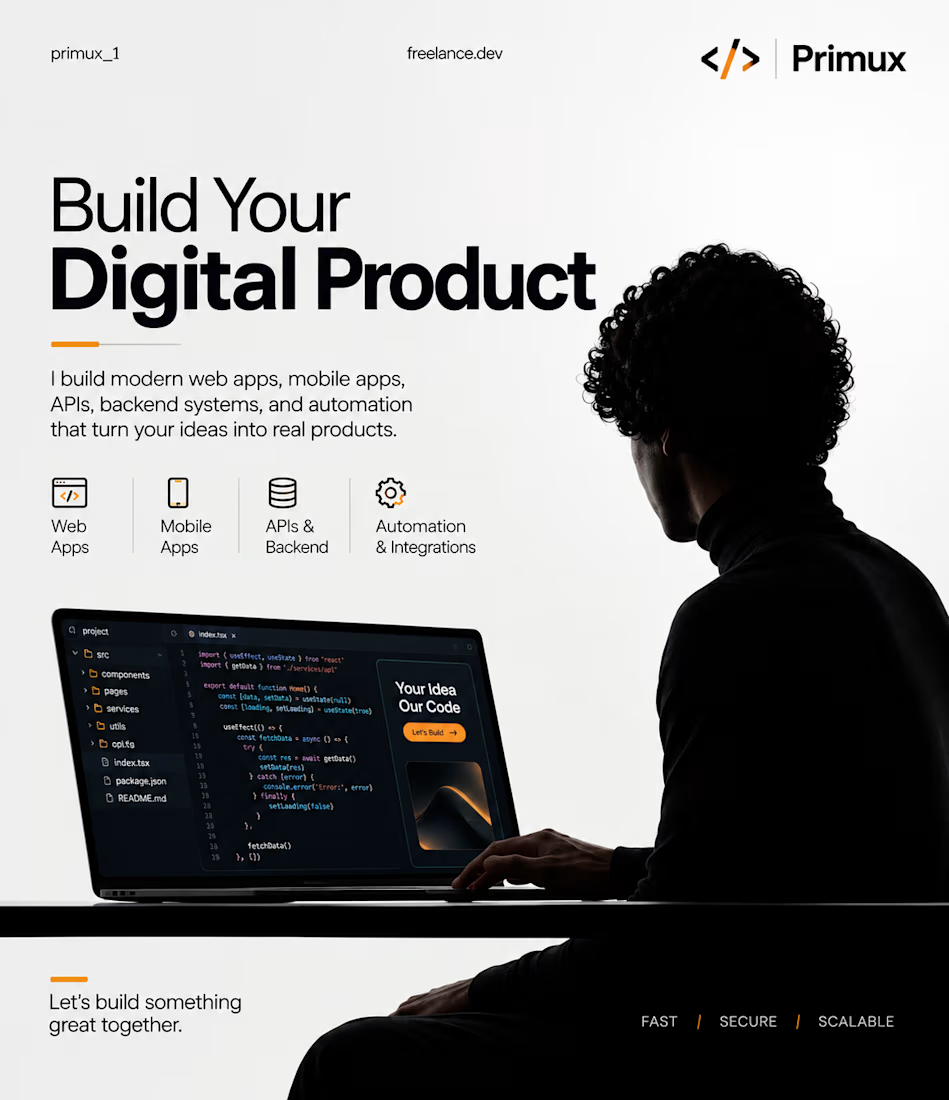
Got an idea for a website, mobile app, or software? 🚀
I turn ideas into modern digital products with clean design, reliable backend systems, and smart automation.
Let’s build something great together.
#FullStackDevelopment #WebDevelopment #MobileAppDevelopment