The network for creativity
Join 1.25M professional creatives like you
Connect with clients, get discovered, and run your business 100% commission-free
Creatives on Contra have earned over $150M and we are just getting started
Back to feedPost
Taste Test

Seedream 5.0 Pro released. Which one is better in realistic portrait?
1 voted
100%

0 voted
0%

1 vote
Closed
The network for creativity
Join 1.25M professional creatives like you
Connect with clients, get discovered, and run your business 100% commission-free
Creatives on Contra have earned over $150M and we are just getting started











Related posts

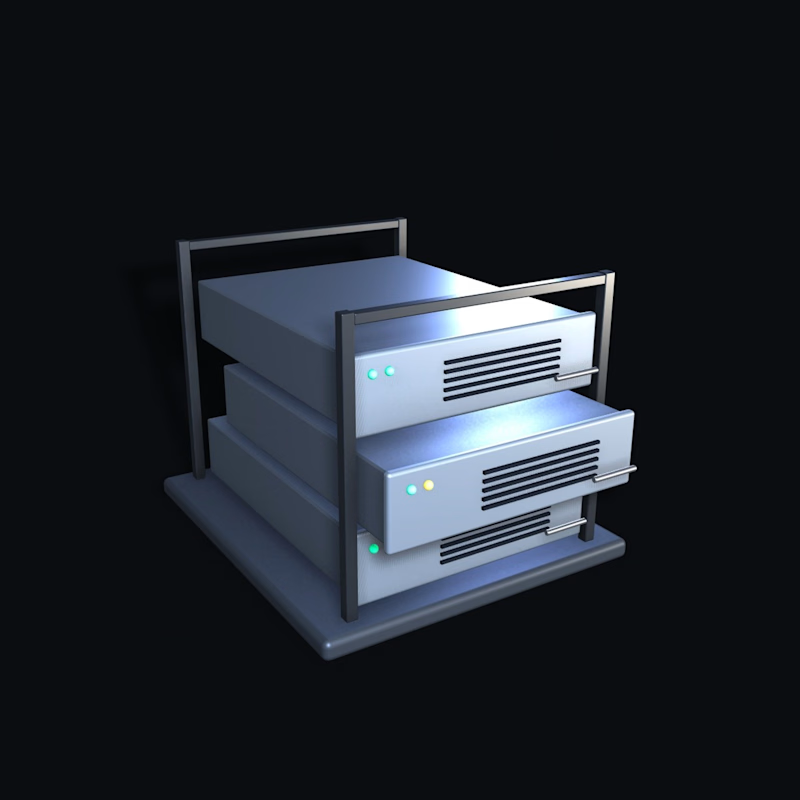
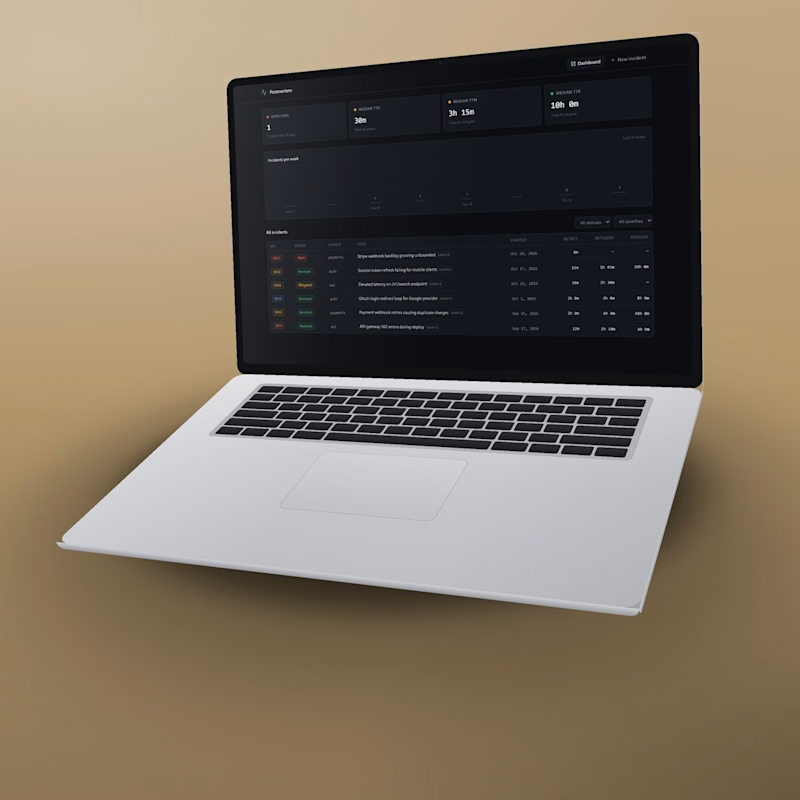

I’d lean toward the real screens on a laptop! Seeing the actual product in action makes it easier to understand what you’re getting and builds trust faster.

The Prop Room: prop rental and shoot planning, built with Base44
* Description:
The Prop Room is a playful prop-rental and shoot-planning web app for photographers, stylists, art directors and brands planning shoots.
The problem: Choosing props is visual, but rental catalogues aren’t. People imagine how isolated objects will look together, then rebuild item lists, quantities, costs and prep notes in separate tools.
* What it does
Collection: 16 props with filters, search, detail views and a tray with live daily totals.
Canvas: a scene editor with drag, resize, rotate, flip, one-step layering, per-object locking, snapping, undo/redo, background colours, PNG export, sharing and presentation mode.
Scene Stylist (AI): use, mood, budget and an optional brief become a catalogue-valid, budget-checked scene that opens straight into the canvas. Prices come from app data, not model text, and there’s a curated fallback plus an honest no-match state.
Inspiration and My Scenes: ready-made templates and saved, named scenes.
* Automation
One scene drives everything. Quantities and dates recalculate the daily and period estimate. A prep checklist is generated from the selected props (lighting power, backdrop support, fragile items, furniture access), and only the affected checks reset when the scene changes. The scene also produces a print-ready shoot pack and a calendar (ICS) file. Inquiries are saved as their own snapshot, so later edits never silently change a submitted request. Planning that usually takes a spreadsheet, a calculator and a checklist happens automatically while you compose.
* Process
Figma first. A brand guide came from a reference palette, with Stack Sans Notch and Stack Sans Text. Prop imagery was generated, cut out and art-directed, and desktop and mobile screens were designed and revised by hand. The approved designs were then built for real in Base44 and refined through rounds of side-by-side checks against Figma and real interaction testing at 1440, 390 and 320 px. The landing page’s brand film was made in Higgsfield with Seedance 2.0.
Live site: https://figma-the-prop-room-9b66831b.base44.app
Built with Base44 · Designed in Figma · #Base44Challenge


One thing I learned while building a realistic AI trailer:
You can define your character carefully, create multiple reference variations, reinforce facial details in the prompt… and Seedance may still decide she is Anne Hathaway. 😂
My character was visually inspired by Ella Rubin, and in a few generations Seedance kept drifting into something much closer to Anne Hathaway.
To be fair, this may partially be my fault for choosing a reference whose features can already lean in that direction.
What saved me a lot of tokens was using Seedance 2.5’s draft mode before committing to final generations.
I could test:
• whether the framing worked
• whether the movement made sense
• whether the character stayed recognizable
• whether the scene actually matched the cinematic reference
• and, apparently, whether Anne Hathaway was about to make an uninvited cameo
Only after the shot was working would I move to a higher-quality generation.
Character consistency in realistic AI video still takes a surprising amount of preparation. Good references help. Detailed character definitions help. Strong prompts help.
But even with all of that, there’s still a little bit of negotiation with the machine.
And sometimes the machine has casting opinions.