The network for creativity
Join 1.25M professional creatives like you
Connect with clients, get discovered, and run your business 100% commission-free
Creatives on Contra have earned over $150M and we are just getting started
Back to feedPost


Really smooth animation 👏 The motion feels subtle and intentional — fits the UI style nicely.

Thank you Abhiram

The cinematic splash screen entry is a really cool addition. Learning Jitter as a tool and immediately building something that feels this polished on a fintech product is a solid progression. The subtlety is what makes it work, it does not distract from the content at all.
Thanks Crownz 🔥
The network for creativity
Join 1.25M professional creatives like you
Connect with clients, get discovered, and run your business 100% commission-free
Creatives on Contra have earned over $150M and we are just getting started



Related posts

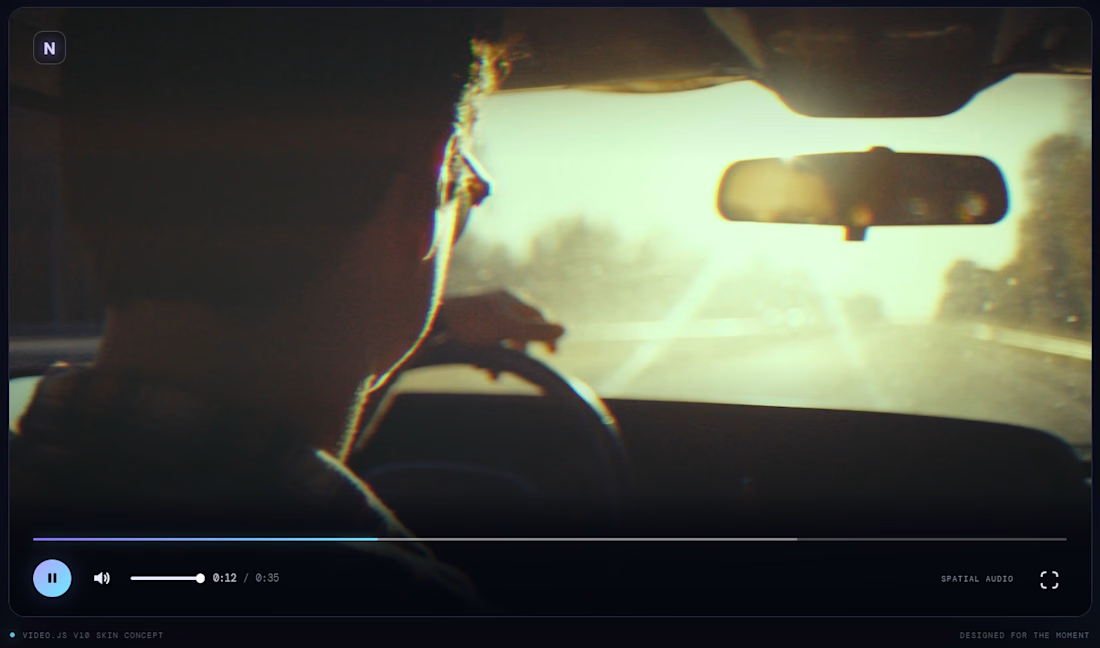
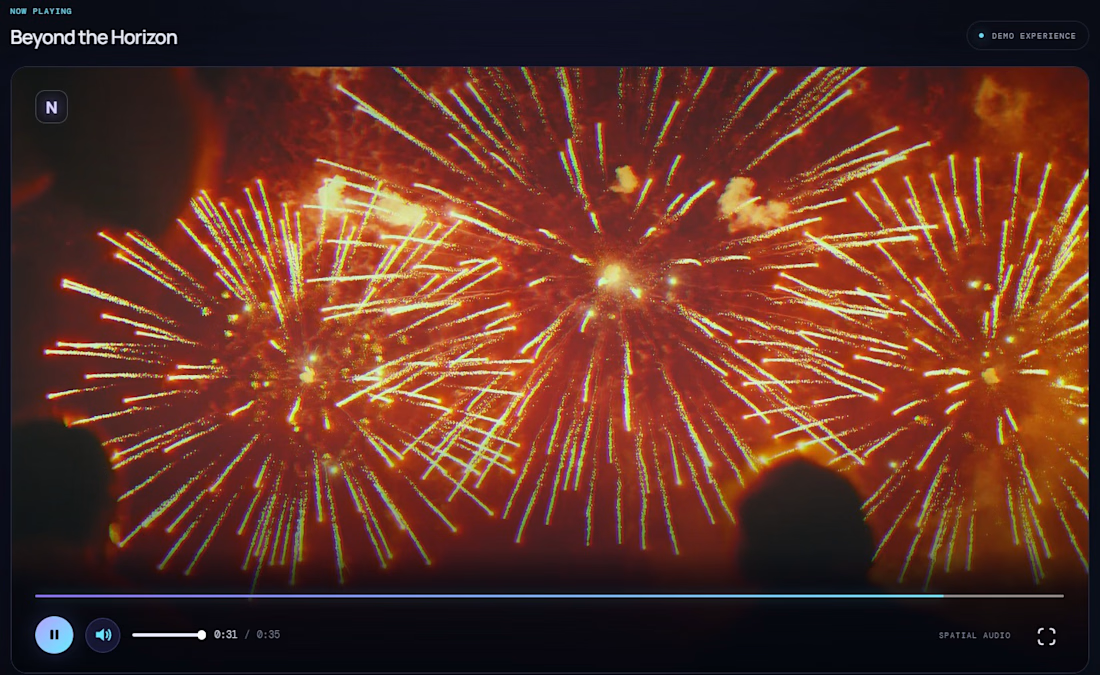
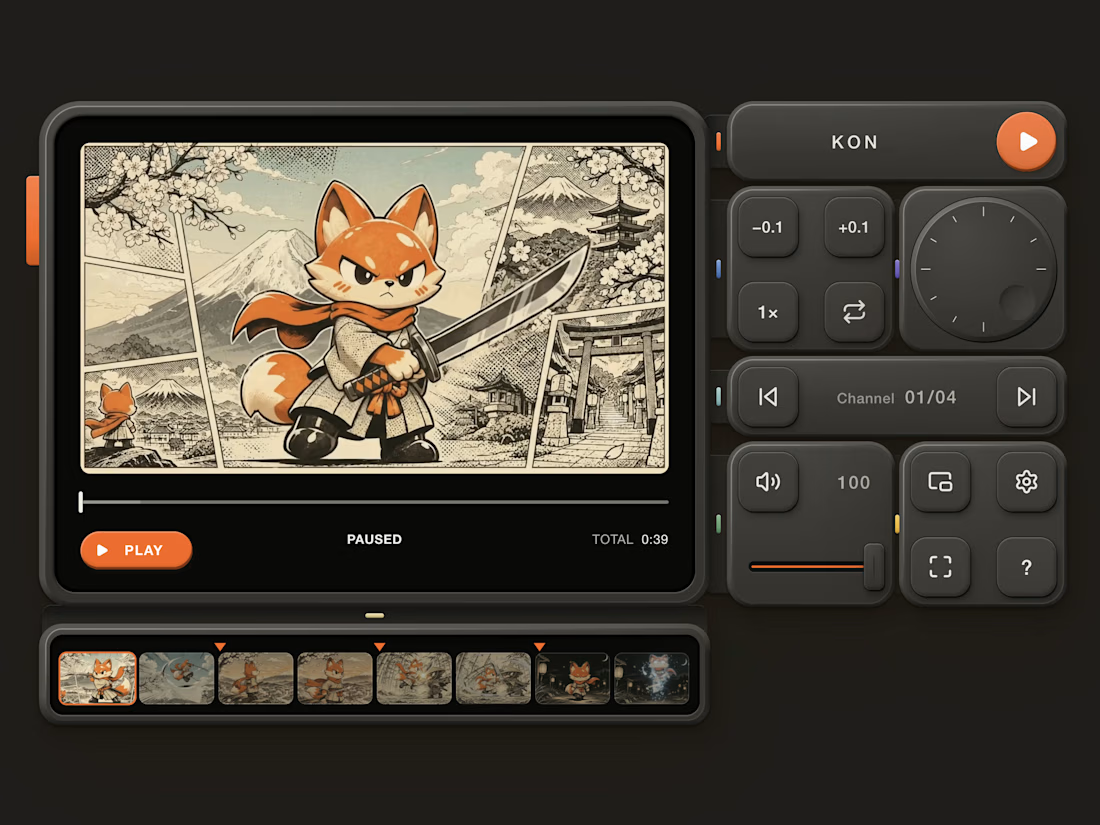
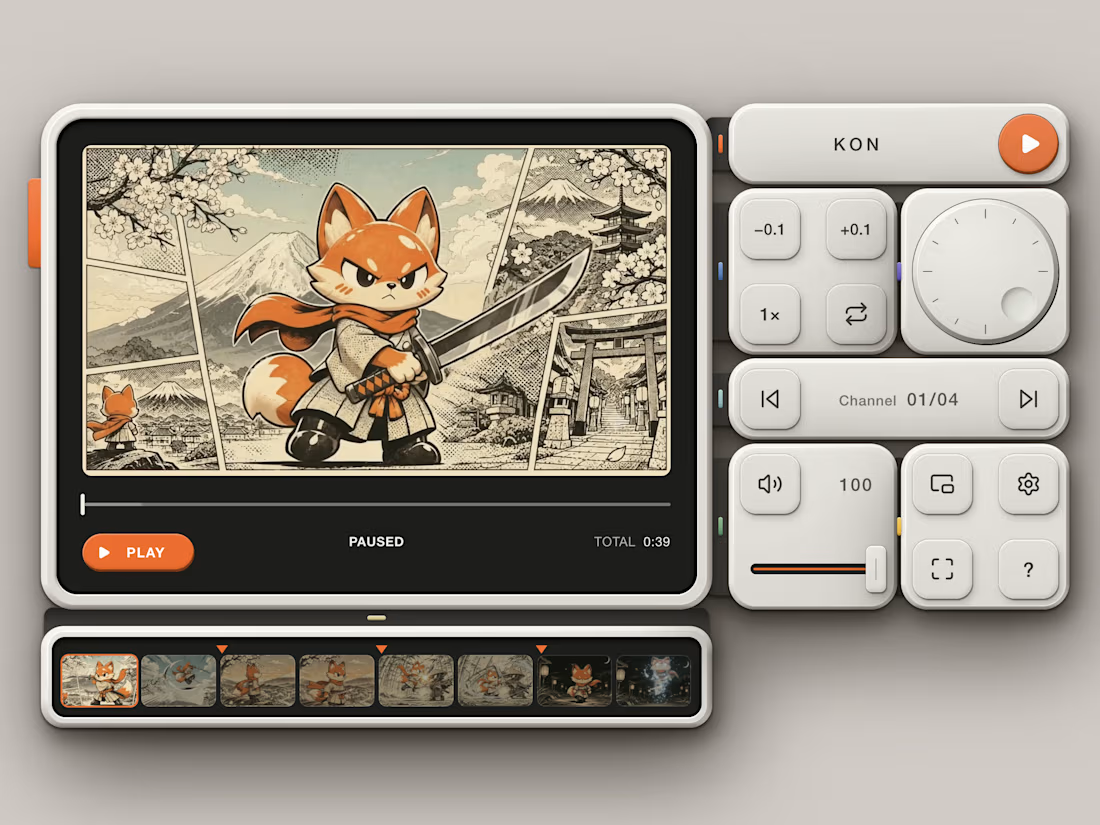
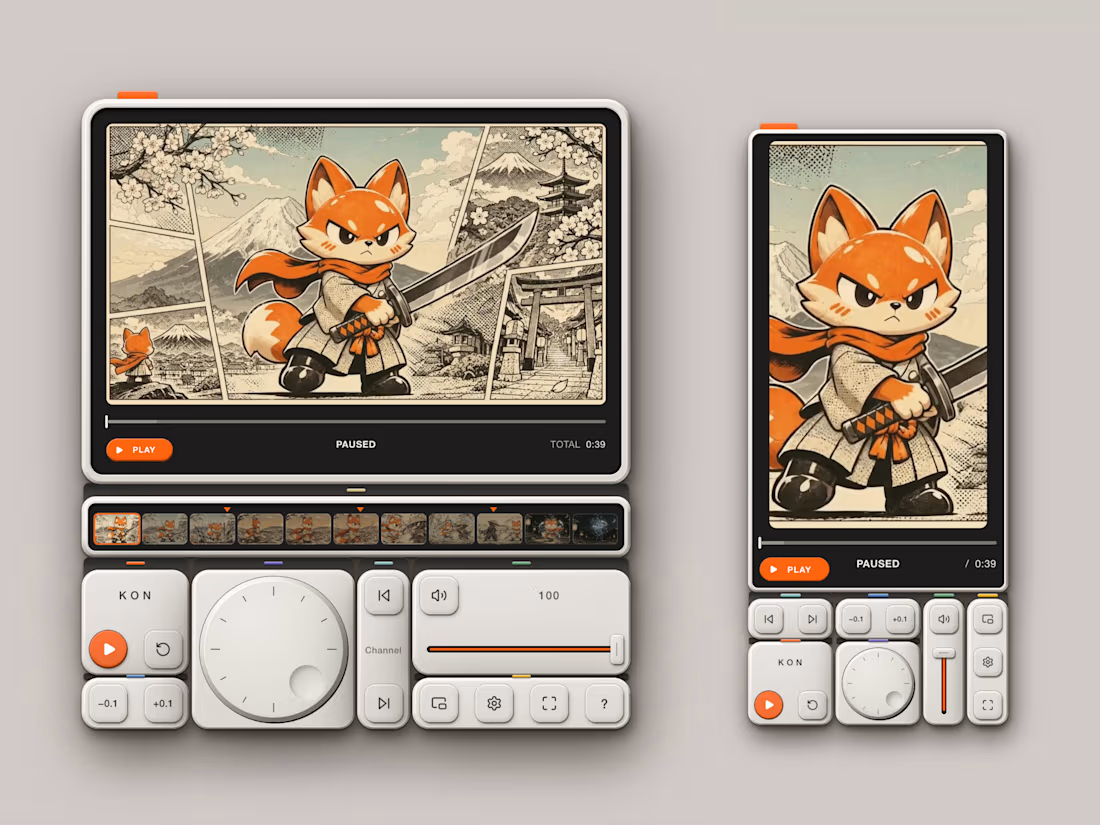
Here’s my Video.js skin submission: KON — a pocket-sized edit deck for Video.js v10.
What if watching a film felt less like using a video player and more like operating a beautifully crafted piece of hardware?
That’s the idea behind KON.
Turn the jog dial to scrub through a film. Find moments using a filmstrip built from the video’s own frames. Drag the coloured latches to rearrange your controls. Every interaction is designed to feel tactile, intentional, and satisfying.
But KON isn’t just about how it feels. Its layout adapts to the player: controls sit alongside the picture when there’s room, re-dock beneath it in portrait layouts, and collapse into a compact overlay in smaller players. Choose between Off-white and Graphite editions, each carrying the same carefully considered material details across light and dark environments.
And beneath the hardware-inspired design is a fully functional, accessible player skin: keyboard alternatives for tactile interactions, visible focus states, screen-reader announcements, and reduced-motion support.
Built on Video.js v10, KON is a working, reusable skin — not just a visual concept.
One of the most enjoyable parts of this project was bringing the whole concept to life — generating the visual design, creating the video, and seeing all those little details come together into something that feels like a real piece of hardware.
Give it a try: Play the film. Turn the dial. Rearrange the controls. Then resize the player and watch the whole interface adapt.
Explore the full experience:
https://lab.behzad.me/kon-videojs-skin/workbench/

The jog dial is the detail that sells it — scrubbing as a physical gesture makes the player feel like a tool, not a window. The pocket-sized edit deck framing is clever too. This is the kind of skin that makes people want to touch the video.