The network for creativity
Join 1.25M professional creatives like you
Connect with clients, get discovered, and run your business 100% commission-free
Creatives on Contra have earned over $150M and we are just getting started
Back to feedPost

1. Project Title
Integrated AI Assistant & Automation Workflow Engine
2. Description (Use this concise version for the text field):
Designed and deployed a comprehensive AI assistant solution for NEXUS APPAREL. This project included developing a highly accurate dark-mode front-end chat interface, engineering a robust backend (RAG) knowledge retrieval system, and establishing multi-agent pipelines to automate complex workflows like summarizing analytics and processing order data with sub-100ms latency.
3. Key Details / Highlights (Point to the combined image):
Technical Depth: Visual proof shows the full stack implementation, from Python LLM integration to production API response metrics (Green green green scores).
Multi-Agent Architecture: Engineered complex node-based agent flows for automated task handling, reducing manual support effort.
Knowledge Base RAG Integration: Implemented accurate Retrieval-Augmented Generation to provide context-aware responses without hallucinations.


The network for creativity
Join 1.25M professional creatives like you
Connect with clients, get discovered, and run your business 100% commission-free
Creatives on Contra have earned over $150M and we are just getting started






Related posts

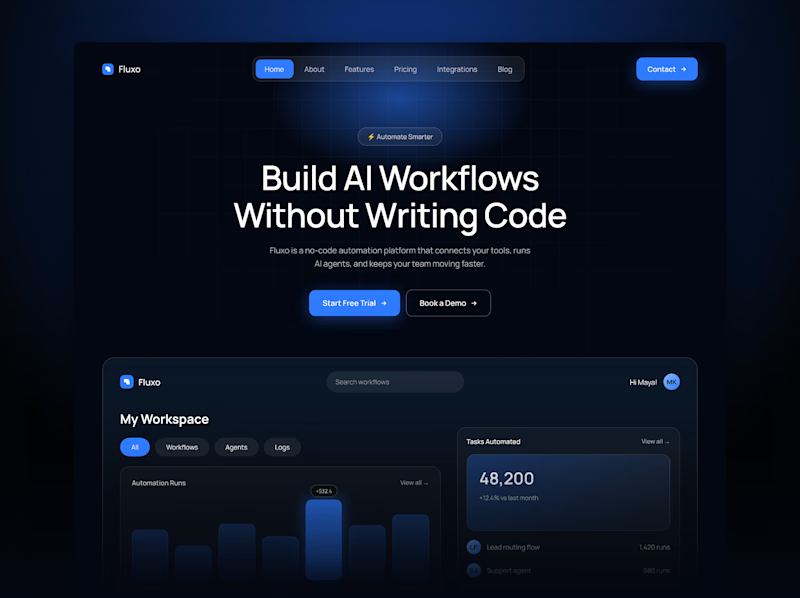
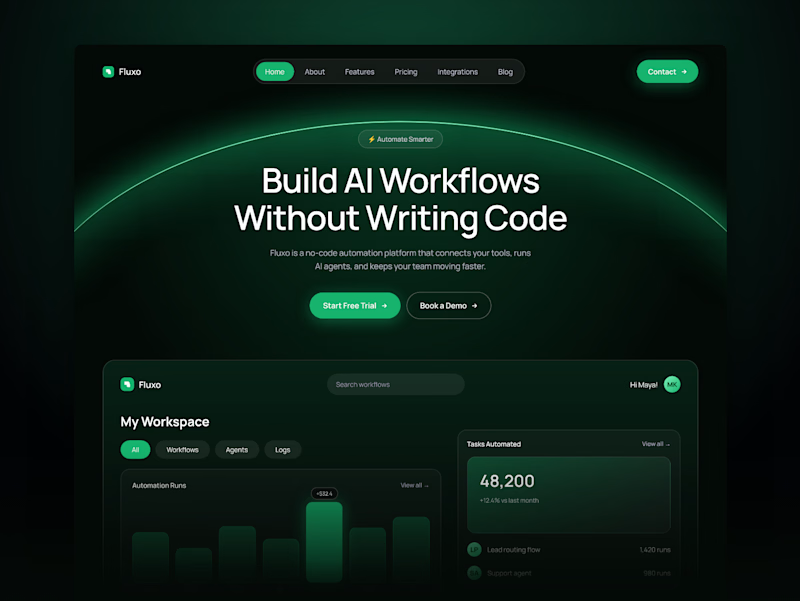
One AI automation hero. Two accent colors.
Blue feels dependable and familiar, the color of tools you trust.
Green feels active and fresh, like a workflow that’s running smoothly.
Vote in the comments: 💙 or 💚


1 voted
33%
2 voted
67%
3 votes
Closed

Deep 🔥

hey there 👋 I'm working on an AI startup that matches you with people who dress like you.
I made two intros for the site and honestly, I'm not sure which one to use. I have a slight favourite, but I want to see what everyone thinks first.
which one would you keep?
7 voted
44%
9 voted
56%
16 votes
Closed

For a 'people who dress like you' product I'd lean fast cuts, quick outfit flashes sell the matching idea before anyone reads a word. The grid could make a great second section once people want to browse. What's your slight favourite?

This is a quick look at how an MCP workflow handles a request from start to finish.
When a prompt comes in, the MCP host and client check the server for available tools and pass those options along to the LLM.
Once the model picks the right tool for the job, the client runs the call across your code repo, database, or API, pulls in the context, and sends it back so the LLM can generate the final output.
It makes connecting an AI model to multiple tools much simpler than setting up separate custom integrations for each one.

Clear walkthrough. One detail worth adding for anyone building the server side: the tool descriptions are basically the prompt. When I build MCP servers in Go, rewriting a vague description like "get data" into "get orders by status and date range, max 50" fixed more wrong tool...