The network for creativity
Join 1.25M professional creatives like you
Connect with clients, get discovered, and run your business 100% commission-free
Creatives on Contra have earned over $150M and we are just getting started
Back to feedPost

Programmatic Bluetooth Audio Control in Windows: Why This Task Drives Developers Crazy and How to Fix It
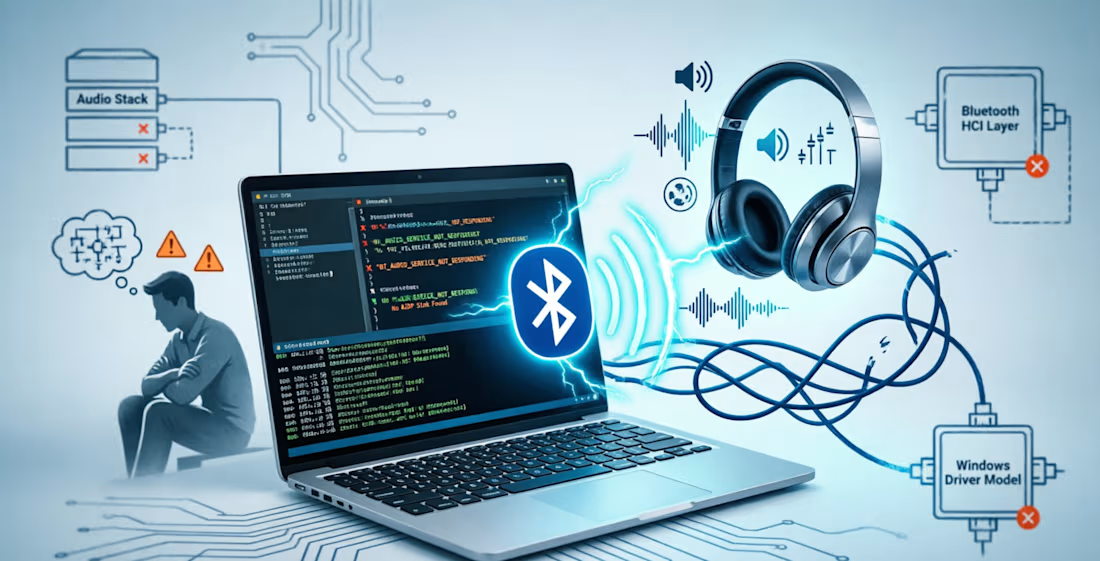
Sometimes a feature looks incredibly simple on paper but turns into weeks of fighting the operating system in reality. A prime example in Windows is managing audio devices directly from your application's code. For instance, you might need to programmatically disconnect a user's Bluetooth headphones, temporarily switch the system audio to a wired headset, and then automatically bring everything back.
When we were designing the audio module for our Bluetooth Framework, we assumed Windows would provide standard APIs for this. However, the reality of Windows development proved to be much harsher.
Here are the four main architectural challenges that any developer faces when attempting to implement this scenario from scratch:
1. Total Isolation of Audio and Wireless Subsystems
In Windows, the audio output subsystem and the Bluetooth stack live in completely parallel universes and barely communicate with each other. If you simply redirect the audio stream to another device in your code, Windows leaves the Bluetooth headphones connected. They will waste the user's battery and hold the radio channel in vain. Conversely, if you terminate the Bluetooth session first, the audio engine might crash with a critical error because its active virtual device was suddenly ripped away. You have to manage both subsystems concurrently, manually synchronizing every single step.
2. Restrictions on Changing the Default Device
Since Windows 7, Microsoft has officially banned third-party software from programmatically changing the system-wide Default Audio Endpoint due to security concerns. You can easily redirect audio inside your own application, but making a device "default" for the entire OS requires digging into hidden, undocumented system mechanisms. The worst part is that these mechanisms vary between Windows versions, meaning code that works perfectly today could silently break after the next minor OS update.
3. Asynchrony and Brutal Race Conditions
Initializing a wireless audio device at the OS level is a lazy and slow process. The headphones need to wake up, exchange encryption keys, and then the system must load the driver, initialize the codec, and create an endpoint in the audio mixer. This takes several seconds.
If your code tries to run a sequential chain of commands like "Connect Device -> Set as Default -> Play Audio", it will guaranteed crash midway. As far as the audio system is concerned, the device does not even exist yet. You have to build complex state machines and hunt for the exact microsecond when the OS finally finishes initialization.
4. Hanging "Phantom" Sessions
Programmatic disconnections initiated from code often misbehave. The Windows wireless stack frequently fails to close the session entirely, leaving it in a standby state and keeping the device cached as "present but disconnected". When you attempt to reconnect programmatically, the system throws an error because the previous session is still considered active at the driver level. In everyday life, this is why users often have to manually open Windows Settings, remove their headphones, and pair them all over again.
How to Avoid Reinventing the Wheel?
We spent an enormous amount of time gathering all these hacks, bypassing security limitations, and making the temperamental Bluetooth stack cooperate with the Windows audio subsystem. Ultimately, we packed all this dirty low-level work into the Bluetooth Framework audio module.
You don't need to reverse-engineer the OS. The framework provides ready-to-use tools that run stably across C++, C# (.NET components), and Delphi:
Change the system-wide default audio device while cleanly bypassing Windows security restrictions.
Programmatically reconnect to already paired headphones and speakers without triggering the standard Windows dialog boxes.
Partially disconnect devices (e.g., muting the microphone while keeping the speakers active) without entirely removing the hardware from the system.
If you are currently struggling with wireless audio automation under Windows and want to save your time and sanity, check out our documentation: https://www.btframework.com/bluetoothaudio.htm

Very nice
The network for creativity
Join 1.25M professional creatives like you
Connect with clients, get discovered, and run your business 100% commission-free
Creatives on Contra have earned over $150M and we are just getting started





Related posts

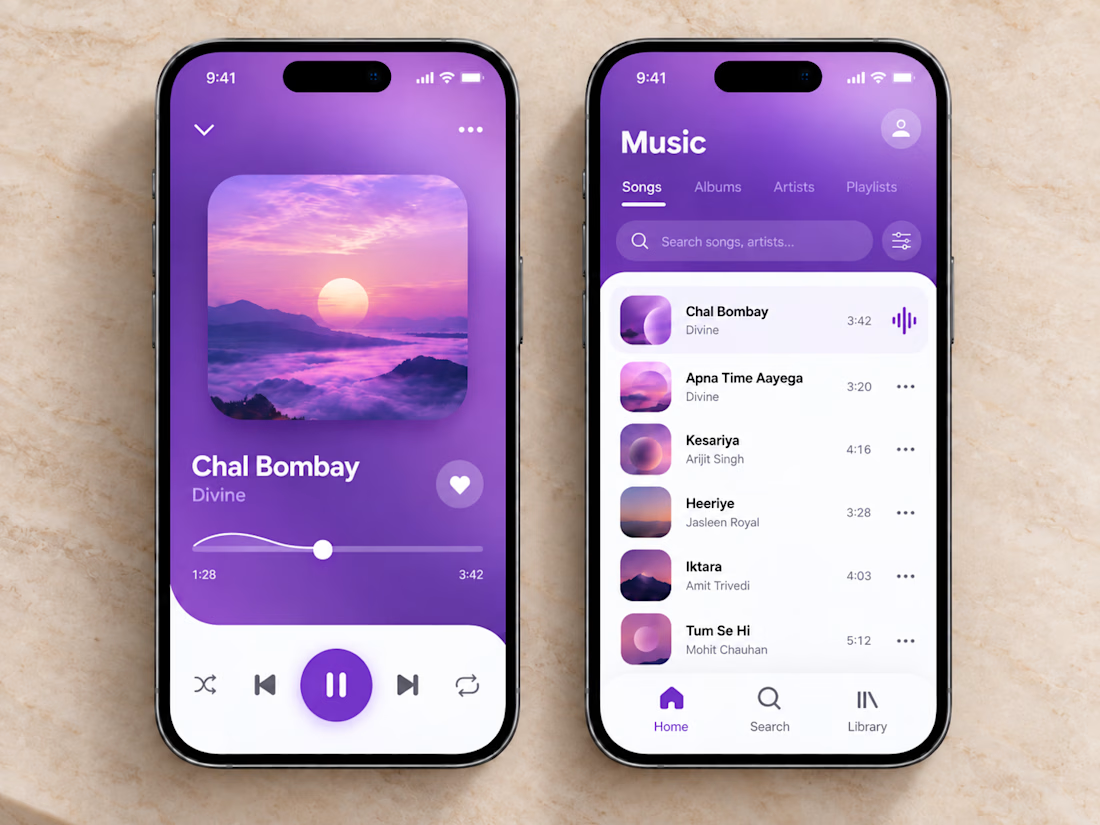
🎧💜 The clean and vibrant UI of this music app creates a calm, immersive listening experience, while smooth controls and simple navigation make finding and playing your favorite songs effortless.
🎶 Thoughtful organization, clear song lists, and a minimal player layout let you stay focused on the music without unnecessary clutter or extra clicks.



sick execution


Dammn clean and perfect