The network for creativity
Join 1.25M professional creatives like you
Connect with clients, get discovered, and run your business 100% commission-free
Creatives on Contra have earned over $150M and we are just getting started
Back to feedPost

Behind the Scenes: Building High-Performance Desktop Applications with Electron.js
Electron has become one of my favorite technologies for creating powerful cross-platform desktop applications. It combines modern web development with native desktop capabilities, making it possible to build sophisticated software from a single codebase.
For one of my recent projects, I engineered a desktop application capable of processing live data, monitoring user interactions, and managing complex workflows in real time. Performance was a top priority, so every component from rendering to background processes was optimized to reduce memory usage and improve responsiveness.
Instead of focusing only on functionality, I prioritize clean architecture, reusable components, and maintainable code. This approach allows applications to scale while remaining easy to update as business requirements evolve.
Whether it's automation software, analytics dashboards, or enterprise desktop tools, I believe great software should feel fast, intuitive, and reliable. That's the standard I bring to every project I build.


this is 🔥🔥🔥
The network for creativity
Join 1.25M professional creatives like you
Connect with clients, get discovered, and run your business 100% commission-free
Creatives on Contra have earned over $150M and we are just getting started








Related posts

Built something that isn’t client work for a change.
Flowkidz. Short games that teach kids design, websites, AI, code and internet safety.


🗺️ Map design is where technical GIS data meets user adoption. For this ArcGIS API project, we engineered a dynamic spatial intelligence tool—featuring custom polygon territories, real-time geocoded competitor benchmarking with interactive popups, and clean SVG pin UI layers. Result? Clients turn complex competitor metrics into clear, actionable site selection insights instantly ⚡



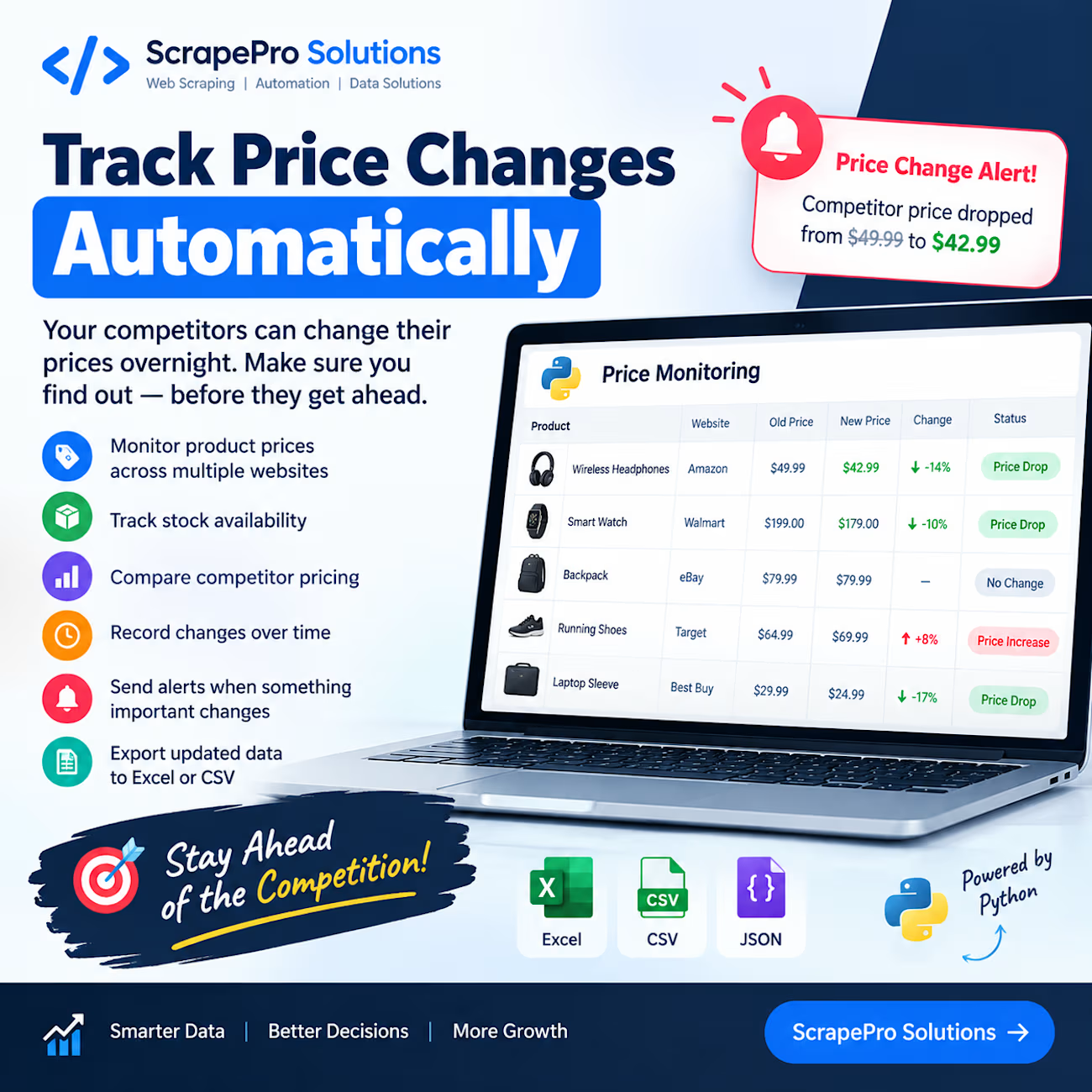
Your competitors can change their prices overnight. Your data collection system shouldn't miss it. 📊
Imagine checking 50 product pages every morning just to find out which prices have changed.
Now imagine getting that information automatically.
With Python web scraping and automation, businesses can build systems that:
→ Monitor product prices across multiple websites
→ Track stock availability
→ Compare competitor pricing
→ Record changes over time
→ Send alerts when something important changes
→ Export updated data to Excel or CSV
Instead of repeatedly checking websites, you get organized information that helps you make better business decisions.
This can be especially useful for e-commerce businesses, online retailers, and teams that regularly research competitors.
At ScrapePro Solutions, I build custom Python scraping and automation solutions tailored to specific business needs.
A quick question for e-commerce business owners:
If a competitor changed their product price today, how would you find out — manual checking or automatic alerts?
💬 Share your answer in the comments.


Two things bit me while building a price tracker. A page can come back "successful" but empty (in my case, compressed content the client couldn't decode), and saving that blindly overwrites good data. So I refuse any page with no title and no price, and only record a change when...