The network for creativity
Join 1.25M professional creatives like you
Connect with clients, get discovered, and run your business 100% commission-free
Creatives on Contra have earned over $150M and we are just getting started
Back to feedPost

Coolify's one-line install script is great — until it isn't. Right now it officially supports Ubuntu 20.04, 22.04, and 24.04 LTS. If you're running anything newer (Ubuntu's already on 26.04 LTS), the script won't work and you're left doing it manually.
This is that manual walkthrough — set up in the order that fits a security-first VPS workflow rather than the order Coolify's own docs use. If you've been following along with the Ansible playbooks from earlier in this series, this picks up right where that left off.
Minimum Hardware Requirements
CPU: 2 cores
Memory: 2 GB RAM
Storage: 30 GB free
Coolify can technically run below this, but it's not recommended.
Prerequisites
Before touching Coolify itself, you'll need:
SSH access to your VPS
CURL installed
Docker Engine installed
The network for creativity
Join 1.25M professional creatives like you
Connect with clients, get discovered, and run your business 100% commission-free
Creatives on Contra have earned over $150M and we are just getting started
Trending
retrofuturism
Share your favorite designs from the past exploring the distant future. Or your own take on the aesthetic 🚀
halftone
Dots. Texture. Grain. Let's see your designs using the halftone technique.

Midjourney
Creatives are showing off what they're making with Midjourney.
colorgrade
Video editors sound off: How do you enhance the mood of your video in color grading?





Related posts

cool design

Reimagining Blitzball as a Modern Sports Broadcast
I’m Wayne Porter, creative designer and owner of Porter Design and Motion. For the Rive Broadcast Challenge, I wanted to combine several interests into one project: motion design, sports broadcasting, interactive systems, and...

Rollout — a real-time 3D music launch platform I built.
An artist drops one finished song and gets a whole release back: AI cover art on a layered canvas, a beat-synced lyric video, a release calendar with pre-written captions, a hosted fan page, and an ad campaign. One platform, start to finish.
The landing is hand-written WebGL and GLSL. A raymarched glass blob that morphs and reacts to your cursor sits behind a real 3D headphones model, with drifting smoke and a star field, all running in a single WebGL context so it holds up across devices instead of fighting for the GPU.
Under the hood it's a real product, not a demo: multi-tenant SaaS on Supabase with Postgres row-level security, Stripe billing with server-enforced plans, and a Python engine that reads the song's key, tempo and mood and turns that reading into the whole visual and marketing direction.
Stack: vanilla JS + WebGL, Supabase, Stripe, Netlify, and a CLAP audio model for the vibe read.


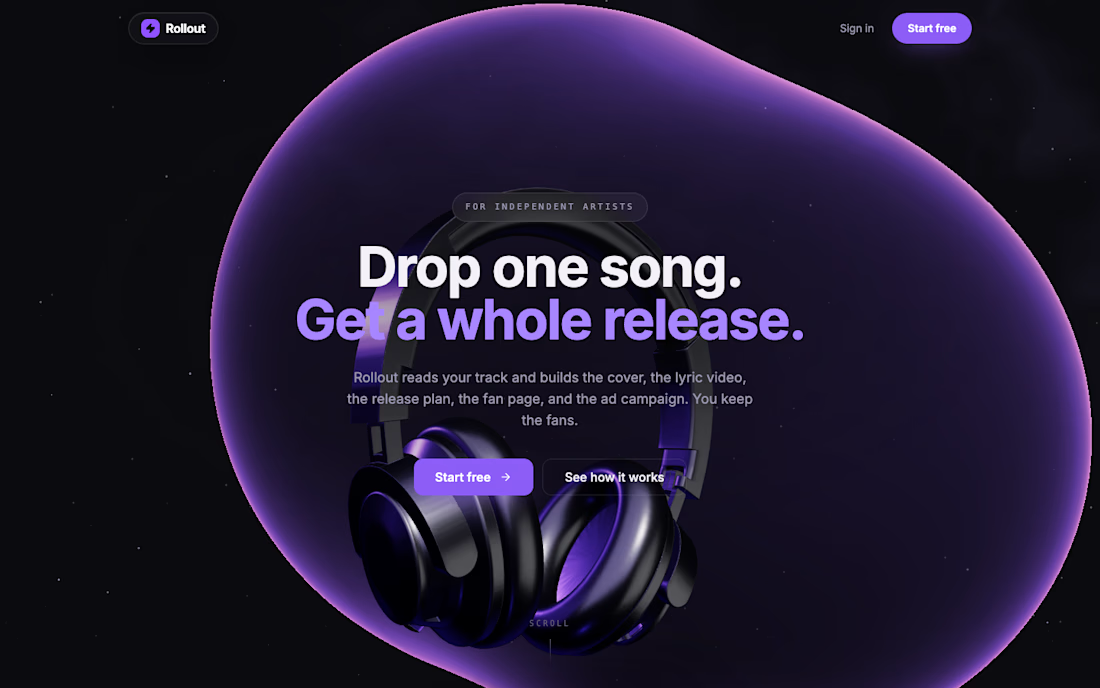
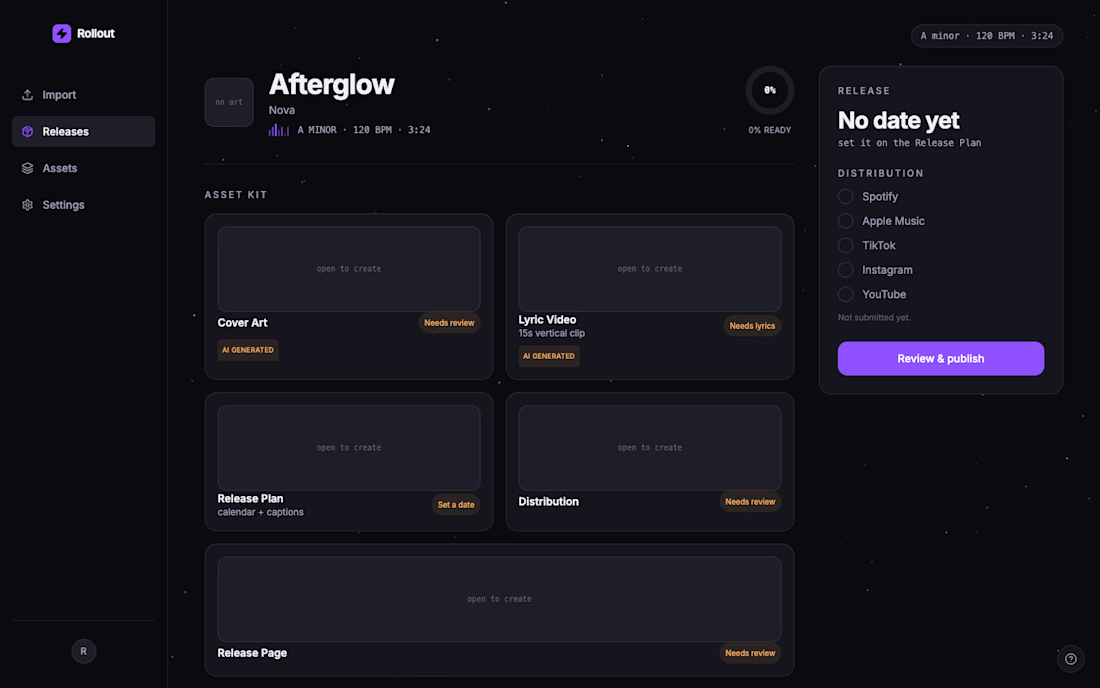

love the shade of violet you selected, super definitive in & of itself! add in those sleek, clear 3d elements, & you've undoubtedly made a memorable impression on your user. fantastic!

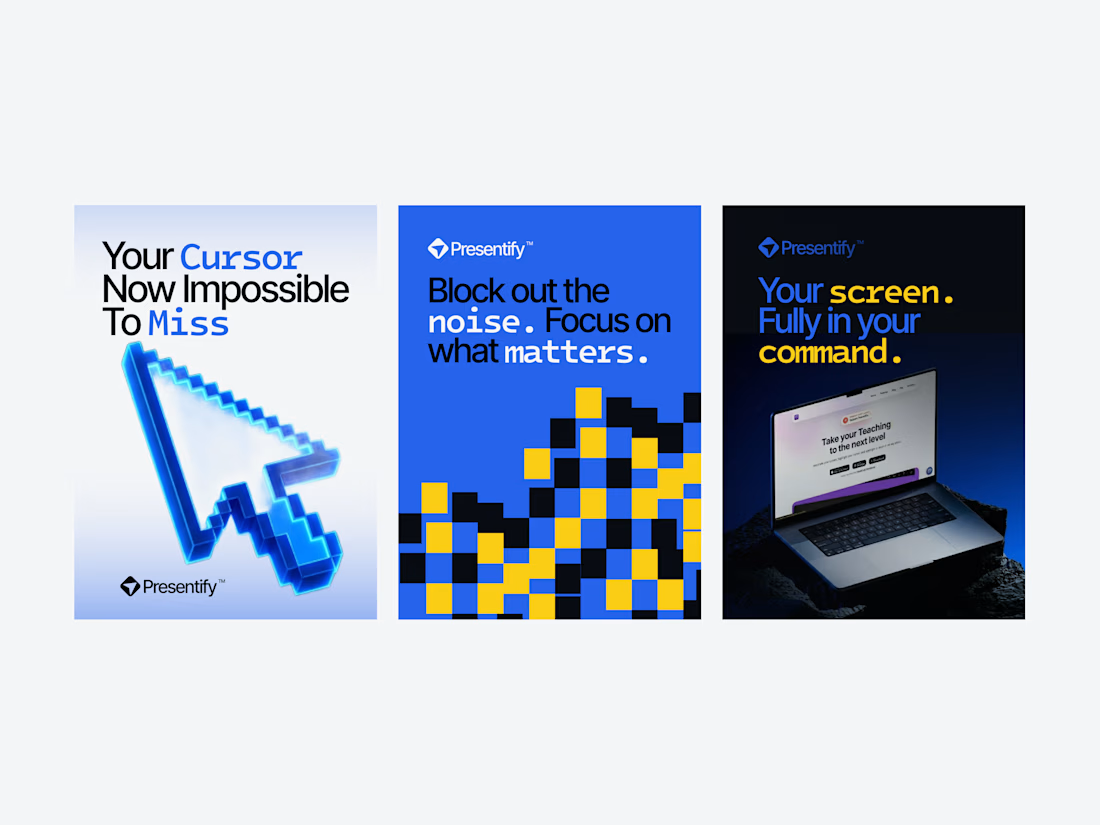
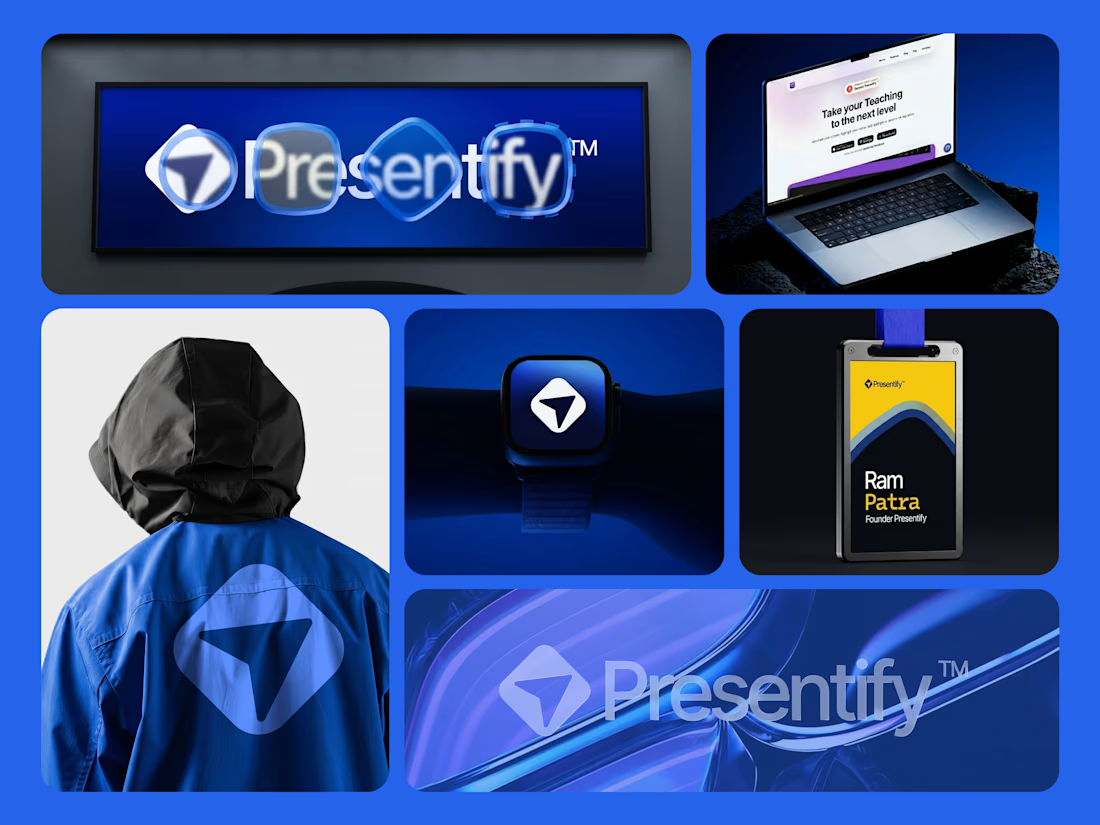
Presentify is a world-class macOS tool, trusted by MIT professors and featured by Apple.