The network for creativity
Join 1.25M professional creatives like you
Connect with clients, get discovered, and run your business 100% commission-free
Creatives on Contra have earned over $150M and we are just getting started
Back to feedPost

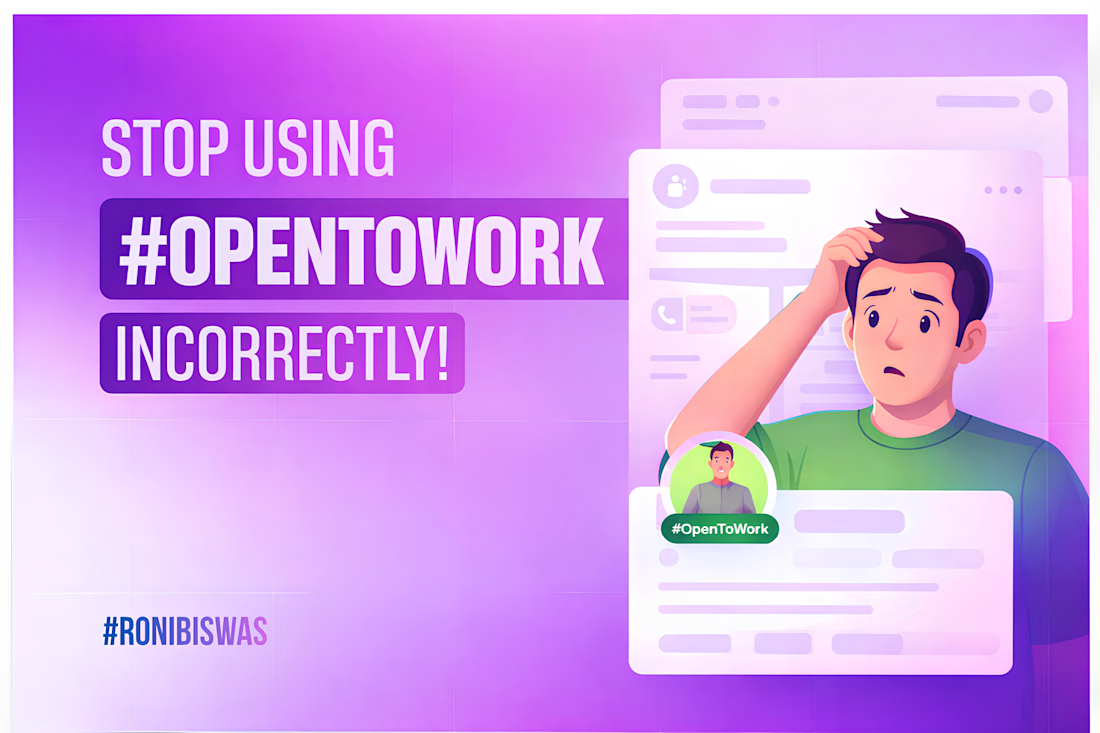
A lot of people make this mistake when using hashtag#OpenToWork.
On LinkedIn, the hashtag#OpenToWork badge is a great way to signal that you're looking for a new opportunity.
Sounds good, right?
But here’s the problem—
Most people turn this signal on for everyone to see.
And that’s not always a good idea.
Ideally, this should be visible only to recruiters who are actively searching for candidates on LinkedIn.
You might ask—what’s the issue if everyone can see it?
Well,
Your current company might notice that you’re job hunting, which your manager may not take well.
Also, if the badge stays on for a long time without any update, people might start questioning your profile (why hasn’t this person landed a role yet?).
So what should you do instead?
Make sure your hashtag#OpenToWork status is visible to recruiters only.
Here’s how:
→ Go to your LinkedIn profile
→ Click on the “Open to” button (below your profile picture)
→ Select “Finding a new job”
→ Scroll down to the “Visibility” option
→ Choose “Recruiters only”
→ Hit Save
That’s it.
Now your job search stays visible to the right people—without creating unnecessary noise.
If this helped, consider sharing it so others can avoid this mistake too 👍


The network for creativity
Join 1.25M professional creatives like you
Connect with clients, get discovered, and run your business 100% commission-free
Creatives on Contra have earned over $150M and we are just getting started
Related posts

New case study in my portfolio: a landing page for the EdTech platform Students Hub 🚀
Designed a landing page targeting mentors - online instructors, tutors, bloggers. The goal was to communicate the platform's value clearly enough that a mentor understands within seconds how it will simplify their work.
The result is a minimalist UI with smooth animations that holds up equally well on desktop and mobile.
I really like the focus on helping users understand the value within seconds. That's one of the hardest things to get right on a landing page. 👏

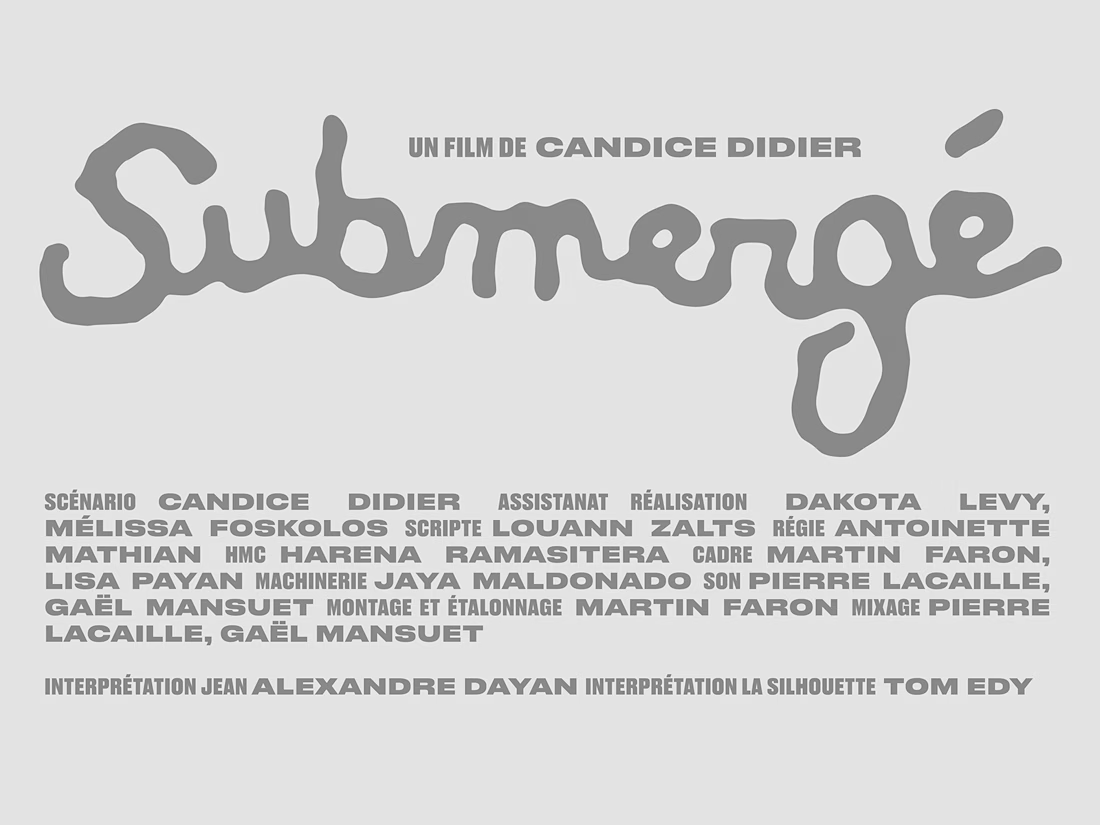
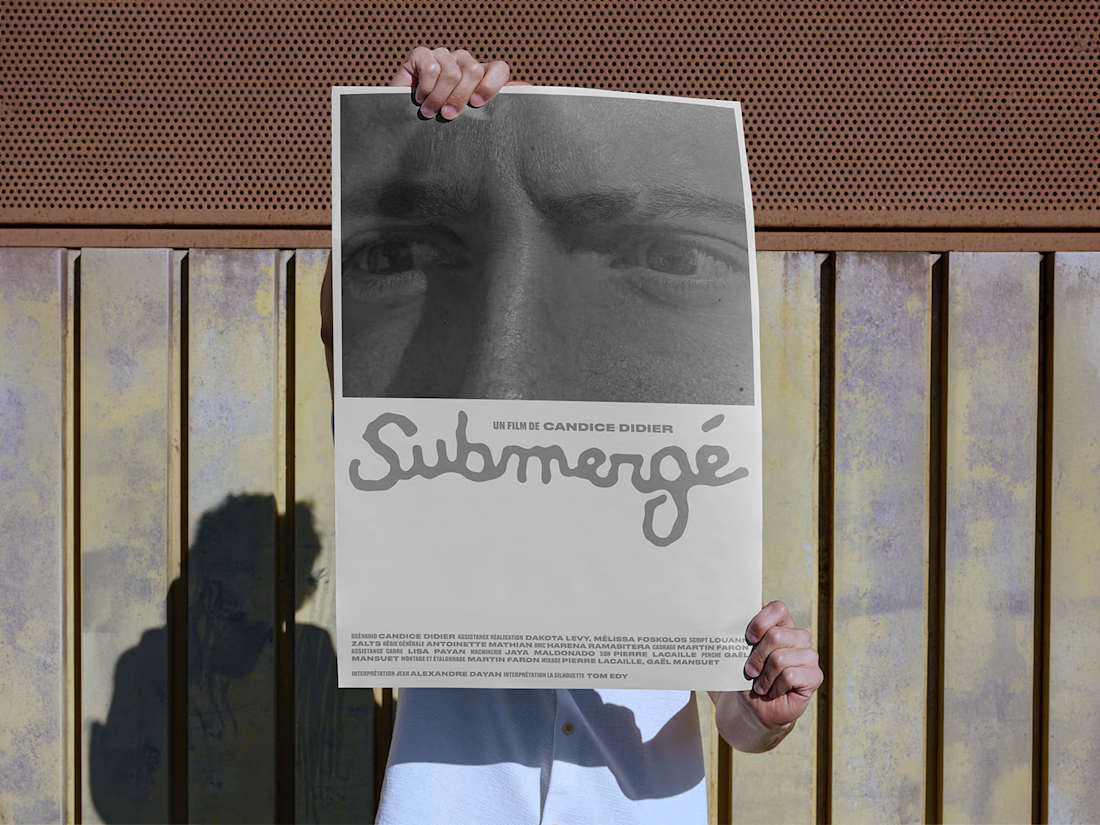
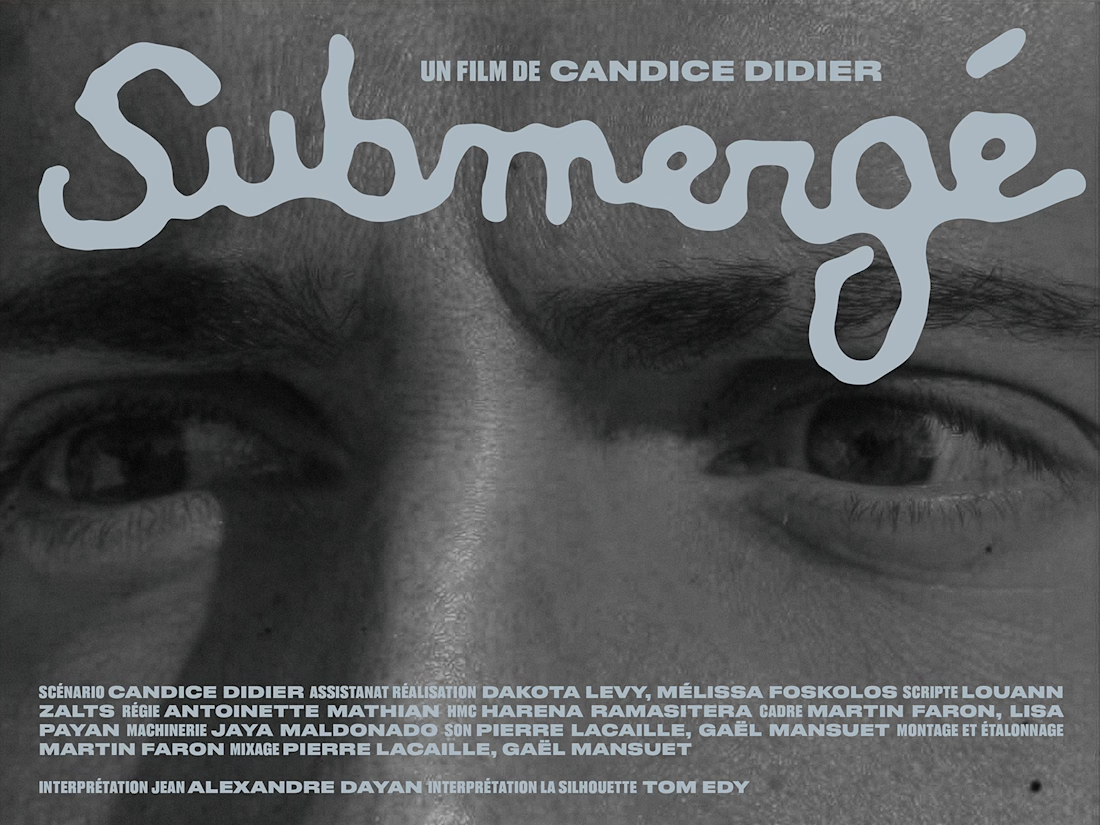
Custom title and poster design for short film Submergé

Awesome

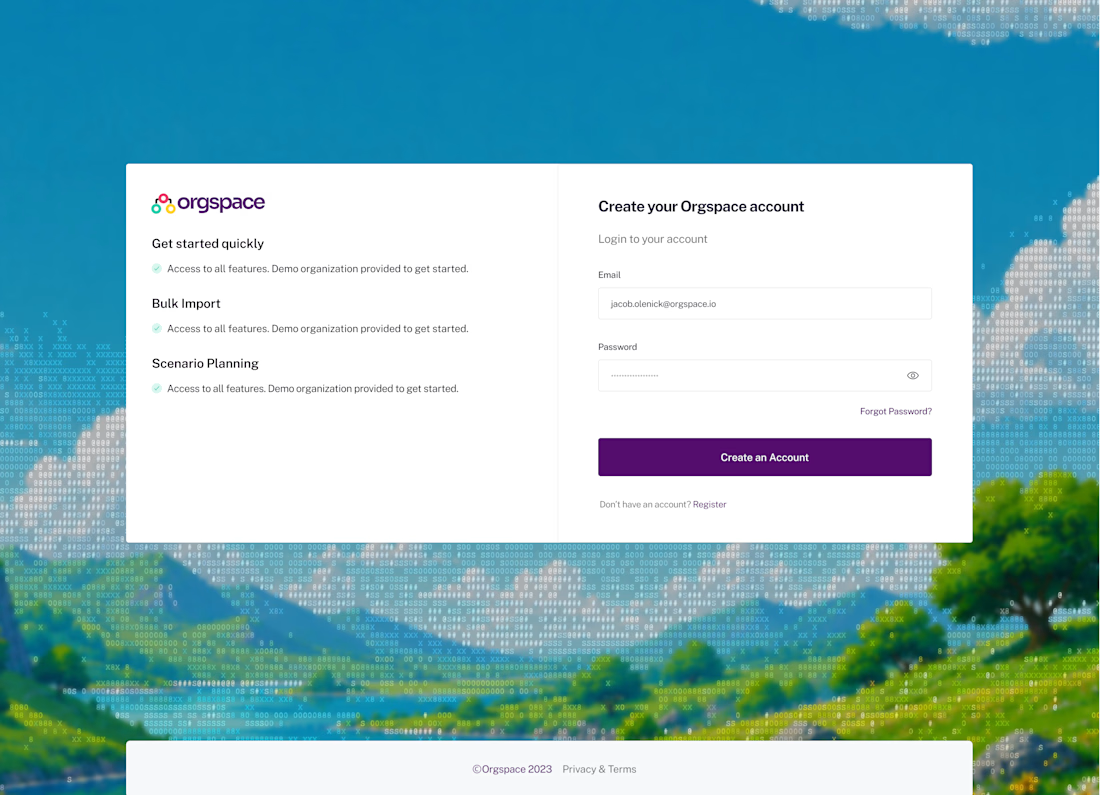
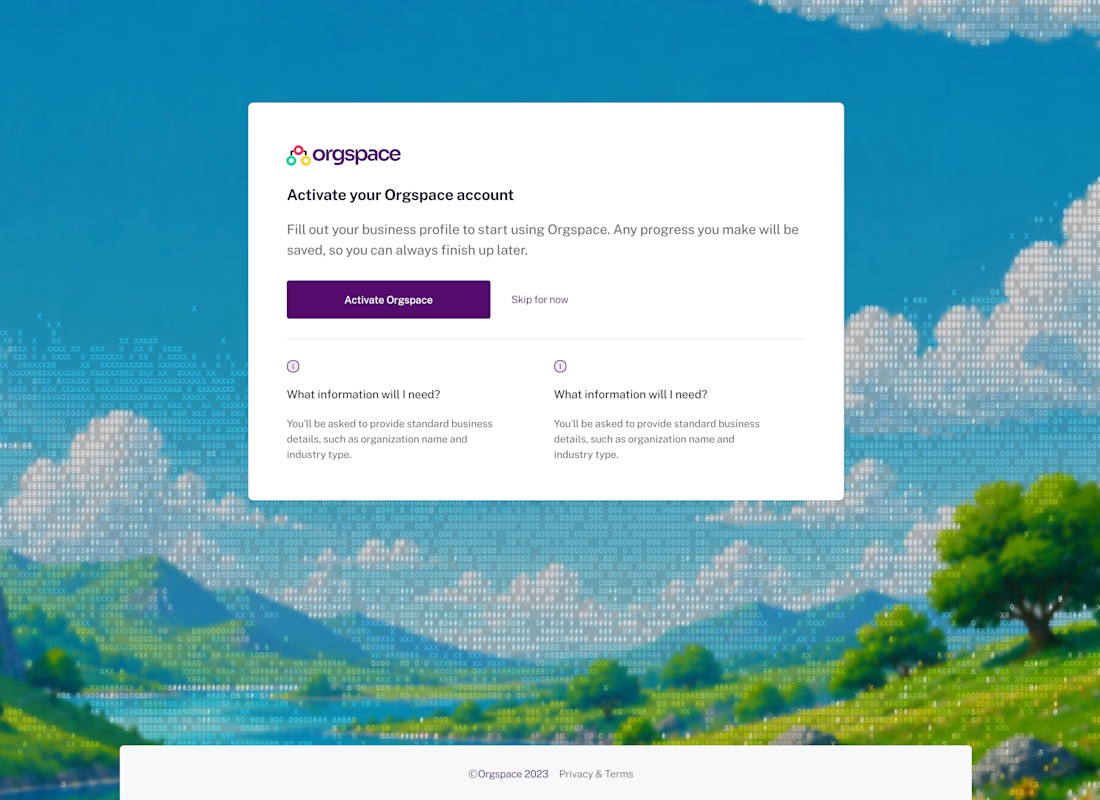
This was my biggest freelance client to date.
- Product Design (Re-design)
- Design System
The payment was $50,000.

That was a great gig!















Trending

Claude
Claude has entered the design space. How are you using Claude Design?

Contra University
Learn from expert creatives how to earn more using next-gen AI tools.

MagicPath
The canvas is infinite, and exploration is becoming the workflow. How are you using MagicPath?
creativeaiflow
Creative AI workflows are evolving. What tools do you use, and what are their strengths and weaknesses?
freelancerlife
Freelancer life is wins, pivots, and everything in between. What’s yours right now?