The network for creativity
Join 1.25M professional creatives like you
Connect with clients, get discovered, and run your business 100% commission-free
Creatives on Contra have earned over $150M and we are just getting started
Back to feedPost


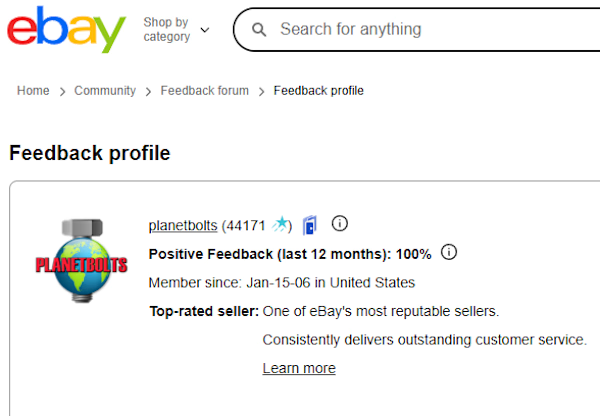
Our Consistently high feedback rating is a testament to the processes and systems that we built to ensure smooth operation and customer satisfaction.

The network for creativity
Join 1.25M professional creatives like you
Connect with clients, get discovered, and run your business 100% commission-free
Creatives on Contra have earned over $150M and we are just getting started

Challenges
View all


Related posts

AI Rent & Arrears Follow-Up Automation: Property Management Dashboard
A working demo of an arrears management dashboard for property managers. It detects overdue tenants, ranks who to follow up first, and drafts safe, factual tenant messages from stored data.
Chasing late rent is slow and inconsistent. Managers often don't know whom to contact first, and messages are written from scratch each time. I built a demo system that turns rent and payment data into a clear daily workflow:
Rent data → arrears detection → priority → follow-up message → escalation → resolution
What it does:
Dashboard: total rent due, collected, outstanding, overdue tenants, high-risk accounts and follow-ups due today.
Arrears queue: every overdue tenant with property, amount, days overdue, priority and a suggested action.
AI Arrears Prioritization: automatically ranks who the manager should contact first, based on days overdue, amount owed and past payment behaviour.
Account analysis: shows the amount outstanding, days overdue, payment history, communication log and a recommended next action for any tenant.
Tenant message generation: drafts a polite reminder, follow-up or escalation message matched to the account's stage.
Manual stage control: the manager moves each account through Reminder, Follow-up, Escalation and Resolved.
Tech stack: Python, Flask, SQLite, HTML, CSS, JavaScript, with optional local AI through Ollama and a rule-based fallback. It needs no paid APIs and runs fully offline.
Demo data: 5 properties, 20 units and tenants, six months of payment history and prior follow-up records, so the dashboard looks like a live system.
Honest framing: I'd label it a "working demo" or "prototype" rather than a production system. It uses seeded sample data and has no real SMS or email sending or login yet. Those would be the natural next steps for a client.


E-commerce Revenue Recovery & Retention Automation System
I designed an e-commerce revenue recovery and retention system to show how online stores can recover abandoned sales and bring more customers back to purchase again.
The system automates key customer journeys including abandoned-cart recovery, post-purchase follow-up, win-back campaigns, repeat-purchase reminders, and customer segmentation.
Instead of relying on manual follow-ups, the workflow uses customer behavior and purchase data to trigger the right action at the right time.
The system follows a simple journey:
Customer Visits → Adds to Cart → Abandons → Automated Follow-up → Purchase → Retention Workflow → Repeat Purchase
I also structured the system to track how customers move through each stage, so the business can see where revenue is being recovered and where customers are dropping off.
The project demonstrates how automation can help an e-commerce brand:
Recover lost sales • Increase repeat purchases • Improve retention • Reduce manual follow-up • Increase customer lifetime value
Tools & technologies: Shopify, Klaviyo/Zoho Marketing Automation, n8n, Make, Zapier, CRM systems, email/SMS automation, and customer-data workflows.


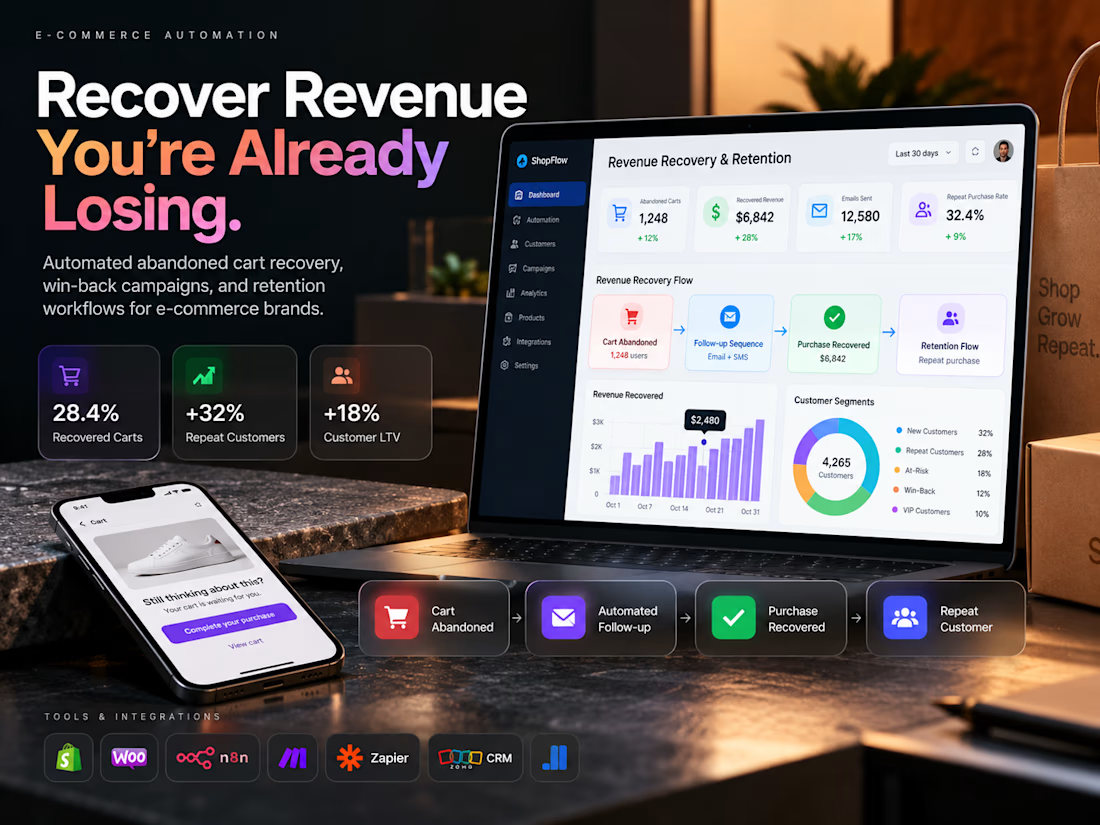

What caught my attention was the stage by stage tracking you built, it should pinpoint exactly where the drop offs happen and where the recovered revenue comes from

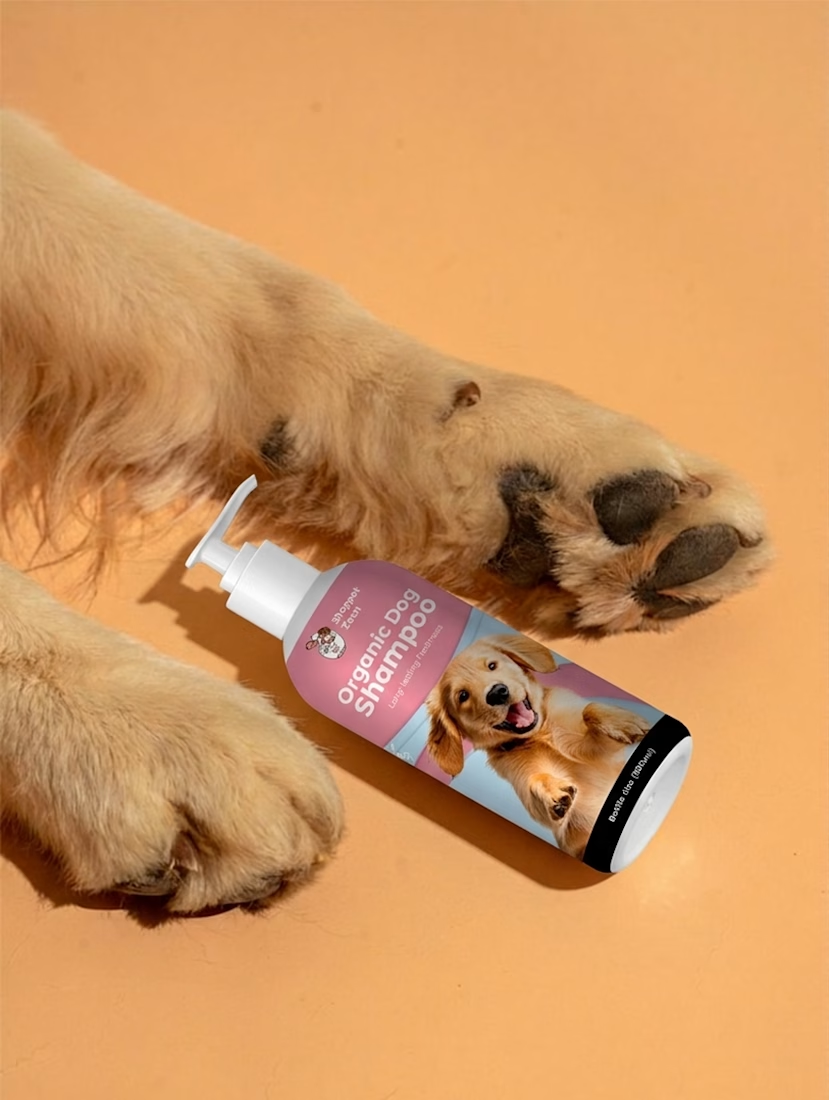
The client gave me an idea. I gave it a brand, a design, and a Shopify store.
The client had an idea. I turned it into a product experience.
For this Shopify project, I wasn't given a finished design or a ready-made theme.
I started with the product itself.
01 — Product Design
First, I designed the product concept and created the visual direction around the brand.
02 — Figma Prototype
I then translated the idea into a complete Figma prototype — working through the layout, hierarchy, product presentation, navigation, and overall shopping experience.
03 — Shopify Development
Once the design was ready, I turned the prototype into a custom Shopify theme, bringing the experience to life as a functional ecommerce store.
The goal wasn't to simply make a Shopify website.
It was to make the product feel like a real brand.
From the product packaging and visual identity to the storefront, typography, spacing, navigation and product storytelling — everything was designed to work together.
Idea → Design → Prototype → Development → Live Store.
That's the part of building I enjoy most:
taking something that exists only as an idea and turning it into something people can actually use.
#Shopify #ShopifyDevelopment #ShopifyTheme #Figma #WebDesign #Ecommerce #ProductDesign #UIDesign #UXDesign #FrontendDevelopment #WebDevelopment #BuildInPublic